

On Discord, your username speaks before you do.
Whether you’re joining a gaming server, a crypto community, a study group, or a private friends’ server, your Discord username is the first thing people notice when you appear in chat, voice channels, or member lists.
It affects:
- how people recognize you,
- how seriously they take you,
- and how easily they remember you.
A clean, creative Discord username helps you blend into the right communities or stand out in the right way.
A random or messy one? It often gets ignored.

And since millions of users join Discord every year, finding a unique and available Discord username has become surprisingly difficult.
That’s where a Discord Username Generator becomes incredibly useful.
Why Your Discord Username Matters
Discord is built around communities, not profiles. That makes usernames even more important.
1. First impressions in servers
When you join a new server, people see your username instantly in:
- welcome messages,
- member lists,
- chat replies,
- voice channels.
A readable, well-chosen username makes you approachable.
2. Identity across multiple servers
Your username follows you across gaming servers, workspaces, fandoms, and friend groups.
It becomes your cross-community identity.
3. Trust and credibility
In technical, professional, or moderation-focused servers, a clean username signals seriousness.
In gaming or meme servers, a creative or funny name helps you fit the vibe.
4. Easier mentions and interactions
Simple usernames are easier to tag, quote, and remember — which increases interaction.
On Discord, your username is part of your social UX.
 Kevin O. Frank
Why It’s Hard to Find a Good Discord Username
Discord has over hundreds of millions of users.
That means:
- Short names are taken
- Clean gamer names are taken
- Aesthetic names are taken
- Funny one-word names are long gone
Even with Discord’s newer username system, finding something that feels right and isn’t already used can take forever.
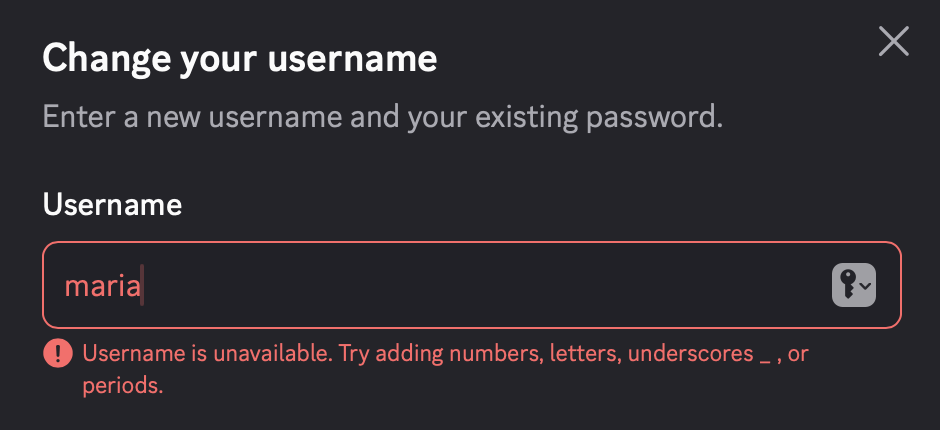
Manually trying name variations quickly becomes frustrating.
That’s why using a Discord Username Generator is now the fastest way to find a name that works.
The Best Tool: Circleboom’s Discord Username Generator
If you want to skip the guesswork, Circleboom’s Free Discord Username Generator is a simple and effective solution.
 infocircleboom.com
It’s designed to help you generate usernames that are:
- unique,
- creative,
- community-friendly,
- and actually available.
Why Circleboom works so well for Discord users
- Uses AI to generate name ideas based on your style or interests
- Filters out unavailable usernames automatically
- Works for gamers, professionals, casual users, and anonymous accounts
- Completely free and browser-based
- Instant results — no signup required
Whether you want something clean, funny, edgy, or minimal, it gives you real options quickly.
How to Use the Discord Username Generator (Step-by-Step)
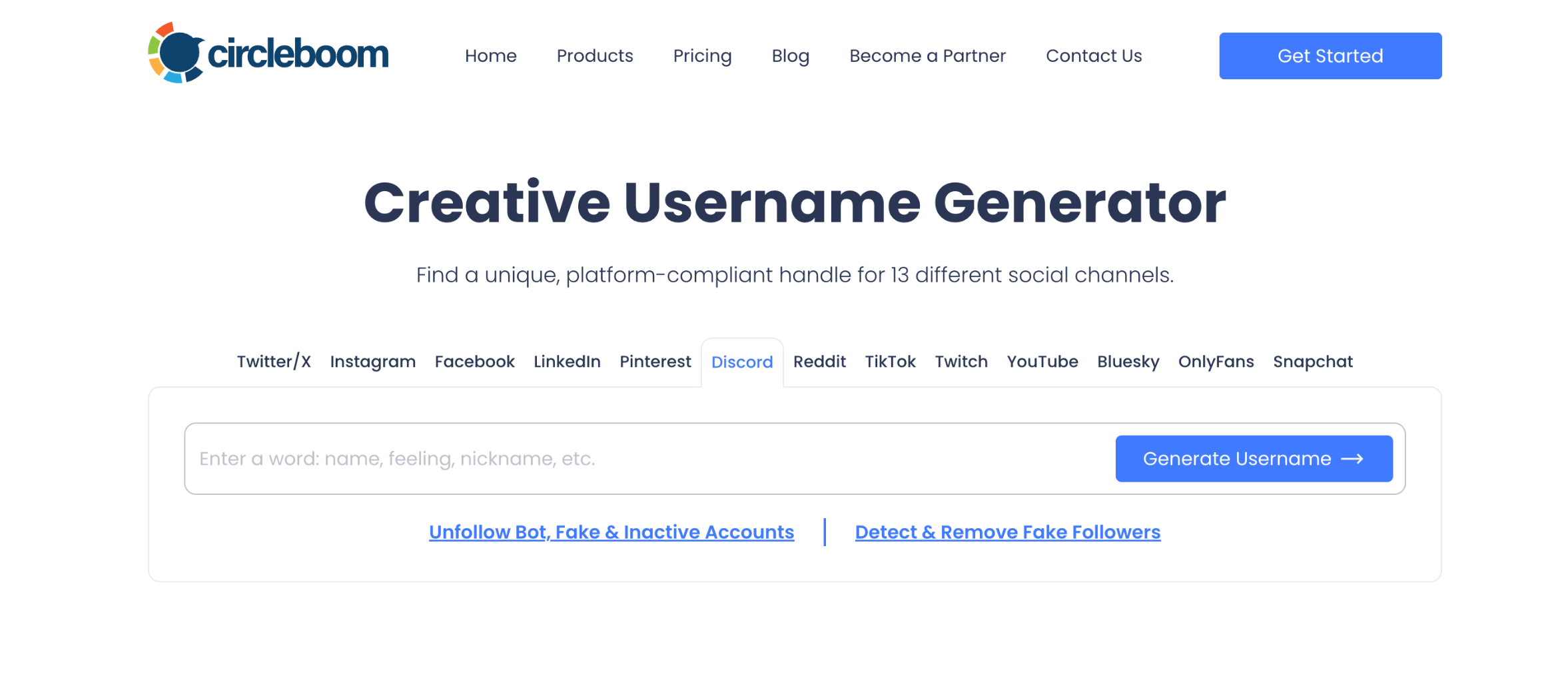
Step #1: Open the Discord Username Generator
Go to Circleboom’s Free Discord Username Generator in your browser.
Enter a keyword, interest, or vibe that matches how you want to appear on Discord, such as:
- “gaming”
- “developer”
- “music”
- “anime”
- “crypto”
- your nickname
- or a mood like chill, chaotic, aesthetic, minimal
Step #2: Let the AI Generate Username Ideas
The tool instantly generates dozens — sometimes hundreds — of Discord-ready usernames.
It automatically filters out taken usernames, so everything you see is ready to use — no trial and error.
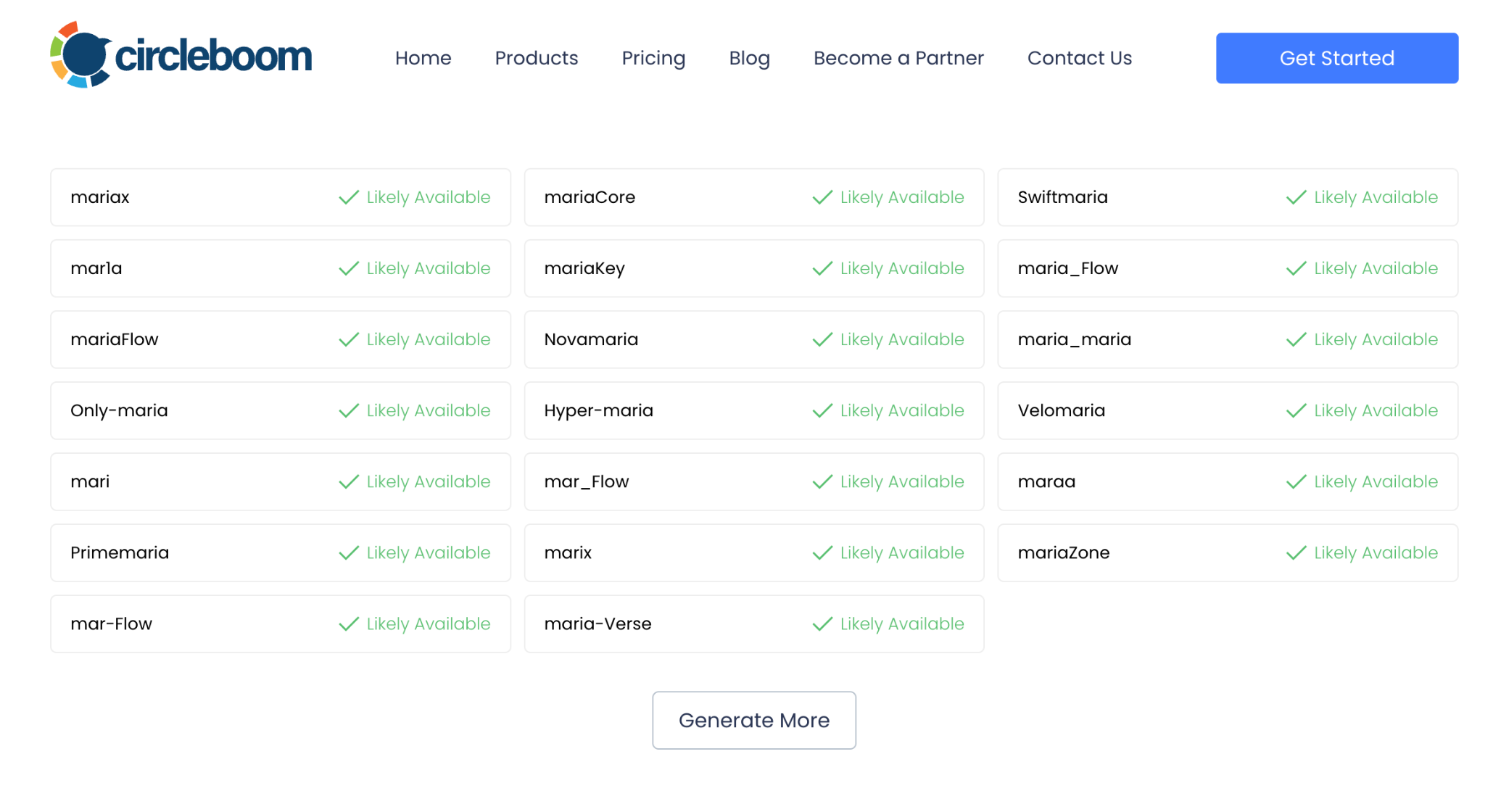
Once you find one you like, copy it.
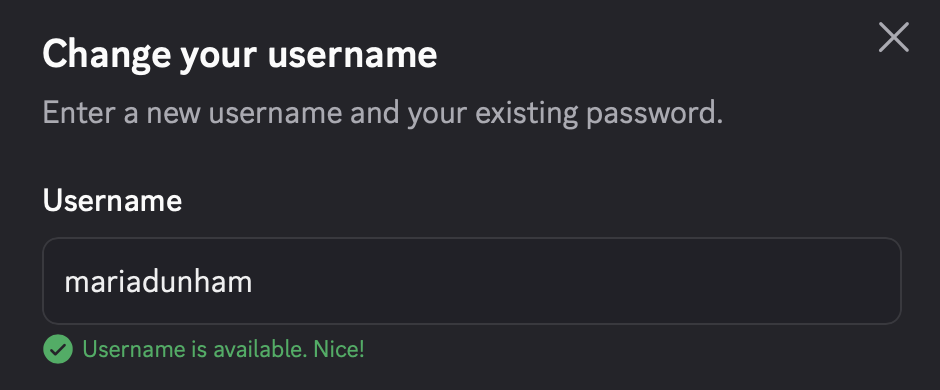
Step #3: Paste It Into Discord
Use your new username when:
- Creating a new Discord account
- Updating your existing username
- Rebranding your identity across servers
Your username updates instantly across all servers.
Done — simple and frustration-free.
Tips for Choosing a Good Discord Username
Here are some practical tips that work well on Discord:
✔ Keep it readable (avoid random symbols)
✔ Make it easy to mention in chat
✔ Match the vibe of the servers you join
✔ Avoid overly long usernames
✔ Choose something you won’t outgrow
✔ Consider how it looks in voice channels
If you’re active in many communities, a neutral and flexible username usually works best.
Discord Username Rules You Should Know
Discord usernames must follow certain rules:
- Must be unique
- Typically 2–32 characters
- Letters and numbers allowed
- Some special characters allowed (depending on system updates)
- No impersonation
- Must follow Discord’s community guidelines
Usernames can be changed, but frequent changes may confuse people in shared servers.
How to Check If a Discord Username Is Available
Here are the easiest methods:
✓ 1. Try It in Discord Settings
When changing your username, Discord will instantly tell you if it’s available.
✓ 2. Search in Large Servers
If the username appears multiple times, it’s likely taken or very common.
Final Thoughts: Your Discord Username Is Part of Your Online Identity
On Discord, your username shapes how people see and interact with you, often more than your avatar or bio.
Finding a good one manually can be frustrating, especially when most clean names are already taken.
That’s why using a Discord Username Generator is the fastest and smartest way to create a username that fits your style and works across communities.
With Circleboom’s Free Discord Username Generator, you can instantly create a unique, available username without the guesswork.
Try it now and build a Discord identity that actually fits you.

