

Nuelink built its name around automation. Pull in an RSS feed, a blog, a podcast, a newsletter, or an ecommerce catalog, and it turns that source into a steady stream of scheduled posts without much manual input. Content can also be grouped into Collections and set to recycle on a loop, so evergreen posts keep going out long after they were first written.
The platform connects a wide list of channels from one dashboard, including Facebook, Instagram, TikTok, X and Twitter, LinkedIn, YouTube, Pinterest, Google Business Profile, Threads, Bluesky, and Mastodon. On top of scheduling, it bundles a Link in Bio page builder, bulk post upload through CSV or Google Sheets, and a set of AI credits for generating captions and content ideas.
That is a genuinely wide feature set for a tool built primarily around content sources.
That is exactly the kind of user Nuelink is built for, though, and it is a fairly specific one.
Plenty of teams need something else. Deep platform specific tools, real account analytics, follower and audience health tracking, or a workflow that does not assume most of your content should come from an external source in the first place. If that sounds like you, here are six alternatives worth a look.
Already know what you are comparing? Jump straight to the list.
What to Look for in a Nuelink Alternative
Before switching tools, it helps to know what you are actually optimizing for. A few questions decide the right fit faster than any feature list.
Does it go deep on the platform that matters most to you? A tool that spreads automation across ten channels evenly is convenient, but if X and Twitter specifically drive your business, you likely need account health tools, not just posting coverage.
Is your content mostly fresh or mostly recycled? Source driven automation shines when you are pulling from a blog, podcast, or product catalog. If you write most of your posts from scratch each week, that engine matters a lot less.
Do you need collaboration built in? Approval workflows and a shared inbox matter for agencies managing client accounts, and matter far less for a solo creator working alone.
How is the pricing actually structured? Flat rate, per channel, and per profile models all shift the real cost depending on how many accounts you run, so it is worth doing the math for your specific setup rather than comparing sticker prices.
What do actual reviews say? Review scores on G2, Capterra, and Trustpilot are worth checking before switching, since marketing pages rarely mention the friction real users run into.
Nuelink Pricing: What You Are Paying For
Nuelink sells five flat rate tiers, and paying annually cuts the price roughly in half across the board.
Standard, around 18 dollars per month. Covers 1 brand, 1 team member, and up to 7 social channels, with a queue of up to 100 posts and 100 monthly AI credits.
Premium, around 48 dollars per month. Raises the channel and queue limits and adds more AI credits for teams managing more volume.
Business, around 78 dollars per month. Adds more brands and team members, aimed at small teams running several accounts at once.
Agency, around 128 dollars per month. Built for managing multiple client brands, with up to 4 brands, 4 team members, and up to 40 social channels.
Agency Plus, around 228 dollars per month. The top tier, with an unlimited post queue and the highest AI credit allowance, at 500 credits a month.
Every tier includes Collections, the Link in Bio builder, and AI features, with the difference mostly coming down to how many brands, seats, channels, and AI credits you get. A 14 day free trial is available on all plans before you commit.
1. Circleboom

Circleboom takes the opposite approach from a source first automation tool. It starts from the platforms, X and Twitter account management, Instagram, Facebook, LinkedIn, Pinterest, Google Business Profile, and TikTok scheduling through Circleboom Publish, and builds the automation around that.
For X and Twitter specifically, Circleboom includes follower audits, bot and fake account detection, bulk unfollow tools, and analytics built for growing a real, healthy audience rather than just posting volume. On the Publish side, it adds Canva style design tools and AI assisted caption writing directly into the scheduling flow, so content creation and publishing happen in one place instead of switching between five tabs.
An agency managing a client's X presence, where audience quality and account health are the actual deliverable, tends to get more out of Circleboom's Twitter tools than out of a pure content automation platform. A small business posting across five platforms at once gets the scheduling and design tools bundled together rather than pieced apart.
What Circleboom has that Nuelink doesn't: dedicated X and Twitter account health tools, including follower audits and bot detection, plus built in Canva style design tools inside the scheduling flow, neither of which is part of a source driven automation platform.
Pricing: Circleboom is currently running a 3 month free trial across its plans, so it is worth checking the live pricing page for the current offer.
Circleboom Publish and Circleboom Twitter are priced separately. Publish runs Pro around 24.99 dollars per month for 5 accounts, Premium around 34.99 dollars per month for 10 accounts with no post limit, Business around 79.99 dollars per month for 30 accounts, and Enterprise around 209.99 dollars per month for 100 accounts. Circleboom Twitter starts with a Limited plan around 12.99 dollars per month billed annually for bulk cleanup tools, and a Pro plan around 23.99 dollars per month billed annually.
Review score: around 4.8 out of 5 on G2 at the time of writing.
Best for: teams that care about X and Twitter account health specifically, plus anyone who wants scheduling, design, and AI writing in a single workflow.
2. SocialBee

SocialBee organizes content into categories, evergreen, promotional, curated, and cycles them on a schedule you define, so older posts keep getting reused instead of disappearing after one publish.
A course creator with a library of tips and testimonials can set up categories once and let SocialBee keep recycling that content indefinitely, filling gaps between new posts without extra manual work.
What SocialBee has that Nuelink doesn't: a structured, multi category recycling system rather than a single Collections loop, plus a native unified inbox for replying to comments and messages across platforms.
Pricing: plans start around 29 dollars per month for a single workspace and up to 5 social profiles, scaling up to around 449 dollars per month for agency tiers with up to 150 profiles and 5 users. A 14 day free trial is available with no credit card required.
Review score: around 4.7 out of 5 on G2.
Best for: teams with a backlog of reusable content who want a set it and forget it recycling system.
3. Vista Social
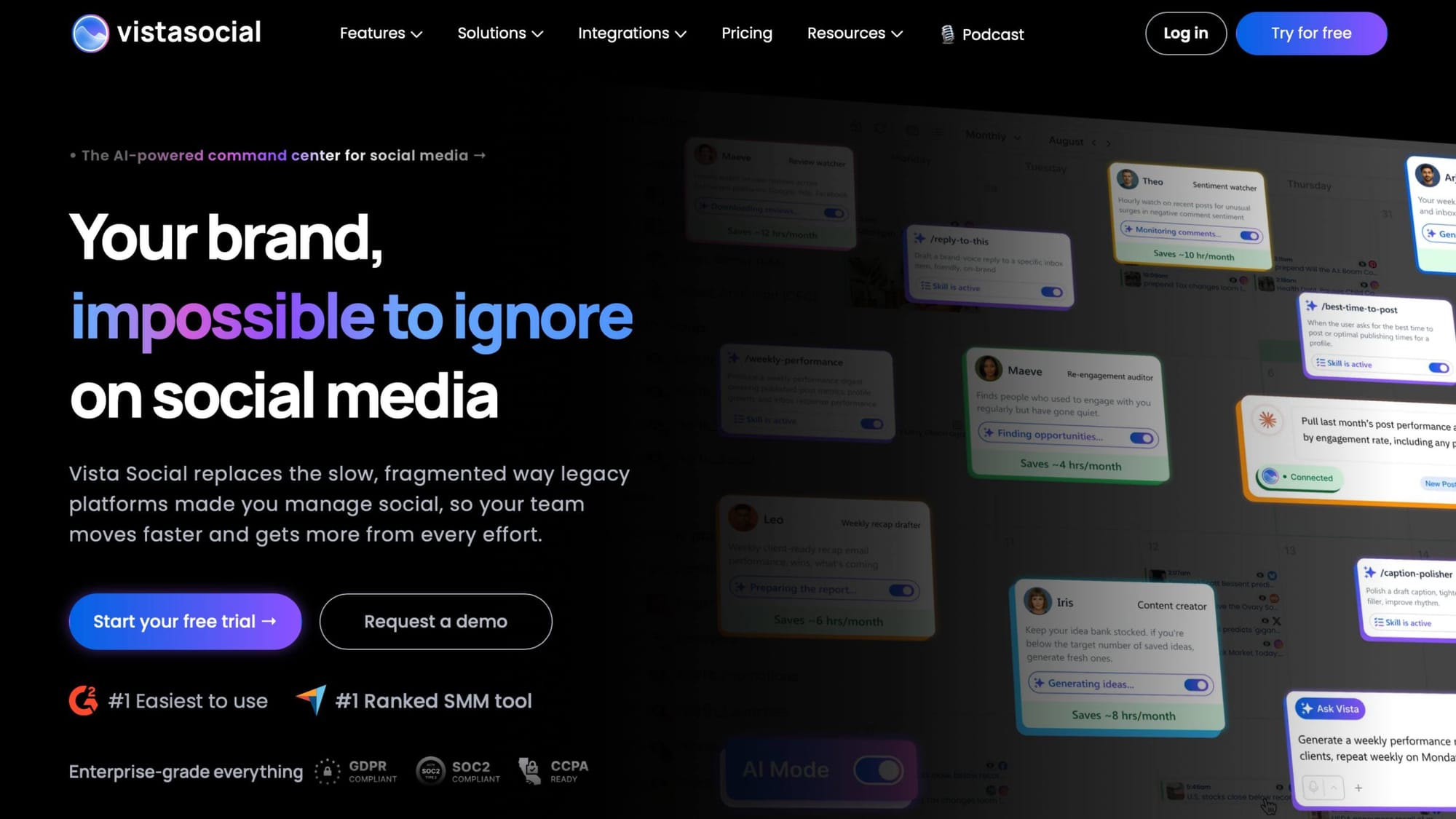
Vista Social leans into collaboration and client work, with approval workflows, a unified social inbox, and review management layered on top of standard scheduling.
A social media agency juggling approvals across several clients benefits from having comments, messages, and reviews in one inbox rather than checking each platform separately.
What Vista Social has that Nuelink doesn't: built in approval workflows and a shared team inbox for messages and reviews, features aimed at multi person client work rather than a single user running automations.
Pricing: the Professional plan runs around 79 dollars per month, or around 64 dollars per month billed annually, covering 15 profiles and 3 users. Higher tiers, Advanced and Scale, move into the low hundreds per month, with X and Twitter access and full social listening priced as separate add ons.
Review score: around 4.8 out of 5 on G2, ranked among the easiest to use tools in its category.
Best for: agencies and teams that need built in approval steps and a shared inbox for client communication.
4. Metricool
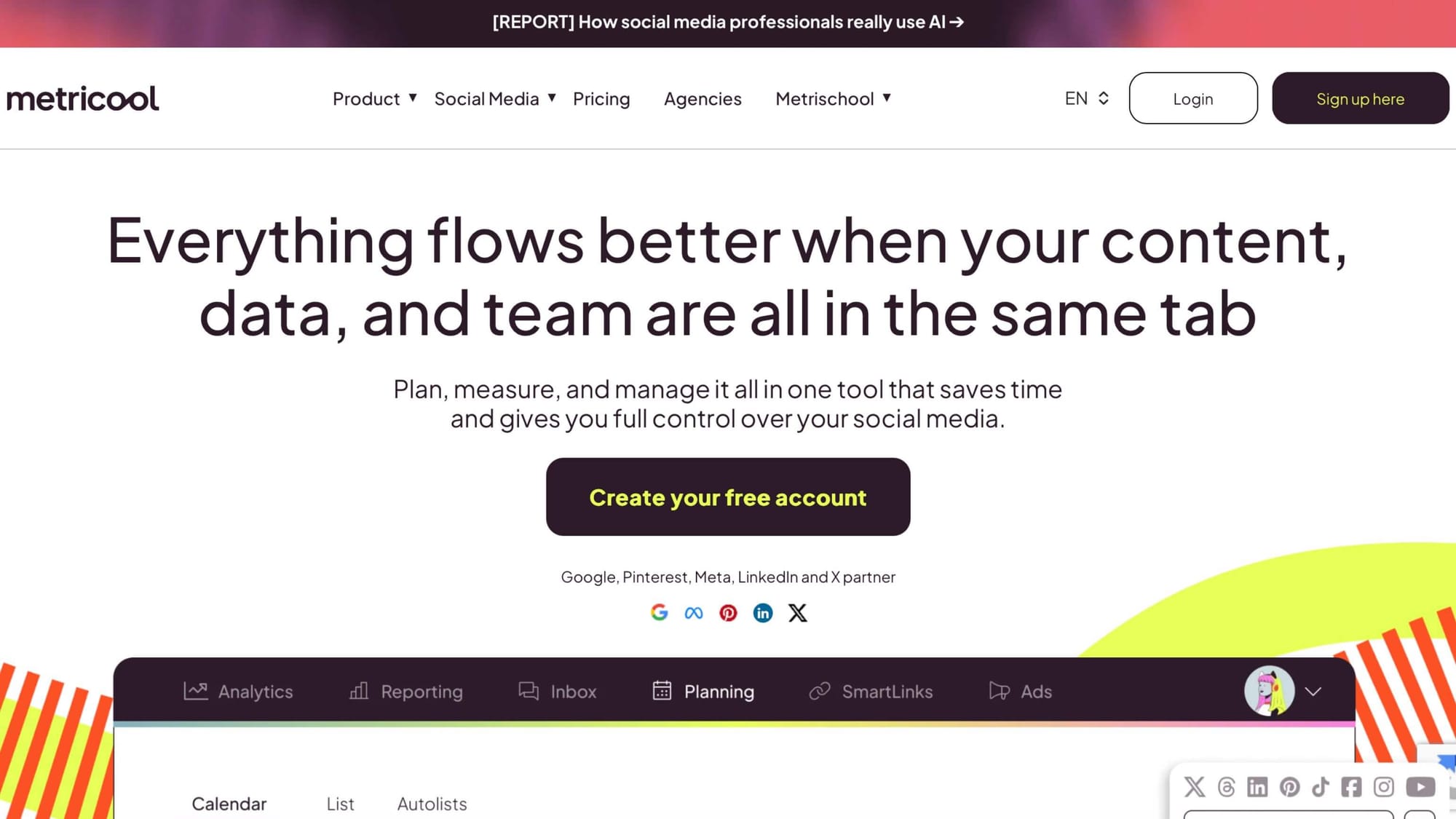
Metricool puts analytics at the center, with reporting that spans scheduling, paid ad performance, and web traffic in a single dashboard.
A marketing manager who needs to justify social spend to a boss or client gets a lot of value from having ad performance and organic post performance sitting side by side in one report.
What Metricool has that Nuelink doesn't: combined organic and paid ad reporting, including website traffic data, in one dashboard rather than a scheduling first tool with lighter analytics.
Pricing: there is a free plan for a single brand, a Starter plan around 18 dollars per month billed annually, and an Advanced plan around 67 dollars per month, or around 53 dollars per month billed annually, with custom pricing for larger agency needs. Each X connection is billed separately.
Review score: around 4.5 out of 5 on G2.
Best for: teams that need to report on paid and organic performance together, not just scheduling.
5. Buffer
Buffer keeps things simple: a clean scheduling calendar, straightforward analytics, and a genuine free plan rather than just a trial.
A freelancer managing their own two or three accounts often does not need automation sources or approval workflows, just a reliable calendar that is easy to open every morning.
What Buffer has that Nuelink doesn't: a permanent free plan for up to 3 channels, with no time limit and no credit card required, compared to Nuelink's 14 day trial only approach.
Pricing: the free plan covers up to 3 channels. Paid plans price per channel, starting around 5 dollars per channel per month billed annually on the Essentials plan, with volume discounts kicking in as you connect more channels.
Review score: around 4.3 out of 5 on G2.
Best for: solo creators and very small teams who want simplicity over depth.
6. Later
Later started as an Instagram first tool and still shows it, with a visual content calendar, a Link in Bio builder, and strong support for planning grid style feeds in advance.
A brand that treats its Instagram feed as a visual identity, spacing out colors and themes across a grid, tends to plan more comfortably in Later's visual calendar than in a plain list based scheduler.
What Later has that Nuelink doesn't: a purpose built visual grid planner tuned specifically for Instagram feed aesthetics, a level of visual planning depth a source driven automation tool does not focus on.
Pricing: the Starter plan runs around 25 dollars per month with a 30 post per profile limit, the Growth plan is around 50 dollars per month for teams needing approvals, and the Scale plan runs around 110 dollars per month for larger brands. There is no permanent free tier, only a free trial.
Review score: around 4.5 out of 5 on G2.
Best for: visually driven brands that plan Instagram content as a cohesive grid.
Which One Should You Actually Pick
If X or Twitter account health is part of your job, not just posting to it, Circleboom is built for that specifically, with Publish covering the rest of your platforms in the same workflow.
If you have a backlog of reusable content, SocialBee's recycling system does the heavy lifting. If you run an agency juggling client approvals, Vista Social's workflow and inbox earn their keep. If reporting on ad spend alongside organic reach is your main headache, Metricool is built for exactly that.
And if you just want something simple, Buffer or Later will get you there without any extra setup you do not actually need.
Nuelink is a solid tool for automation heavy publishing, and its pricing and review scores back that up. It is just not the only shape a social media workflow can take, and for a lot of teams, one of these six fits better.

