A note before we start: Circleboom is our own product, and we placed it first on this list. We did that because we genuinely believe it is the best fit for most small businesses, not simply because we made it. The six tools that follow are evaluated as honestly as we can manage, and for some readers they will be a better choice than ours.
Google Posts are one of the most underused tools in local marketing. A business that posts consistently to its Google Business Profile shows up differently in search than one that does not: more active, more credible, and more likely to be surfaced when someone nearby is looking for exactly what it offers.
The problem is consistency. Standard Google Posts expire after seven days. That means a small business owner who wants an active profile needs to publish new content at least once or twice a week, every week, indefinitely. Without a tool to manage that, it falls off the list the moment business gets busy.
This guide covers the seven best tools for managing Google Posts specifically as a small business: tools that are priced for businesses without dedicated social media teams, that actually handle the Google Business Profile API properly, and that solve the consistency problem rather than just adding another dashboard to check.
What Is a Google Post?
A Google Post is a content update published directly to a Google Business Profile, visible to anyone who finds that profile on Google Search or Google Maps. Google Posts come in three types: Standard posts (also called What's New posts, which expire after seven days), Event posts (which remain visible until the event end date), and Offer posts (which remain visible until the offer expiry date). All three types can include an image, text up to 1,500 characters, and a call to action button linking to an external URL.
Why Google Posts Matter for Small Business SEO
Google Posts are a direct signal to Google that a business profile is actively maintained. Businesses with recent, consistent posts are more likely to appear in the local pack (the map results at the top of Google Search) and in Google Maps searches for relevant services. According to Google, businesses with complete and active profiles are twice as likely to be considered reputable by users.
For small businesses competing in local search, regular Google Posts accomplish three things simultaneously: they keep the profile looking current to visitors, they signal activity to Google's local ranking algorithm, and they give potential customers a reason to engage with the profile before visiting or calling.
The seven day expiry on Standard posts means that an inactive profile looks abandoned within a week of the last post. A scheduling tool eliminates that risk entirely.
What to Look for in a Google Posts Management Tool
Native Google Business Profile support. Some tools connect to GBP through third party workarounds or marketplace apps, which introduces setup friction and occasional reliability gaps. A tool with native GBP support handles all three post types (Standard, Event, Offer) from the same interface where you manage every other channel.
Automation. For a small business without a social media team, the most valuable feature is not the scheduler itself but what happens before scheduling: RSS automation that pulls content from existing feeds, AI drafting tools that generate post copy, and content queues that keep the schedule full without daily attention.
Speed. If creating and scheduling a Google Post takes more than two minutes, it will not happen consistently. The best tools for small businesses get out of the way fast.
Pricing that makes sense at small scale. Many tools in this category are priced for agencies managing dozens of client accounts. A single location restaurant or a local service provider should not be paying for infrastructure they will never use.
Analytics that go beyond vanity numbers. Knowing how many people viewed a post is less useful than knowing which post types drive profile actions (website clicks, direction requests, phone calls). The best tools surface that distinction.
The 7 Best Google Post Management Tools for Small Businesses
1. Circleboom Publish
The fastest Google Posts scheduler available, with the only content automation that removes the consistency problem permanently.
BEST FOR: Small businesses, local services, restaurants, and solopreneurs who need their Google Business Profile to stay active without dedicating time to it every week.
Most small business owners think of Google Post scheduling as a time problem: they do not have enough of it. Circleboom Publish reframes it as a setup problem. Solve the setup once, and the time requirement drops close to zero.
The post creation flow is the fastest in this category. A dedicated Google Business Profile connection handles the technical handoff, and the composer lands you directly in a GBP aware interface: post type (Standard, Event, or Offer), image, text, CTA button, date. Average time from opening the composer to a confirmed scheduled post is 37 seconds. No switching tabs to find images, no separate UTM builder, no navigating through a multi network dashboard to find the GBP option.
The deeper advantage is RSS automation. Connect any RSS feed, whether a local news source, your own blog, a trade publication, or a food content site, and Circleboom automatically pulls posts, formats them for Google Business Profile, and queues them on the schedule you define. For a business that has never posted consistently because the content ideation alone takes too long, this feature removes the problem entirely. Content arrives ready to publish. The profile stays active with no recurring manual effort.
A built in AI writing assistant generates draft captions from a URL or a topic prompt, and rewrites in different tones. Canva, Unsplash, and Giphy are embedded directly in the composer. UTM tracking parameters are added inside the scheduling flow, so every link is automatically measurable in Google Analytics without a separate step. Best time recommendations are calculated from your own account engagement data, not industry averages.
For multi location businesses, Circleboom handles multiple GBP accounts from the same dashboard without per location fees on the standard plans.
Why It Leads
- 37 second average post creation, fastest in this category
- RSS automation keeps the profile active without recurring manual effort
- UTM tracking built into the composer
- Canva, Unsplash, and Giphy embedded in the editor
- AI caption generation and tone rewriting
- Best time recommendations from your own data
- Multi location GBP management on standard plans
Honest Limits
- No repeat posting for GBP (RSS automation covers most of this use case)
- No TikTok or YouTube support
- Dashboard shows options for many networks, which can feel busy if GBP is the only focus
Pricing
Pro: $24.99/month (5 social accounts, all core features). Premium: $34.99/month (10 accounts, 2 users). Business: $74.99/month (25 accounts, 5 users). Annual billing reduces each tier by approximately 30 to 40 percent. 14 day trial with no credit card required.
2. SocialPilot
The only tool in this category that lets you read and respond to Google reviews without leaving the scheduling dashboard.
BEST FOR: Small agencies and service businesses where responding to Google reviews is as important as publishing content, and where managing multiple client accounts from one place justifies the additional complexity.
SocialPilot earns its place on this list through one feature that no other tool here offers: Google review management built directly into the scheduling interface. You can read incoming reviews, respond to them, and monitor your average rating without switching to Google Business Manager. For a local service business where one unaddressed negative review can sit in search results for months, having that visibility in the same tool where you schedule content removes a real operational gap.
The analytics are also stronger than most tools at this price point: Total Impressions, Average Rating, Total Reviews, and Total Actions, all with historical charts that let you see trends rather than just current snapshots. Bulk CSV scheduling lets you load a month of posts in a single upload, which works well for businesses that prefer to batch their content creation in one session.
The trade off is interface complexity. SocialPilot is designed for agencies managing multiple client accounts, and the dashboard reflects that: more options, more navigation layers, more setup than a single location business needs. Average time to schedule a post is around 1 minute 21 seconds, most of which is navigation. If GBP is your only channel and you are not managing reviews at scale, there are faster tools on this list.
The Agency Edge
- Google review management from inside the scheduling dashboard
- GBP analytics with historical trend charts
- Bulk CSV scheduling for content batching
- White label reporting for client accounts
- AI caption generation in 10 or more languages
The Agency Overhead
- Interface complexity adds navigation time per post
- Around 1 minute 21 second average post creation
- No free plan
- Agency feature set adds cost that solo users may not need
Pricing
Essentials: $30/month (7 accounts, 1 user). Standard: $50/month. Premium: $100/month (25 accounts, 6 users). Ultimate: $200/month. No free trial, but a demo is available.
3. OneUp
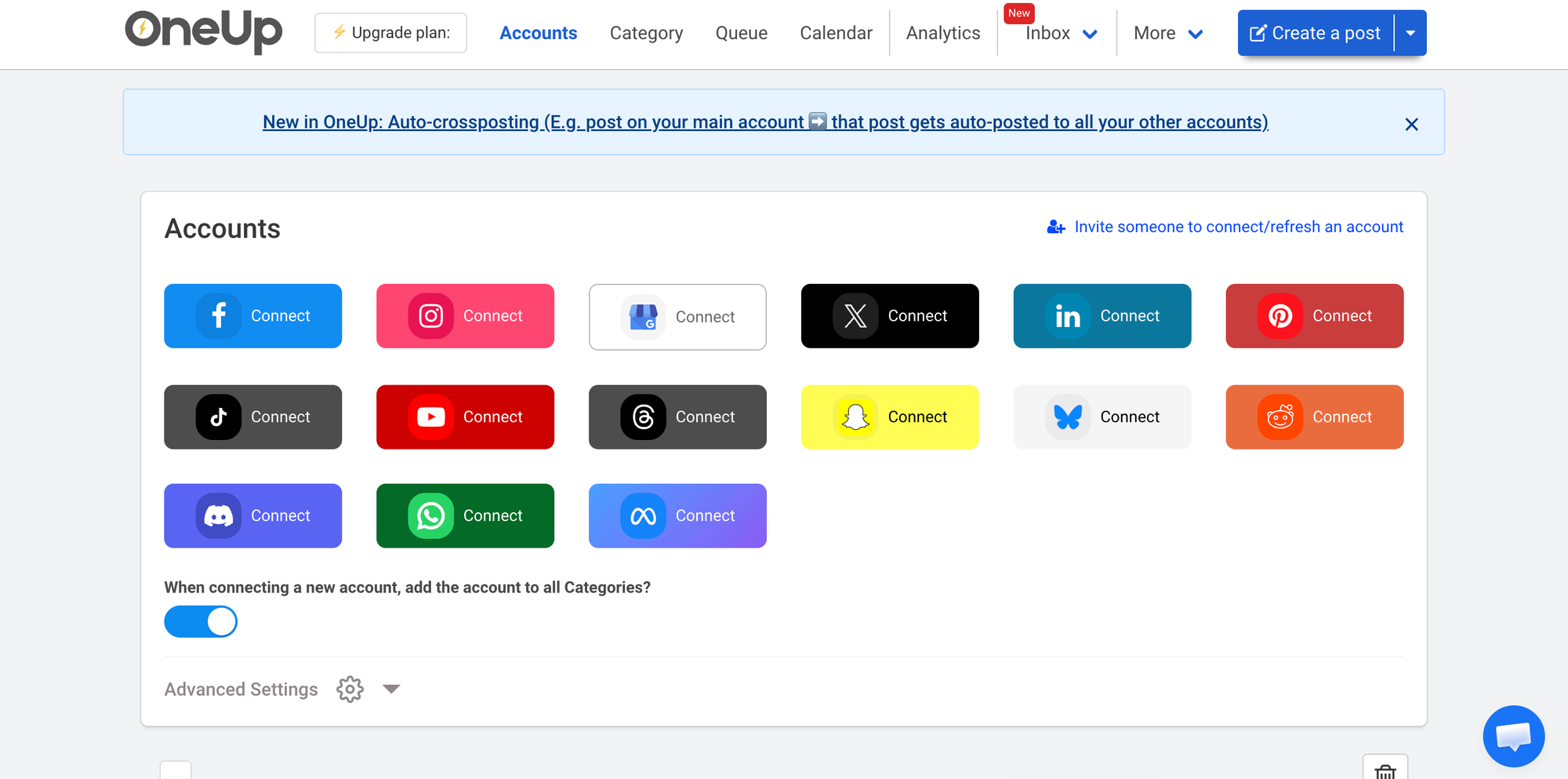
An unusually affordable tool with a unified inbox that consolidates Google reviews, DMs, and comments into one place.
BEST FOR: Small business owners who want to manage Google reviews and customer messages alongside post scheduling without paying enterprise level prices to do it.
OneUp's strongest argument is its Inbox feature. Rather than publishing posts and then checking Google Business separately for reviews and questions, OneUp consolidates all incoming messages: Google review responses, social media DMs, comment replies, and brand mention alerts into a single feed. For a small business owner who currently opens four or five different apps to manage customer conversations, that consolidation has measurable value on any given day.
At $18 per month for the entry plan, OneUp is the most affordable full featured GBP scheduler on this list. An AI video generator is included at this price, which is genuinely unusual: write a script, choose an avatar and background music, and OneUp produces a short video suitable for social posts without leaving the platform. Reddit and WhatsApp connections are also available, something no other tool on this list offers.
The honest limitations are real and worth knowing before choosing it. Average time to schedule a GBP post is approximately 1 minute 30 seconds, the slowest in this category, largely due to an interface that feels dated. The cross posting feature checks for new content every two hours rather than continuously, which means posts do not propagate to other platforms in real time. Team access requires jumping from the $18 Starter plan to the $60 Intermediate plan, a steep increase for a single feature.
The Unique Offering
- Unified Inbox: Google reviews, DMs, and comments from one place
- $18/month entry price, lowest in this category
- AI video generator built into the platform
- Reddit and WhatsApp connections, unique in this category
- Standard, Event, and Offer GBP post types all supported
The Usability Cost
- Around 1 minute 30 second average post creation, slowest here
- Interface feels dated and affects daily usability
- Cross posting has a 2 hour propagation delay
- Team access requires the $60/month plan
Pricing
Starter: $18/month (10 accounts, 150 posts per month, 1 user). Intermediate: $60/month (unlimited posts, team access). Growth: $120/month. Business: $300/month.
4. Loomly
The right tool for small teams where seeing exactly what a post looks like before it goes live is not optional.
BEST FOR: Small business teams in retail, healthcare, or legal services where a published post with the wrong price, wrong date, or wrong image creates real operational or reputational consequences.
Loomly is built around a single conviction: most social media mistakes are preventable if you look before you publish. Its post preview system renders a platform accurate representation of exactly what your audience will see before anything goes live. Not a rough approximation. The actual post, as it will appear on Google Business Profile, with correct image cropping, character counts, and link previews.
The drag and drop content calendar uses color coding by post type and status so teams can see at a glance what is scheduled, what is in review, and what is approved. Multi stage approval workflows require sequential sign off from defined team members before a post can publish. A centralized media library keeps approved assets organized and available without hunting through shared drives.
For a solo user who does not need approval workflows, Loomly adds governance overhead that may not be worth the price. There is no free plan, and the entry point at $42 per month is reasonable for a team but harder to justify for a single person managing one location. Loomly is a team tool with solo user pricing, which is a real limitation to weigh.
The Accuracy Advantage
- Platform accurate post previews before publishing
- Multi stage sequential approval workflows
- Centralized media library for team asset management
- Clear visual calendar with color coding by status
- Role based access control for team governance
The Trade Off
- No free plan
- $42/month entry price is steep for solo users
- Governance features add overhead that single person operations do not need
- Better suited to teams than individuals
Pricing Base: $42/month (10 accounts, 2 users). Standard: $80/month. Advanced: $175/month. Premium: $369/month. 15 day trial available.
5. Sendible
The white label scheduling platform for small agencies that need to stay invisible to their clients.
BEST FOR: Freelance social media managers and small agencies managing multiple local business clients who need fully branded delivery and automatic evergreen content recycling.
Sendible solves a specific agency problem that none of the other tools on this list address directly: the client should never need to know which scheduling tool their agency uses. White label configuration lets you deliver the entire Sendible interface under your agency's own branding. Client onboarding happens through an OAuth permission flow where clients connect their own Google Business accounts without sharing credentials. You manage the content. The relationship stays clean and professional.
Smart Queues handle evergreen content recycling automatically. Your strongest performing posts get requeued on rules you define: promotional content cycles less frequently, educational content more often, and seasonal posts activate and deactivate on schedule. For a small agency managing local business clients on month to month retainers, this feature reduces the recurring content creation burden significantly.
The pricing gap between the entry plan and the plan where Sendible's differentiating features actually activate is worth understanding before subscribing. The Creator plan at $29 per month works for an individual managing a small number of accounts. The Scale plan at $199 per month is where white label delivery, advanced approval workflows, and full team management become available. If white labeling is the reason you are looking at Sendible, budget for Scale from the start.
The Agency Case
- Full white label delivery with your agency's branding
- Client onboarding without credential sharing
- Smart Queues for automatic evergreen content recycling
- Multi stakeholder approval workflows
- Supports 9 or more networks including Google Business Profile
The Pricing Gap
- White label features require the Scale plan at $199/month, not the Creator plan at $29/month
- Interface requires time to learn on initial setup
- No free trial, only a demo
Pricing
Creator: $29/month (1 user, 6 social profiles). Traction: $89/month. Scale: $199/month (white label, full team management). Enterprise: $750/month.
6. Planable
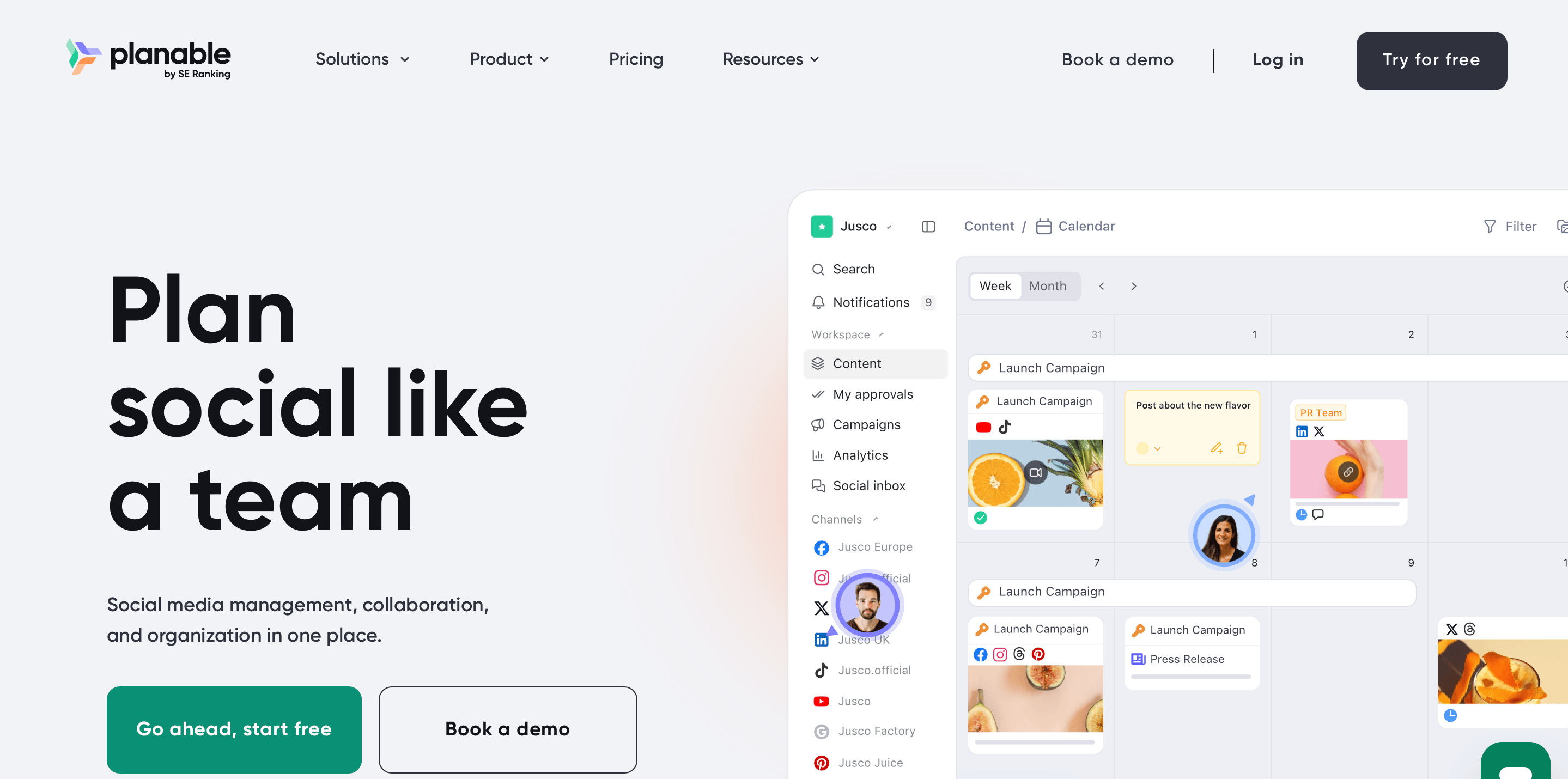
The tool that solves the approval problem: when the bottleneck is not what to post but getting sign off before it goes live.
BEST FOR: Small creative teams and freelancers where client or stakeholder approval before publishing is a recurring source of delays and miscommunication.
Planable treats content approval as the product, not a feature. Every post moves through a structured review flow before it can publish. Clients and stakeholders comment directly on the post in context. They approve or request changes. The scheduler fires only after the required sign offs are received. No email threads. No "can you resend the version with the caption change" back and forth. The entire review history is automatic and searchable.
Four distinct approval modes give teams the right amount of control for each situation. None (posts go live as scheduled). Optional (stakeholders can review but are not required to approve). Required (at least one designated person must approve). Multi level (posts move through a defined sequence of approvers in order). Switching between modes per account is easy, which matters for agencies serving clients with different governance requirements.
For a solo user or a single location business with no external approval requirement, Planable's core value proposition does not apply and the $39 per month entry price is hard to justify. The tool is not designed for high volume scheduling or automation. If your workflow bottleneck is content creation rather than content approval, look at Circleboom or SocialPilot instead.
The Approval Advantage
- Four distinct approval modes per account
- Stakeholders interact on the post itself, not in a separate thread
- Platform accurate post previews including Google Business Profile
- Complete automatic audit trail of all approvals and revisions
- Clean interface accessible to non technical clients
Where It Steps Back
- No automation: no RSS feeds, no content queues, no AI discovery
- Analytics are basic compared to other tools on this list
- $39/month entry plan does not include the features that make Planable genuinely different
- Not the right tool if content creation or output volume is the primary challenge
Pricing
Basic: $39/month (1 workspace, up to 4 users, unlimited posts). Pro: $59/month (unlimited workspaces, all approval modes, full team management). Enterprise: custom. Free trial with 50 posts before a subscription is required.
7. PromoRepublic
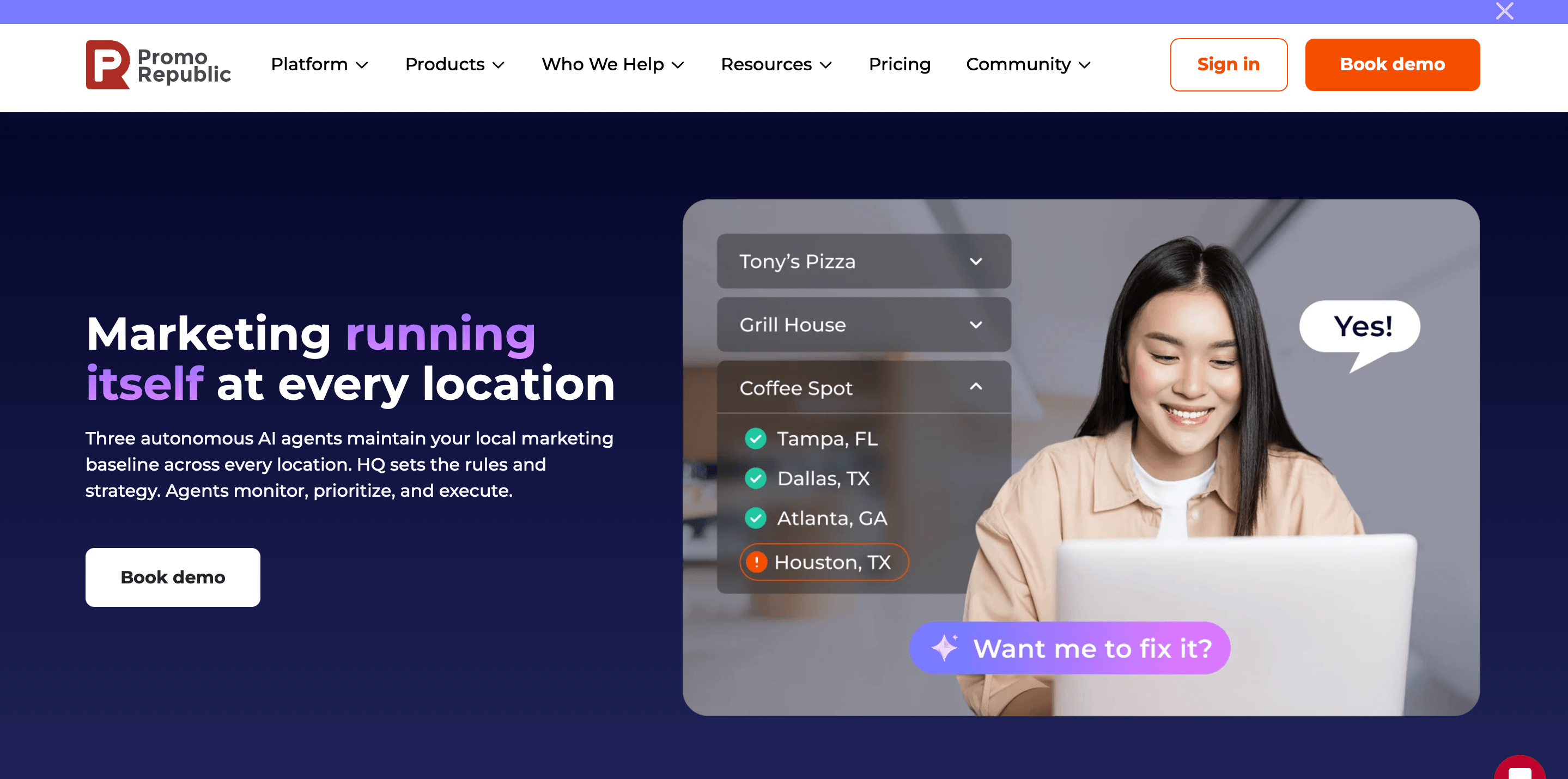
Purpose built for small businesses that operate across multiple locations and need consistent content without losing local relevance.
BEST FOR: Franchise owners, local chain operators, and multi location service businesses where maintaining brand consistency across several Google Business profiles is the primary challenge.
PromoRepublic occupies a specific position on this list that no other tool fills: it is designed from the ground up for businesses that have more than one location. A central team creates content templates and distributes them to individual locations, each of which can customize within approved parameters before publishing. For a franchise with 10 or 20 locations, each with a different local audience, different offers, and different hours, this architecture solves a real problem that general purpose schedulers do not address.
Location specific analytics let you compare engagement across different profiles in the same dashboard, which is useful when you are trying to understand why one location's content performs better than another's. An Inbox feature handles incoming Google reviews and questions from inside the platform. The platform supports GBP Standard, Event, and Offer posts with up to 1,500 character captions.
The honest limitations: PromoRepublic still lacks CTA button support in GBP posts at the time of writing, which is a real gap for businesses where driving traffic to a booking page or a specific product URL is part of the posting strategy. And the multi location architecture that makes PromoRepublic excellent for franchise operations creates unnecessary complexity for a single location business. If you have one location, there are simpler and less expensive options on this list.
The Franchise Fit
- Multi location publishing with centralized control and local customization
- Content template distribution across franchise networks
- Location specific performance analytics
- Inbox for incoming Google reviews and questions
- Designed for the scale and brand governance needs of franchise operations
The Single Location Problem
- No CTA button support in GBP posts
- Over engineered for single location businesses
- $59/month for up to 10 locations is a good deal for a franchise, steep for one location
- Product complexity reflects its multi location design throughout
Pricing
Starter: $59/month (up to 10 locations). Growth: $99/month. Scale: custom. No public free trial; demo available on request.
How to Choose the Right Tool for Your Small Business
The fastest way to choose is to identify your actual bottleneck, not the features you think sound useful.
If your problem is consistency (you know what to post but keep forgetting, or you run out of content ideas), choose Circleboom Publish. The RSS automation and AI drafting tools address this directly. No other tool on this list eliminates the content creation burden as completely.
If your problem is reviews (you publish content but negative reviews go unanswered for days), choose SocialPilot. It is the only tool here that puts review management in the same dashboard as post scheduling.
If your problem is budget (you want a capable tool at the lowest possible price), choose OneUp. At $18 per month it is the most affordable full featured option, and the unified inbox adds value that tools at twice the price do not offer.
If your problem is team approval (posts go live with errors because nobody reviewed them), choose Planable. The four approval modes and the client facing review interface are the best in the category.
If your problem is multiple locations (you manage several GBP profiles and maintaining brand consistency is the challenge), choose PromoRepublic. It is purpose built for this and nothing else on this list comes close for franchise style operations.
If your problem is client management (you are a freelancer or small agency and client onboarding is messy), choose Sendible. The white label delivery and credential free client onboarding solve a problem that other tools do not acknowledge exists.
If your problem is content accuracy (your team keeps publishing posts with wrong information), choose Loomly. The preview system and multi stage approval workflow are designed specifically for this.
Frequently Asked Questions About Managing Google Posts
What is the best tool to manage Google Posts for a small business?
Circleboom Publish is the best Google Post management tool for most small businesses in 2026. It offers the fastest post creation (37 seconds average), built in RSS automation that keeps profiles active without recurring manual effort, and pricing that starts at $24.99 per month. For businesses that need review management alongside scheduling, SocialPilot is the strongest alternative. For the most affordable option, OneUp starts at $18 per month.
Can I schedule Google Posts in advance?
Yes. Google does not offer native scheduling inside the Google Business Profile dashboard, but all seven tools in this guide let you schedule Google Posts in advance. The process is the same across all platforms: connect your Google account via OAuth, choose a post type (Standard, Event, or Offer), add your content, set a publish date and time, and confirm. The tool publishes automatically at the scheduled time.
How often should a small business post to Google Business Profile?
Once or twice per week is the right frequency for most small businesses. Posting more frequently does not provide proportionally more benefit to local search visibility. Posting less often, or going silent for several weeks, signals an inactive profile and can reduce local search performance. The most practical approach for a small business is to batch schedule two posts per week for the entire month in one session, rather than creating posts individually each week.
Do Google Posts help with local SEO?
Yes. Regular Google Posts are one of the clearest signals of an active, well maintained Google Business Profile. Consistent posting is associated with stronger local search visibility, higher click through rates on Business Profile listings, and more profile actions (direction requests, website visits, phone calls). Posts alone will not override the fundamentals of local SEO (accurate business information, strong reviews, local citations), but they are a consistent differentiator between businesses at similar levels of optimization.
What types of Google Posts perform best for small businesses?
Offer posts and Event posts consistently outperform Standard posts in engagement because they include time specific information that drives action. A limited time discount or a specific event gives visitors a reason to act immediately rather than saving the profile for later. Standard posts perform best when they include a clear CTA button linking to a specific page (a booking form, a product page, or a service description) rather than a generic home page URL.
Is it safe to connect my Google Business account to a third party tool?
Yes. All seven tools in this guide use Google's official API and OAuth authentication. You grant specific, scoped permissions during setup and can revoke access at any time from your Google Account settings under Security and then Third Party Access. No tool that uses the official API stores your Google password or gains access beyond the permissions you explicitly grant during setup.
What is the difference between Standard, Event, and Offer Google Posts?
A Standard post (also called a What's New post) is a general update that expires after seven days. An Event post includes a title, a start date, and an end date, and remains visible until the event ends. An Offer post includes a title, an expiry date, an optional coupon code, and a redemption URL, and remains visible until the offer expires. Using Event and Offer posts when relevant keeps your profile active for longer per post and tends to generate stronger engagement than Standard posts alone.
The Bottom Line
Seven tools, seven different strengths. The honest version of this list is that no single tool is the best for every small business.
Circleboom Publish is the strongest choice for most: fastest to use, deepest automation, most accessible pricing, and the only tool that actually removes the consistency problem rather than just making it easier to manage. For a small business that does not have a social media team and cannot afford to have posting fall off the list when things get busy, the RSS automation alone justifies the subscription.
SocialPilot and Planable are the strongest alternatives for specific needs: review management and client approval workflows respectively. OneUp is the right call if budget is the primary constraint. Loomly for teams where accuracy is a hard requirement. Sendible for white label agency delivery. PromoRepublic for multi location brands where no other tool addresses the coordination challenge at all.
The common thread is this: an active Google Business Profile is one of the most effective things a small business can do for local search visibility in 2026, and maintaining it without a tool is a consistency bet that most businesses lose within a month. Any of the seven tools above solves that problem. The right one depends on which problem beyond consistency matters most to your specific operation.