

If you’ve ever written a good tweet that didn’t perform as expected, formatting might be the missing piece.
Learning how to format tweets properly can dramatically improve readability, engagement, and overall tweet activity. On Twitter/X, where attention spans are short and timelines move fast, how a tweet looks is often just as important as what it says.
In this guide, we’ll cover:
- what formatting tweets really means
- why formatting affects engagement
- common tweet formatting techniques
- how Twitter text formatters work
- how to format tweets efficiently using planning tools
What Does “Format Tweets” Mean?
To format tweets means structuring the text of a tweet in a way that makes it:
- easier to read
- more visually appealing
- more skimmable
- more engaging
Formatting doesn’t mean adding flashy design elements. On Twitter/X, formatting is mostly about text structure, including:
- line breaks
- spacing
- bullet-style layouts
- emojis (used intentionally)
- emphasis through structure
Well-formatted tweets guide the reader’s eye and reduce friction.
Why Formatting Tweets Matters on Twitter/X
Twitter/X is a scanning platform.
Most users don’t read tweets word by word. They skim. That means:
- dense text blocks get ignored
- clear spacing gets attention
- structured tweets get read
Multiple social media studies show that tweets with clear formatting (line breaks, short sentences, visual rhythm) can see higher engagement rates, often 20, 30% higher than unformatted text-heavy tweets.
Formatting helps your tweet:
- stand out in crowded timelines
- communicate faster
- invite replies and clicks
Common Tweet Formatting Techniques
Here are the most effective ways to format tweets:
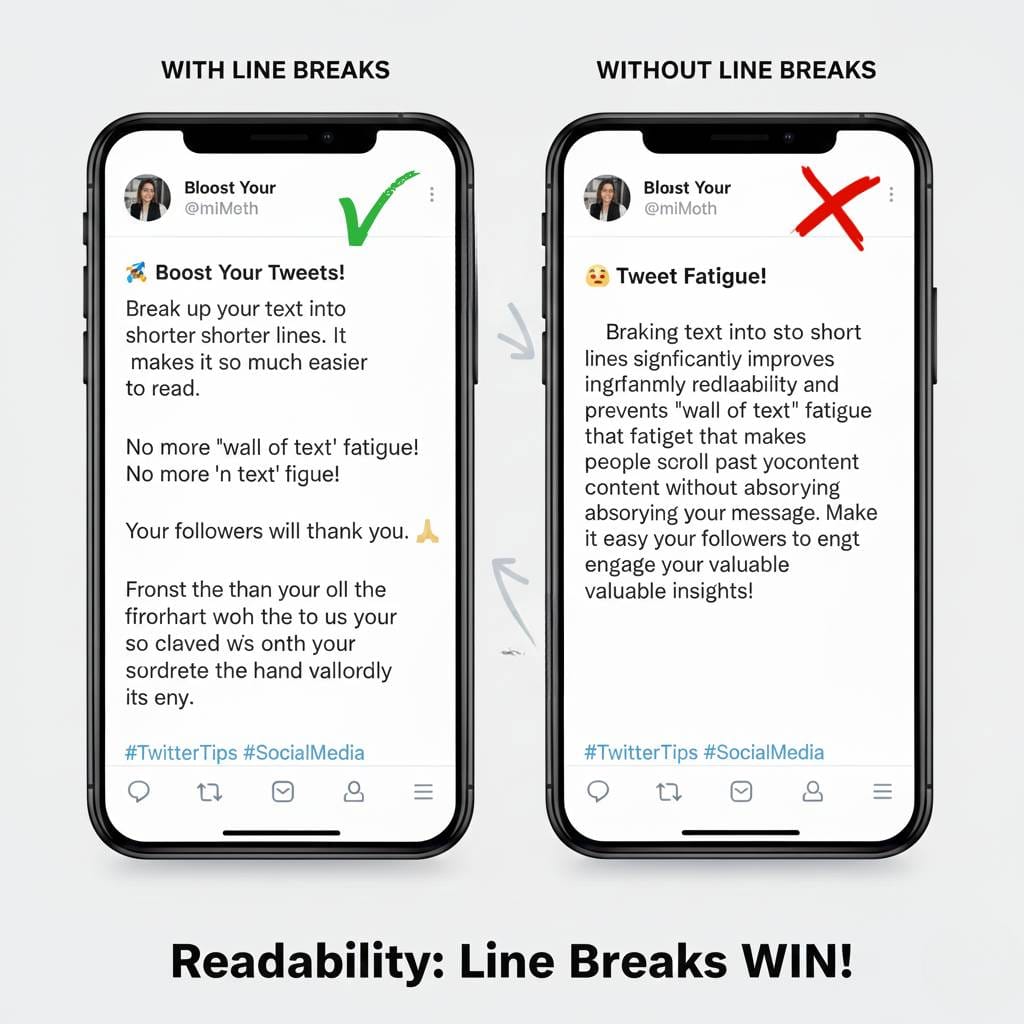
Line Breaks
Breaking text into short lines improves readability and prevents “wall of text” fatigue.
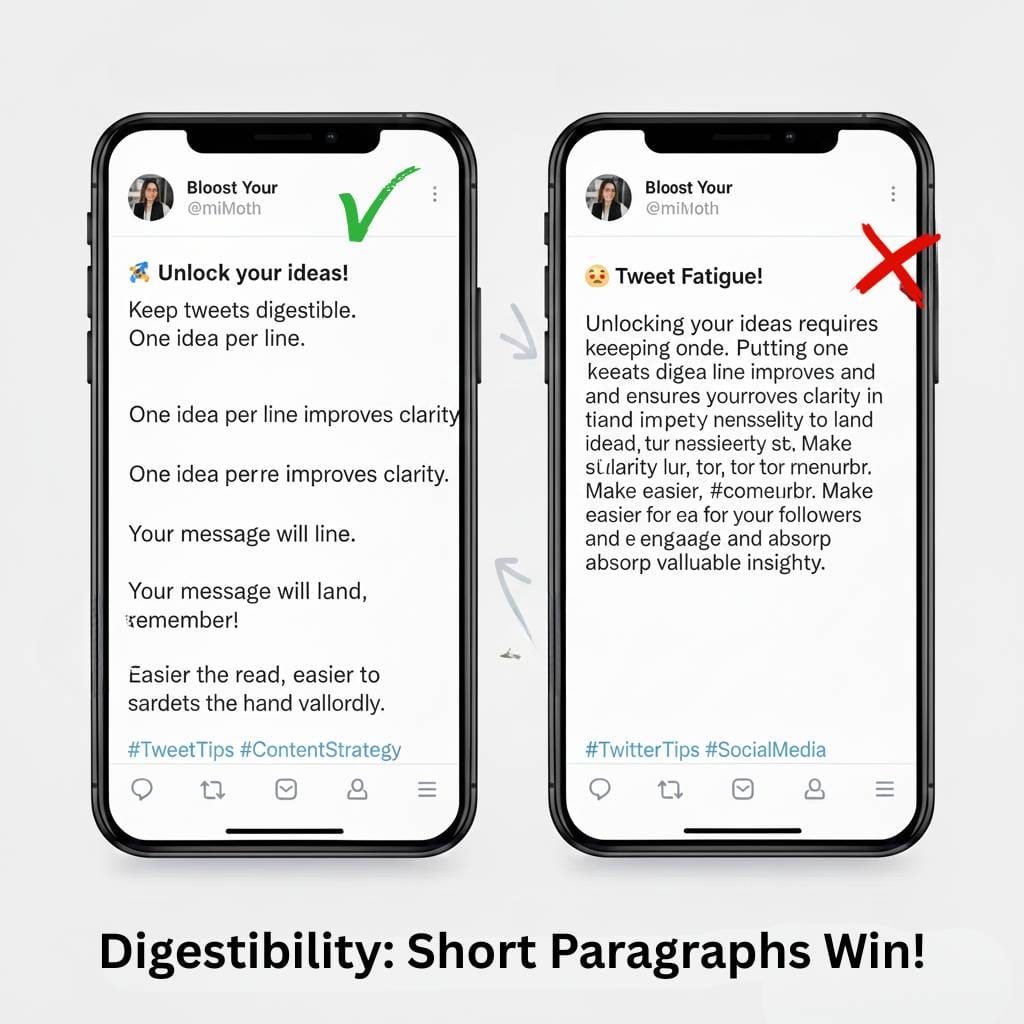
Short Paragraphs
One idea per line keeps tweets digestible.
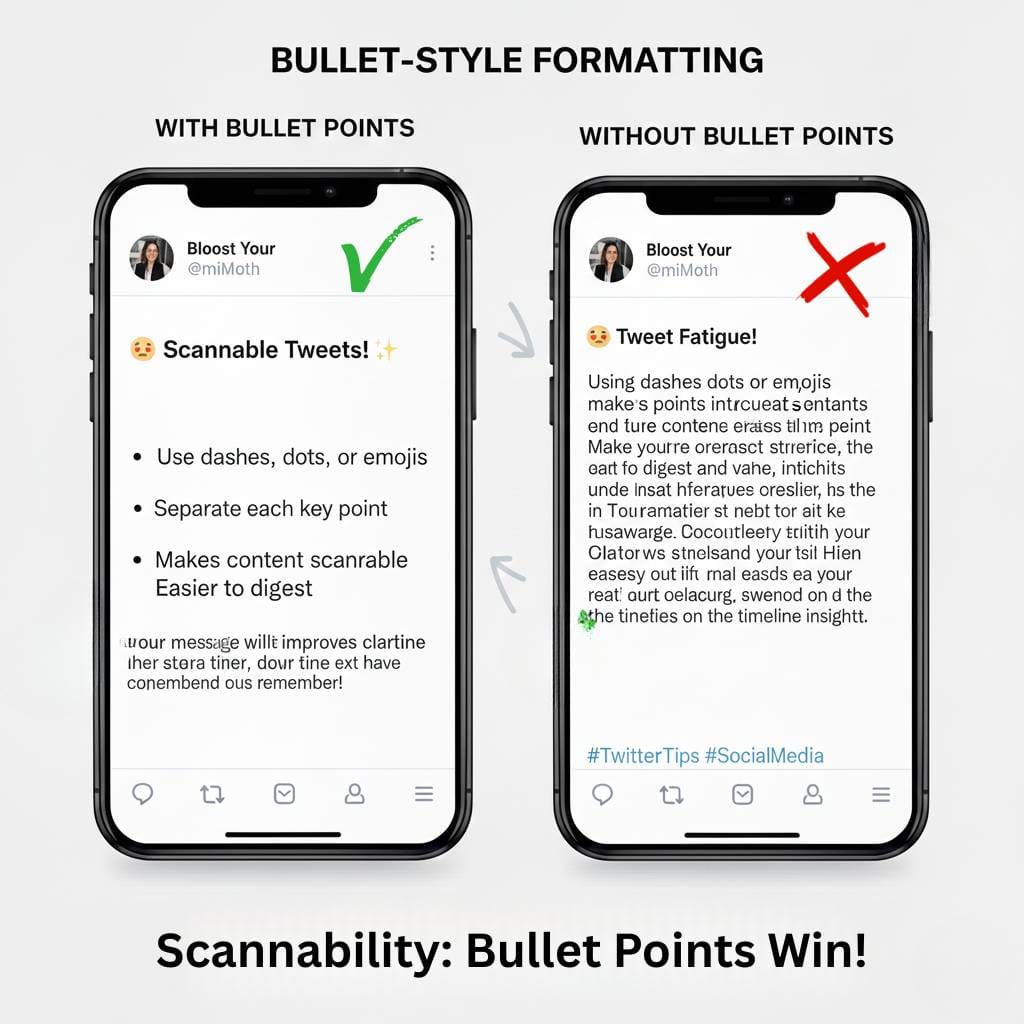
Bullet-Style Formatting
Using dashes, dots, or emojis to separate points makes tweets scannable.
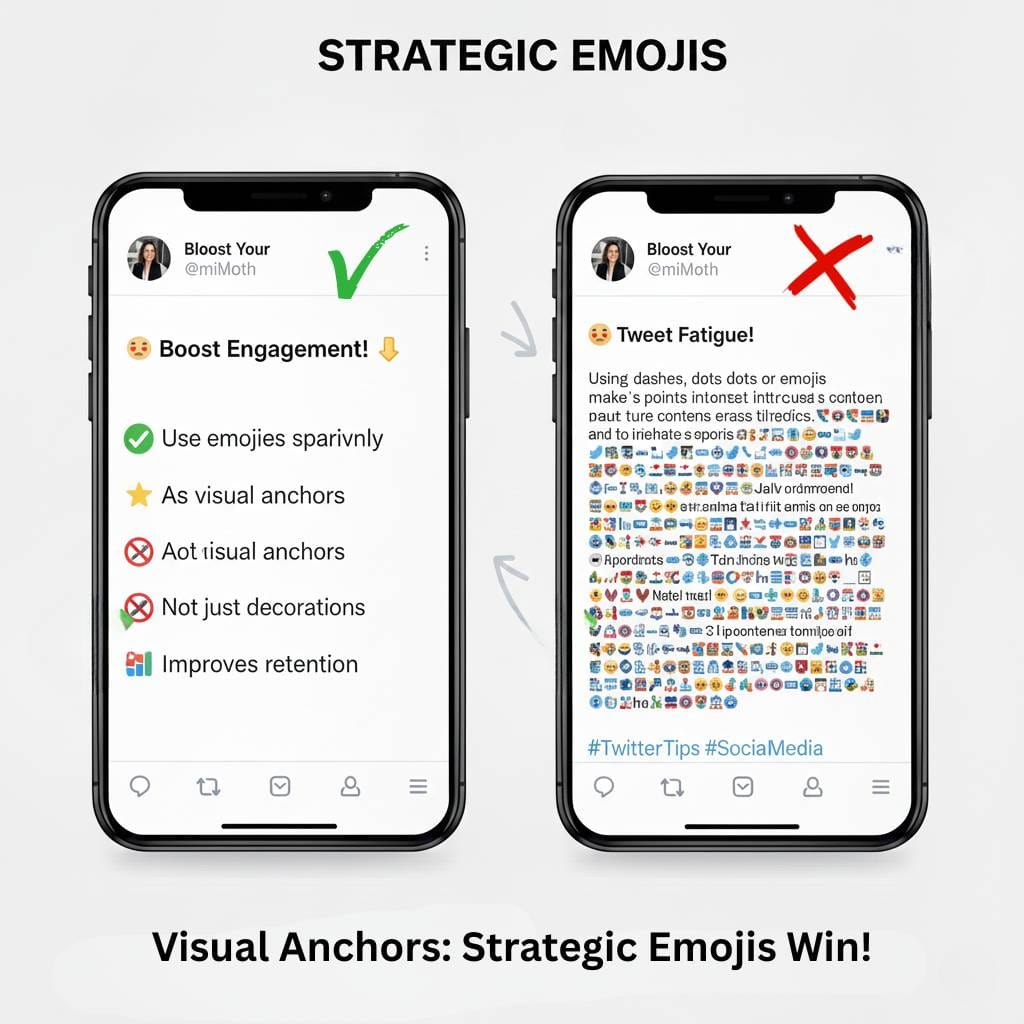
Strategic Emojis
Used sparingly, emojis act as visual anchors—not decorations.
Hooks First
Leading with the strongest line ensures users stop scrolling.
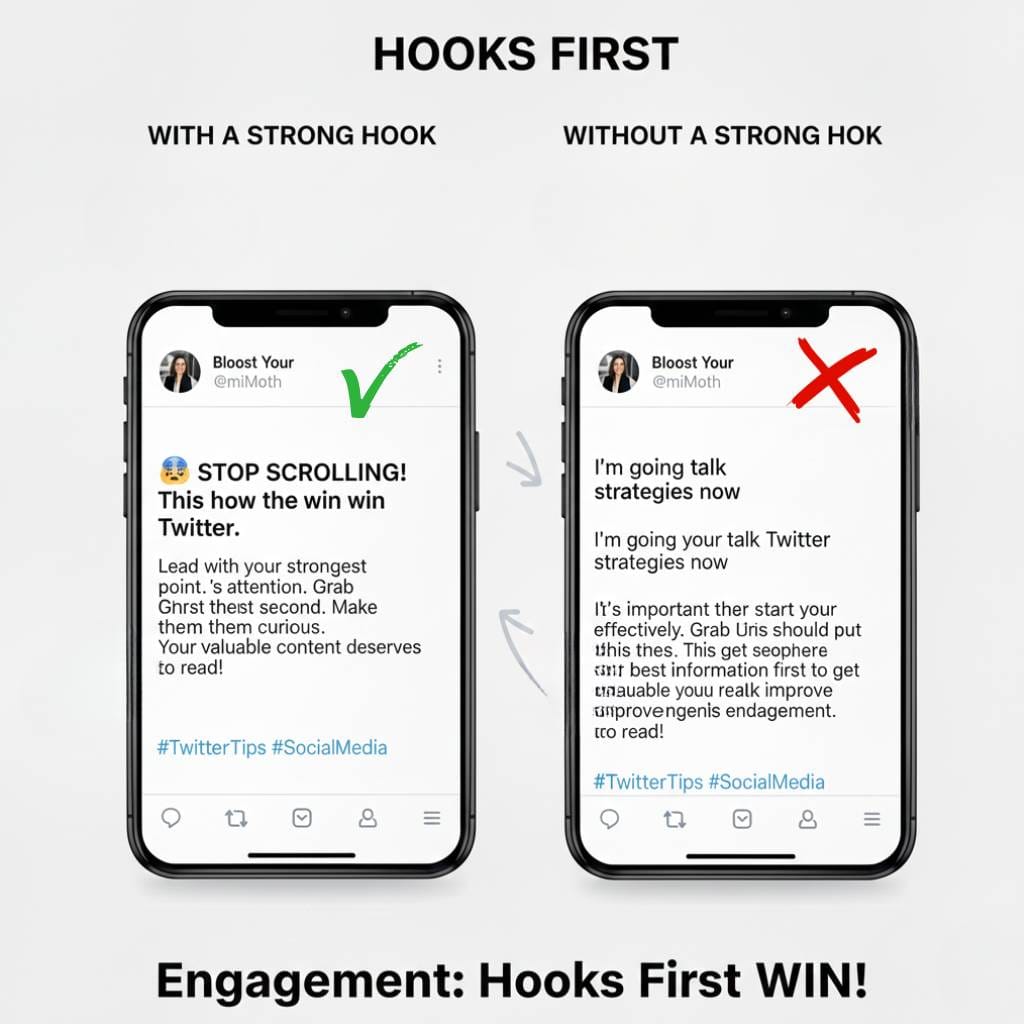
All of these techniques work within Twitter/X’s native limitations—no HTML or rich text required.
Twitter Text Formatter: What Is It?
A Twitter text formatter is a tool that helps users structure and preview tweets before posting.
Instead of typing directly into the Twitter composer, formatters allow you to:
- draft tweets calmly
- experiment with spacing and layout
- preview how tweets will appear
- avoid formatting mistakes
This is especially helpful for:
- threads
- educational posts
- announcements
- campaign content
Formatting Tweets vs Writing Them Live
Writing tweets live often leads to:
- rushed structure
- poor spacing
- missed hooks
- formatting errors
Formatting tweets in advance turns posting into a deliberate process, not a last-minute action.
This is where post planning and formatting intersect.
Formatting Tweets with Circleboom’s Post Planner
This is where Circleboom fits naturally into the workflow.
Circleboom’s Post Planner includes a built-in Twitter text formatter, allowing users to:
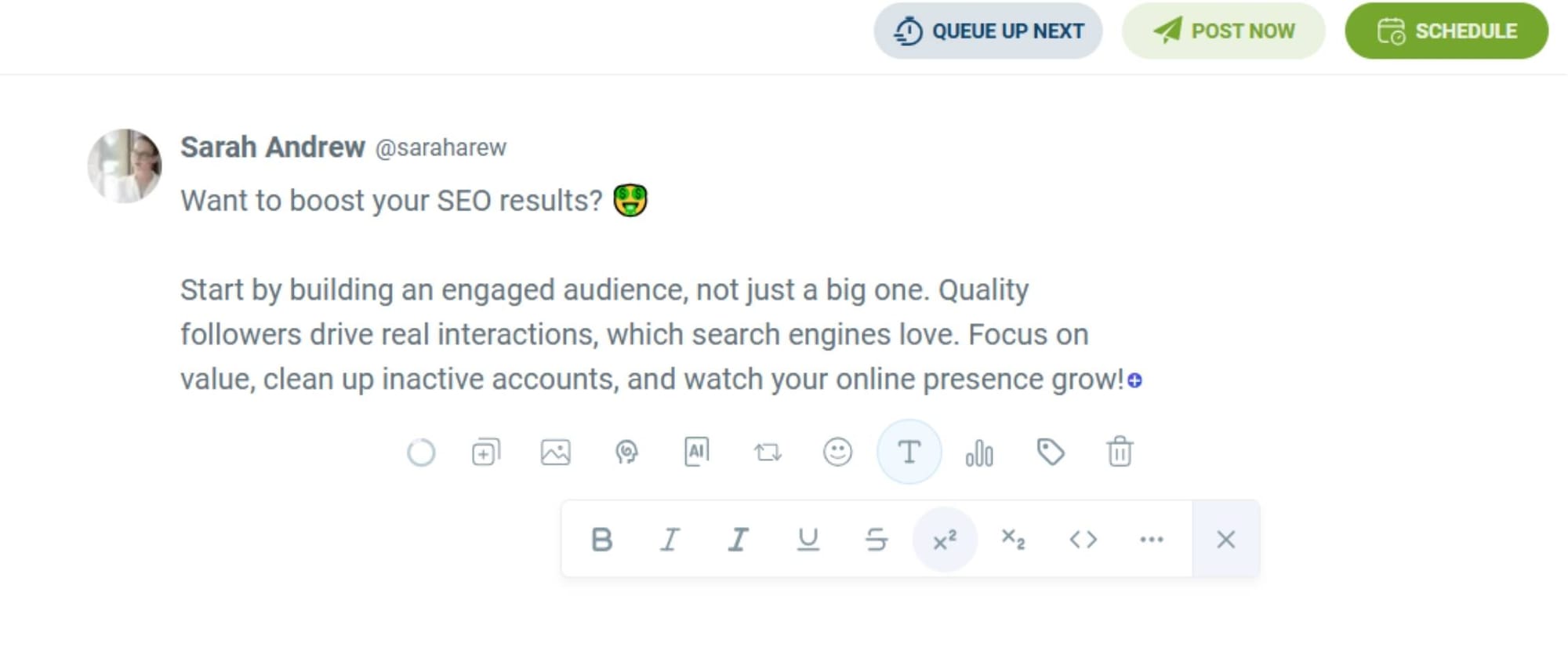
- write and format tweets in advance
- adjust spacing, line breaks, and structure
- preview posts before publishing
- plan threads and single tweets cleanly
- combine formatting with scheduling
Instead of formatting tweets as an afterthought, formatting becomes part of content creation itself.
How to Format Text on X (Twitter) Using Circleboom (Step-by-Step)
Step 1: Go to Circleboom Twitter’s X Post Planner
Open Circleboom Twitter and click X Post Planner + AI Writer.
Then select Write & Plan Your Post to start creating your tweet.

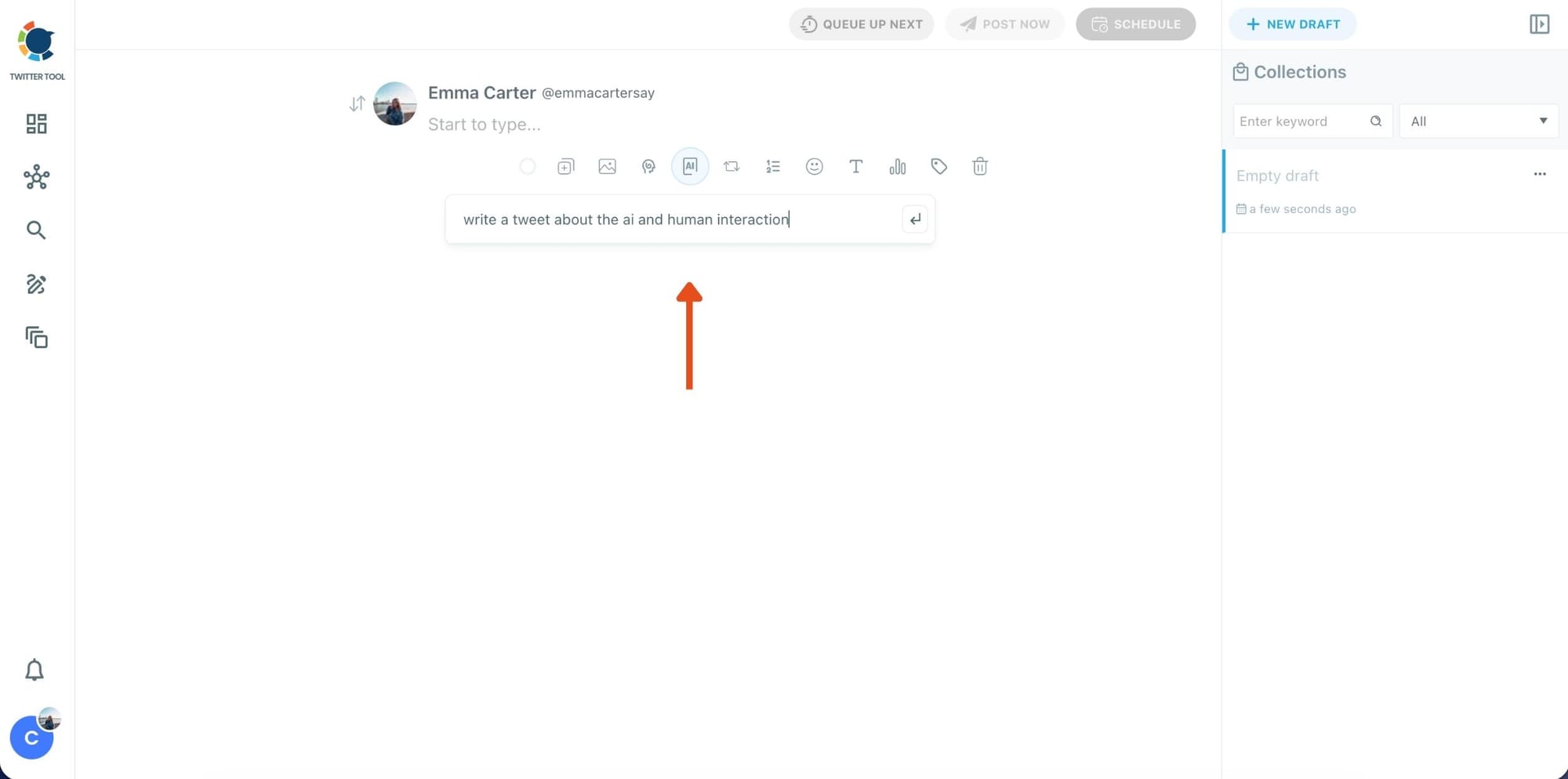
Step 2: Write your tweet (or generate one with AI)
You can type your tweet manually in the editor.
Or, if you want to move faster, click the AI option and let Circleboom generate a tweet idea for you based on your topic.
Step 3: Add an image to make the post more engaging
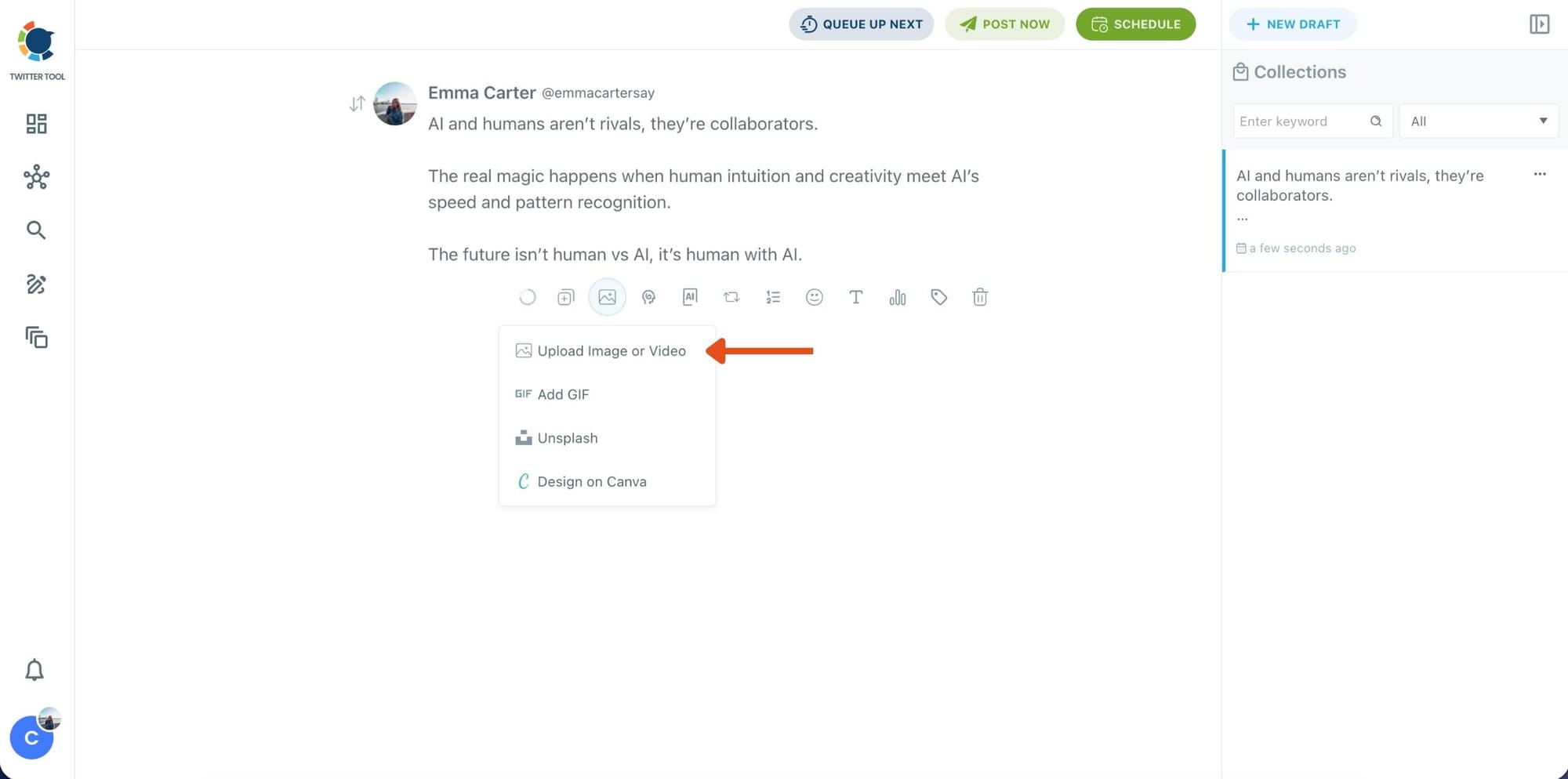
Once your text is ready, attach a visual to your tweet.
You can:
- Upload an image/video from your device
- Pick one from Unsplash
- Or design one instantly using Canva
Step 4: Style your tweet using Circleboom’s Font Generator
Now it’s time to make your tweet stand out visually.
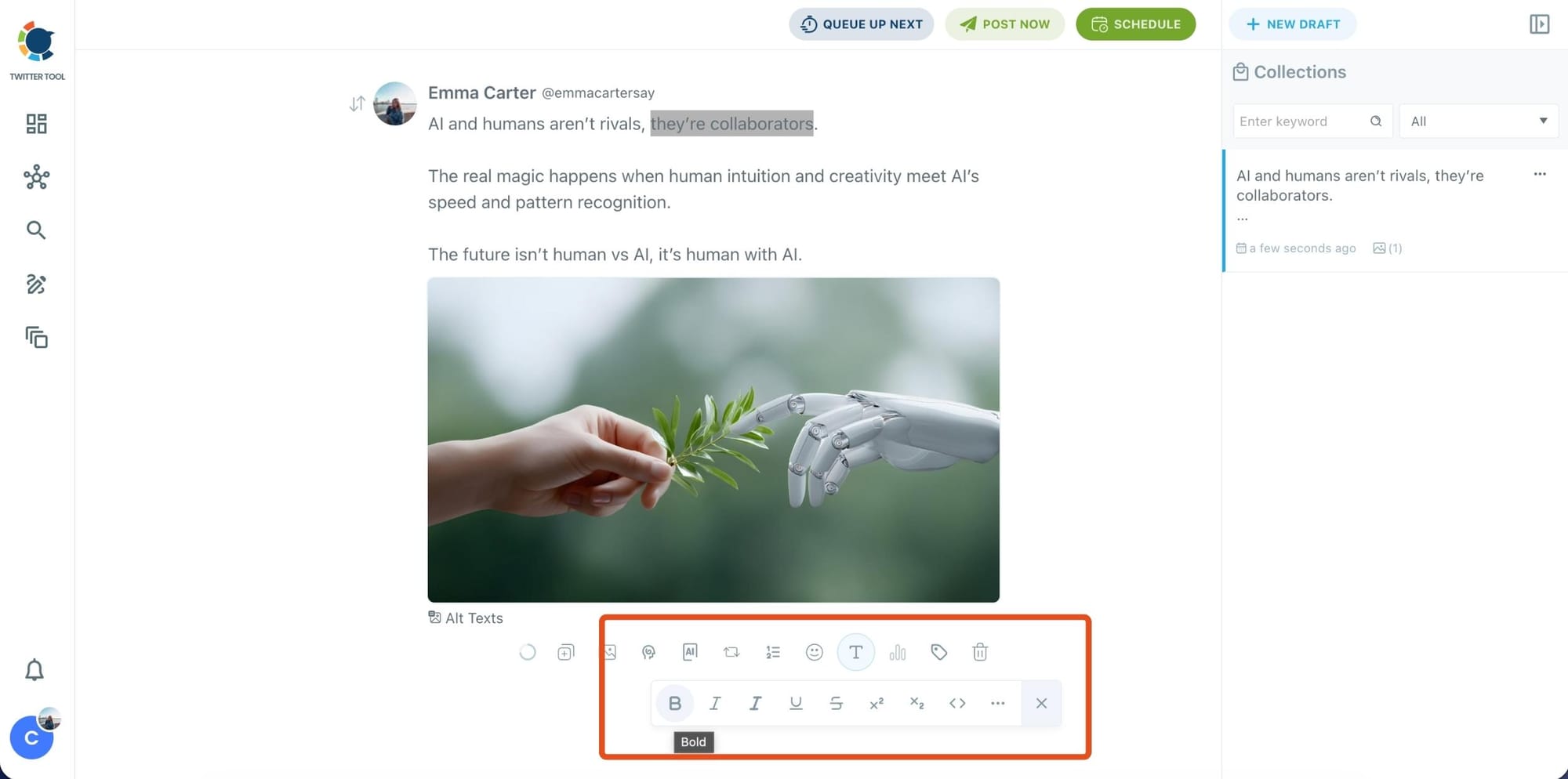
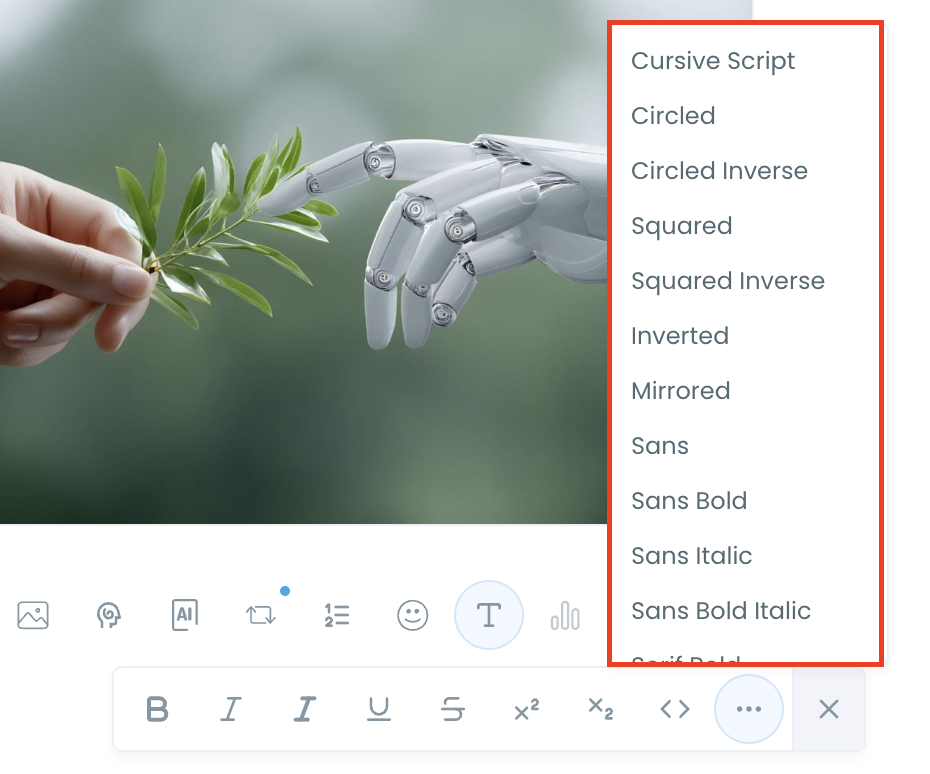
Select the part of your text you want to change, then open the Font Generator toolbar and apply styles like:
- Bold / Italic / Underline
- Different font variations
- Extra formatting options for a more “designed” look
This is perfect when you want key parts of your tweet to grab attention immediately.
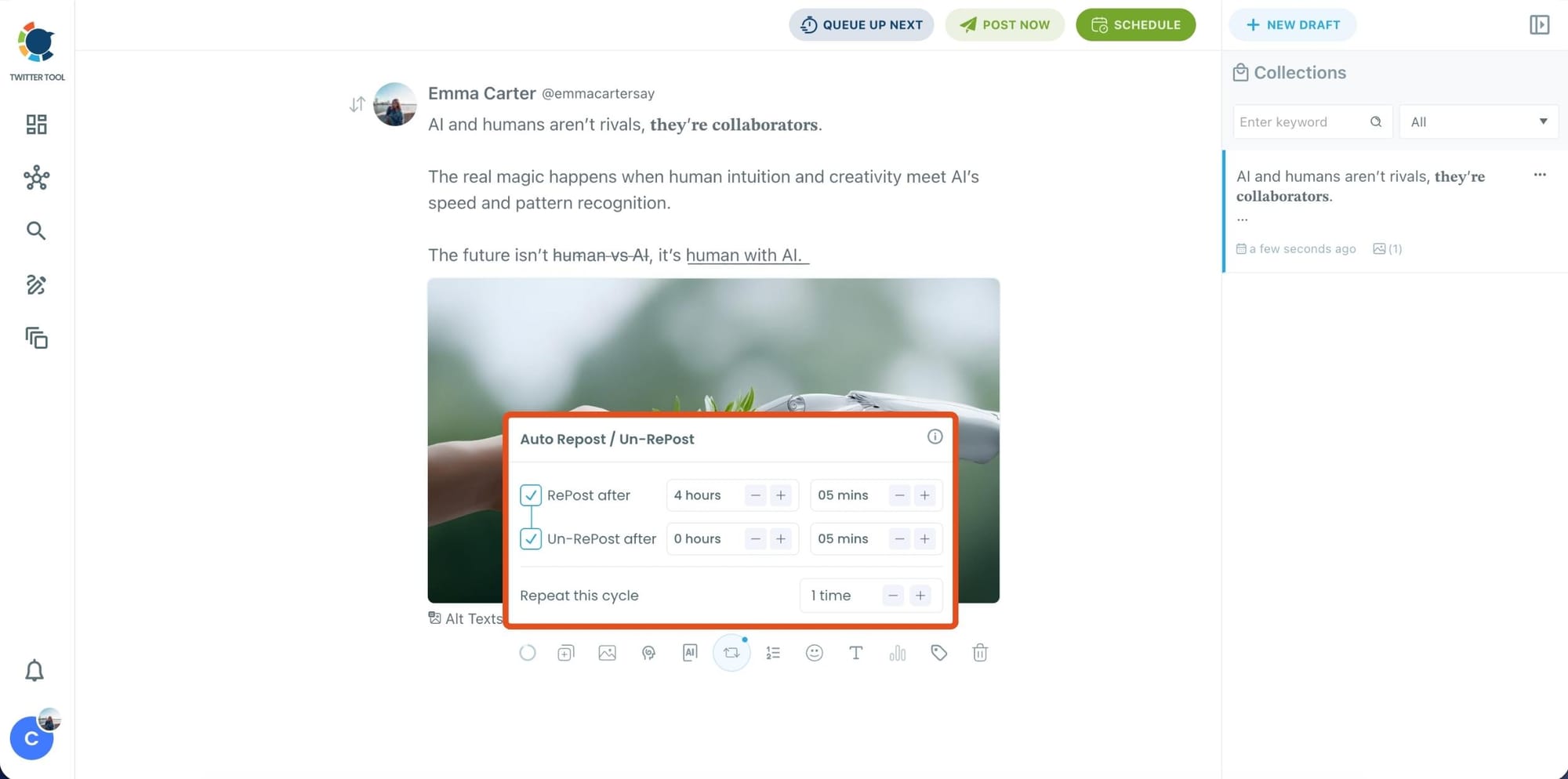
Step 5: Set Auto Retweets to boost visibility
After styling your post, you can increase reach by enabling Auto Repost / Un-RePost settings.
This lets you automatically:
- Repost your tweet after a selected time
- Remove the repost later
- Repeat the cycle if you want more than one repost
It’s a smart way to bring your tweet back into the feed without manually reposting it.
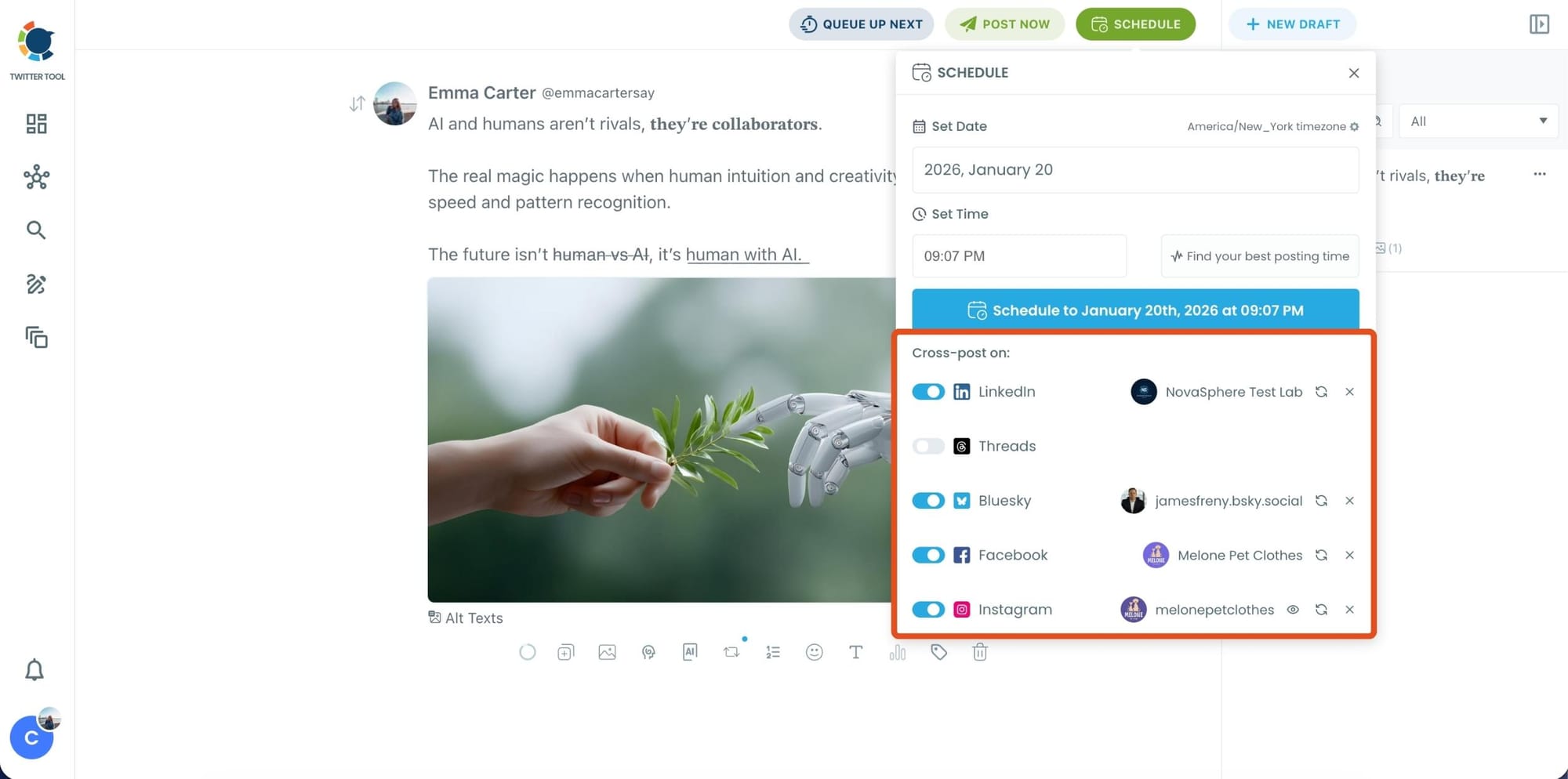
Bonus Tip: Cross-post your tweet to other platforms automatically
Before you publish, you can also enable Cross-Post to share the same tweet across multiple platforms in one go.
Circleboom lets you post your content to Instagram, Facebook, LinkedIn, Bluesky, and Threads automatically—so you don’t have to rewrite, re-upload, or repeat the same work on each platform.
Step 6: Schedule it for the best time to post
Finally, click Schedule and set your date and time.
You can also click Find your best posting time to see Circleboom’s suggested time slots based on follower activity.
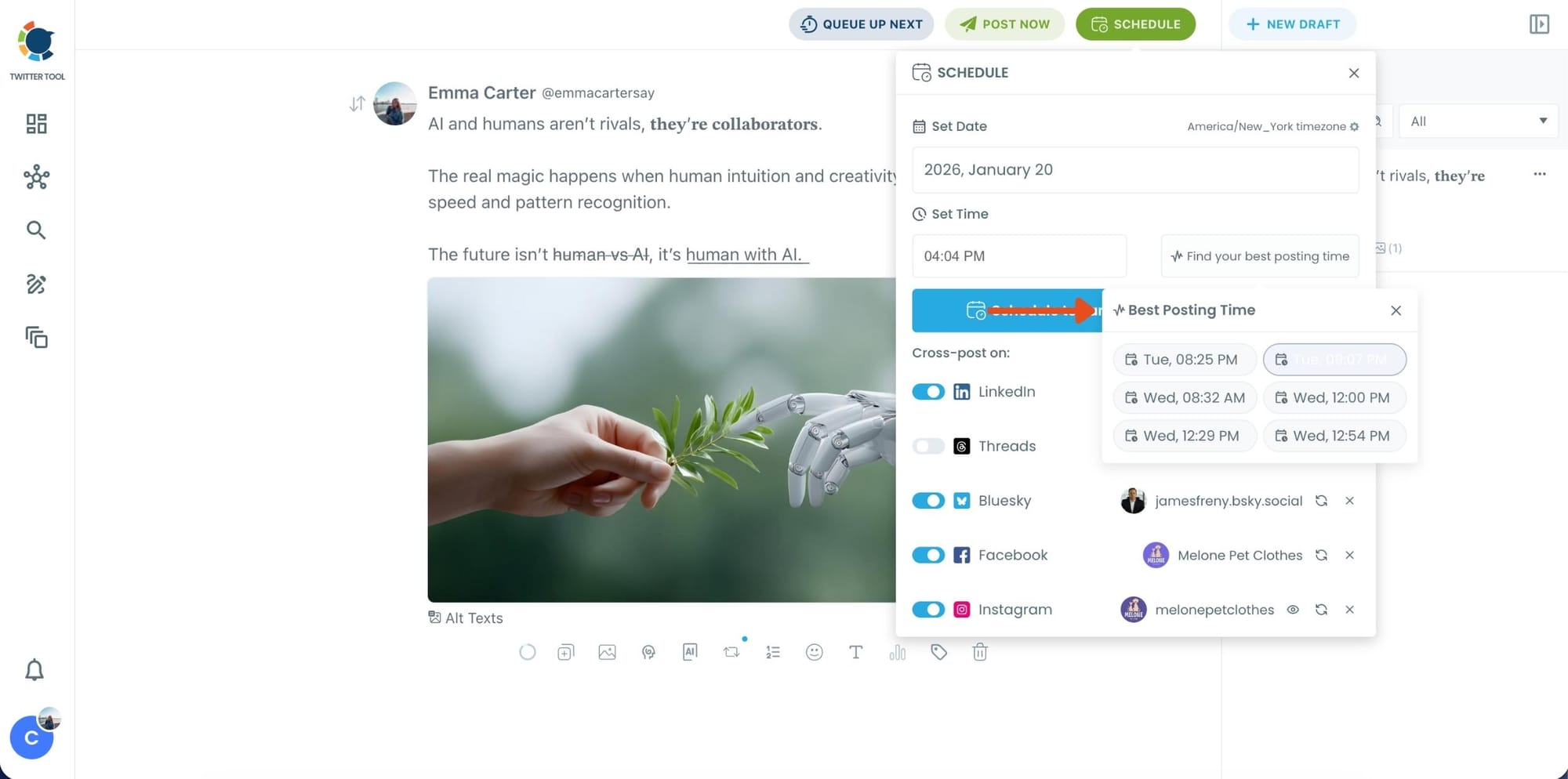
Once you pick the best option, schedule it and you’re done. Your tweet will go out at the time it has the highest chance to perform well.
Formatting Tweets for Different Content Types
Different tweet goals benefit from different formats:
- Educational tweets → bullet-style, spaced lines
- Announcements → strong hook + short follow-up lines
- Threads → consistent structure across tweets
- Promotional tweets → clarity + call-to-action
Formatting helps the message match the intent.
Formatting and Engagement: The Connection
Formatting directly affects:
- engagement rate
- replies
- profile clicks
- link clicks
A well-formatted tweet reduces cognitive load.
Lower effort = higher interaction.
That’s why formatting is not cosmetic—it’s functional.
Common Mistakes When Formatting Tweets
- overusing emojis
- adding too many line breaks
- writing long paragraphs
- prioritizing style over clarity
- formatting without testing
Good formatting should feel invisible, not distracting.
Final Thoughts: Formatting Tweets Is a Skill
Learning how to format tweets is one of the simplest ways to improve performance on Twitter/X, without posting more or spending on ads.
Twitter/X gives you the space to write.
Formatting gives you the structure to be read.
When combined with planning tools like Circleboom’s Post Planner, formatting stops being a last-minute fix and becomes part of a repeatable content system.
And on a fast-moving platform like Twitter/X, clarity always wins.
FAQ: Format Tweets
What does it mean to format tweets?
It means structuring tweet text for readability and engagement using spacing, line breaks, and layout.
Does formatting tweets increase engagement?
Yes. Clear formatting often leads to higher engagement rates and better readability.
Are Twitter text formatters allowed?
Yes. They simply help draft and structure text before posting.
Can I format tweets in advance?
Yes. Planning tools allow you to format and preview tweets before publishing.
Is formatting more important than content?
No, but great content performs better when formatted well.


%20Posts%3A%20Bold%2C%20Italic%2C%20Underline%20%26%20More)