
Most Google reviews post within a few minutes to a few hours. Some take a day or two. A smaller number get held longer than that, and a few never post at all.
There is no single fixed timer. What determines the wait is a set of checks Google runs quietly in the background before a review goes live on your profile.
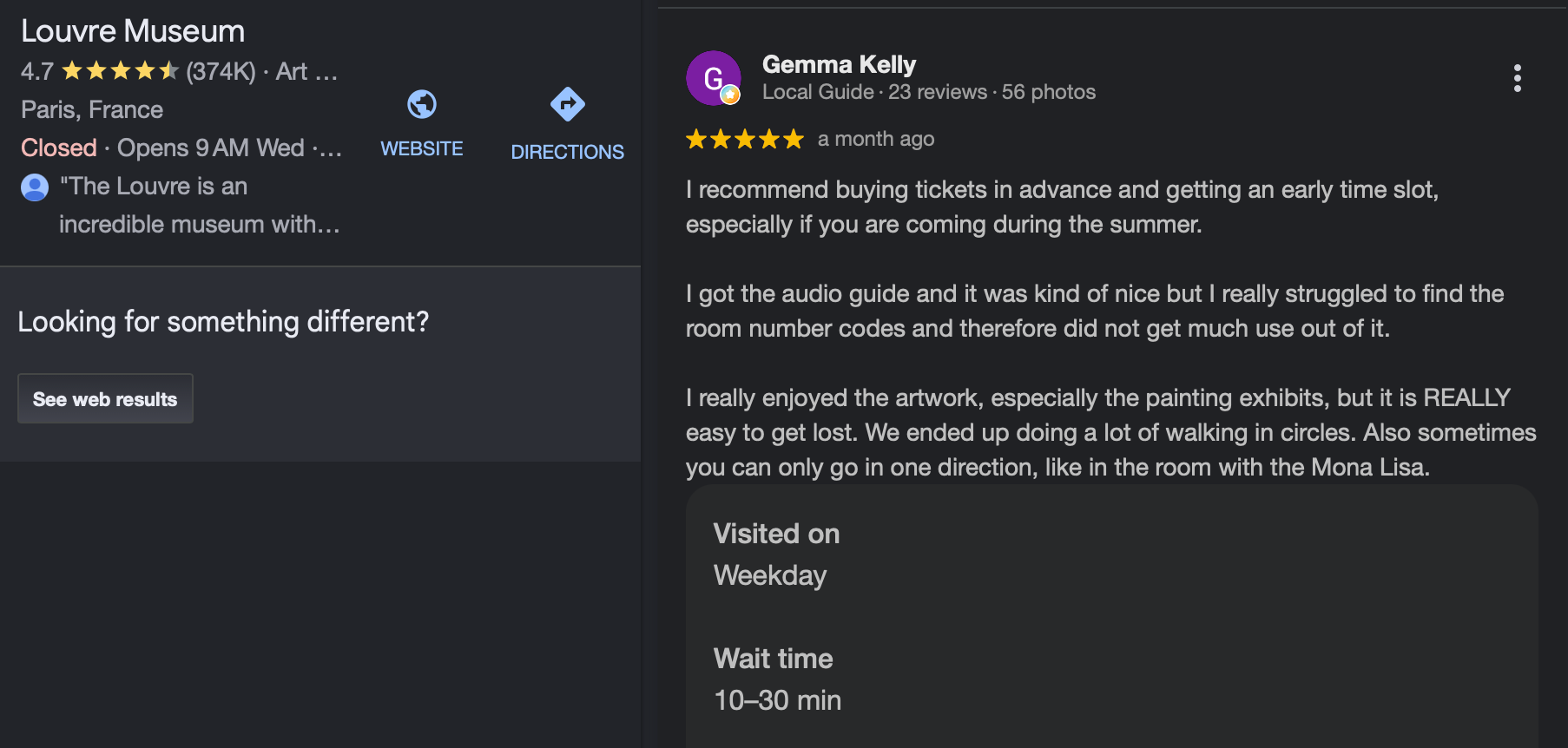
What Google is actually checking during the delay
Every review that gets submitted runs through automated systems built to catch fake, spam, or policy violating content before it reaches your profile. That process is invisible to the reviewer and to you, and it's the real reason two reviews left minutes apart can post at completely different speeds.
A few things tend to trigger a longer hold.
A brand new Google account, or one with no review history, reads as a higher risk signal than an account that's been active and reviewing normally for years.
A sudden burst of reviews on one profile, several appearing within a short window, can look like coordinated or incentivized activity, even when it's completely genuine, like a business simply having a good week.
Content that includes links, phone numbers, or promotional language gets flagged more often, since that pattern overlaps heavily with spam.
Generic, copy pasted sounding text with no specific detail about the actual visit tends to get scrutinized more than a review that clearly describes a real experience.
None of these guarantee a delay, and plenty of reviews with none of these traits still take longer than expected. The system is probabilistic, not a simple checklist.
When to actually worry
A review sitting for a few hours is completely normal. Nothing to do here.
A review that hasn't appeared after two or three days is worth a second look, though it still isn't necessarily a problem. Ask the customer to confirm they were signed into their Google account when they submitted it, since a review left while logged out or on a secondary account with no activity is far more likely to get filtered out quietly.
A review that never appears, even after a week, has most likely been removed or blocked for a policy reason, whether or not the content actually violated anything. Google's filtering is not perfect in either direction. It lets some bad reviews through and blocks some good ones.
Steps if a review seems stuck
Step 1: Wait at least 48 hours before assuming anything is wrong. This covers the vast majority of delays on its own.
Step 2: Ask the customer to check they were logged into their real Google account. A logged out submission or a brand new throwaway account is the single most common reason a review disappears.
Step 3: Check your profile directly rather than relying on a notification. Notifications about new reviews can lag behind the review actually appearing on the live profile.
Step 4: If it still has not shown after a week, treat it as filtered, not delayed. At that point the honest move is to ask the customer to try again rather than keep waiting.
Step 5: Never ask customers to leave reviews in bulk on the same day. Spreading requests out naturally, right after each good interaction, avoids the exact burst pattern that tends to slow things down or trigger a closer look.
Step 6: Keep the review request itself simple and free of links or incentives. A plain, direct ask holds up far better through the filtering process than a message stuffed with a discount code or a tracking link.
Review request is not a simple task, I know. When you do it without giving attention, you can do more harm than help. So, you need to know the delicacies of how to ask a Google review.
 Altug Altug
While you wait, the rest of your profile still matters
A pending review is one part of a profile that's judged as a whole. A business that also keeps its Business Profile posts current, sharing offers, events, and updates, gives Google and searchers plenty of other signals that the listing is active, even while a specific review is still working its way through moderation. If you're managing that alongside other platforms, Circleboom Publish makes it easy to keep Google Business Profile posts going on a steady schedule so that part of the picture never goes quiet.
The wait itself is mostly out of your hands. What is in your hands is making it as easy as possible for a genuine review to pass through cleanly: a real account, natural timing, and honest, specific content. Do that consistently, and the vast majority of reviews show up exactly when you'd expect them to.