You open X's Under the Hood report expecting a blank file. Instead there's a label sitting in the list, something like SPAM_HIGH_RECALL or a FOSNR code you've never seen before, and no button next to it that says fix this.
That's the part nobody warns you about. Under the Hood tells you a label exists. It does not tell you how to get rid of it.
The label itself is specific. X's own systems flagged a pattern, whether that's a spam signal, a content policy match, or an account health issue, and the report names exactly which one. What it will not do is walk you through removing it, and the report only refreshes once a month, so guessing and waiting is an expensive way to find out whether anything you tried actually worked.
Some labels trace back to a specific post. Others trace back to the account around it, specifically who follows you and who you follow. Circleboom Twitter audits both sides of that audience and removes the accounts most likely to be dragging your account's health signals down, which is exactly where most of these labels start.
What is Circleboom Twitter?
Circleboom Twitter is an Official X (Twitter) Enterprise Developer, so every account and follower list it touches comes through X's own API, not scraping or shared credentials.
- Runs a five part Shadowban Test that checks search visibility, reply visibility, and algorithmic distribution in one pass, on any account, instantly
- Applies a multi signal classification model to your follower list and isolates fake, bot, and spam accounts into a reviewable list
- Applies that same classification to your following list so you can bulk unfollow bots and low quality accounts
- Enriches every flagged account with follow ratio, tweet count, account age, and location before you decide anything
- Lets you whitelist accounts you recognize as legitimate, so cleanup never turns into guesswork
For anyone staring at a label on their account, Circleboom Twitter is where the actual cleanup work on X happens, not just the diagnosis.
How to get rid of an Under the Hood label with Circleboom Twitter
Step 1: Confirm what you're actually dealing with.
 infocircleboom.com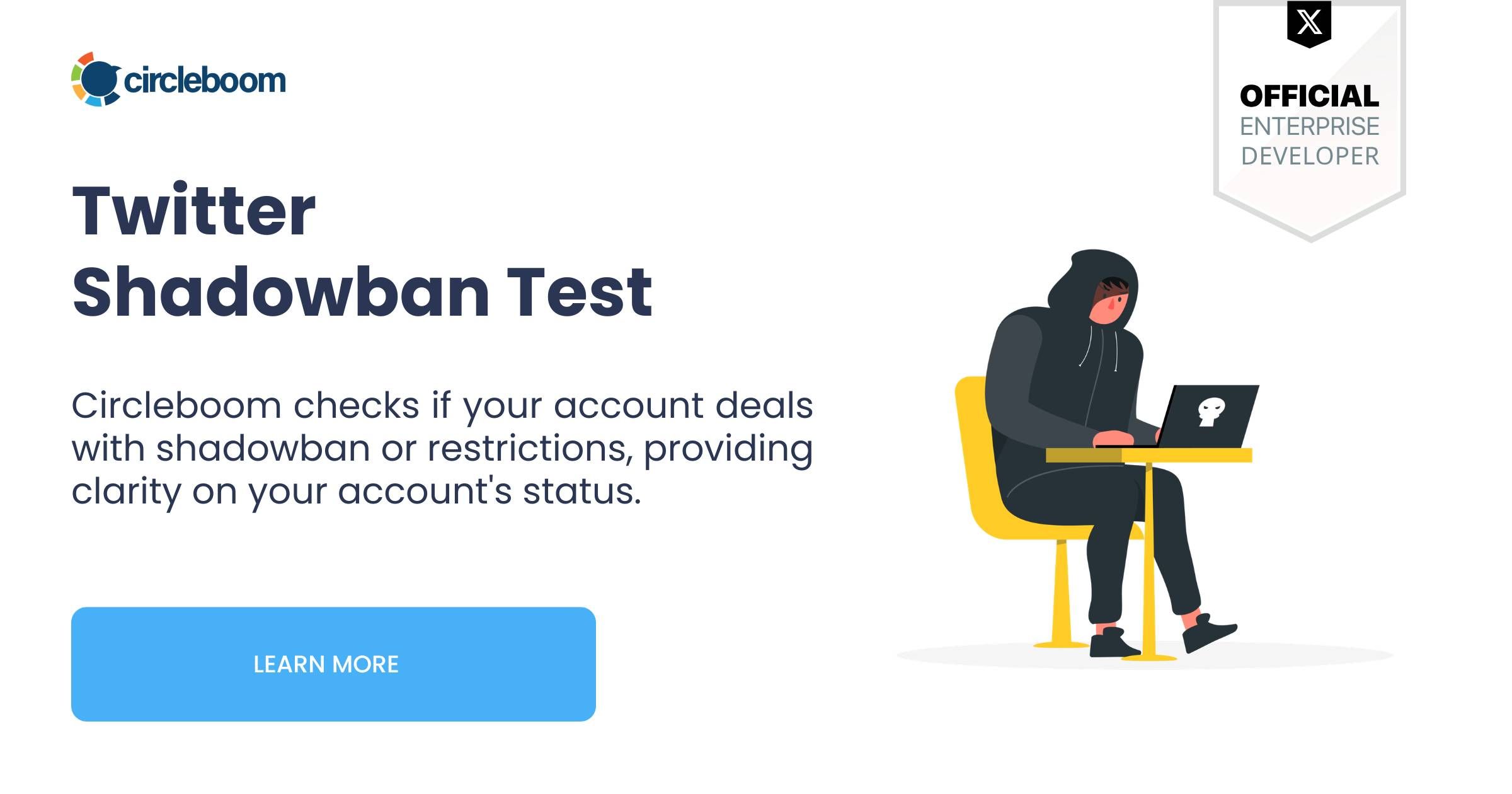
- Open Circleboom Twitter's Shadowban Test page.
- Type in the username you want to check, no login required for the account being checked.
- Click Search.
- Circleboom evaluates the account against five restriction types: Search Suggestion Shadow, Total Search Blackout, Reply Lock, Reply Visibility Filter, and Early Engagement Seed.
- Read the summary verdict at the top, then check each of the five individual results.
- Expand any flagged check to see exactly what that restriction affects and why it likely triggered.
Step 2: Clean up the fake and bot accounts following you.
- Connect and authenticate your X account in Circleboom.
- Open Fake/Bot Followers. Circleboom pulls your full follower list through the official X API and scores every account against activity patterns, follow ratio, tweet frequency relative to account age, profile completeness, and engagement behavior.
- Review the flagged list, sorted by Follow Ratio to surface the most suspicious accounts first.
- Whitelist any account you recognize as a real contact, customer, or partner before taking any bulk action.
- Select the confirmed suspicious accounts and apply Remove Follower, or Mass Block if the pattern looks abusive or coordinated rather than just low quality.
Step 3: Unfollow the bot and fake accounts you follow.
- Open Fake/Bot Following. Circleboom applies the same multi-signal scoring to the accounts you follow instead of the accounts following you.
- Filter by Fake/Spam classification combined with low tweet count, recent join date, and poor follow ratio to isolate the strongest candidates.
- Click Open Profile on any borderline account to review it manually on X before acting.
- Select the confirmed accounts and apply Unfollow, or add them to your Mass Block List if they're behaving abusively rather than just looking low quality.
Repeat steps 2 and 3 periodically. Bots and fake accounts accumulate gradually even without a specific trigger, so a quarterly pass catches what a one time cleanup misses.
What actually triggers an Under the Hood label
X does not label an account off a single signal. The Fake/Bot Followers detection model behind Circleboom Twitter, built around the same kind of composite signals platforms use internally, looks at activity patterns relative to account age, follower to following ratio, tweet frequency and distribution, profile completeness, and engagement behavior together. One weak signal alone rarely triggers anything. Several weak signals stacked on the same account is what gets flagged.
That's the same logic behind several of the most common Under the Hood labels. SPAM_HIGH_RECALL and the account level SpamHighRecall label are about patterns, not single posts. DO_NOT_AMPLIFY and AbusiveHighRecall work the same way. An account followed mostly by fake or bot profiles produces a distorted engagement rate. An account that follows thousands of accounts indiscriminately, many of them clearly automated, produces a following list that reads as automation adjacent on its own. Both feed directly into the kind of composite pattern these labels are built to catch.
Not every label works this way. Content specific labels like PDNA, BOUNCE, or the NSFW variants are tied to a specific post that violated a specific policy. No amount of follower cleanup touches those. The fix there is removing or editing the post itself, not the audience around it.
That split matters before you spend an afternoon on cleanup. Check whether the label in your Under the Hood report is a post label tied to one piece of content, or an account label tied to a pattern across your whole profile. The report separates them for exactly this reason.
What actually helps you get rid of a label
Confirm what you're dealing with before you assume the worst. A label is not automatically a full shadowban, and Under the Hood will not tell you what's happening to your reach right now. Run Circleboom Twitter's Shadowban Test on the account first. It checks five distinct visibility restrictions in one pass, instantly, instead of making you wait for next month's export to see if anything changed.
Clean up the fake and bot accounts following you. Review your complete list first through Circleboom's follower tool, then run Fake/Bot Followers to isolate the accounts pulling your engagement rate and pattern signals in the wrong direction. The feature surfaces candidates for review, not a verdict, so you sort by follow ratio, check the borderline cases, and bulk remove the confirmed ones.
Unfollow the bot and fake accounts you're following. A following list padded with automated accounts is its own signal, separate from who follows you. Fake/Bot Following applies the same detection to your following list and lets you bulk unfollow once you've reviewed the candidates, which directly addresses the automation adjacent pattern that triggers labels like DO_NOT_AMPLIFY.
Know when this will not be enough on its own. If the label in front of you is content specific, PDNA, BOUNCE, or an NSFW variant, audience cleanup will not move it. That fix is about the post, not the account around it. Save the cleanup effort for the labels that are actually pattern based.
Give it time to register. X's systems reassess accounts on their own schedule, not instantly the moment you clean up a list. Cleanup changes the signals going forward. It does not rewrite last month's report.
FAQ
Can you remove an Under the Hood label immediately after cleaning up your account?
No. Cleanup changes the signals X's systems read going forward, but Under the Hood only refreshes once a month, so there's no instant confirmation. Run Circleboom Twitter's Shadowban Test in the meantime if you want a faster read on whether your visibility has actually changed.
Does cleaning up fake followers guarantee a label goes away?
No. It removes a real contributing signal for pattern based labels like SpamHighRecall or DO_NOT_AMPLIFY, but it is not a guarantee, and it does nothing for content specific labels tied to a single post.
What's the difference between a post label and an account label in Under the Hood?
A post label is tied to one specific piece of content, like SPAM or an NSFW variant. An account label, like ReadOnly or SpamHighRecall, is applied to the account as a whole based on a pattern across posts, followers, or behavior over time.
How do I know if a label is about my content or my audience?
Check whether it appears in the postLabels or accountLabels section of your Under the Hood export. Post labels point to specific posts. Account labels point to broader patterns, which is where follower and following cleanup on Circleboom Twitter actually helps.
Does Circleboom's Shadowban Test show the exact same labels as Under the Hood?
No. Shadowban Test checks five visibility restriction types like search suppression and reply hiding, in real time, on any account. Under the Hood reports formal moderation labels for your own account, once a month. They're different tools answering related but separate questions.
Can I check someone else's account for the same issues?
Yes. Under the Hood only works on your own authenticated account, but Circleboom Twitter's Shadowban Test, Fake/Bot Followers, and Fake/Bot Following all work on any public username you enter.
Final thoughts
An Under the Hood label is not the end of the story, it's a specific, named signal, and most of the ones tied to account patterns trace back to who's in your audience and who you're following. That part is fixable.
Start with the account signals you can actually control, and let Circleboom Twitter clean up the fake and bot accounts working against you.
 infocircleboom.com