
Turning a tweet into a picture sounds simple—until you actually try to do it.
You find a tweet worth sharing.
You take a screenshot.
Then everything starts going wrong.
Text gets cut off.
Replies don’t fit.
The layout looks messy on Instagram.
If you’ve ever tried to make a tweet a picture and share it elsewhere, you already know the frustration.
Why Screenshotting Tweets Isn’t as Easy as It Sounds
Most people start by trying to screenshot tweets using their phone or desktop. But Twitter/X wasn’t designed for cross-platform sharing.
Common problems include:
- cropped or unreadable text
- profile images missing or distorted
- dark mode ruining contrast
- mobile screenshots looking blurry on desktop
- desktop screenshots not fitting Instagram formats
Once you try to share tweets on other platforms like Instagram, these issues become impossible to ignore.
The Real Goal: Framing Tweets, Not Just Screenshotting Them
Here’s the key insight:
People don’t actually want screenshots.
They want to frame tweets properly.
Framing a tweet means:
- keeping the original tweet design
- making it readable on any platform
- removing unnecessary UI clutter
- exporting a clean, high-quality image
That’s what makes a tweet look intentional instead of accidental.
Why People Turn Tweets Into Pictures
There are many reasons creators, brands, and marketers want to convert tweets into images:
- to share tweets on Instagram feed posts
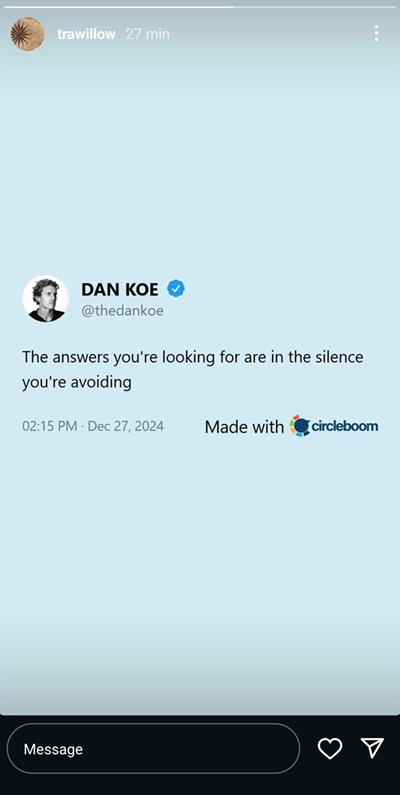
- to share your tweet on Instagram Story
- to repurpose Twitter content for LinkedIn
- to include tweets in blog posts or case studies
- to archive important conversations or testimonials
Tweets often perform just as well—sometimes better—outside Twitter/X, if they’re presented correctly.
Why Regular Screenshot Apps Fail for Twitter/X
Generic screenshot tools weren’t built for social content.
They don’t understand:
- tweet layout and spacing
- long tweets or threads
- replies and quote tweets
- profile hierarchy (name, handle, avatar)
That’s why screenshots often feel “off,” even when they technically work.
A Better Way: Generate Tweet Images Instead of Screenshots
This is where the process changes.
Instead of capturing your screen, you can generate tweet images that preserve the original tweet layout while making it share-ready.
Tools designed specifically for Twitter/X do this by recreating the tweet itself—rather than grabbing whatever happens to be on your screen.
One example is the Twitter Screenshot Generator from Circleboom, which focuses on turning tweets into clean, high-resolution images suitable for sharing across platforms.

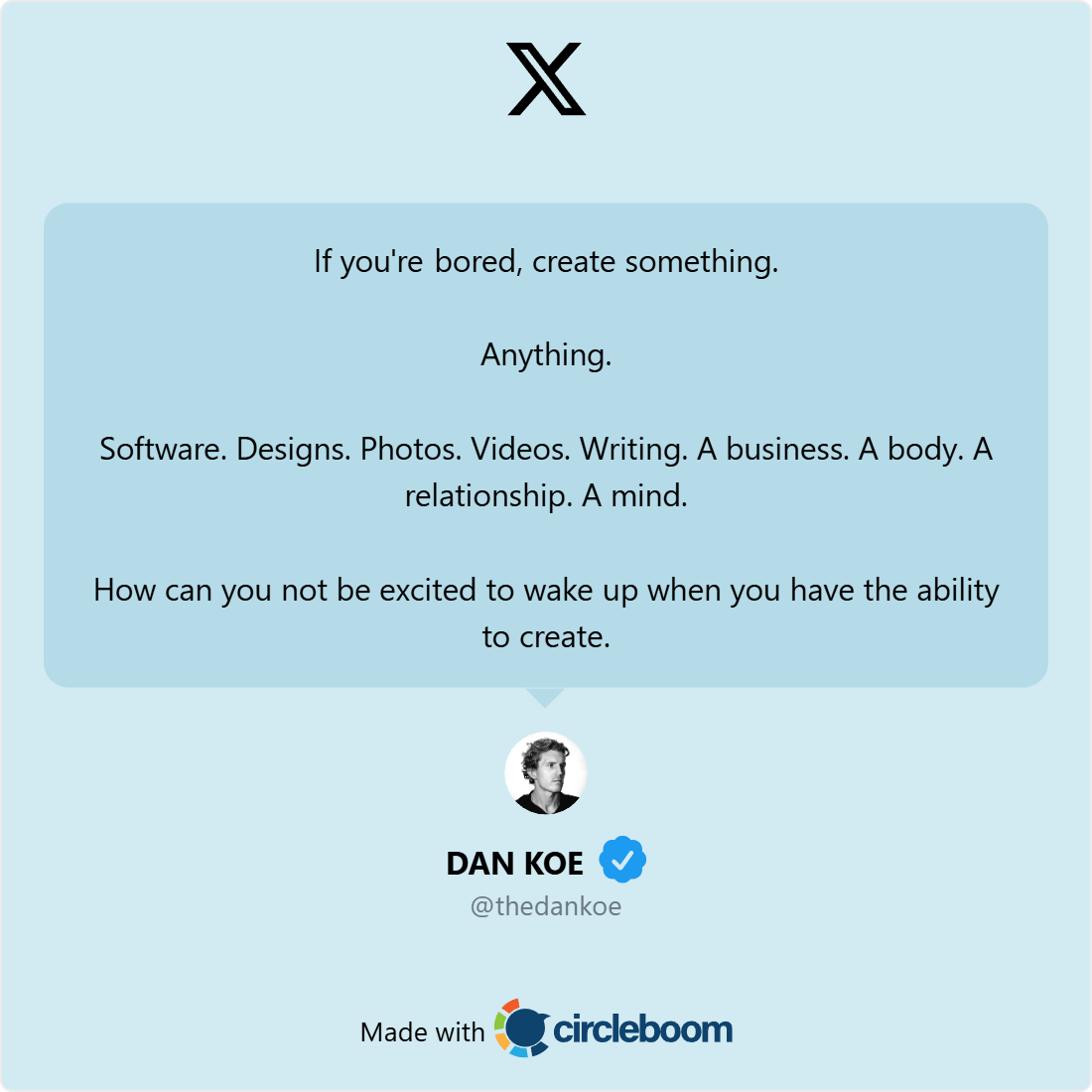

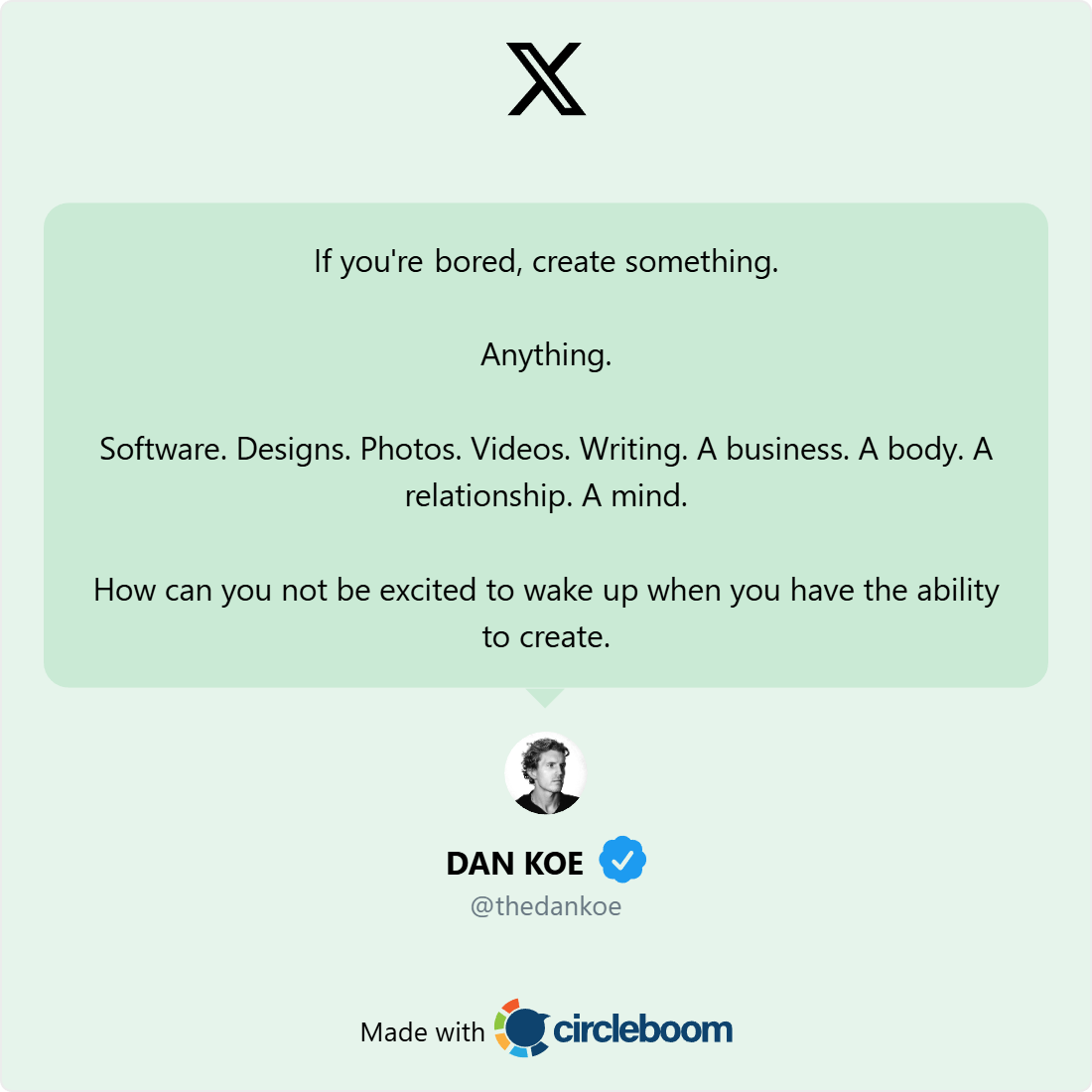


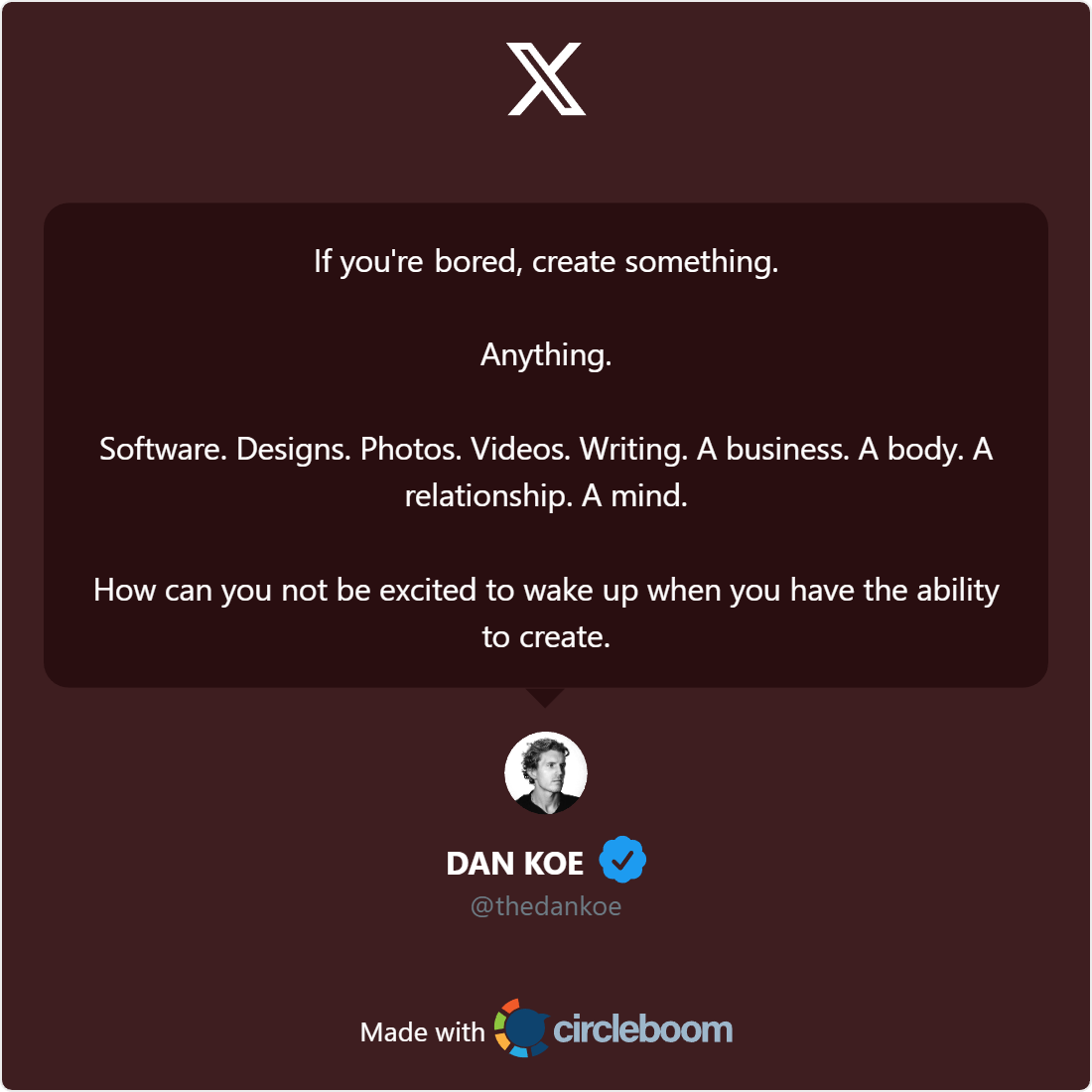

This approach helps you:
- screenshot tweets without cropping issues
- frame tweets for different aspect ratios
- export images optimized for Instagram
- maintain visual consistency
How to Share Tweets on Instagram (Stories & Posts)
This is one of the most common use cases.
When you try to share your tweet on Instagram Story using a raw screenshot:
- text becomes too small
- UI elements clutter the image
- Instagram crops important parts
A properly framed tweet image solves this by:
- fitting Story and feed dimensions
- keeping text readable on mobile
- making the tweet feel native on Instagram
The same applies when you share tweets on other platforms like Instagram feed posts, carousels, or even Pinterest.
 Altug Altug
Best Practices for Turning Tweets Into Pictures
To get the best results:
- avoid raw screenshots when possible
- use light or neutral backgrounds for readability
- keep text size legible on mobile
- frame tweets to match platform dimensions
- export high-resolution images
This ensures your tweet looks intentional, no matter where you share it.
Final Thoughts: How to Make a Tweet a Picture the Right Way
If you’re searching for how to make a tweet a picture, the answer isn’t just “take a screenshot.”
The smarter approach is to:
- frame tweets instead of capturing screens
- generate clean tweet images
- optimize them for platforms like Instagram
Once you do that, sharing Twitter content becomes easier, cleaner, and more effective.
Sometimes the best content strategy isn’t creating something new, it’s presenting what already works, better.
FAQ: Making Tweets Into Pictures
Can I screenshot tweets and share them on Instagram?
Yes, but raw screenshots often look cropped or unreadable. Framing tweets as images works much better for Instagram Stories and posts.
How do I share my tweet on Instagram Story?
Convert the tweet into a clean image first, then upload it to your Story. This keeps text readable and avoids layout issues.
Is it better to screenshot or generate tweet images?
Generating tweet images is more reliable than screenshotting, especially for long tweets and cross-platform sharing.
Can I frame tweets for other platforms besides Instagram?
Yes. Properly framed tweet images work well on LinkedIn, Facebook, blogs, newsletters, and presentations.

)
