

Yes, technically, plenty of general AI chatbots can write a Twitter reply if you copy the tweet text, switch apps, paste it in, describe what you want, copy the result, switch back, and paste it into the reply box. That workflow works. It also adds six steps to what should be one action, and by the time you've finished the copy-paste relay, the conversation you wanted to join has often moved on.
The real question isn't whether an AI can write the words. That part has been solved for a while. The question is whether the AI doing the writing already has the context, your voice, and a direct path to publish, or whether you're the one stitching all of that together manually between two separate apps.
Circleboom's AI Reply lives inside the same feed where you discover the tweet, already knows your writing voice if you choose My Style, and never asks you to leave the page to finish the thought.
Why "yes, but" is the honest answer
General-purpose AI tweet generators are genuinely capable writers. What they don't have, by default, is the specific tweet's engagement context, your account's actual writing history, or any connection to X that lets them publish what they wrote. Every one of those gaps has to be filled manually, every single time, by you.
That gap is exactly why the most useful AI assistants for social media management tend to be the ones built directly into the workflow rather than the ones you visit separately. A tool that already sees the tweet, already knows your voice, and already has a publish button removes the manual stitching, not just the writing.
The honest framing is not "AI versus no AI." It's integrated AI, with context and a publish path already attached, versus generic AI that requires you to supply both manually every time.
What a purpose-built reply AI has that a generic chatbot doesn't
The difference between AI Reply and pasting a tweet into a general chatbot comes down to four specific gaps that get closed automatically.
- Full context, no manual paste. AI Reply already has the tweet's text and engagement metrics loaded; a generic chatbot only has whatever text you remembered to copy over.
- Voice modeling from your actual history. Selecting My Style analyzes your own past tweets automatically. A generic chatbot only matches your voice if you paste in writing samples yourself, every session.
- Tweets worth replying to, already surfaced. Inspiration filters the feed to your content interest topics and shows real engagement data, so you're choosing from conversations already worth joining instead of hunting for one manually first.
- A direct path from draft to published. Queue Up Next, Post Now, or Schedule sit in the same modal as the generated reply. A generic chatbot ends at the text; getting it onto X is still a separate, manual step.
None of these gaps make a generic chatbot incapable of writing a decent sentence. They make it slower and more manual at every single step around the actual writing.
How to generate a reply with AI Reply
Because Circleboom is an official X Enterprise Developer, publishing the finished reply runs through sanctioned API access directly from the same workflow.

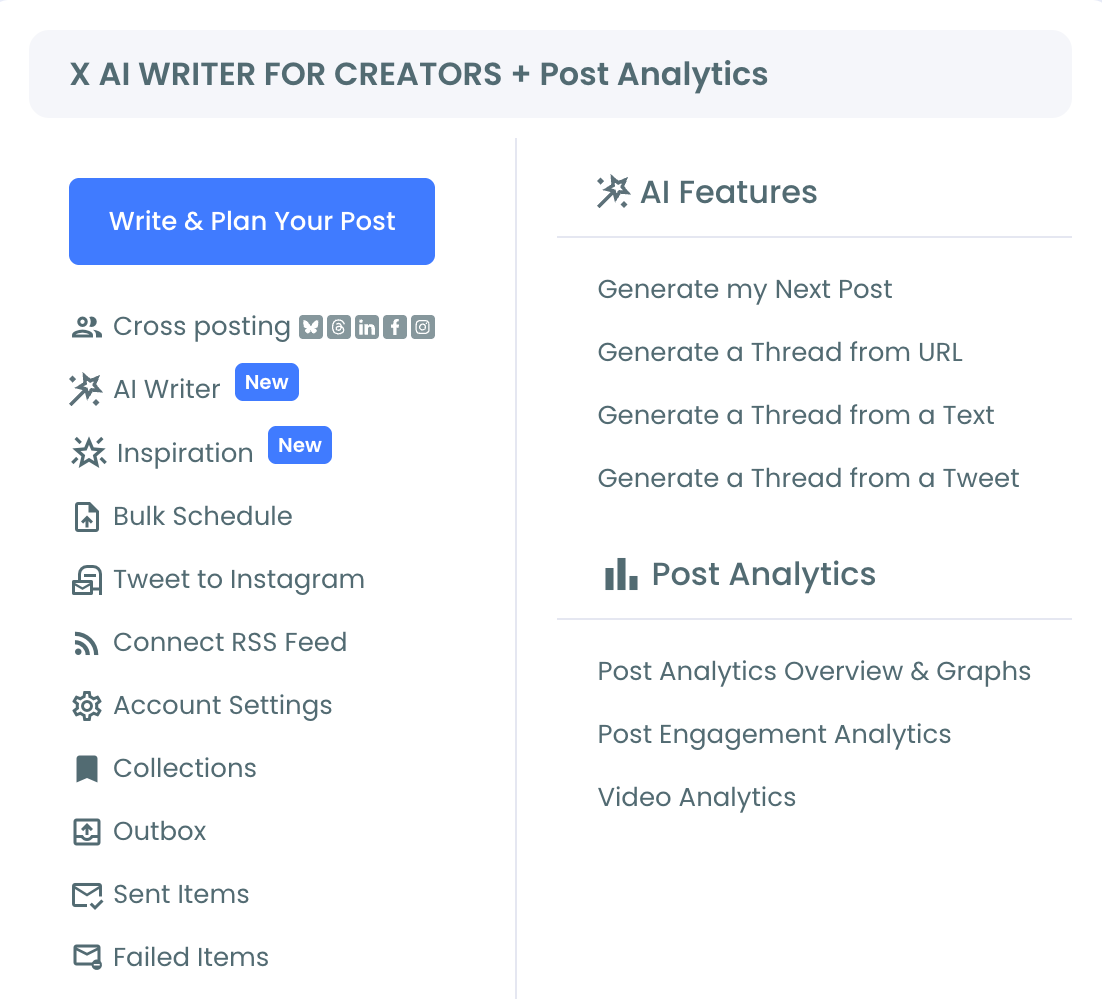
1. Open Inspiration: Browse the feed, already filtered to your content interest topics, and find a tweet posted by another account that's generating real engagement and worth a response.
2. Click AI Reply on the tweet: The AI generates a reply based on the tweet's actual content, displayed in a modal alongside the original for direct comparison, with no copying or pasting required to get there.
3. Pick a style and refine if needed: Switch between My Style and the structural format options, or use the "Describe and improve tweet" field to adjust the tone before settling on a version.
4. Publish directly from the same screen: Use Queue Up Next, Post Now, or Schedule to send the reply without ever switching to a separate app or tool.
That sequence is the entire workflow, start to finish, inside one page, which is the specific thing a copy-paste relay between Twitter and a general chatbot cannot offer no matter how good the writing itself turns out to be.
What actually changes when the AI is wired into the workflow
The biggest change is speed from noticing a conversation to actually joining it. A six-step manual relay between apps adds friction that often means the reply either doesn't happen or arrives late enough that the conversation has already cooled. Removing every one of those steps means the gap between seeing a tweet worth responding to and actually responding to it shrinks to roughly the time it takes to read the draft.
The second change is consistency without repeated setup. A generic chatbot needs your voice and context re-explained essentially every session unless you build and maintain your own prompt template. My Style works directly from your existing tweet history every time, with nothing to re-paste or re-explain.
The writing was never the hard part
It's worth being direct about this: getting an AI to produce a plausible sentence is not the differentiator it was a couple of years ago. Whether a piece of writing still counts as your own work when AI assisted it is a more interesting question than whether AI can write at all, and the honest answer depends entirely on how much editorial judgment you actually apply before it goes out, regardless of which tool generated the first draft.
The actual value worth paying attention to now is everything around the writing: does the tool already know what you'd want to say it to, does it already sound like you, and can it get from draft to published without six extra steps. That's where a purpose-built tool and a generic chatbot genuinely diverge.
The mistake to avoid
The most common mistake is assuming every AI writing tool is interchangeable because they're all "AI." A generic chatbot without account context and without a publish path adds manual work back in at exactly the points an integrated tool removes it, which makes the actual time saved far smaller than the headline promise of "AI writes it for you" implies.
The second mistake is treating any AI-generated reply, from any tool, as ready to publish without review. Faster generation does not mean the output is automatically accurate or on-tone. The review step is what turns a fast draft into something worth your account having said.
Common questions
Is this the same as asking ChatGPT to write a reply?
Functionally similar in that both use AI to generate text, but AI Reply already has the tweet's context loaded and can publish directly, where a general chatbot requires manually copying the tweet in and the result back out, with no platform connection in between.
Does it actually publish the reply, or just write the text?
Both. The generated reply appears as an editable draft, and Queue Up Next, Post Now, or Schedule are available in the same modal to publish it directly, without exporting the text anywhere else first.
Can it write in my own voice instead of generic AI text?
Yes. The My Style option analyzes your existing tweet history and generates the reply using your own tone, vocabulary, and sentence patterns, which a generic chatbot can only approximate if you manually feed it writing samples first.
Do I need to use a different tool to find tweets worth replying to?
No. Inspiration surfaces tweets filtered to your content interest topics with real engagement data already visible, so identifying a conversation worth joining and generating the reply both happen in the same feed.
Your next move
The AI that writes a decent sentence is everywhere now. The one that already knows the conversation, already sounds like you, and can publish without leaving the page is the one actually worth using for this. Find the tweet, generate the reply, send it, all in one place.

