Find, manage, export, and clean up your Twitter bookmarks instantly.
Twitter Bookmarks Manager
Delete, export, and search your saved tweets with Circleboom Twitter’s Bookmark Manager. Filter bookmarks by keyword, language, media type, engagement, or date for a more organized experience.
"Work with a trusted X Official Enterprise Developer to expand what's possible for your business. Each Official Enterprise Developer has been selected for the program after an extensive evaluation, and represents excellence, value, and trust." — X (Twitter)
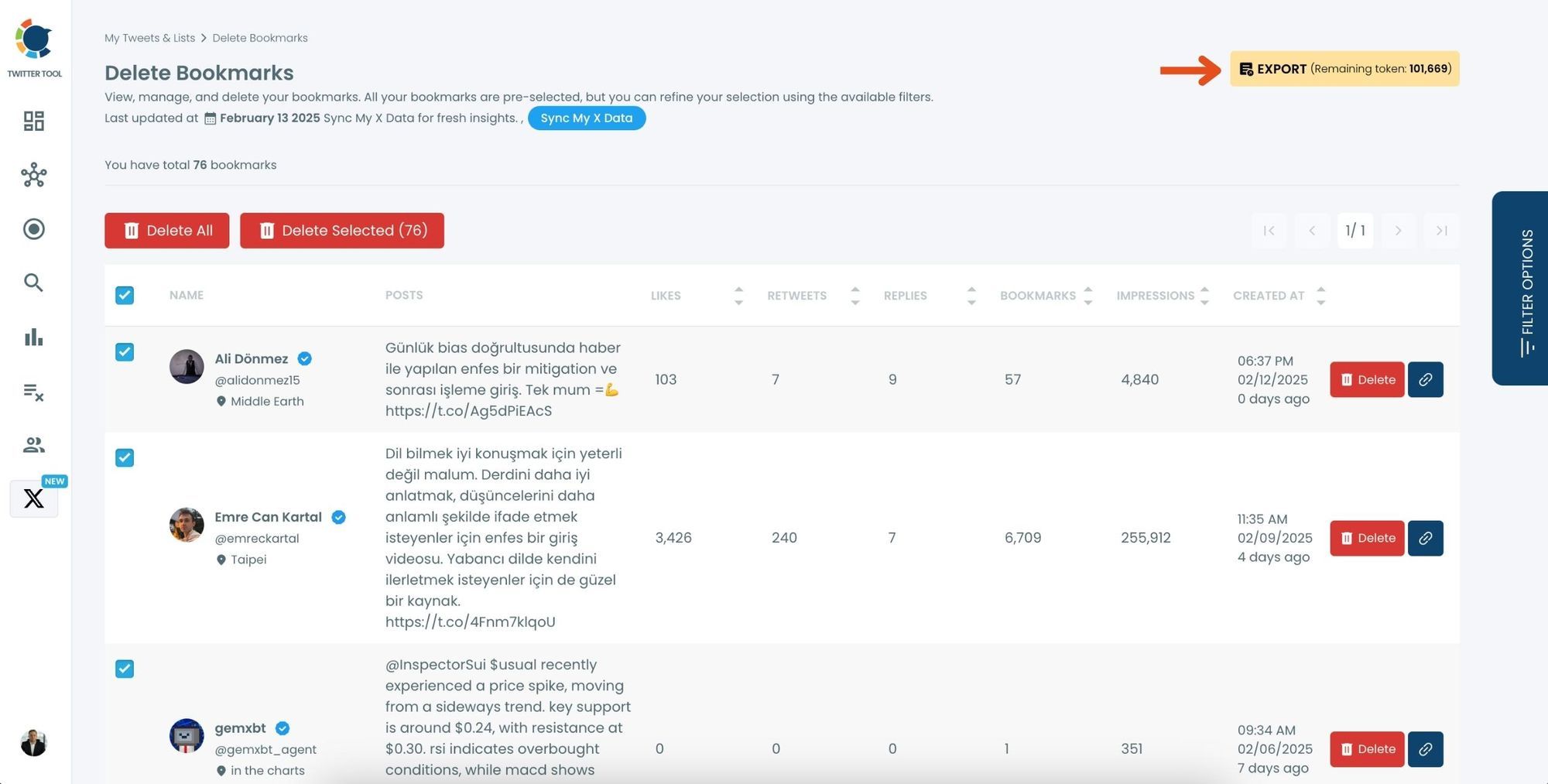
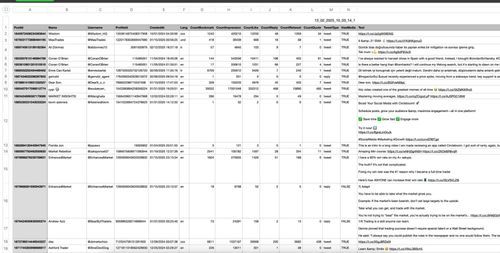
Need to keep track of valuable saved tweets for future reference? Circleboom allows you to export and download your Twitter bookmarks in a structured file format. Whether you’re archiving research materials, saving industry insights, or keeping a record of past engagements, you can store your bookmarks securely and access them anytime without relying on Twitter.
FILTER BOOKMARKS BY ENGAGEMENT, DATE, MEDIA & LANGUAGE
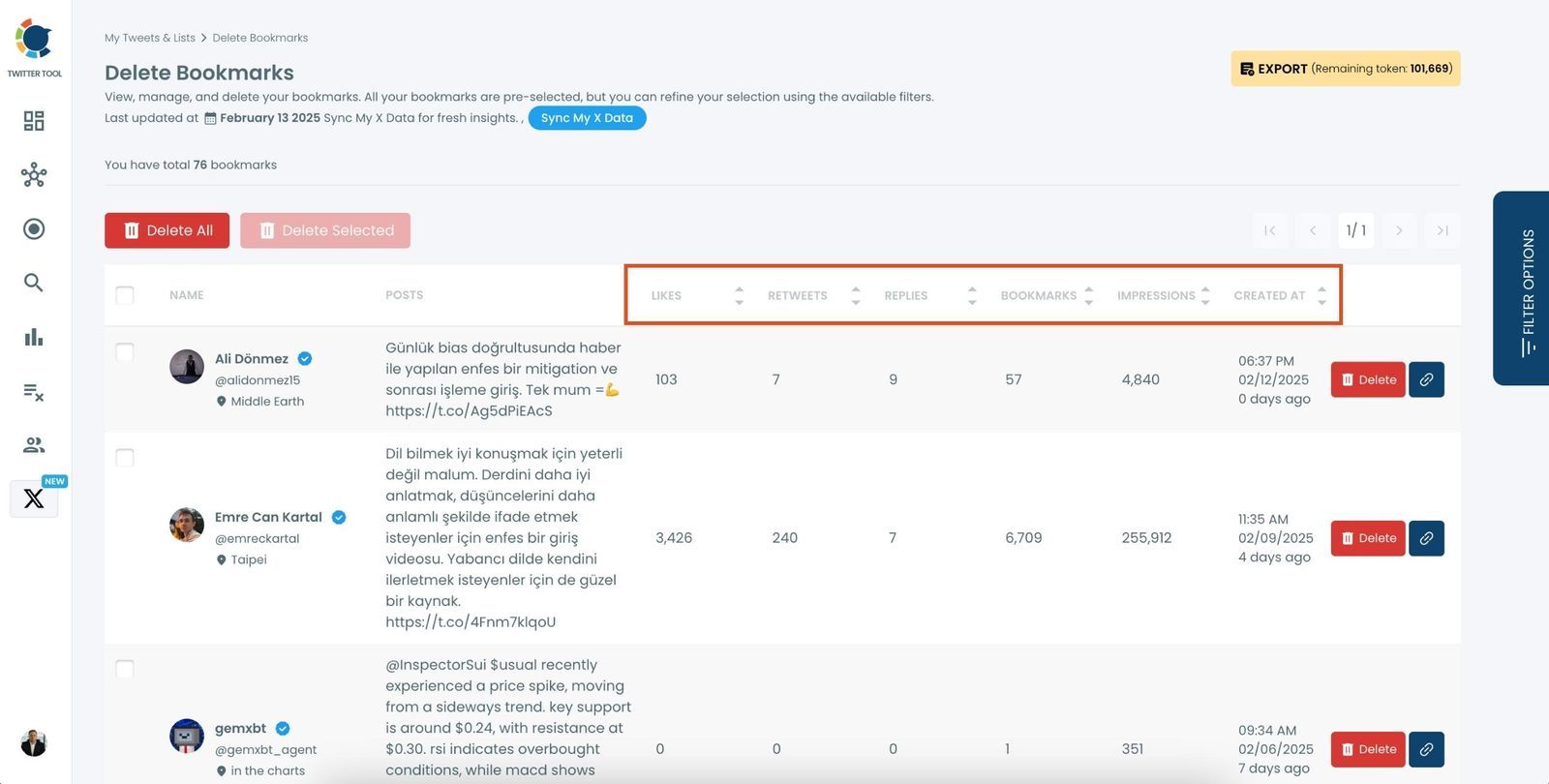
Finding the right bookmarks quickly is effortless with Circleboom’s powerful filtering options. You can filter your saved tweets based on engagement metrics (likes, retweets, replies), media type (images, videos, GIFs), language, or even the date they were bookmarked. This feature ensures you can quickly categorize and access the most relevant content without wasting time manually sorting through hundreds of saved tweets.
NEVER LOSE IMPORTANT TWEETS AGAIN
Saved a crucial tweet but can’t find it later? With Circleboom’s Bookmark Manager, you’ll never lose track of important content again. By exporting your bookmarks, organizing them with filters, and searching for them by keyword, you ensure that your most valuable tweets are always within reach. Keep your bookmarks structured so that you can revisit essential tweets whenever you need them.
CIRCLEBOOM KEEPS YOU SAFE, ALWAYS!
Circleboom is the top choice for diverse users, spanning individuals, small businesses, corporations, and non-profits globally. What sets us apart? We strictly adhere to Twitter Rules, ensuring no actions that could jeopardize your account. Trust Circleboom for a secure and compliant experience on Twitter—you're in safe hands!
DELETE TWITTER/X BOOKMARKS IN BULK
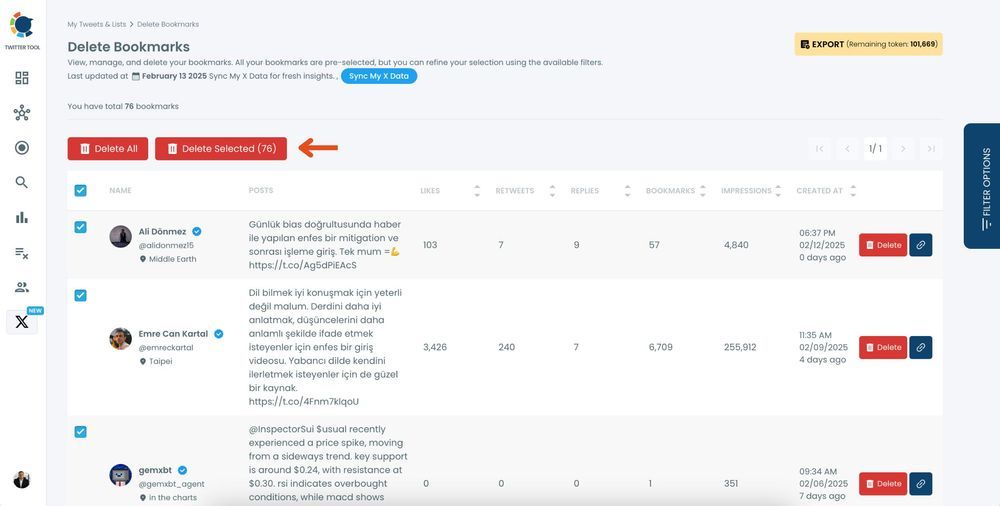
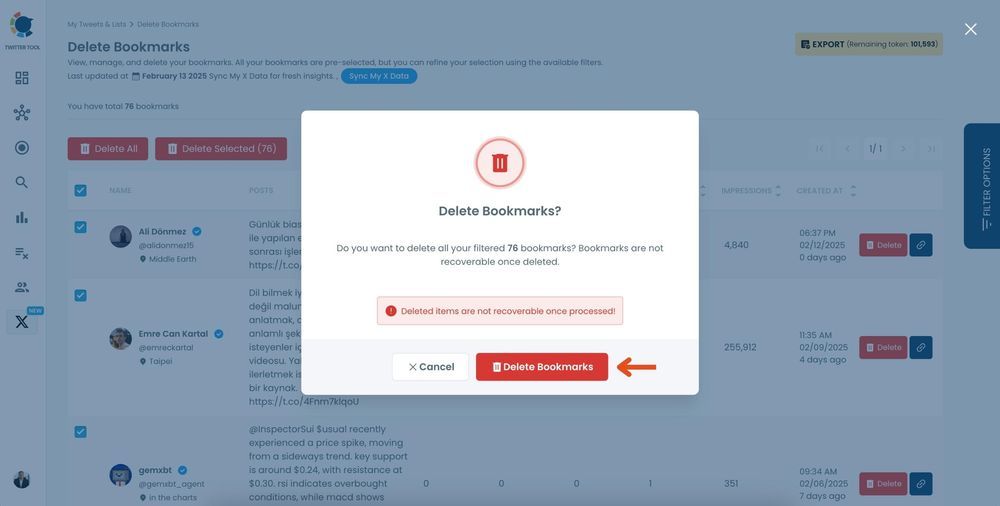
Manually deleting bookmarks one by one can be time-consuming. With Circleboom’s Twitter Bookmarks Manager, you can remove multiple saved tweets at once with just a few clicks. Whether you want to clean up outdated, irrelevant, or unwanted bookmarks, this tool makes it fast and efficient. Keep your saved tweets organized by eliminating clutter and focusing only on the tweets that matter.
SEARCH YOUR TWITTER/X BOOKMARKS IN SECONDS
Struggling to find a specific tweet you bookmarked weeks or months ago? Circleboom’s advanced search function lets you instantly locate any saved tweet by simply entering a keyword. No more endless scrolling—just type what you’re looking for, and the tool will fetch the relevant bookmarks in seconds, making it easier to retrieve important content.
KEEP YOUR TWITTER/X BOOKMARKS PRIVATE & SECURE
Unlike likes and retweets, your Twitter bookmarks are completely private, meaning no one else can see them. With Circleboom, you get an added layer of security while managing your saved tweets. The tool operates within Twitter’s official API, ensuring your bookmarks remain protected and no actions are taken without your permission. Organize, delete, and export your bookmarks with confidence, knowing your data is safe.
THE ULTIMATE TWITTER BOOKMARK CLEANUP TOOL
Circleboom’s Bookmark Manager is the best solution for anyone looking to efficiently manage their saved tweets. Whether you want to delete outdated bookmarks, export them for later use, or quickly search and filter your saved content, this all-in-one tool provides everything you need. Say goodbye to messy bookmarks and hello to a well-organized and accessible Twitter/X experience.
Step-by-Step Guide to Exporting and Deleting Bookmarks with Circleboom Twitter
Circleboom has the best Twitter Bookmarks Manager! It allows you to sort bookmarks by engagement, including likes, retweets, and interactions, bulk deletes unwanted bookmarks, and download them for a secure backup of valuable tweets.