
"Automatically" sounds like a one-click trick, paste a tweet, press generate, walk away with a publish-ready thread. Expecting that exact experience leads to disappointment, because that is not quite what happens, and treating the output as finished copy is where most AI-expanded threads go wrong.
The real capability is automatic structural expansion. The AI takes your one compressed idea and turns it into a full thread skeleton in seconds, but it does not have access to what you specifically know about the topic, which means the structure arrives automatically and the substance still needs you.
Circleboom's Generate a Thread from a Tweet takes any tweet, your own or any public tweet, as a seed and expands the idea into a structured multi-tweet thread draft ready for editing.
→ expand your tweet into a full thread
What "automatically" actually means here
The automatic part is real and substantial. Paste a tweet URL, and Circleboom extracts the tweet text, identifies the main idea, and generates a sequence of follow-up tweets that elaborate the original point, complete with optional numbering and continuation markers. None of that requires manually planning a sequence or staring at a blank composer trying to figure out what comes after the hook.
What is not automatic is accuracy and depth of knowledge. A full manual approach to building a thread requires you to supply both the structure and the substance yourself. This feature removes the structural burden but leaves the substance burden in place: the AI infers what the elaboration might include without knowing what you actually know, which means every generated tweet needs a review pass before it represents your actual position accurately.
That split, automatic structure, manual substance, is the honest description of what this feature does. A closer look at how the expansion process actually works makes that distinction clearer than the word "automatic" alone implies.
Which tweets are actually worth expanding
Not every tweet should become a thread, and the feature works best when the seed tweet meets a specific bar.
- Strong engagement relative to your typical posts. Significantly more replies, retweets, or bookmark saves than usual is the clearest signal that an idea resonated and the audience wanted more depth than the original format allowed.
- A compressed idea, not a complete one. The original tweet should function as a hook implying more, not a fully self-contained thought that already said everything it needed to say.
- Genuine additional substance available. Examples, evidence, context, counterarguments, or a story that the character limit forced you to leave out.
- A clear answer to one test question. Could you explain what the additional tweets would add that the original tweet did not already convey? If the honest answer is "not much," the tweet does not need expanding.
Seed tweets chosen this way produce threads that extend a proven idea. Seed tweets chosen at random produce padded threads that dilute whatever made the original work.
How to expand a tweet into a full thread
Because Circleboom is an official X Enterprise Developer, publishing or scheduling the finished thread runs through sanctioned API access once you're ready to post.

1. Choose a seed tweet with proven engagement: Check Tweet Stats or Post Engagement Analytics for posts that outperformed your typical results, more replies, retweets, or saves than usual. That performance is the justification for expanding the idea further.

2. Paste the tweet URL and set your thread options: Open Generate a Thread from a Tweet and paste the seed tweet's URL. Choose how many tweets the thread should contain, or let the system decide automatically, and enable numbering or continuation markers if you want them.
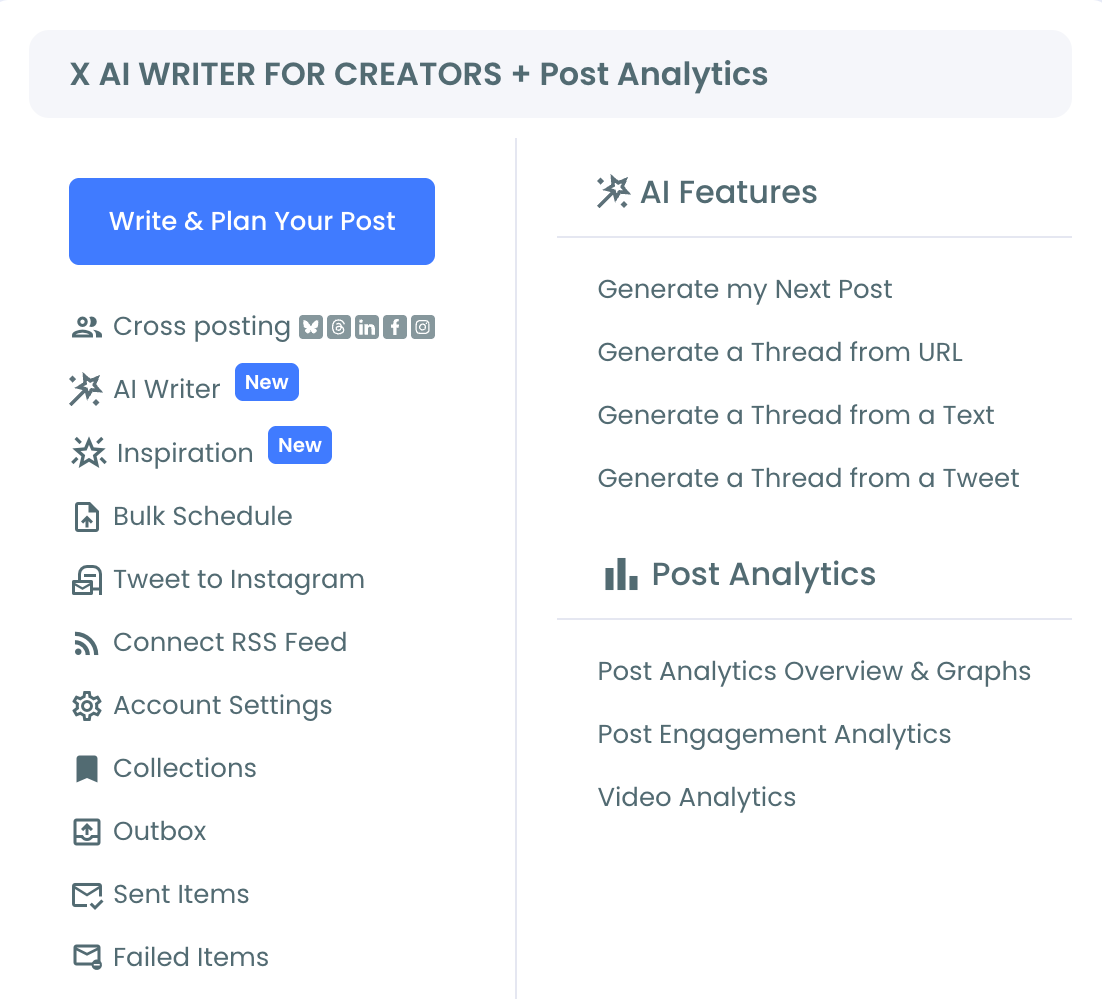
3. Click Generate and review each tweet: The AI produces a full draft with the original tweet as the opening post, followed by tweets that develop the idea with supporting points, examples, and a closing tweet. Read each one against what you actually know and intended to say.
4. Edit for accuracy, then publish or schedule: Add your own examples, correct anything the AI inferred incorrectly, and remove generic filler. Once the thread reads accurately, publish immediately, schedule it, or save it to Collections for later.
That sequence turns a proven single tweet into a reviewed, accurate thread in a fraction of the time manual drafting would take, without skipping the editorial judgment that keeps it accurate.
What this actually changes about your content output
The biggest practical shift is speed from signal to publish. Before this existed, noticing that a tweet resonated and turning that observation into a full thread were separated by the effort of manually drafting follow-up tweets, often long enough that the moment had passed by the time the thread went out. Capturing that momentum while it's still active instead of days later is the practical difference this closes.
It also turns a backlog of historical tweets into a content pipeline. Running through past high performers and expanding the strongest ones produces a library of thread drafts ready to schedule, instead of depending entirely on continuous new idea generation for every piece of long-form content.
For ideas that did not originate from an existing tweet at all, generating threads directly from plain text covers the case where there's no seed tweet yet, just a draft, notes, or a paragraph worth structuring into thread form.
AI gives you structure, not expertise
This pattern shows up across most AI content tools, not just this one. The model is genuinely good at producing scaffolding: sequencing, pacing, transitions, the shape an explanation should take. It is not good at knowing what you specifically know, what actually happened, or which claims are true versus merely plausible-sounding.
Treating any AI-expanded draft as a finished product skips the one step the tool cannot do for you. The expansion gives you the skeleton in seconds; supplying the real knowledge that makes the skeleton trustworthy is still entirely your job.
The mistake to avoid
The most common mistake is expanding a tweet that was already complete as a standalone post. If the original tweet said everything it needed to say, the AI will still generate additional tweets, but they will pad the idea rather than develop it, diluting the impact of a post that worked precisely because it was concise. Apply the "what does this actually add" test before generating, not after.
The second mistake is publishing the generated thread without reviewing it for accuracy. The AI infers what the elaboration might include without access to your actual knowledge of the topic, which means it can introduce claims, examples, or framing you never intended or that are factually incorrect. Every generated tweet needs a read-through against what you actually know before it goes out.
Common questions
Does this work on any tweet, including someone else's?
Yes, as long as the seed tweet is publicly accessible. Tweets from protected accounts, deleted tweets, or tweets that cannot be reached via URL will not generate output.
Will the generated thread be ready to publish exactly as it comes out?
Not reliably. The AI provides the structure and the expansion direction; accuracy, specific examples, and your actual editorial judgment still need to be added before it represents your real position. Treat the first output as a draft, not a final.
Is there a limit to how long the expanded thread can be?
Yes. Thread length is capped at 25 tweets per submission through Circleboom, and the seed tweet itself counts as the first tweet toward that limit. Each tweet must also stay within X's character limits for the account type.
Can I control numbering and formatting in the generated thread?
Yes. You can enable sequential numbering, such as 1/, 2/, 3/, and add continuation markers like + or → to signal that the thread continues, both configurable before you generate.
Your next move
A tweet that already proved an idea worked is the easiest starting point for a longer piece you don't have to plan from scratch. Pick the strongest performer, expand it, then put in the editing pass that turns a structural draft into something worth publishing. Pick it, expand it, edit it.