You have spent hours building a Facebook content calendar, and now your manager wants a report. Meta Business Suite shows you numbers, but not in a format you can drop into a client deck or a weekly dashboard. This is exactly why so many marketers search for a way to connect Facebook Page Insights to Looker Studio, and the good news is that it takes less time than most people expect.
How do you connect Facebook Page Insights to Looker Studio?
Facebook does not offer a native Looker Studio connector, so you need either a manual export through Google Sheets or a dedicated connector such as Windsor.ai, Supermetrics, or Porter Metrics.
You authorize the connector with your Facebook account, choose your Page and the metrics you want, then link that data source inside Looker Studio to build your report. The whole setup typically takes under ten minutes once you know which method fits your needs.
TABLE OF CONTENTS
- Why this search keeps coming up
- What Looker Studio is, and why Facebook does not connect directly
- Two ways to get Facebook Page Insights into your report
- Method one: manual export through Google Sheets
- Method two: using a Looker Studio connector
- What about sending Facebook Ads to Google Data Studio too
- Metrics worth combining in one dashboard
- Common connection problems and how to fix them
- Keeping your report accurate over time
- Frequently asked questions
- Conclusion
Why this search keeps coming up
Meta Business Suite is fine for a quick check, but it was never built for ongoing reporting. Once you manage more than one Page, or need to hand a report to a client, you need something that updates automatically and looks presentable.
This is me! I manage 30 Facebook pages and as you can guess it is quite difficult to organize their posts and measure their performances.
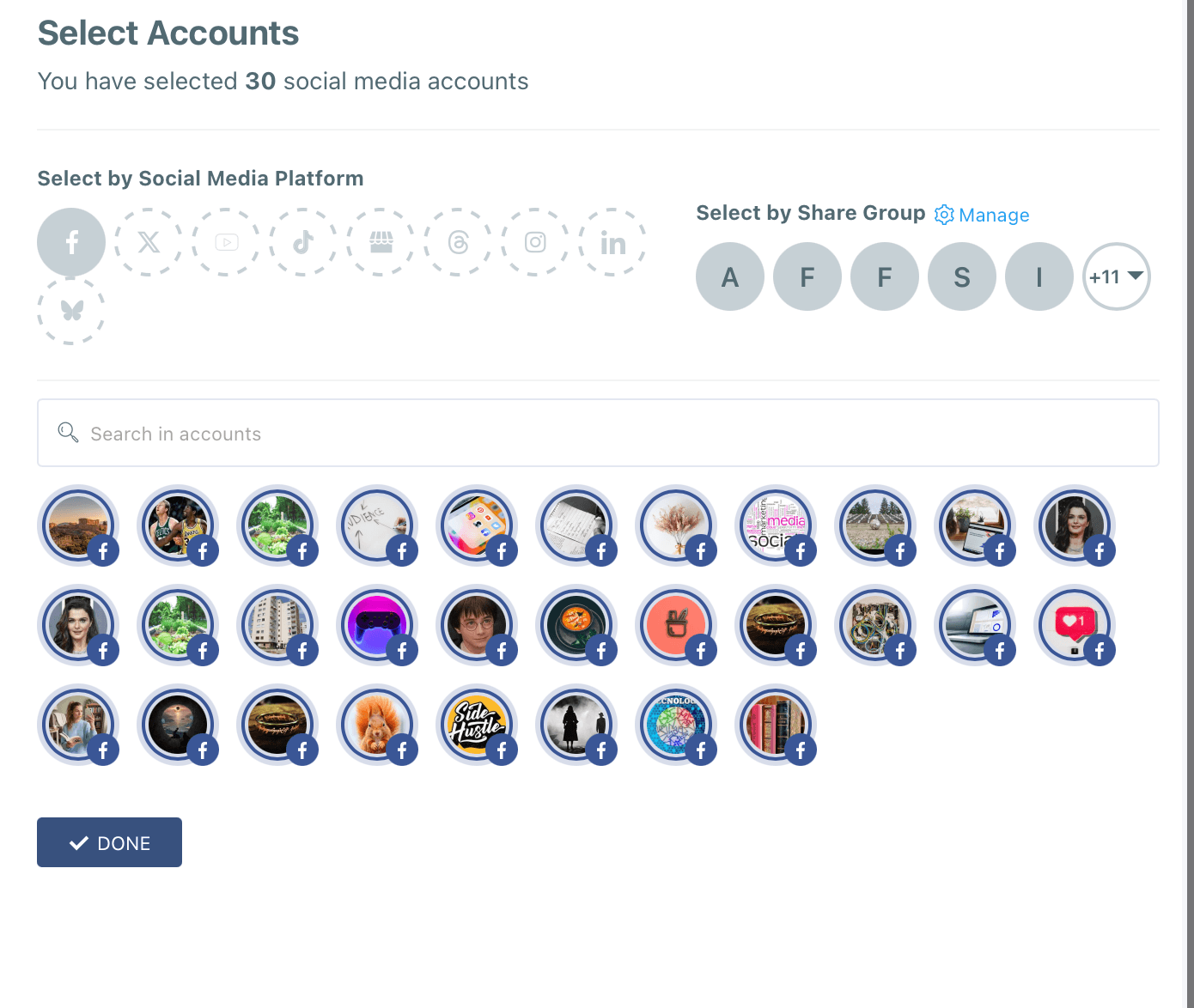
Thanks to Circleboom, I can manage them all in one place!
If you think that it takes all my day to create posts for them, no, it is not! 😄
It takes only 2-3 hours to create and schedule all content for a month. This is my August content calendar and I finished it on the last Sunday of July.
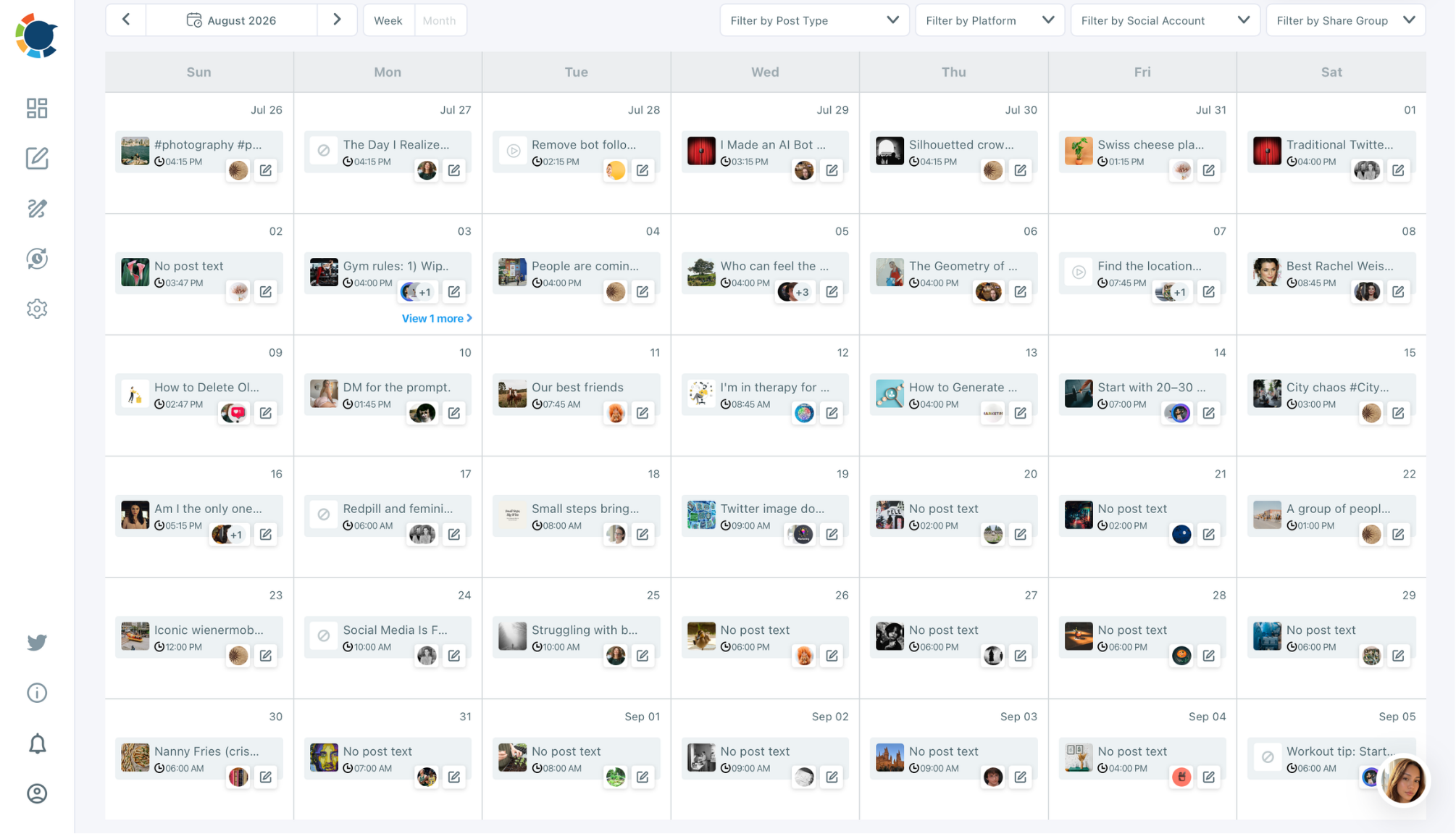
Circleboom enables us to plan, design, create, and schedule all posts in one sitting. Not just for Facebook, all major social media platforms. In the same dashboard, I also have Twitter, Bluesky, Instagram, Pinterest, LinkedIn, Google My Business, Threads, TikTok and YouTube accounts.
That is also why the older search term facebook ads to google data studio still shows up constantly in keyword research tools, even though Google renamed Data Studio to Looker Studio back in 2022. People simply kept typing the name they already knew, and search engines kept the term alive.
Whether you searched for Page Insights or for facebook ads to google data studio, you landed here for the same reason. You want your Facebook numbers in one clean, shareable dashboard.
What Looker Studio is, and why Facebook does not connect directly
Looker Studio is Google's free reporting tool that turns raw data from Sheets, Google Analytics, ad platforms, and databases into interactive charts and dashboards, and the official connector documentation from Google explains how these data sources plug into a report.
To connect Facebook Page Insights to Looker Studio means bringing your Page's reach, engagement, and follower data into that same reporting tool, and the fastest way to do it without writing code is through a Google Sheets export or a purpose built connector. Meta has never released an official Looker Studio connector of its own, which is exactly why a small industry of third party connectors exists to fill that gap.
Understanding this upfront saves you from searching for a setting inside Facebook that simply does not exist.
Two ways to get Facebook Page Insights into your report
There are two realistic paths. The first is a manual export into Google Sheets, which costs nothing and works well for occasional reports.
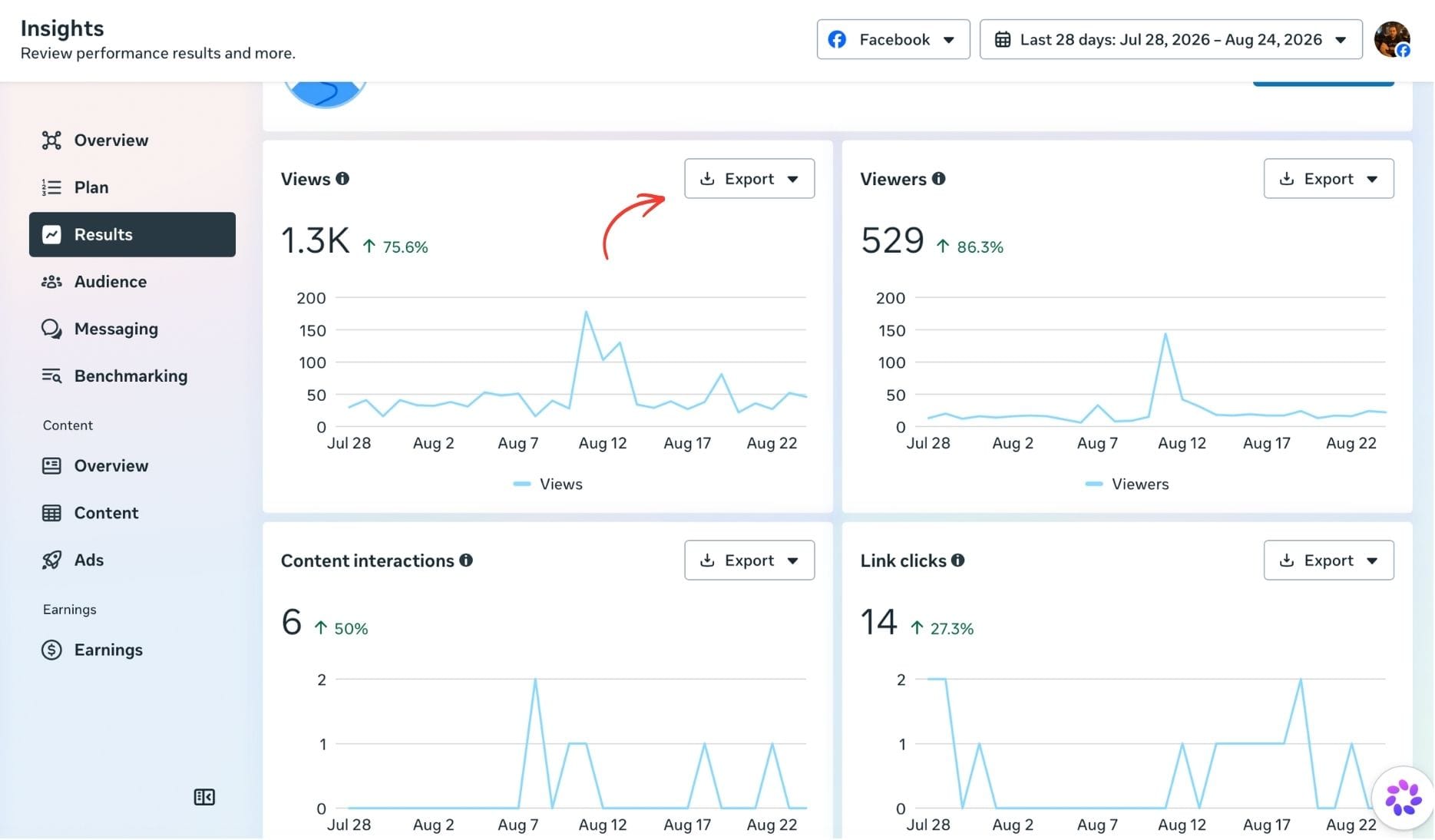
The second is a dedicated connector that refreshes your data automatically, which suits anyone building a recurring dashboard.
Pick based on how often you actually need the numbers updated, not on which method sounds more advanced.
Method one: manual export through Google Sheets
Open Meta Business Suite, go to your Page's Insights tab, and export the metrics you need as a CSV or Excel file. Clean up the file in Google Sheets, since column names and date formats matter once the data reaches Looker Studio.
In Looker Studio, create a new report, choose Google Sheets as your data source, and select the spreadsheet and the specific tab you just prepared. Map each column to the right field type, save the connection, and your charts will populate immediately.
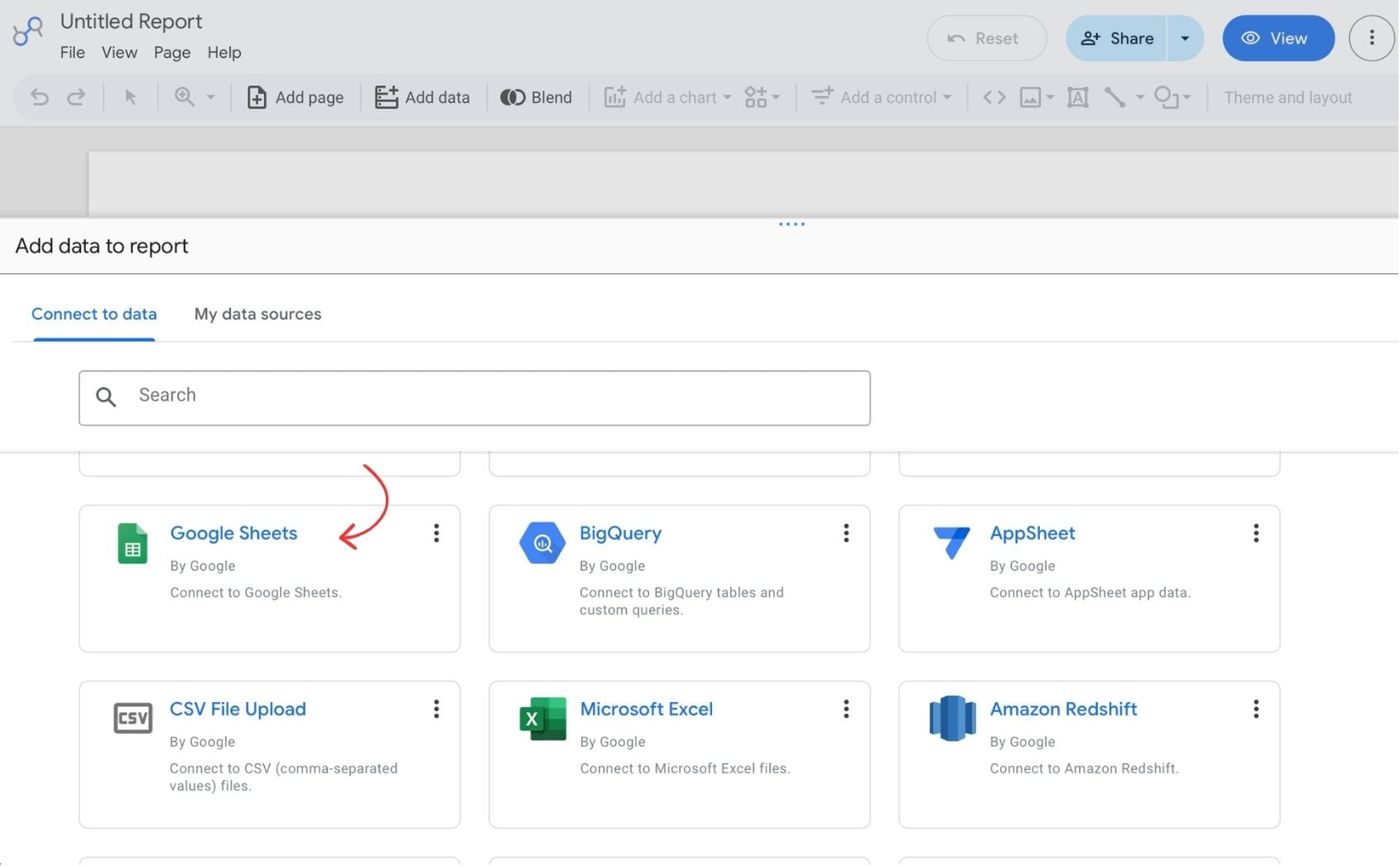
The catch is that nothing updates on its own. You will need to repeat the export every time you want fresh numbers, which is fine for a monthly report but tedious for anything more frequent.
Method two: using a Looker Studio connector
Connectors built by companies such as Windsor.ai, Supermetrics, and Porter Metrics remove the manual export step entirely. Sign up with the connector, authorize it to read your Facebook Page data, and select the fields you want, since most of these tools support well over a hundred metrics and dimensions covering reach, reactions, shares, and follower growth.
Once your fields are selected, choose Looker Studio as the destination, install the connector from the gallery if prompted, and authorize your Google account. Your data source is now live, and every chart built from it refreshes on a schedule instead of waiting for you to export a file.
Most connectors offer a free tier with a limited number of accounts or a lower refresh rate, which is usually enough for a single Page. Paid plans remove those limits for agencies managing several clients.
What about sending Facebook Ads to Google Data Studio too
Page Insights covers your organic content, but most marketers also want their ad spend in the same dashboard. This is where the facebook ads to google data studio search really comes from, since ad performance and organic reach usually need to sit side by side in one report.
The process is nearly identical to Page Insights. As Supermetrics outlines, you can export campaign data from Ads Manager into Google Sheets manually, or connect a tool like Supermetrics directly to Looker Studio and select your Ads account instead of your Page. The same connector often supports both Page Insights and Ads data, so you are not managing two separate systems.
If your team still refers to this as facebook ads to google data studio out of habit, that is fine. The steps work the same whether you call the tool by its old name or its current one, because Looker Studio and Google Data Studio are the same product under a different name.
Would you like to find out Facebook Ads or Facebook SEO win the race in the long run? ⬇️
 Altug Altug
Metrics worth combining in one dashboard
Pulling data into Looker Studio is only useful if you are tracking the right numbers. For Page Insights, reach, engagement rate, page views, and follower growth tell you how your organic content is performing.
For Ads data, cost per click, cost per result, and return on ad spend show whether your budget is working. Placing both sets side by side lets you see, for example, whether a spike in organic engagement lines up with a paid campaign, which is much harder to notice when the two live in separate tabs.
A simple table comparing top posts by reach against top ads by ROAS is often more useful to a client than a dozen individual charts.
Common connection problems and how to fix them
Data sometimes lags by a day or two, since Facebook's own reporting systems are not instant, so do not panic if yesterday's numbers look incomplete first thing in the morning. Refresh the connector or wait a few hours before assuming something is broken.
Authorization errors usually mean your Facebook access token expired or your Page role changed. Reconnecting the data source inside Looker Studio, under Resource and then Manage added data sources, resolves most of these in under a minute.
If a metric disappears entirely, check whether Meta deprecated that field in its Graph API. Connector providers usually publish changelogs when this happens, so a quick search for the metric name plus the connector name will confirm it.
Keeping your report accurate over time
Set your connector to refresh at least once a day if you are checking the dashboard regularly, and review your field mappings every few months, since Meta occasionally renames or restructures metrics. A report that looked correct at launch can quietly drift if nobody checks it again.
It also helps to keep a simple changelog of when you added or removed a data source, so anyone else on your team understands why a chart suddenly looks different.
Frequently asked questions
Does Facebook have an official Looker Studio connector? No. Meta has not released its own connector for Looker Studio, so every option available today comes from a third party, whether that is a manual Google Sheets export or a paid connector.
Is Google Data Studio the same as Looker Studio? Yes. Google renamed Data Studio to Looker Studio in 2022, which is why the term facebook ads to google data studio still appears in search results even though the tool itself is now called Looker Studio.
Can I connect more than one Facebook Page to the same report? Yes, most connectors let you add multiple Pages as separate data sources or blend them into one, which is useful for agencies reporting on several clients from a single dashboard.
Is there a free way to connect Facebook Page Insights to Looker Studio? Yes. A manual Google Sheets export costs nothing, and several connectors, including Porter Metrics, offer a free tier that covers one Page with basic metrics.
Why does my Looker Studio report show different numbers than Meta Business Suite? This usually comes down to date ranges, time zones, or a metric being calculated differently between the two platforms. Double check that both tools use the same reporting window before assuming the data is wrong.
How often should I refresh my Facebook data in Looker Studio? Daily is enough for most organic and ad reporting needs, though high spend accounts sometimes refresh every few hours to catch budget issues sooner.
Conclusion: connecting Facebook Page Insights to Looker Studio
Once your Facebook Page Insights and Ads data live in one Looker Studio report, you stop guessing which posts actually work and start seeing it in the numbers. Whether you got here searching for Page Insights directly or for facebook ads to google data studio, the setup takes the same handful of steps.
The next logical move is acting on what the dashboard shows you. If a certain type of post consistently drives your best reach, Circleboom's AI Facebook Post Generator makes it easy to regenerate the same post with other wording.