
Managing multiple Instagram accounts has become common for brands, agencies, creators, freelancers, and businesses. It’s normal to run separate profiles for different projects, locations, clients, or content strategies.
Because of this, one question keeps coming up:
“How can I create multiple Instagram accounts in bulk?”
At first glance, this sounds like a productivity problem.
In reality, it’s a policy, security, and long-term account health issue — and one that can seriously backfire if handled incorrectly.
Let’s break this down clearly and honestly.
Can You Create Multiple Instagram Accounts in Bulk?
Short answer: No — not safely, and not legally according to Instagram policies.
Instagram does allow users to own multiple accounts, but it does not allow:
- automated or bulk account creation
- using bots or scripts to generate accounts
- mass registration via emulators or proxies
- account farming or pre-aged account buying
- bypassing phone/email verification at scale
These activities directly violate Instagram’s Terms of Use and Community Guidelines.
Why Bulk Instagram Account Creation Is Against Instagram Policies
Instagram’s systems are designed to detect unnatural behavior patterns, including:
- repeated sign-ups from the same IP or device
- rapid account creation in short timeframes
- shared phone numbers or emails
- identical profile structures
- automation signals during onboarding
When detected, Instagram may:
- suspend newly created accounts immediately
- shadowban entire device or IP ranges
- lock all related accounts for “suspicious activity”
- permanently disable accounts without appeal
This is why many users who attempt bulk creation report:
- accounts disappearing within days
- “We restricted your account” warnings
- login challenges that never resolve
- total loss of access
In other words:
Bulk creation may seem fast, but it’s one of the fastest ways to lose everything.
The Safer Reality: Instagram Allows Multiple Accounts — But Not Automation
Instagram does officially support having multiple accounts under one login.
You can manually create and manage several accounts if:
- Each account is created individually
- You follow Instagram’s signup flow
- Accounts represent real brands, projects, or identities
- No automation or circumvention is involved
That’s the key difference.
Instagram is not against multiple accounts.
Instagram is against mass, automated, artificial account creation.
The Real Problem People Are Trying to Solve
Most people asking about bulk creation are actually struggling with something else:
- managing multiple Instagram accounts is messy
- switching between profiles is time-consuming
- posting consistently across accounts is hard
- analytics are fragmented
- teams need shared access
- scheduling becomes chaotic
So instead of risking account bans by creating accounts in bulk, the smarter approach is:
Create accounts properly — then manage them efficiently.
This is where the right tools matter.
Managing Multiple Instagram Accounts the Right Way
If you already have multiple Instagram accounts (or plan to create them manually over time), the challenge becomes management at scale.
You need a system that allows you to:
- connect multiple Instagram profiles safely
- schedule posts across accounts
- maintain consistent branding
- collaborate with team members
- track performance from one dashboard
- avoid violating Instagram policies
That’s exactly where professional social media management tools come in.
Why Circleboom Is the Best Tool to Manage Multiple Instagram Accounts
Among the available tools designed for managing multiple Instagram accounts, Circleboom stands out as the most balanced and policy-friendly solution.
Circleboom does not promote risky behavior like bulk account creation.
Instead, it focuses on safe, compliant, and scalable account management.
What Circleboom Does Well
Circleboom allows you to:
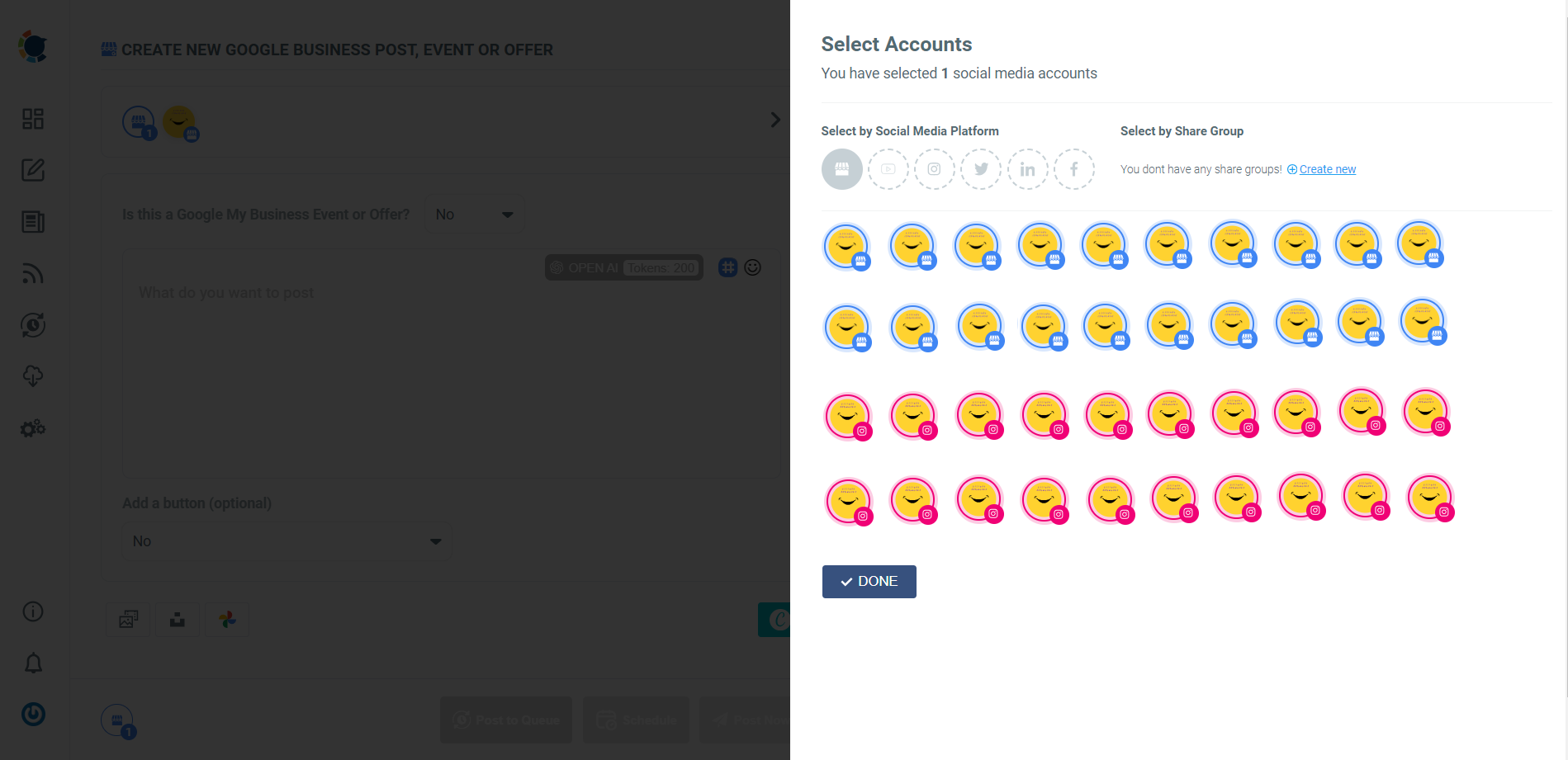
- connect and manage multiple Instagram accounts from one dashboard
- schedule posts in bulk without triggering spam signals
- plan content calendars visually
- collaborate with teams and clients securely
- publish consistently without logging in and out
- manage multiple platforms alongside Instagram
All of this is done within Instagram’s API limits, meaning your accounts stay safe.
Why This Approach Is Better Than Bulk Creation
Let’s be clear:
Creating 10 accounts quickly means nothing if they get banned.
Managing 3–5 real, compliant accounts effectively delivers real results.
With Circleboom, you can:
- scale your content, not your risk
- grow engagement naturally
- maintain long-term account health
- manage client or brand accounts professionally
- avoid shadowbans and suspensions
This is especially important for:
- agencies managing client accounts
- creators running multiple niches
- businesses with regional pages
- eCommerce brands with sub-brands
- freelancers handling multiple profiles
The Smart Strategy: Fewer Accounts, Better Management
Instagram rewards:
- consistency
- authenticity
- real interaction
- stable account behavior
It punishes:
- automation abuse
- artificial growth
- mass account behavior
- shortcut tactics
That’s why the smartest approach isn’t “How do I create many accounts fast?”
It’s:
How do I manage the accounts I have more efficiently and safely?
Tools like Circleboom exist precisely to solve that problem — without putting your accounts at risk.
Final Thoughts
Bulk creation of Instagram accounts may sound like a productivity hack, but in reality, it’s one of the most dangerous shortcuts you can take on the platform.
Instagram’s policies are clear, its detection systems are advanced, and the consequences are often irreversible.
If you need multiple Instagram accounts:
- create them properly
- respect platform rules
- focus on quality, not quantity
- manage them with the right tools
With a professional solution like Circleboom, you can scale your social presence without breaking rules, risking bans, or losing accounts.
Sometimes the fastest path to growth isn’t shortcuts,
it’s doing things the right way, with the right tools.
)