You searched a username and hit a wall: the profile shows a display name and a handle, but nowhere on the page is the numeric ID that developers, analysts, and list tools actually ask for. That number exists for every account, and pulling it takes one search once you know where to look.
What this guide gets you.The permanent numeric ID behind any public @handle.A lookup that needs no login and no developer account.A record that survives username changes and full rebrands.
Circleboom's Twitter ID Finder converts a public @handle into its numeric Twitter/X ID through official API access. Start by learning to get a Twitter ID for any account.
Why the handle is not enough
The @handle is a label the account owner can swap out at any time. The numeric ID is the identity underneath that label, and it never moves.
This split trips people up constantly. You store `@brandname` in a report, the company rebrands six months later, and now your report references a handle that either points nowhere or points at a different owner who claimed the freed-up name. The numeric ID would have held the connection the whole time.
That is why so many systems ask for the ID rather than the handle. To feed those systems, you first have to look up any account's Twitter ID, and the profile page will not hand it to you directly.
You can confirm the underlying behavior in how X assigns account IDs: the platform mints a unique number once at account creation and keeps it fixed, while the username stays editable. Handle first, number forever.
Who actually needs the number
Plenty of everyday tasks quietly depend on the numeric ID, even when the person doing them never calls it that.
- Developers pass IDs into API calls, since endpoints identify accounts by number.
- Analysts key datasets on IDs so a rename never splits one account into two rows.
- List and CRM tools match imported accounts by ID rather than by fragile handles.
- Trust and moderation teams track an account by ID across every alias it wears.
If any of that describes your work, the number stops being optional. The handle you already have is just the doorway to it, and the search below is how you walk through.
How to get a Twitter ID for any account (step by step)
Here is the flow, in order. Run it on the Twitter ID Finder, which takes a handle and returns the ID with nothing to install.
- Open the Twitter ID Finder and locate the search field, marked with an `@` prefix so you know it wants a handle.
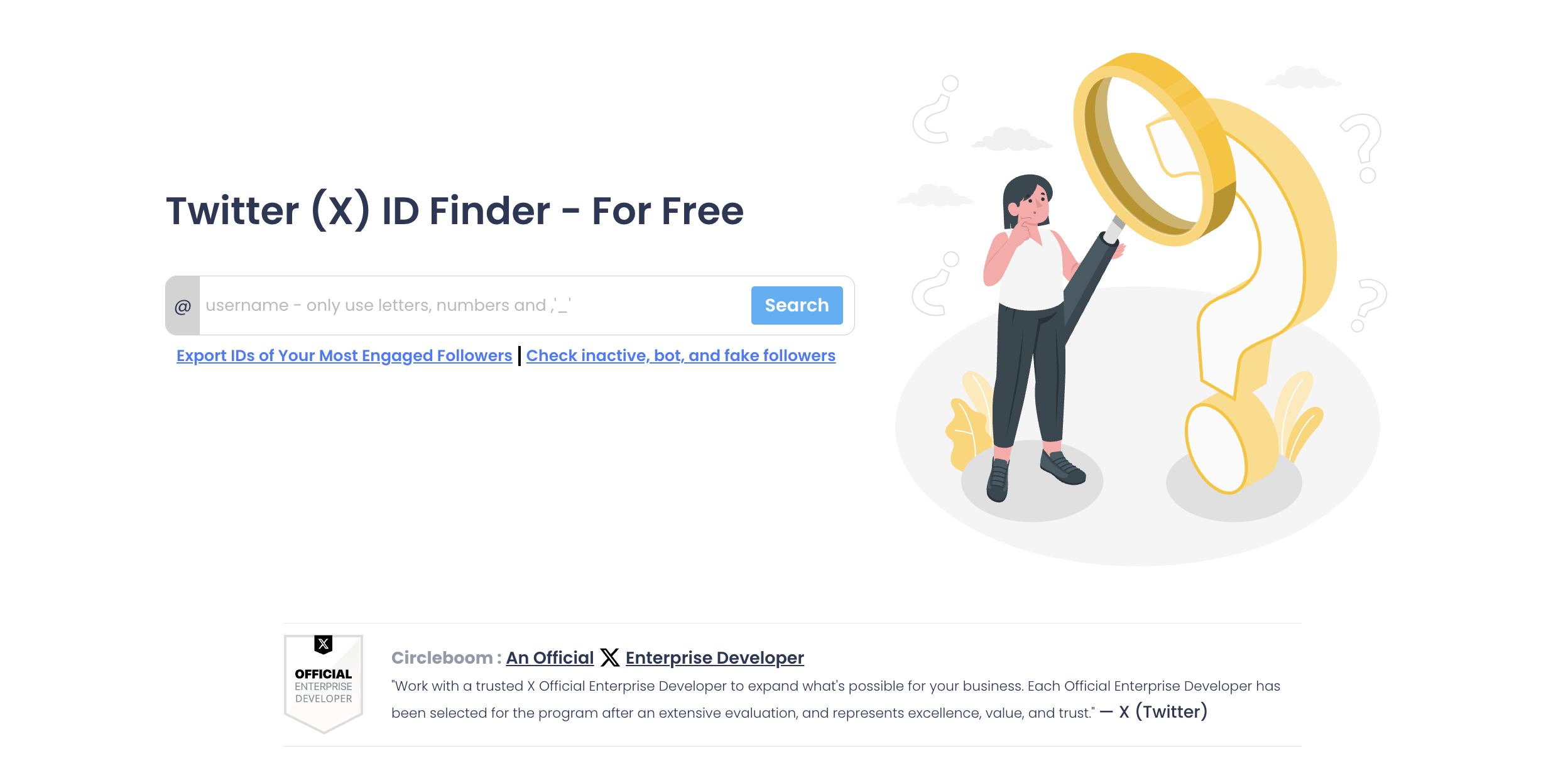
- Type the account's username, for example `circleboom`, without the profile link or the display name.
- Click Search and let the tool resolve the account.
- Read the result card, then copy the numeric Twitter/X ID into your records.
That short sequence works because each step removes a chance to grab the wrong number. The `@` prefix keeps you entering a handle instead of a URL, and the result card shows the profile image and display name so you can confirm the match before you trust the ID. Skip the visual check and a one-character typo can send you off with an impostor's number.
See it live: the four-tap path from a raw @handle to a copy-ready numeric ID.
What the result card tells you
The output is built for a quick confirm-and-copy, not for wading through data.
- Profile image lets you eyeball that you searched the right person.
- Display name gives a second identity check when handles look alike.
- Numeric Twitter/X ID sits in a highlighted field, ready to copy.
One handle goes in, one durable number comes out, and the two identity checks above sit right next to it.
If the display name and photo do not match who you expected, stop and re-check the handle before copying. A wrong ID quietly corrupts every downstream record it lands in, which is far harder to notice later than a mistyped handle now.
When you are not certain of the exact handle, a broader search of Twitter bios and profiles helps you pin down the right account first. It is worth the extra ten seconds, because the whole value of the number rests on it belonging to the account you meant. Copy the ID for the wrong profile and every report built on it inherits the error silently.
What to do once you have the ID
A number on its own is not the goal. The point is to use it as the stable reference that keeps your records honest over time.
Store it wherever you previously stored the handle: the CRM row, the tracking sheet, the audit log. From there the ID does work the handle never could.
- Match two exports that share accounts, even after someone renamed a profile.
- Confirm a suspicious account is old or new by pairing the ID with its creation history.
- Screen an account's quality with a fake Twitter account checker before you add its ID to anything.
The ID also anchors deeper reporting. Say you are studying an account you do not own over several months. Starting that work from Twitter analytics for another account keyed on the numeric ID means a mid-study rename never breaks your dataset.
Circleboom pulls all of this data as a company listed on X's Enterprise customer directory, so the ID and the profile details around it come through sanctioned access. That matters most on identity data, where a scraped or stale value can be quietly wrong.
Can a Twitter ID ever change?
No, and that permanence is the whole reason to capture it. The username is the editable layer; the number is not.
An owner can rename the handle, and a deleted account can even free its old handle for someone else. Through all of that, the original numeric ID stays attached to the original account and is never reissued. If you are curious about the edge cases, our note on whether you can delete your Twitter ID walks through what actually happens to the number.
If you are on the other side of this and choosing a new handle rather than tracking one, our guide on how to choose a Twitter username covers that path.
Stuck on the name itself? The Twitter username generator spins up available handles you can still claim.
Common mistakes when pulling a Twitter ID
A username search is simple, but a few habits send people off with a number they cannot trust. I flag these because I see them repeat.
The first is pasting the full profile link instead of the handle. The tool wants the name after the `@`, so `https://x.com/circleboom` should become just `circleboom` before you search.
The second is skipping the visual confirm. The result card shows a photo and display name for a reason. Two accounts can sit one underscore apart, and looking before you copy is the only way to know you grabbed the right one.
The third is trusting a stale converter. Random string tools often cache old data, so a recently renamed account can return a number that no longer matches the live account. Reading the ID through sanctioned access avoids that trap.
The last is storing the ID and throwing away the context. Save the display name and the date you captured it next to the number, so anyone who opens the record later knows which account it points to.
Your quick checklist
Before you close this tab, the whole process fits in five moves:
- Open the Twitter ID Finder.
- Enter the account's handle after the `@`.
- Search and confirm the photo and display name match.
- Copy the numeric ID.
- Save it where you used to save the handle.
Done once, this habit saves you every time an account you track changes its name. The five minutes you spend now buys back the hours you would otherwise lose reconciling broken handles later. Ready to run it? You can grab a Twitter ID now.
What to Know About Twitter IDs
How do I get my own Twitter ID?
Search your own username in the Twitter ID Finder and copy the number it returns. The process is identical whether the account is yours or someone else's, since the ID is public metadata either way.
Can I search by profile URL instead of the handle?
Use the handle. The tool expects the username after the `@`, so drop the `https://x.com/` part of the link and enter only the name that follows it.
Is finding someone's Twitter ID against the rules?
No. The numeric ID is public information the platform already exposes, and reading it does not touch, follow, or notify the account. Checking an account's audience through a Twitter follower checker is the same kind of public lookup that reads what is already visible.