

When I share my blog posts on social media, I’m not just posting them “to post.” I’m posting them with a purpose: to drive traffic back to the blog and understand which platforms, post types, and campaigns actually bring results. That’s why I rely on UTM links.
UTM parameters help me see the bigger picture inside analytics.
 Fatih Kemal Oksuzoglu
Instead of guessing where clicks came from, I can track exactly which social post drove traffic, which campaign performed best, and even which variation of a caption or creative worked better.
Over time, those small tracking details turn into real strategy, because you stop relying on assumptions and start making decisions based on data.
Why UTM Links Matter for Social Media
If you’re promoting content across different social platforms, you already know how messy attribution can get. You post the same blog link in multiple places, you see traffic coming in, but the question is always the same: Which post actually did the work?
UTMs solve that. They let you label links with structured parameters (like source, medium, and campaign), so analytics tools can organize traffic properly. That means you can measure things like:
➡️ Which platform drives the highest-quality clicks
➡️ Whether a “how-to” post performs better than a “tip” post
➡️ Which campaign actually generated signups or conversions
➡️ How different posting schedules affect traffic
It’s one of those small habits that completely changes how you evaluate social media performance.
The Problem: Creating UTMs Manually Slows Everything Down
The only issue is that doing UTMs manually becomes annoying fast, especially if you’re sharing content regularly.
Here’s what that workflow usually looks like when it’s manual:
- You start writing your social media post
- You realize you need a UTM link
- You leave the post composer
- You open a UTM builder somewhere else
- You enter the URL and parameters
- You copy the new link
- You go back to your post
- You paste it and continue
- Then you repeat it again for the next platform or next post
It’s not hard once, but it becomes exhausting when you do it every day.
❌ It also increases the chance of mistakes, like inconsistent campaign naming, missing parameters, or accidentally mixing up sources.
Worst of all, it breaks your momentum, because you keep switching between screens and tools instead of staying focused on creating and publishing content.
How I Streamline UTM Links Using Circleboom Publish
To simplify this entire process, I use Circleboom Publish.

At its core, Circleboom Publish allows you to manage multiple social media accounts across multiple platforms from a single dashboard. Instead of logging into different platforms separately, you create, edit, and publish posts from one place—which already removes a huge amount of friction from daily social media work.
But what really makes it valuable for UTM-based workflows is how everything is connected inside the same screen.
When creating a post, Circleboom Publish lets you:
- Write your social media copy
- Add your link
- Build UTM parameters using its built-in UTM builder
- Choose platforms
- Schedule or publish
All without switching tabs or tools.
There’s no need to create the post first, leave the dashboard to open a UTM builder, then come back and paste the link. Everything happens inside one workflow, which keeps posting fast and consistent.
Built-In UTM Builder + Smart Scheduling = Better Performance
Another major advantage is that Circleboom Publish doesn’t stop at link creation.
It also analyzes your followers’ activity across platforms and shows you when your audience is actually online. This matters because even perfectly tagged UTM links won’t perform well if the post goes out at the wrong time.
With Circleboom Publish, you can:
🟢 See peak activity hours of your followers
🟢 Schedule posts for the best time to post, not random time slots
🟢 Share posts automatically instead of manually publishing each one
By combining clean UTM tracking with smart scheduling, posts are not only easier to publish but they also reach more people.
In practice, this kind of timing optimization can significantly improve results, and many creators see performance increases of up to 3× compared to posting without timing insights.
Instead of guessing when to post or relying on habits, you’re making data-backed publishing decisions.
Step-by-Step: How to Create UTM Links While Posting with Circleboom Publish
Let me show you how to create UTM parameters for your Facebook posts and schedule them.
Step #1: Log in and Connect Your Facebook Account
Start by logging into Circleboom Publish. If you don’t already have an account, you can create one for free in just a few seconds.
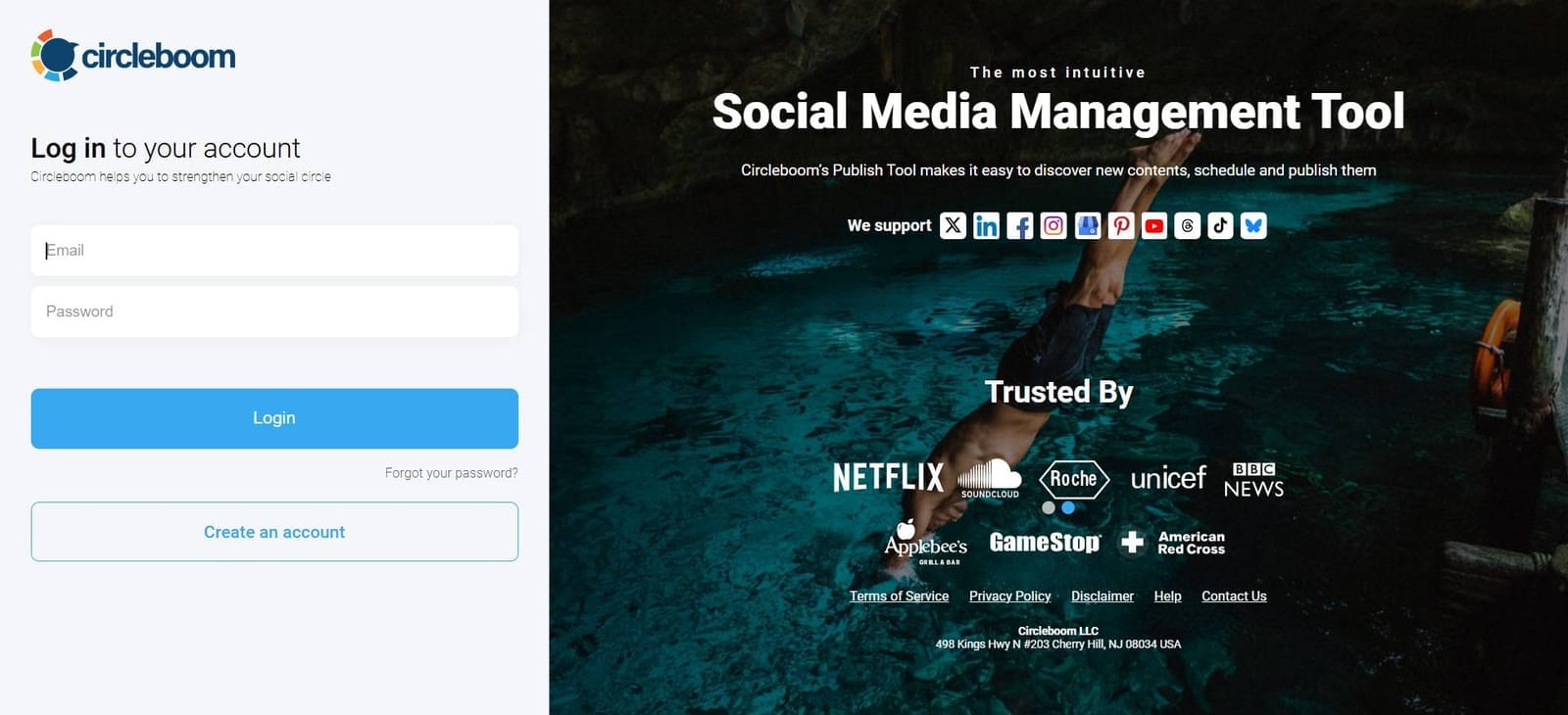
Once you're inside, connect your Facebook Page or Profile.
Circleboom also supports platforms like Instagram, LinkedIn, Google Business Profile, Pinterest, and more, but for now, just focus on Facebook.
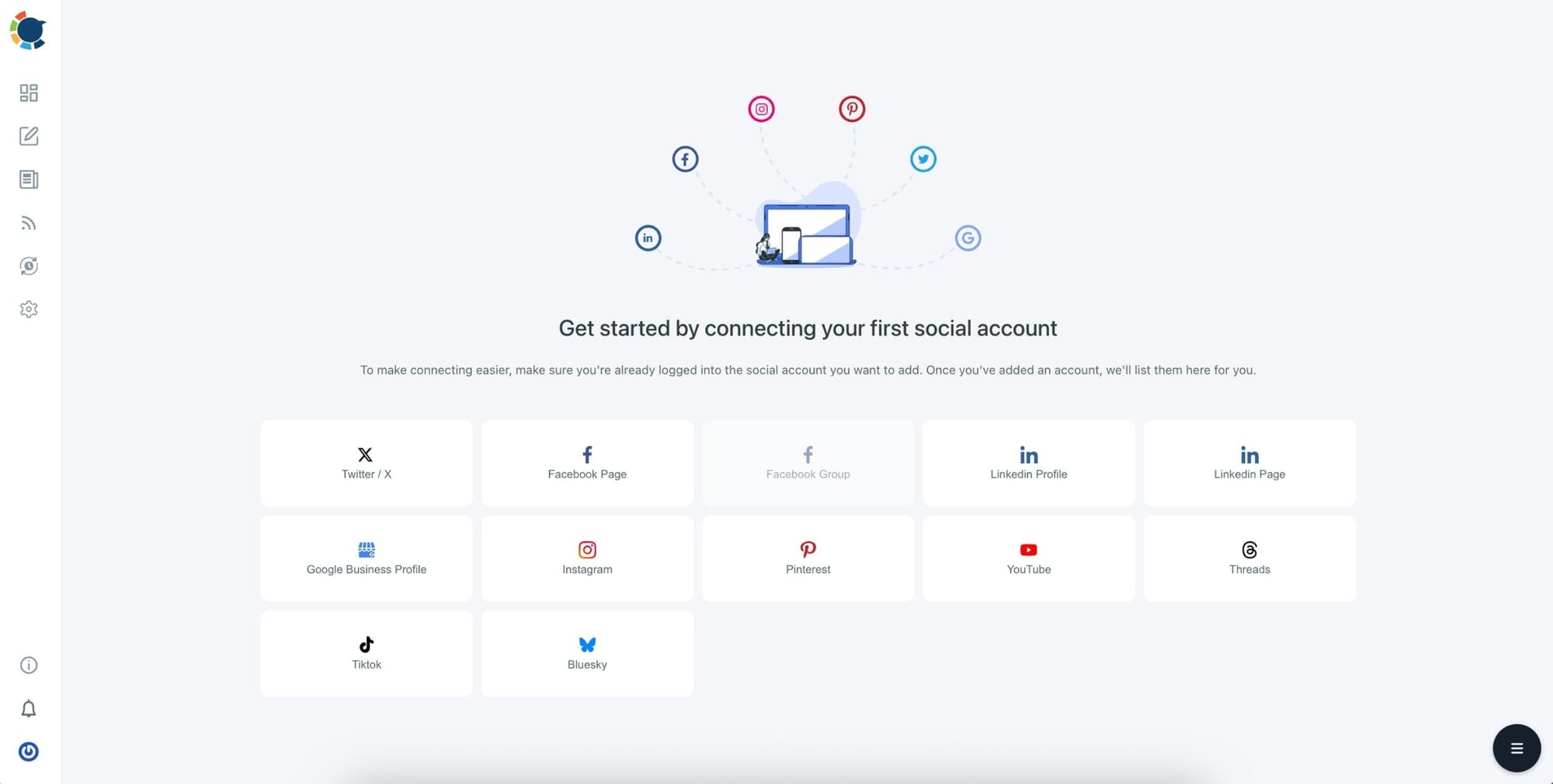
You can manage multiple accounts from a single dashboard without switching tabs or tools.
Step #2: Create a New Facebook Post
Click the “Create New Post” button from the dashboard. Then choose whether you're creating a regular Facebook post, a Reel, or a Story.
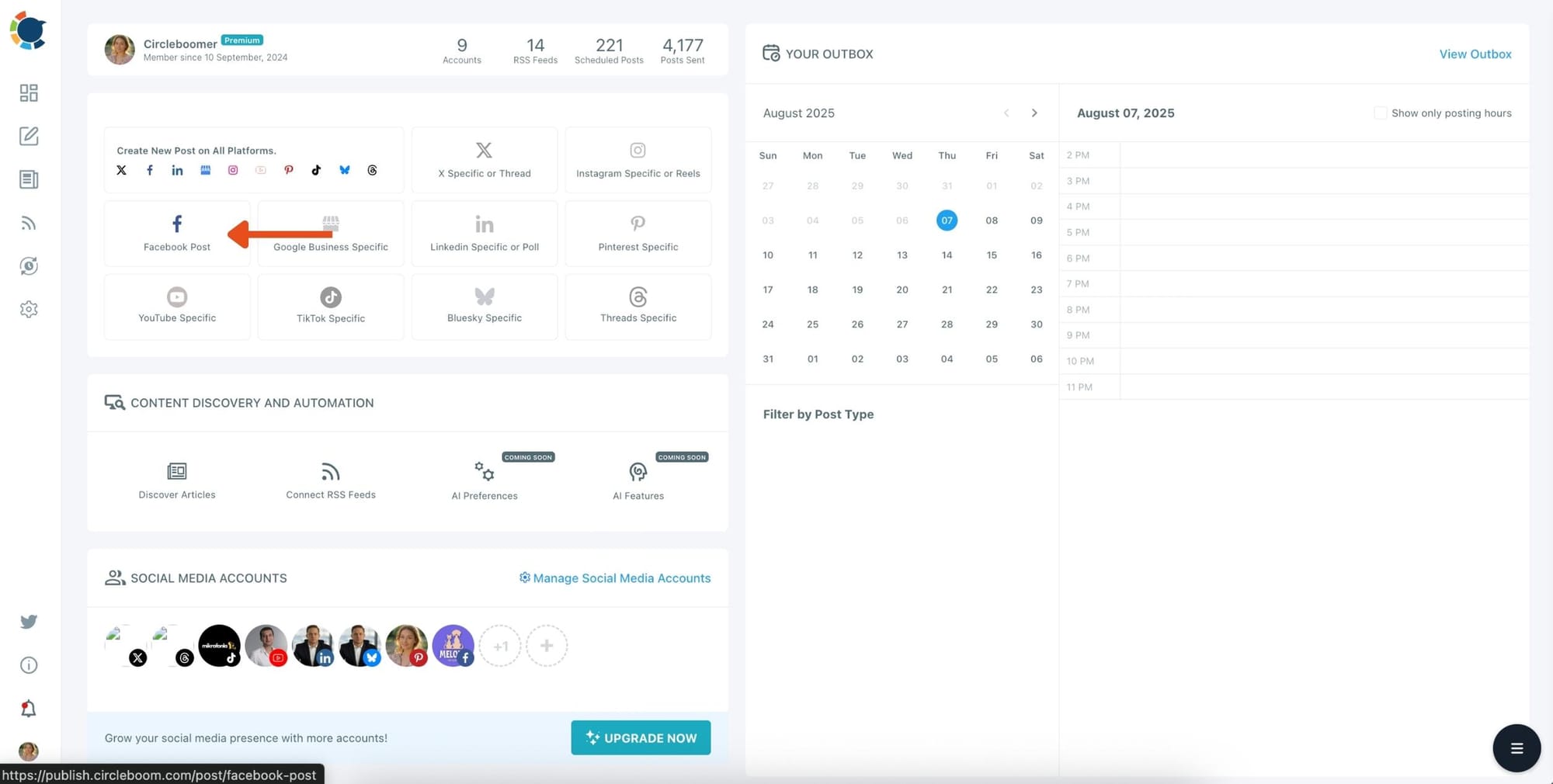
The editor will open, showing your writing area on the left and a live preview on the right.
This gives you a full view of what your content will look like before it goes live.
Step #3: Generate Content with AI
If you want help writing the post, use Circleboom’s built-in AI Post Generator. It’s powered by ChatGPT-4 and can craft engaging captions for you in seconds.
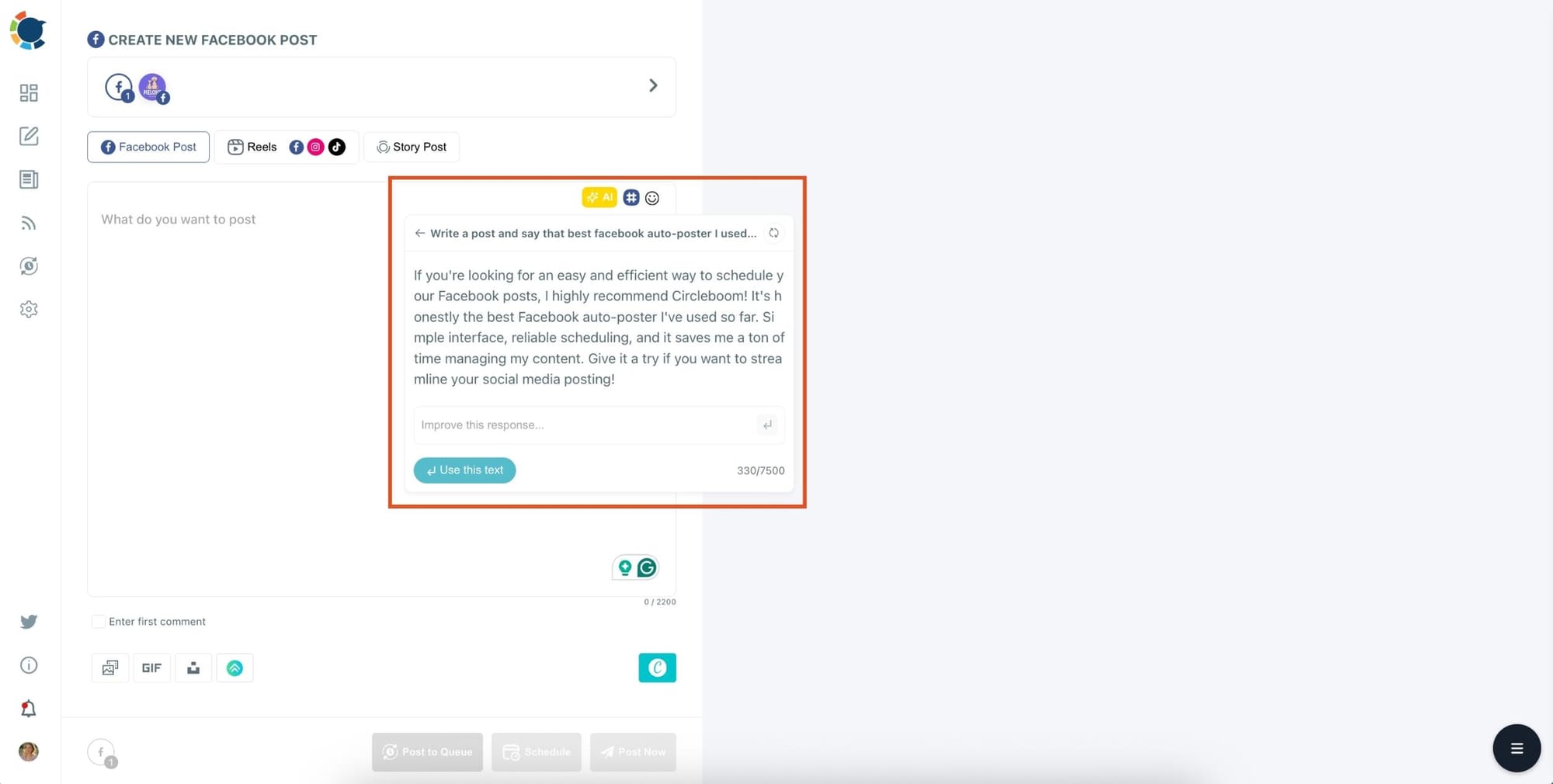
You can set the tone, add emojis, generate hashtags, and even translate or grammar-check the content, perfect for marketers and creators who want to save time while staying professional.
Step #4: Add Visuals Using the Built-In Tools
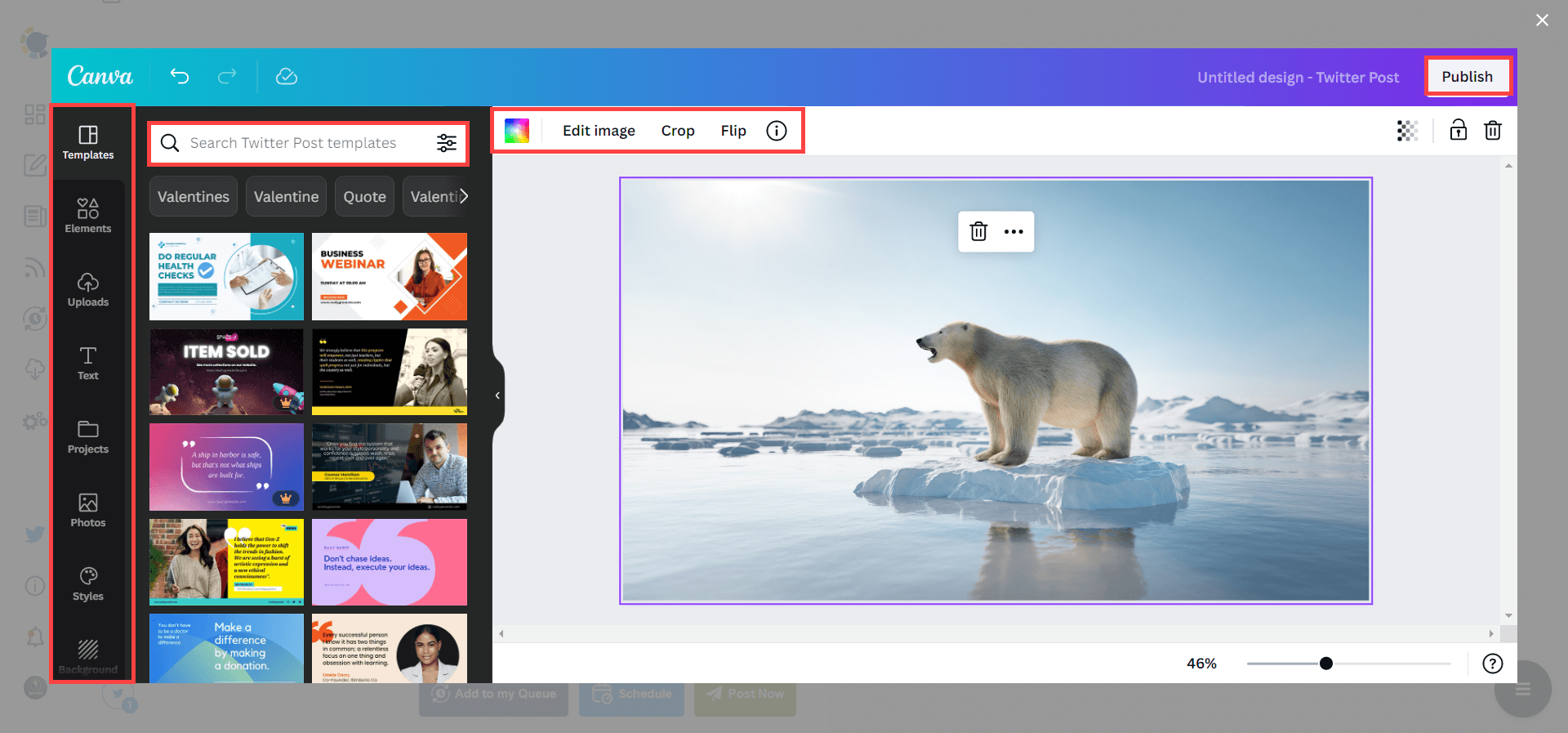
You can upload your own images or choose from four built-in sources. Canva is fully integrated, so you can design your post visuals using ready-made templates and editing tools without leaving Circleboom.
If you prefer free stock photos, use Unsplash. For animated content, Giphy is also available, and you can even pull media directly from your Google Photos account.
Step #5: Paste Your Link and Add UTM Parameters
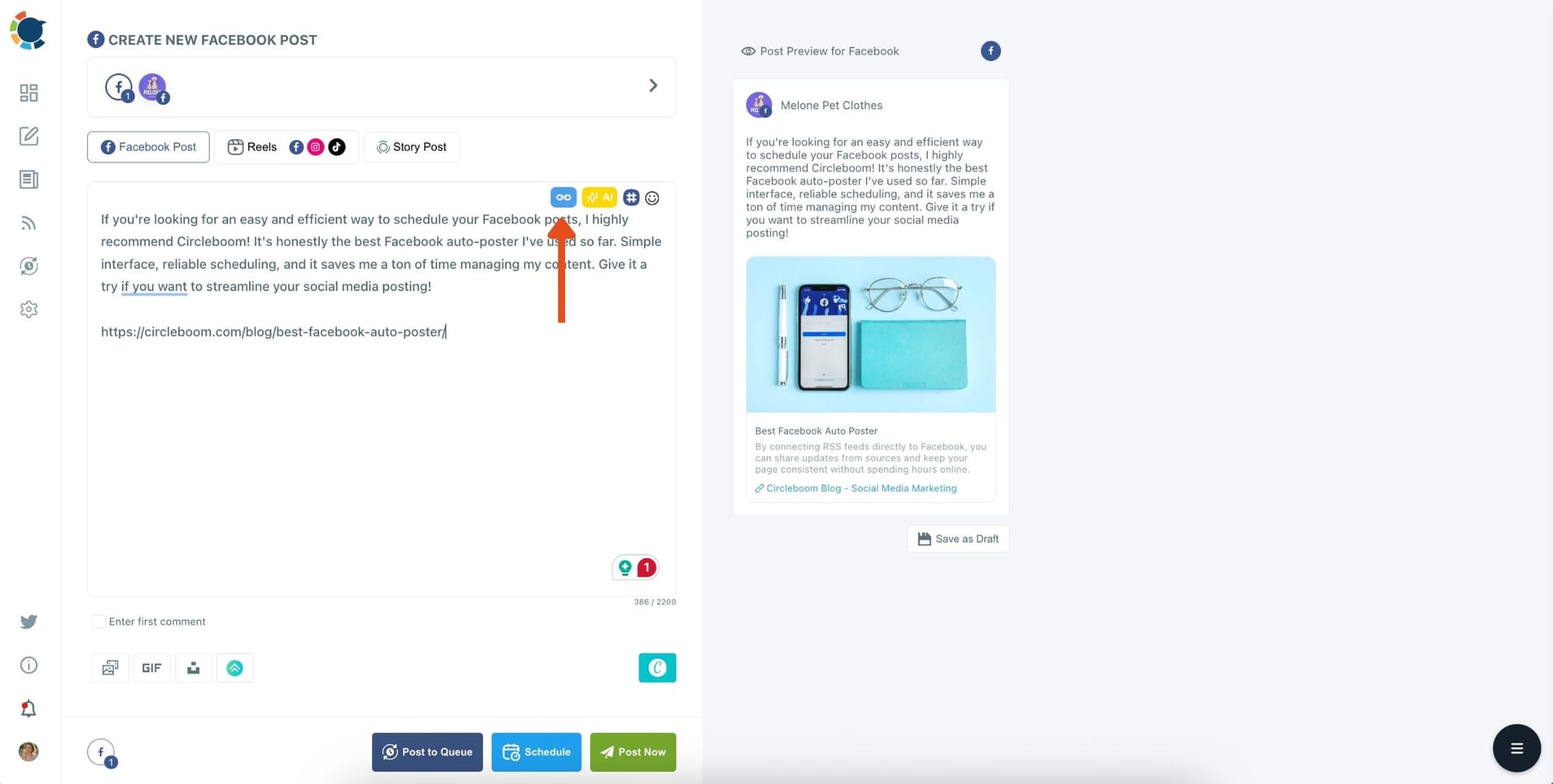
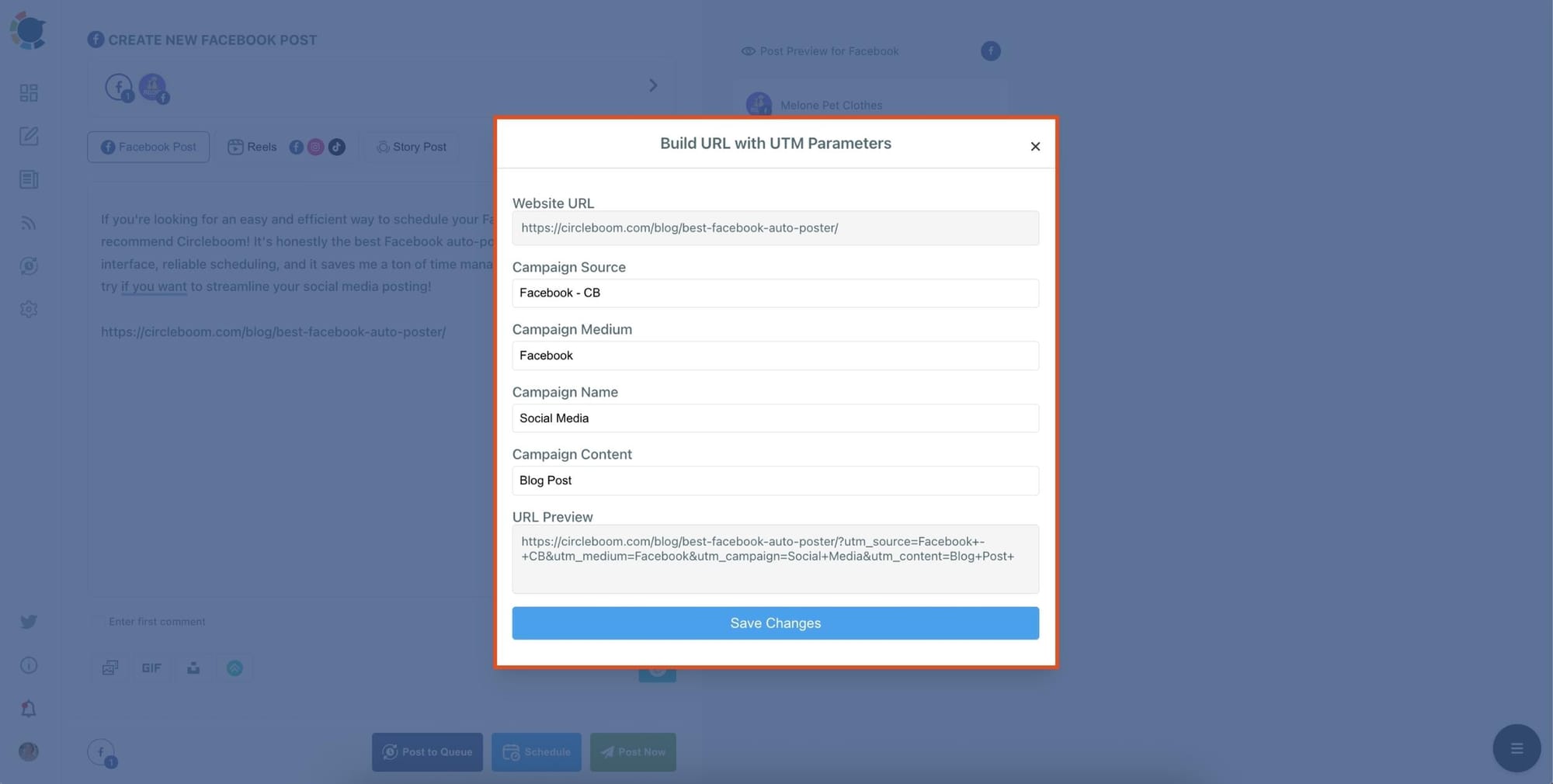
After writing your caption and adding an image, paste the URL you want to share. To make this link trackable, click the link icon (🔗) next to it to open Circleboom’s built-in UTM builder.
Here you can add:
- Campaign Source (e.g.,
facebook-feed,circleboom) - Campaign Medium (e.g.,
social,organic) - Campaign Name (e.g.,
summer_promo,blog_launch) - Campaign Content (optional – to distinguish different versions of a post)
As you enter these values, Circleboom automatically creates a full UTM-tagged URL and replaces the original link in your post. You don't have to use external tools or worry about formatting errors everything is handled directly in the editor.
Step #6: Schedule Your Post or Publish Instantly
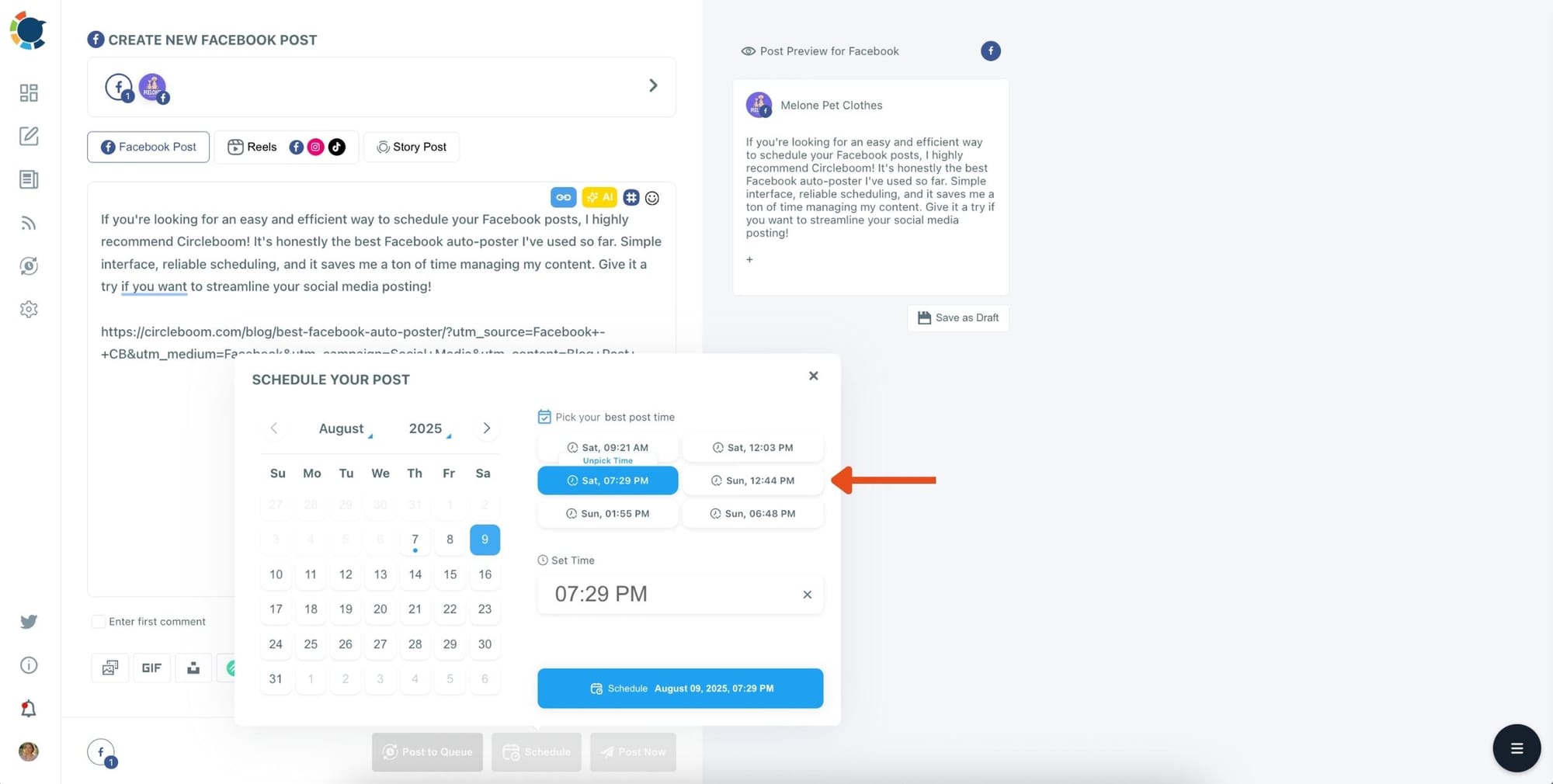
Once everything looks good, you can either publish your post immediately by clicking “Post Now,” or schedule it for later.
Circleboom will even analyze your audience's behavior and suggest the best time to post based on when your followers are most active. This way, you’re not just posting—you’re posting smart.
If you need a more detailed guide, you can check Circleboom's video:
Why This Makes Social Posting Feel Easier
When you build UTMs separately, the process feels like a loop you have to restart every time: write → leave → build → return → continue.
Over time, that friction makes you skip UTMs “just this once,” which turns into “almost never,” and then your analytics becomes messy again.
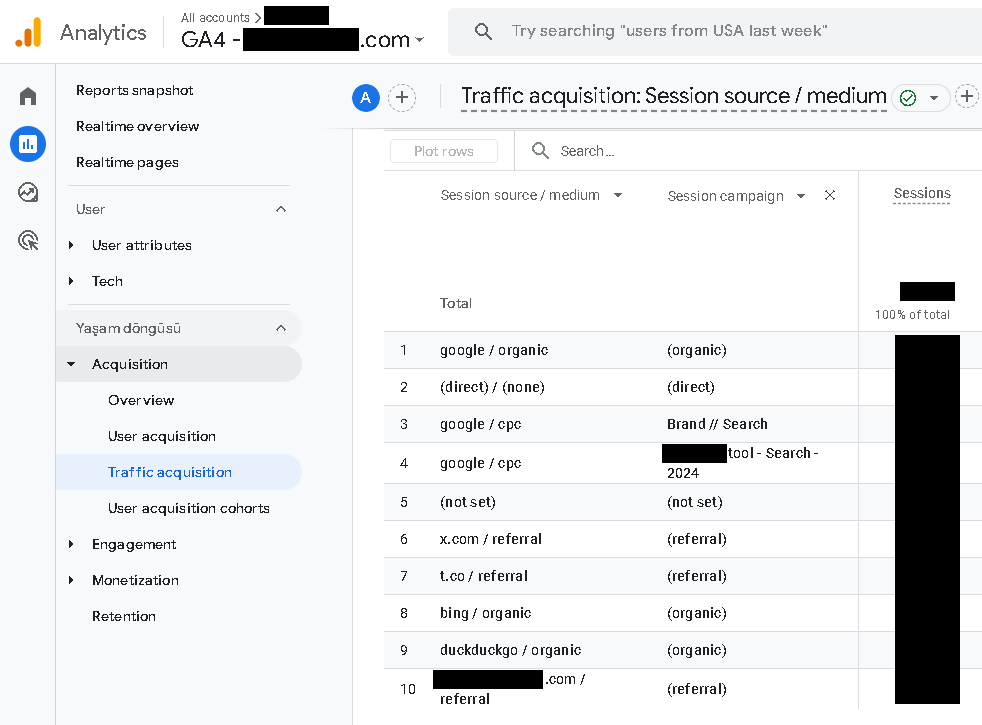
By keeping the UTM builder inside the same dashboard where you create posts, the whole process becomes part of your normal workflow instead of an extra chore.
You publish faster, you make fewer mistakes, and your tracking stays consistent across platforms and campaigns.
Final Thoughts: Clean Tracking Without Extra Effort
Using UTM links is one of the simplest ways to become more strategic with social media, because it turns content promotion into something measurable instead of guesswork.
The only reason most people don’t do it consistently is that manual UTM building interrupts the posting flow and adds extra steps.
If you’re sharing blog posts across multiple platforms and you care about tracking what’s working, streamlining the workflow matters. With Circleboom Publish, you can create posts, manage multiple accounts across multiple platforms, and build UTMs in the same place so you stay focused on publishing while still getting clean analytics data.
If you want, I can also add a short “UTM naming system” section (simple rules for consistent campaign names) so your tracking stays clean even months later.

