
Running a restaurant today isn’t just about food anymore.
It’s about visibility.
If you manage more than one location, or even one busy restaurant across Instagram, Facebook, X (Twitter), Google Business Profile, and maybe TikTok you already know the pain:
- Different platforms, different logins
- Different posting rules and image sizes
- DMs everywhere
- No time between lunch rush and dinner prep
And yet… social media works.
According to recent hospitality marketing studies:
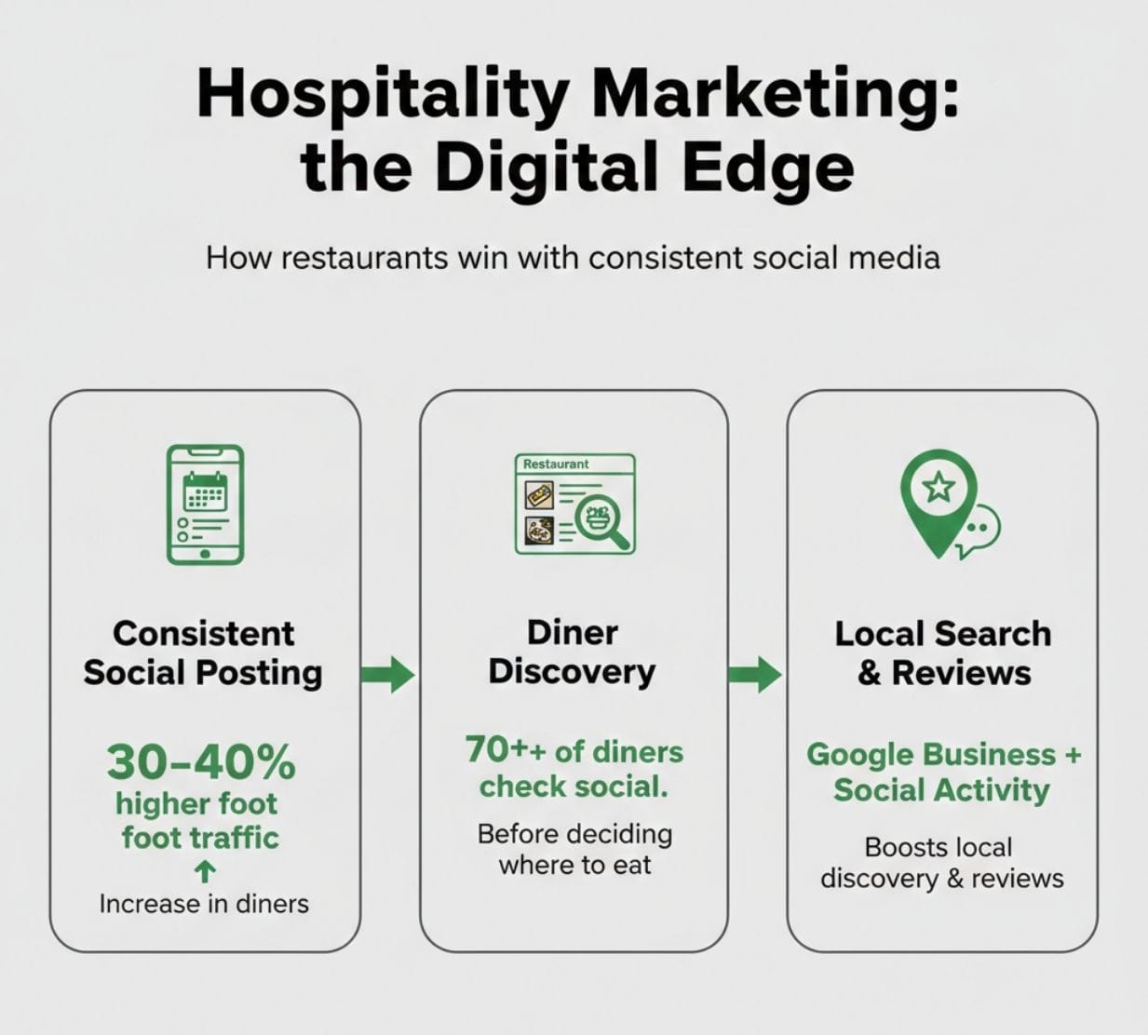
- Restaurants with consistent social posting see up to 30–40% higher foot traffic
- 70%+ of diners check a restaurant’s social profile before deciding where to eat
- Google Business + social activity directly affects local discovery and reviews
So the real question isn’t “Should I manage social media?”
It’s “How do I manage multiple restaurant accounts without losing my mind?”
This guide breaks down popular tools for managing multiple restaurant social accounts, with real-world use cases and honest pros/cons, especially for restaurant owners, franchise managers, and multi-location operators.
What Restaurant Owners Actually Need (Not What Tools Promise)
Before tools, let’s be clear about real needs:
Restaurant owners don’t need:
- Complex marketing dashboards
- Enterprise-level workflows
- Dozens of analytics charts
They do need:
- One place to manage multiple accounts
- Easy scheduling across platforms
- Fast posting for menus, promos, events
- Local, location-based content control
- Google Business Profile support
- Simple team collaboration
Any tool that doesn’t solve these will fail in a restaurant environment.
 Kevin O. Frank
Tool #1: Circleboom
Best All-in-One Tool for Restaurants Managing Multiple Accounts
Circleboom stands out because it’s built for real-world posting, not agency jargon.
Why Restaurants Use Circleboom
Circleboom allows restaurant owners to:
- Manage multiple brands or locations from one dashboard
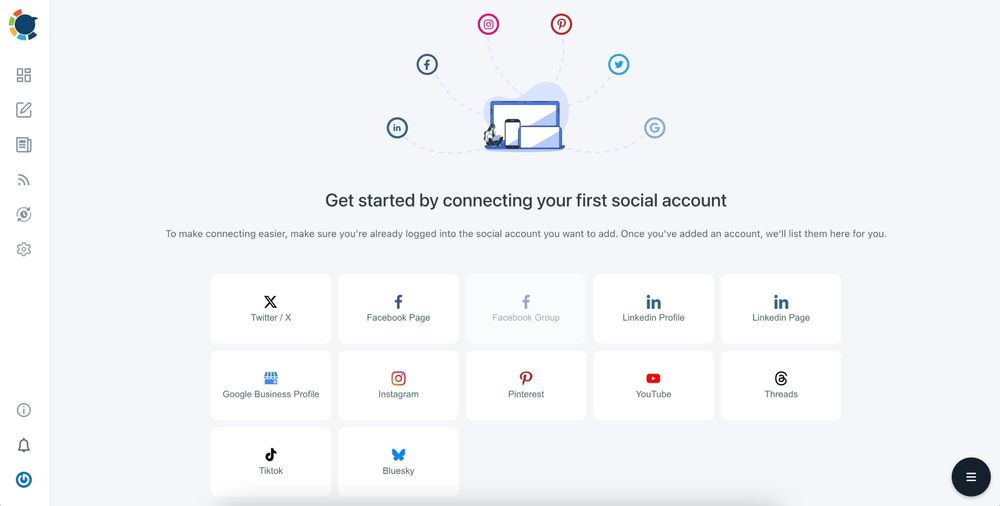
- Post to Instagram, Facebook, X, LinkedIn, Google Business Profile, Pinterest, Threads, Bluesky, YouTube, and TikTok.
- Schedule posts ahead of time (menus, events, promos)
- Customize content per platform without rewriting everything
- Work with teams (managers, marketing staff, agencies)
But where Circleboom really shines for restaurants is speed and simplicity.
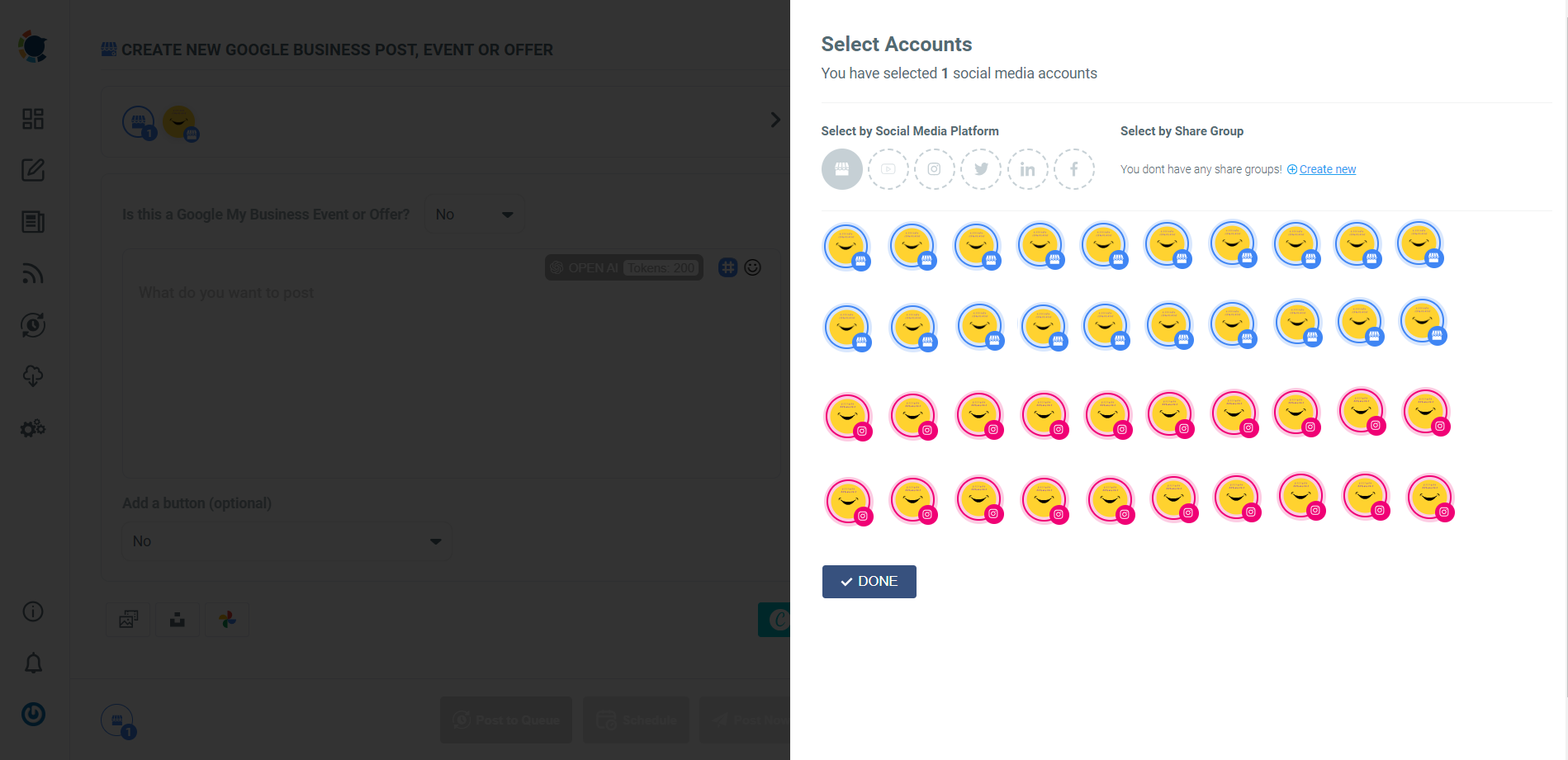
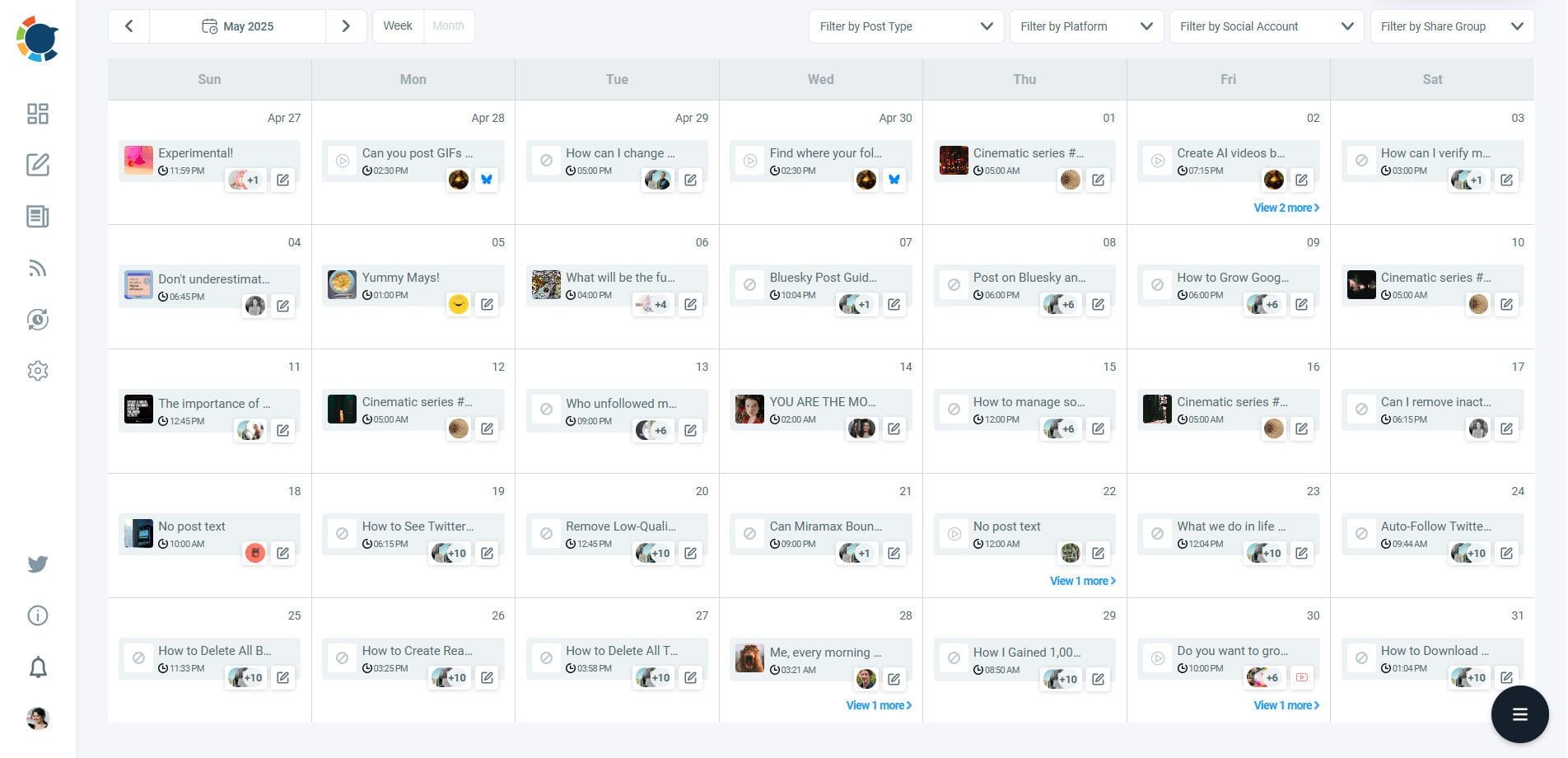
You can smart schedule your Google Business events days, weeks and months ago for multiple locations. Circleboom presents the best time to share them with you! ⬇️
 Altug Altug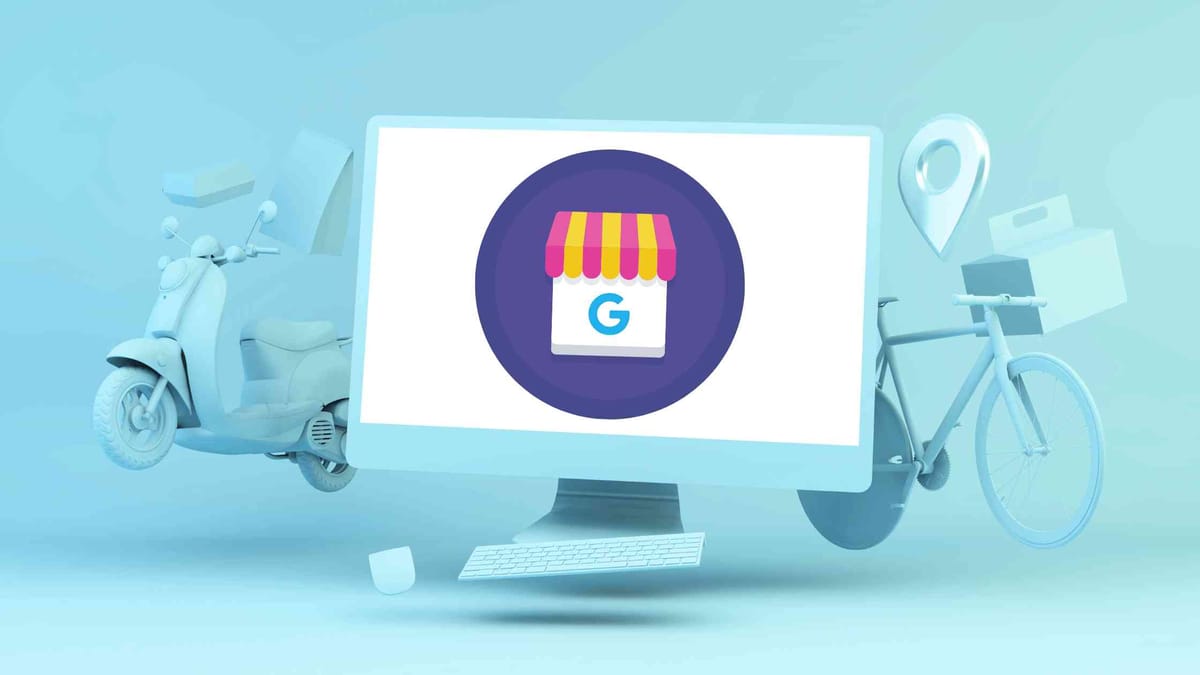
Real Restaurant Use Case: Multi-Location Café Chain
A 5-location café chain:
- Same weekly menu
- Same promotions
- Different cities
With Circleboom, they:
- Create one base post
- Customize location tags and visuals per account
- Schedule all posts for the week in under 30 minutes
Result:
- Consistent branding
- Local relevance
- No last-minute posting stress
Why Circleboom Works Better for Restaurants Than “Generic” Tools
- Built-in AI post generator helps when you don’t know what to write
- Canva integration for fast menu & promo visuals
- Google Business Profile posting (huge for local SEO)
- Clear preview per platform (no accidental cropped food photos)
Most importantly:
You don’t need a marketing background to use it.

Tool #2: Hootsuite
Good for Large Teams, Less Friendly for Small Restaurants
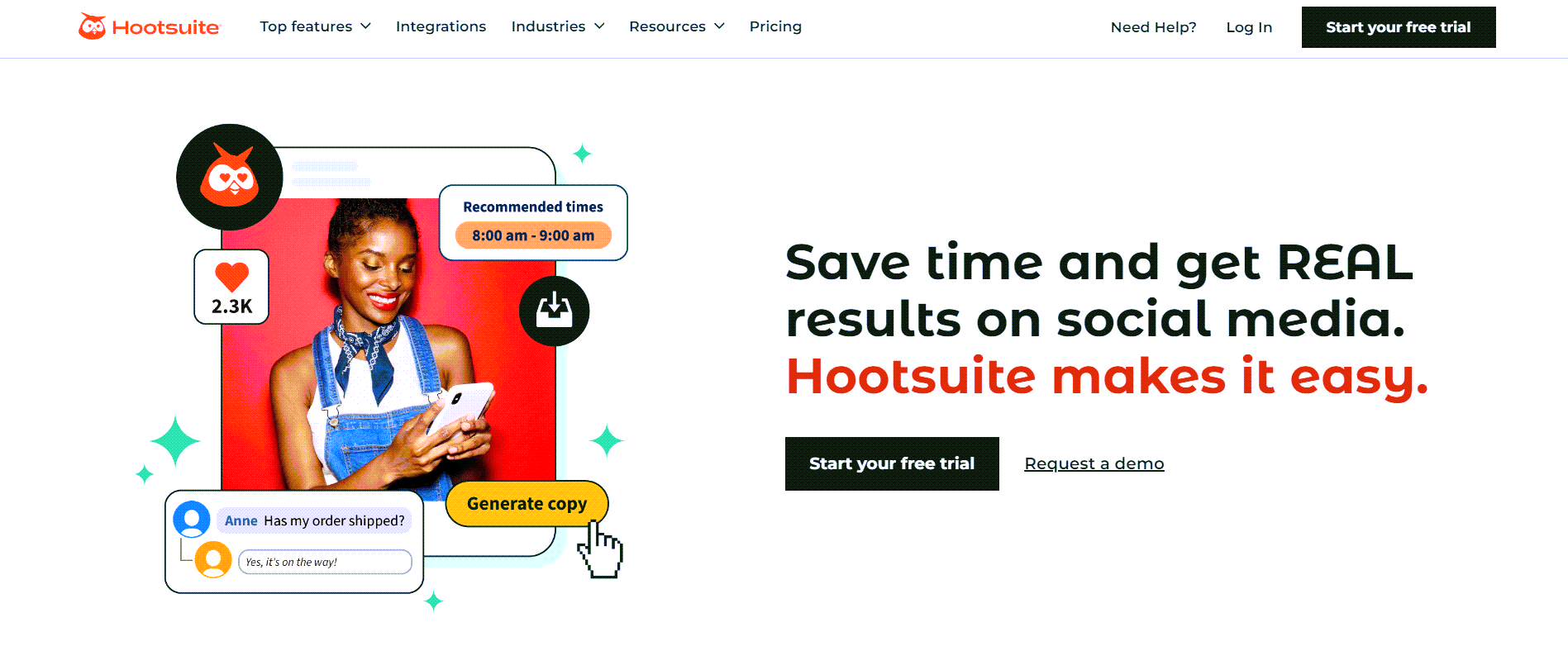
Hootsuite is one of the most well-known social media tools, and for good reason.
Where Hootsuite Works
- Large restaurant groups
- Corporate chains
- Dedicated marketing teams
It offers:
- Advanced scheduling
- Monitoring streams
- Team permissions
- Social listening
Where It Falls Short for Restaurants
- Expensive for multi-location use
- Interface can feel overwhelming
- Overkill for single or small chains
Many restaurant owners stop using it simply because:
“It takes longer to manage the tool than to post.”
Tool #3: Buffer
Simple Scheduling, Limited Restaurant Features
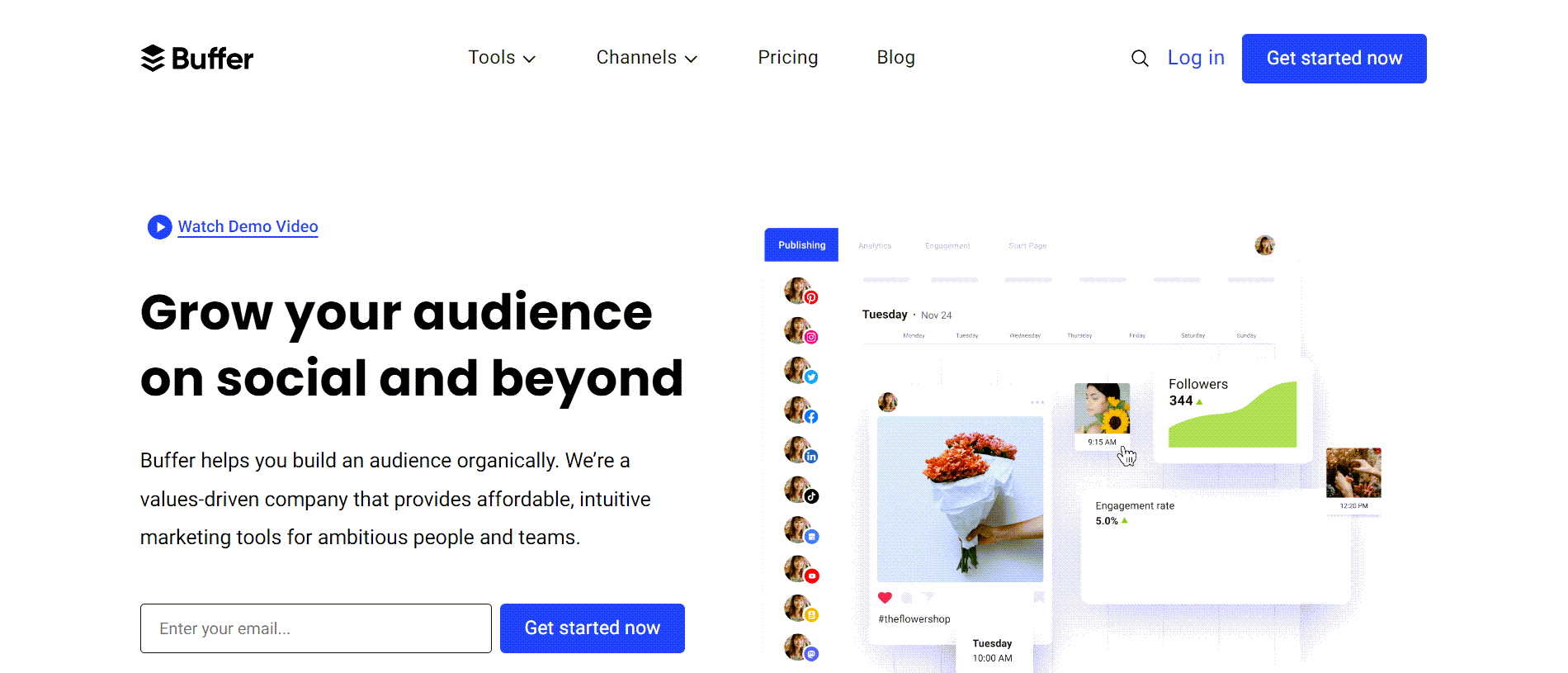
Buffer is clean, minimal, and easy to use.
Strengths
- Simple scheduling
- Easy interface
- Good for solo operators
Limitations for Restaurants
- Limited Google Business Profile support
- Basic analytics only
- Less visual control (important for food content)
Buffer works well if:
- You run one restaurant
- You only post occasionally
- You don’t need visuals or local SEO features
Why Managing Multiple Restaurant Accounts Is Different from Other Businesses
Restaurants are hyper-local and time-sensitive.
You’re posting about:
- Today’s lunch special
- Tonight’s live music
- Weekend brunch
- Holiday menus
- Last-minute closures
A tool that’s perfect for SaaS or ecommerce often fails for restaurants because:
- Posts need to go out fast
- Visuals matter more than copy
- Local relevance beats global analytics
Circleboom was designed around posting speed, visuals, and multi-account clarity, which is why it fits hospitality so well.
Data That Actually Matters for Restaurants
Instead of vanity metrics, restaurant owners should care about:
- Profile visits
- Google Maps discovery
- Local engagement
- Direction clicks
- Menu link clicks
Restaurants that post consistently across Google Business + Instagram + Facebook see:
- Up to 2× more profile actions
- Higher review frequency
- Better local search visibility
Tools that support cross-platform consistency outperform single-channel schedulers.
Which Tool Should You Choose?
Quick summary:
- Circleboom → Best overall choice for restaurant owners managing multiple accounts
- Hootsuite → Best for enterprise restaurant groups with full marketing teams
- Buffer → Best for single-location restaurants with very basic needs
If you’re running:
- Multiple locations
- Multiple platforms
- A real business, not a side project
You need a tool that respects your time, not just your data.
Final Thought: Consistency Beats Complexity
The best restaurant social strategy isn’t about viral posts.
It’s about showing up consistently where your customers already are.
The right tool should:
- Reduce stress
- Save time
- Keep branding consistent
- Support local discovery
That’s why most restaurant owners eventually move toward tools like Circleboom not because it’s flashy, but because it fits the reality of restaurant life.
Food gets people in the door.
Consistency keeps them coming back.
)