Today’s creators must deliver stunning visuals faster, often juggling multiple projects at once and that’s where stock illustrations and visuals can help. They enable designers to work efficiently without sacrificing quality.
Read on to discover how to get vector images from websites like DepositPhotos, Freepik, and Unsplash and use them legally in your projects.
 Arif Akdogan
Why can designers and content creators benefit from using free illustrations and vector designs?
The creative industry is more fast-paced than ever. In the US, the arts and cultural sector grew at more than twice the rate of the total economy between 2022 and 2023. While that growth is thrilling, it also increases pressure on designers and content creators, who must deliver high-quality visuals quickly.
That’s where free stock illustrations and vector designs come in handy. These are pre-made design elements such as illustrations, icons, vector graphics, textures, and patterns available for licensing or free use on stock platforms.
Created by professional artists and uploaded to online libraries, these assets can be downloaded from the best stock illustration sites and customized or used as-is in your projects.
Doing so:
- Saves time and effort, speeds up production, and allows creators to focus on the conceptual or strategic side of their work.
- Offers professional quality instantly, ensuring your projects look modern and visually appealing even when you use assets from stock vector art websites.
- Boosts creativity, for instance, browsing others’ illustrations or textures can inspire entirely new design concepts.
- Ensures consistency when working with visuals from themed collections or design sets.
- Provides flexible licensing options, allowing you to choose between free, royalty-free, or extended licenses based on your needs.
How to get vector images and use them legally
The global stock photos market is expected to reach $5,920.14 million by the end of 2025.
This highlights not only the market’s potential but also the wide range of stock platforms available. Still, it’s important to choose wisely if you want to use vector art design legally and avoid copyright or licensing issues.

Here’s how:
- Choose a trusted stock platform with transparent licensing terms. If you are new to this, start with the sites listed below.
- Understand license types. Free licenses permit use for personal or commercial projects (sometimes with author attribution). Royalty-free licenses require a one-time payment or a subscription, allowing you to reuse the asset multiple times. Extended licenses grant additional rights, such as applying visuals for merchandise or resale.
- Download the correct file format. Most royalty-free vector illustrations come in editable formats such as .AI, .EPS, or .SVG. Make sure the file opens properly in your design software (e.g., Adobe Illustrator or Figma) and includes a license document if available.
- Don’t resell or redistribute stock vectors, even if you modify them. You may use them as part of a larger project, but not as standalone uploads on other platforms.
- Keep proof of purchase or license files. This documentation protects you in case of copyright disputes.
 Arif Akdogan
Top paid and free vector art websites to try
There are plenty of paid and free vector art websites worth exploring. To simplify your choice, here are the top five options.
DepositPhotos
A professional stock platform offering high-quality vectors, illustrations, and photos. It’s known for affordable pricing and clear royalty-free licenses suitable for commercial use.
With broad categories, reliable content, and an intuitive interface, DepositPhotos is one of the best options for freelancers or small teams needing polished visuals quickly.
Envato Elements
This platform allows you to download an unlimited number of creative assets—vectors, templates, mockups, fonts, and videos—all under a single subscription.
Its simple commercial license and curated library make it ideal for designers who seek flexibility and creative freedom.
PostNitro
PostNitro is an AI-powered content creation platform designed to transform static text into high-engagement social media carousels. Leveraging advanced AI models allows users to repurpose long-form articles, viral Twitter threads, or simple topics into visually stunning, multi-slide presentations for platforms like Instagram, LinkedIn, and TikTok.
The platform automates the entire processfrom writing optimized copy to formatting the design enabling marketers and creators to produce professional, brand-aligned content in minutes without needing any graphic design skills.
Freepik
One of the largest sources for free and premium vectors, icons, and PSD files.
Freepik offers an affordable premium plan that removes attribution requirements, positioning it as an excellent choice for freelancers, students, and small businesses looking for budget-friendly creative assets.
Adobe Stock
A premium-quality vector collection integrated seamlessly with Adobe Creative Cloud apps such as Illustrator and Photoshop.
Designers already using Adobe software will find it convenient to license assets directly from their workspace.
Unsplash
Best known for its free, high-resolution photos, Unsplash also features an expanding selection of illustrations and vector-style graphics. All assets are free for personal and commercial use under the Unsplash License.
Its community-driven collection offers a diverse aesthetic that appeals to modern brands and content creators.
Creating Content Faster with Built-In Visual Tools
Finding the right visuals is only one part of the creative process. For many social media content creators, the real challenge lies in managing content across multiple platforms while maintaining speed, consistency, and quality.
This is where Circleboom Publish comes into play.
Circleboom Publish is designed for creators who manage multiple social media accounts across different platforms and want to simplify their workflow. Instead of switching between design tools, stock websites, and scheduling platforms, creators can plan, design, and publish content from a single dashboard.

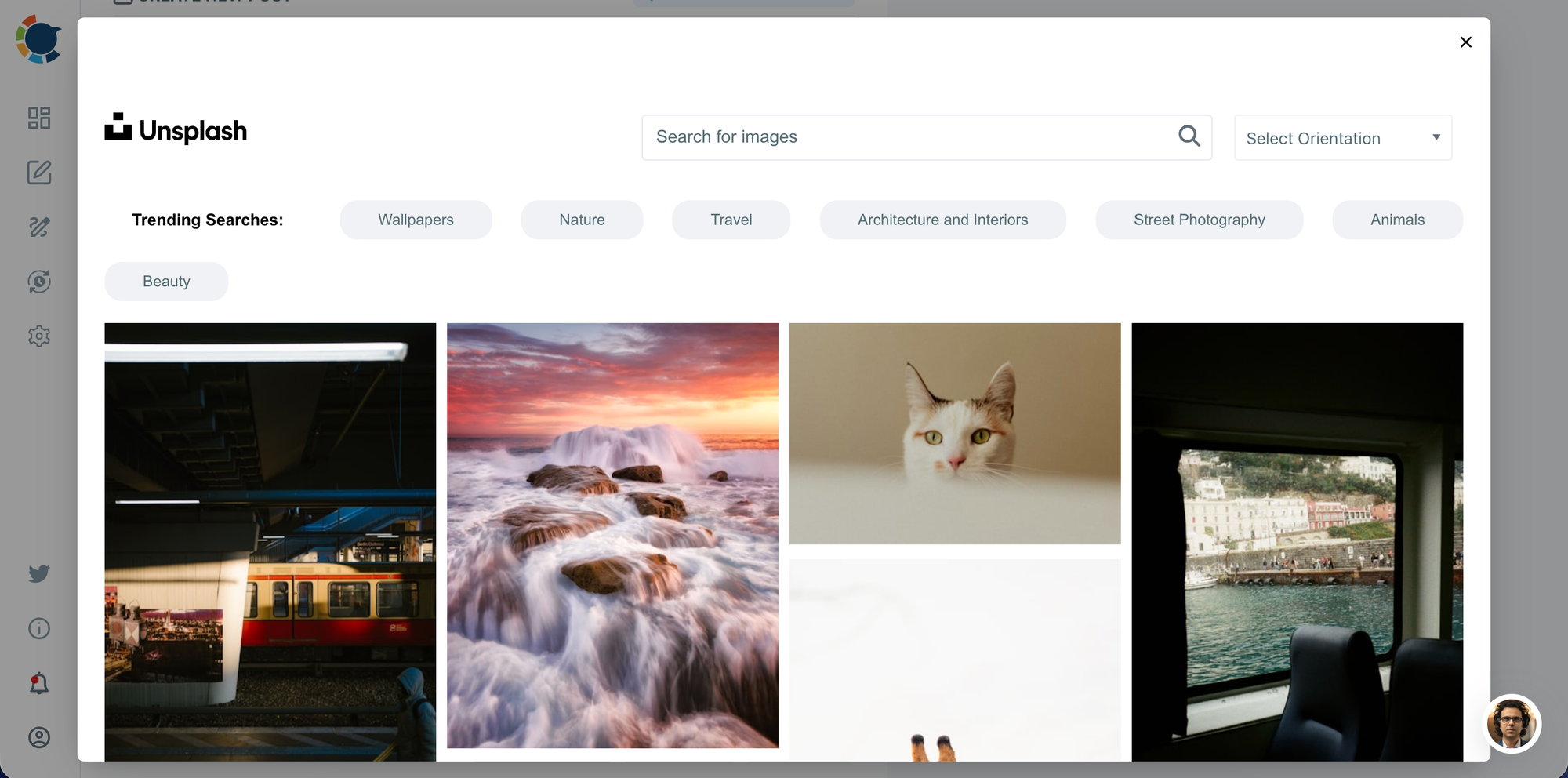
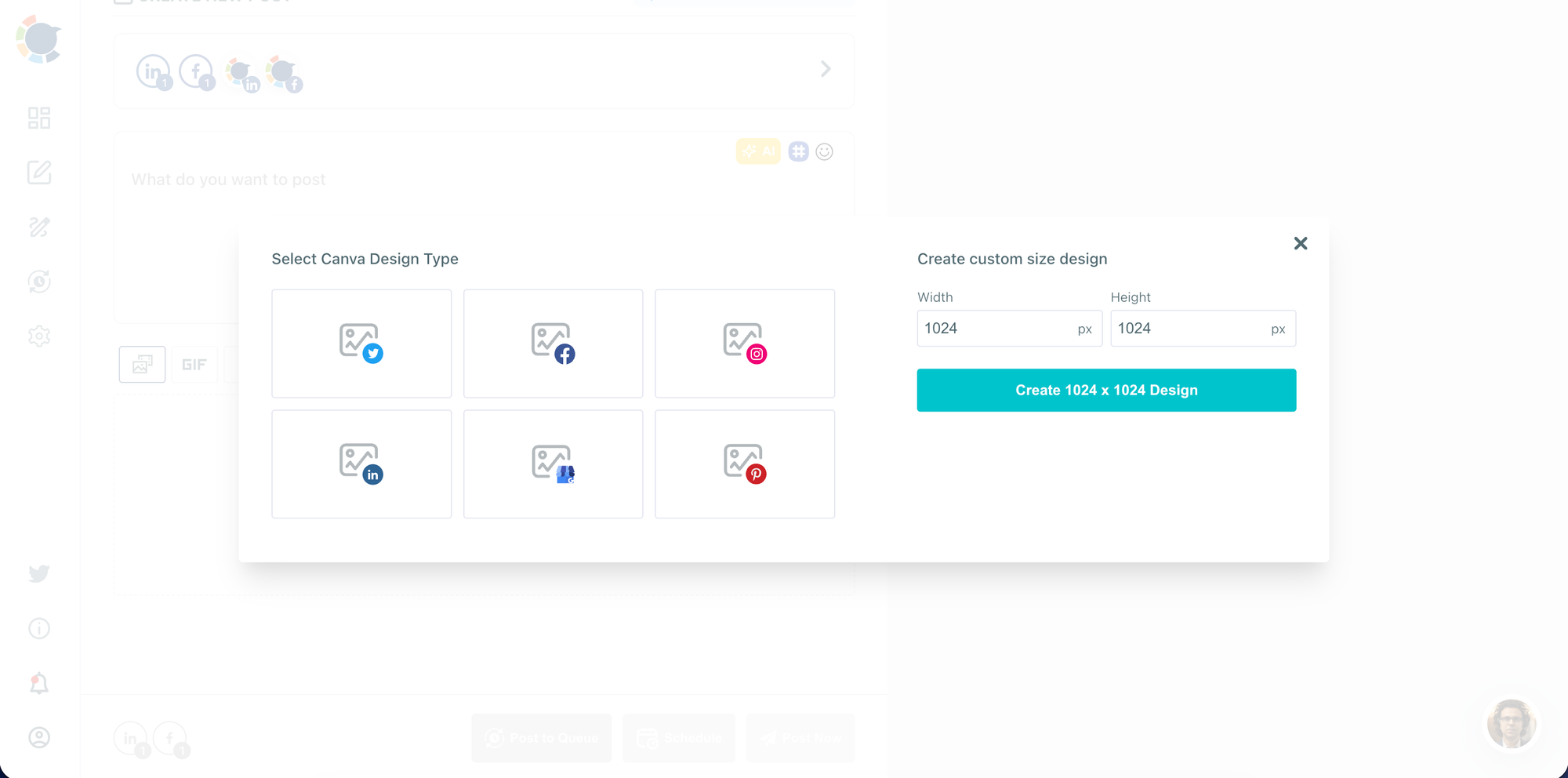
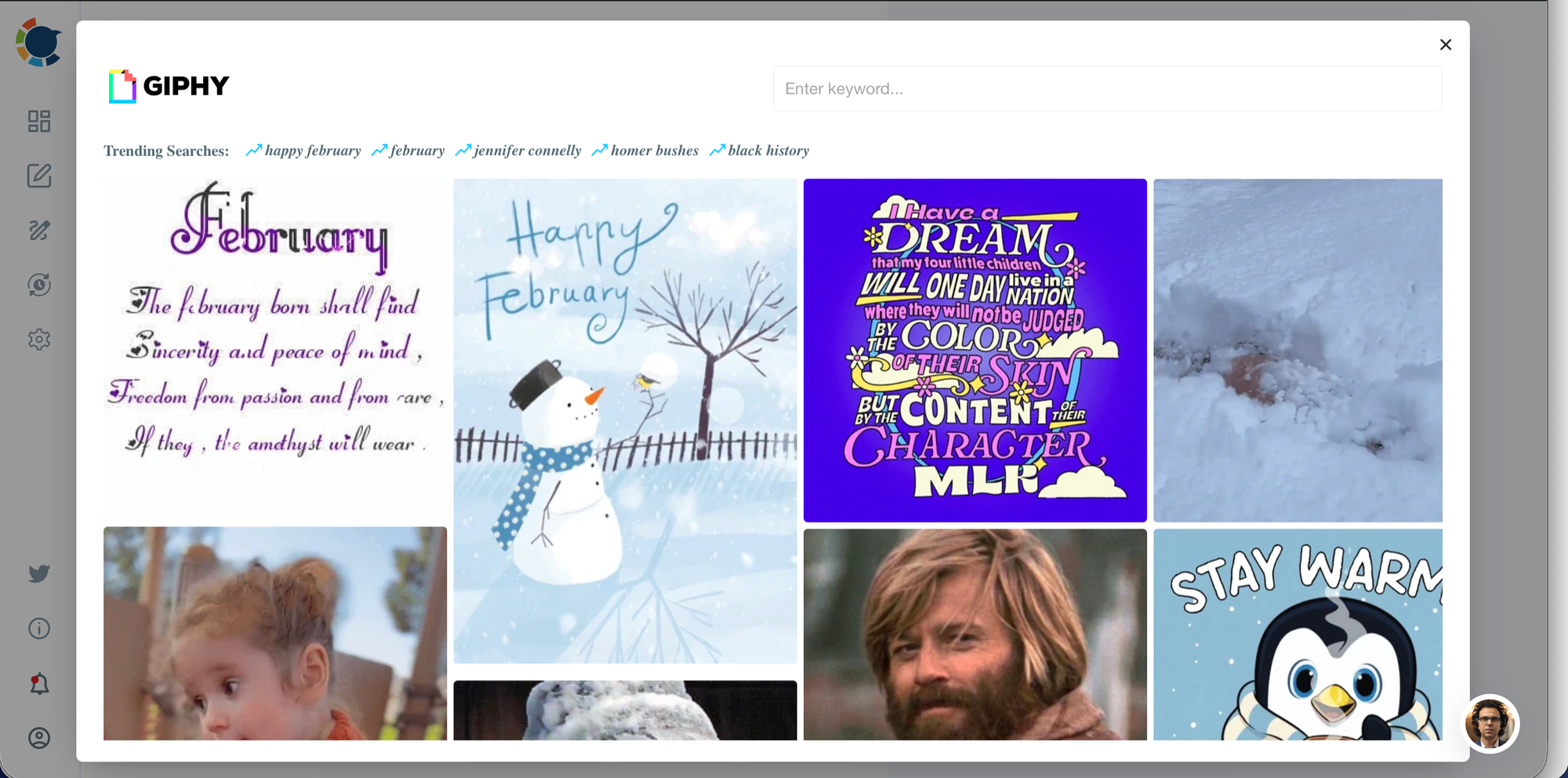
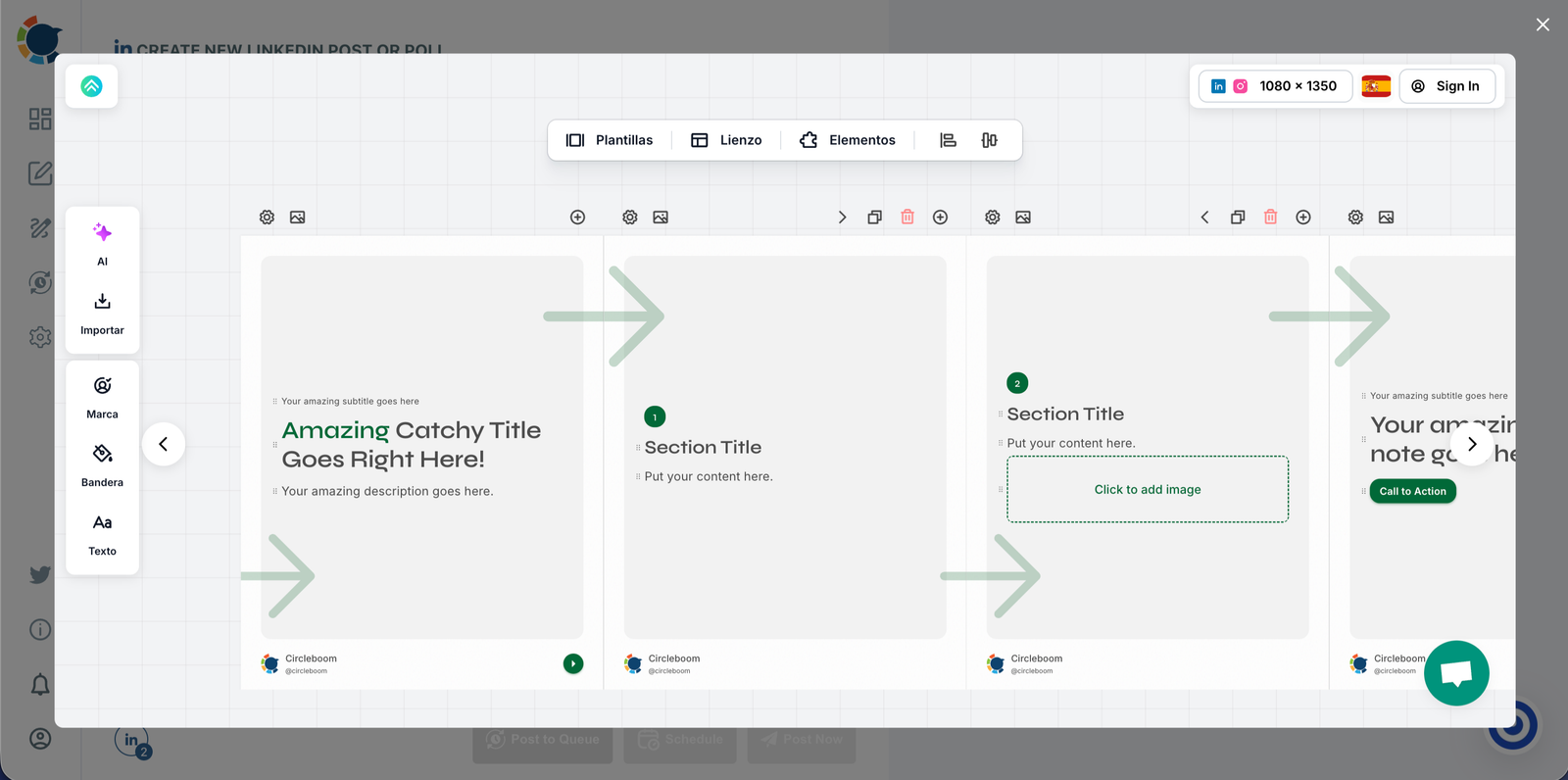
One of its biggest advantages is its built-in image curation tools. While creating content, users can instantly access visual resources from:
- Unsplash for high-quality, royalty-free images
- Canva for quick visual edits and templates
- Giphy for engaging GIFs
- Post Nitro for enhanced visual post designs
This integrated approach means there’s no need to jump from site to site to find the perfect image or visual element.
Creators can write their content, browse visuals, customize designs, and prepare posts—all in one place.
For designers and content creators working under tight deadlines, this streamlined workflow saves valuable time, reduces friction, and allows more focus on creativity rather than tool management.
Instead of just finding visuals, Circleboom Publish helps turn them into ready-to-publish social media content efficiently.
To sum up
Using vector images and illustrations helps creators save time and maintain professional quality. Choosing reliable stock platforms and understanding licensing rules ensures these visuals can be used confidently and legally.
To turn those visuals into publish-ready content efficiently, a streamlined workflow matters.
Circleboom Publish brings content creation, visual sourcing, and publishing together in one place, with built-in tools like Unsplash, Canva, Giphy, and Post Nitro. This allows creators to focus less on managing tools and more on creating impactful content.