

Most advice about Twitter investors ends in a list of famous accounts. Active angels and VCs are found another way on X: by what their bio says and by what they posted this week.
Where are active investors on X, and how do you find them?
Active angels and VCs name their role in their X bios and show up in recent conversations about funding. Circleboom turns an investor keyword into a list of the X accounts whose bio or recent tweets match it, pulled through official X Enterprise APIs with follower, verification and location data on every row.
→ Twitter investors
Where active angels and VCs are on X
Investors on X are found in three places: the bio field, recent posts, and the location field of the profile. There is no investor label to search for on an X profile, so these self-reported fields are the public markers.
Each field holds a different signal:
- Bio: the role a person claims, such as angel, VC, partner or seed investor.
- Recent posts: the topics a person is paying attention to now.
- Location: the city or country the person chose to show.
X does not publish a count of investor accounts, and any figure you see quoted for one is an estimate. The practical question is narrower. Which accounts claim the role, are active now, and fit your stage and market?
That question describes a filtered list of accounts. A feed of posts does not answer it, and a ranking written months ago answers only part of it.
Circleboom turns the three fields into one searchable table. A founder can look up active angels and VCs on X by keyword and read them side by side.
Published list, X search or live account search: which finds investors on Twitter?
A live account search finds investors who are active now; a published list and native X search each cover part of the job. The three routes differ on what they return, how current the result is, and whether you can filter it.
| Route | What you get back | How current it is | Filter by followers, verification, location |
|---|---|---|---|
| Published list | Names an editor picked | Fixed on the day it was written | No |
| Native X search | Posts, plus profiles in a People tab | Current | No sortable account table |
| Live account search | A table of accounts with profile data | Anchored to recent activity | Yes, all three |
What a published list gives you
A published list is an introduction. It shows you the well-known voices and the subjects they return to, in the way a roundup of the best financial Twitter accounts does for finance in general.
The limit of any list of Twitter investors is time. A list cannot show who stopped posting, who changed stage, or who moved to a new firm after it was written.
It also sends every reader to the same few accounts. The more a list is shared, the more crowded those reply threads become.
What native X search gives you
Native X search returns posts first and profiles second. X's help center explains how X search works, including the People tab that shows matching accounts.
The result is current, which is its strength. The gap is structure: profiles appear as cards, and you open each one to check activity, follower size and whether the account looks real.
What a live account search gives you
A live account search returns accounts as rows, with the checks already in columns. Circleboom's Live X Account Search matches a keyword against public bios and recent tweets, then lists each account with followers, following, tweet count, join date, follow ratio and an activity label.
The result is smaller than a historical index by design. It reflects who is engaged with the keyword now and is not a census of every investor on X.
A published list tells you who is known. A live search tells you who is present.
How the three routes work together
The routes are not rivals, and each has one job it does best:
- Read a published list to learn the vocabulary investors use, then turn those words into search keywords.
- Use native X search to read what one specific investor has posted lately.
- Use a live account search to produce the shortlist itself.
I use all three in that sequence. The list gives me context, the live search gives me names, and native search is where I read a person closely before I reply to them.
Bio search versus tweet search for investors on X
Bio search finds people who claim to be investors; tweet search finds people who are talking about investing. For a shortlist you want the overlap: a bio that states the role and recent posts that show the person is active.
The two matches fail in different ways:
- A bio-only match can return a dormant account that has not posted in a long time.
- A tweet-only match can return anyone who mentioned funding once, whatever their job.
- A match on both is the strongest of the three, though it still needs a read of the profile.
Circleboom's live search covers both fields in one query. The keyword is matched against public bios and recent tweet content, and the resulting accounts are ordered toward recent activity.
Post search itself is a documented capability of the X platform. X's developer documentation describes it in the Search Posts introduction, which is the kind of official source a live keyword search depends on.
Narrow a mixed result to bio matches
To tighten a mixed result to bio matches, use the Find in Bio & Name filter after the search. It takes any text you type and looks for it in the display name and the bio, nowhere else.
Wording matters as much as the field. People describe the same job with different words, so one term never returns everyone. The broader method to search Twitter bios and profiles applies to any role, not only investors.
How Circleboom finds active investors on Twitter
Circleboom finds active investors on Twitter by running a live keyword search across public bios and recent tweets and returning the matches as a filterable account table. The feature is called Live X Account Search and sits in the Advanced X Search menu.
Circleboom is a verified Enterprise partner of X, so the accounts come from official X records.
That matters for accuracy: scraping-based collection can miss accounts or misread fields, and a shortlist with holes sends you after the wrong people.
Filters that turn a result into a shortlist
The filter panel is where a raw result becomes a shortlist. All filters combine with AND logic:
- Follower Quality: Eggheads, Protected, Fake/Bot, Inactive and Overactive flags.
- Verification Status: verified, unverified or not selected.
- Find in Bio & Name: free text across display name and bio.
- Follower, Following and Tweet Count: minimum and maximum values, plus Follow Ratio.
- Join Date and Filter by Location: a date range and a free-text place.
Active, Moderate Active and Inactive are labels in a results column that you sort, not a filter you tick. The label is computed from public activity signals and is a behavioral indicator.
A bio that says "investor" is a claim, and the quality flags are computed signals. For the broader problem of accounts that only look like people, there is a separate read on LLM-run Twitter accounts and how to find them.
What a live search does not tell you about an investor
A live search shows who matches and who is active; it does not show whether a person is the right investor for your company. Four limits are worth keeping in view:
- Only public accounts and public tweets are returned, so protected accounts are absent.
- The rows are a snapshot, and follower counts or bios can change after the search.
- A keyword can match by accident, in a joke or in an old context.
- Check size, stage focus and portfolio are not profile fields, so you confirm them by reading.
The result can be exported as a CSV when you want to keep that snapshot, and export is token-based.
Every action on the result is confirmed by you. Follows are paced gradually, and nothing is sent to an account automatically. With those controls, a founder can pull a reviewed list of Twitter investors without opening a single profile blind.
How to find Twitter investors with a live account search
To find investors on Twitter, search one investor keyword across bios and recent tweets, filter the returned accounts for quality and fit, and act only on the rows you have read. The search takes a single word, so each role, stage or sector term is its own run. The four steps below use Circleboom's Live X Account Search.
Bio and profile search in practice: finding targeted people on X by a keyword, shown from the first query to the list.
- Log in to Circleboom Twitter and make sure your X account is connected.

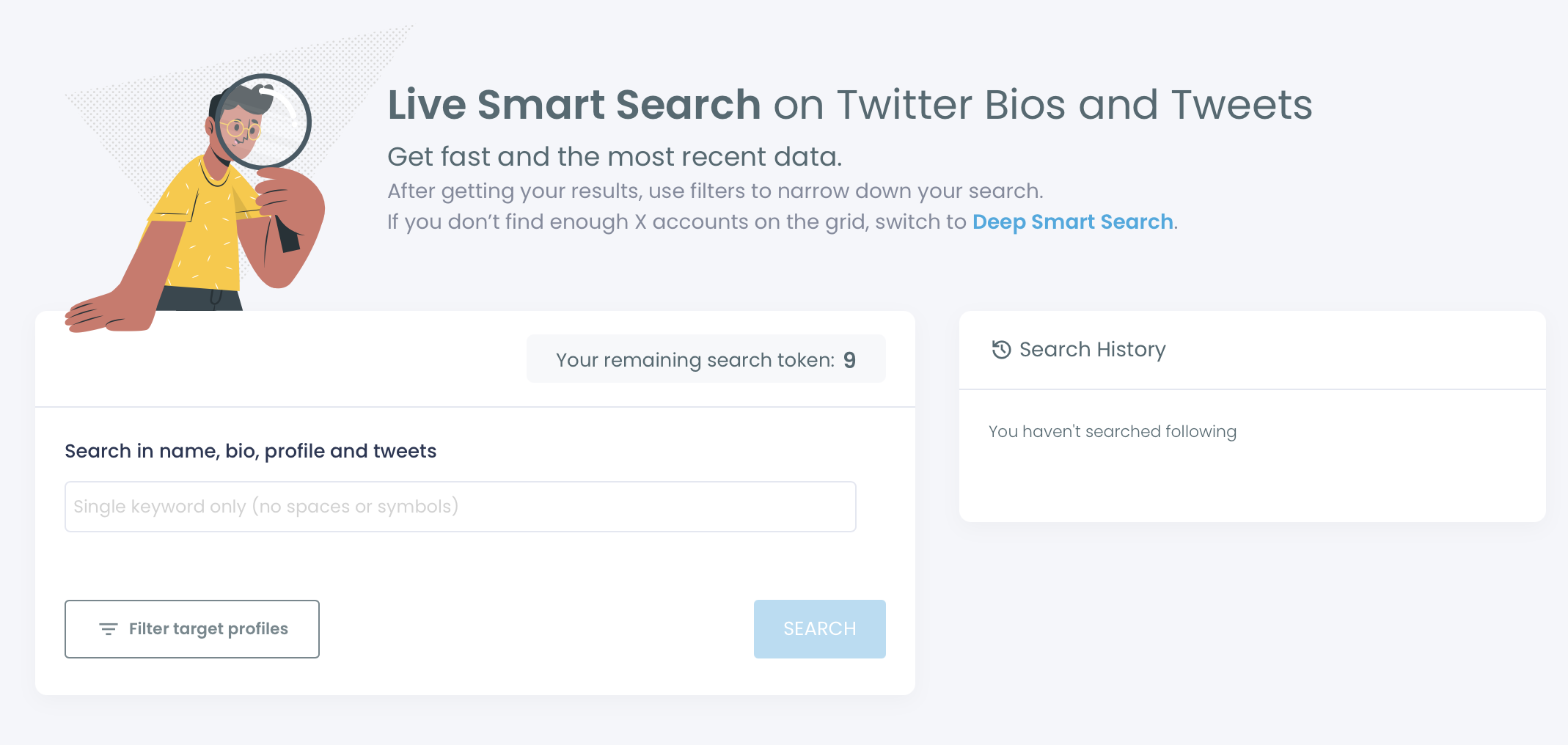
- Go to the Advanced X Search menu and open Live X Account Search.

- Type one keyword and click Search. Enter a single word such as "angel", "VC" or your sector, with no spaces or symbols. The results page is titled "Listing N profiles who are interested in" followed by your keyword.
- Filter the table, select the accounts that fit, and choose an action. Open Filter Options, apply the quality, bio, follower and location filters you need, then tick the rows you want. Follow sends paced follows after a confirmation, and Add to List saves the selection to an X List.
Searching before filtering keeps the result honest: the keyword decides who is considered, the filters remove accounts that fail your criteria, and the selection step leaves the final call with you.
The sequence in one line: log in, open the live search, run one word, filter, select, then follow or list.
Run the search again for each investor term
Repeat the run for each term. A result for "angel" and a result for "seed" are different lists, and the accounts that appear in both are a good place to begin reading.
How to find investors in your own city or country on X
Use the Filter by Location field in Circleboom's Filter Options to keep only the accounts whose X profile shows your city or country. The field is free text, so you type the place name, for example "New York", and apply it on top of the investor keyword.
Circleboom filters X accounts by the location shown on their profiles, which lets founders build a local list of investors from a live keyword result. The location also appears in the Name column of each row, beside the display name and username.
Why a local search needs more than one pass
Three details decide how well a local search works:
- The location field on X is optional and self-entered, so some investors leave it blank.
- People write the same place in different ways, such as a city, a region or a country.
- Location combines with every other filter through AND logic.
Because of the first two points, run more than one spelling. A search filtered to the city name and a second one filtered to the country will not return the same rows.
A blank location does not mean an investor is far away. I treat the location filter as a way to find the obvious local names fast, then check the bios of the unfiltered result for place names written into the bio text.
Local matters most at the earliest stages. An angel in your city can meet in person and usually knows the market you are selling into.
Circleboom has a dedicated page to search Twitter by location. The same filter serves the wider task: find all Twitter users who list their location in a particular city.
Investors on X are found by activity, not by fame
The investors worth approaching on X are the ones whose bio states the role and whose recent posts show they are still paying attention this week.
→ List the active investors on X
What to know before you approach investors on Twitter
How can I see which accounts an investor has just started following?
Circleboom's Monitoring menu includes a feature that tracks another X account's following and followers. It is used to watch investors, CEOs and competitors for early signals, since a new follow can appear well before any public announcement.
Where should I keep the investors I found so the list is not public?
Keep them in a private X List. From the Circleboom search result, select the accounts, click Add to List, choose Twitter List, and set the new list to private. To edit its members later, manage your Twitter lists in Circleboom.
What is the daily cap on following investors through Circleboom?
The cap is 400 Follow actions per day, paced at 50 every 15 minutes, and queued follows continue automatically the next day. These are Circleboom safety limits meant to help protect your X account. For a shortlist of investors you will rarely need more than a few follows a day.
Can I unfollow investors later if my shortlist was wrong?
Yes. Each row in Circleboom has an Unfollow action for accounts you already follow, and bulk Unfollow is paced at 50 every 15 minutes with a daily safety limit of 800. The cleaner fix is to follow fewer people on X from the start.

