
Imagine spending hours crafting the perfect tweet, only to see it fall flat with minimal engagement. Frustrating, right? That was my reality when I noticed a sharp decline in my tweet impressions. Determined to turn things around, I dove deep into finding a solution.
Here's how I cracked the code and how you can boost your tweet impressions too.
Now I’m going to tell you one of the fastest ways to increase impressions and engagement on X: giveaways.
Here’s what you do. You run a giveaway and offer a reward to the winners. The human brain is wired to respond to incentives. You ask people to share your tweet.
In return, you create a simple exchange where a small reward drives large-scale distribution. Your content spreads further, reaches new audiences, and generates immediate interaction.
The result is straightforward. You gain followers, increase impressions, and boost engagement at the same time.
For X creators, giveaways are not really about the prize. They are about giving people a reason to jump in. On a platform where attention moves fast, a giveaway can make someone stop scrolling, engage with your post, and share it with others. That extra activity helps your content travel further, puts your profile in front of new people, and creates the kind of momentum that can speed up growth.
When you use it the right way, a giveaway is not just a quick visibility boost. It is a solid growth move. It helps you pull in new people, turn views into engagement, and build real traction around your account. If you want faster interaction and stronger reach on X, giveaways are still one of the easiest ways to make that happen.
Select your giveaway winners with Circleboom's official Enterprise X Developer tool so that you will run a fair and safe giveaway winner picking.
 Arif Akdogan
Understanding Tweet Impressions
Tweet impressions refer to the number of times a tweet is displayed on someone's timeline. This metric is crucial because it indicates the potential reach of your content. High tweet impressions mean that your tweets are being seen by a larger audience, increasing the chances of engagement through likes, retweets, and replies.

Why Your Tweet Impressions Might Be Decreasing
There are several reasons why your tweet impressions might be on the decline:
Fuat Zarifoglu Altug Altug
 Altug Altug
 Kevin O. Frank
 Altug Altug
Searching for a Solution
Faced with the drop in my tweet impressions, I started searching for ways to reverse this trend. First, I wanted to rule out any possibility of being shadowbanned.
Using Circleboom's Twitter shadowban tester, I checked my shadowban status and confirmed that I wasn't shadowbanned. With this relief, I continued my search for an effective solution to improve my tweet impressions. That's when I discovered Circleboom's "Best Time to Post" feature.
Circleboom Publish: Best Time to Post Feature
Circleboom Publish is a versatile tool designed to enhance your Twitter experience. One of its standout features is the Best Time to Post.
This feature analyzes the activity patterns of your followers to identify the most active hours. By scheduling tweets to post during these peak times, you can maximize the visibility of your tweets and ensure they reach a larger audience.
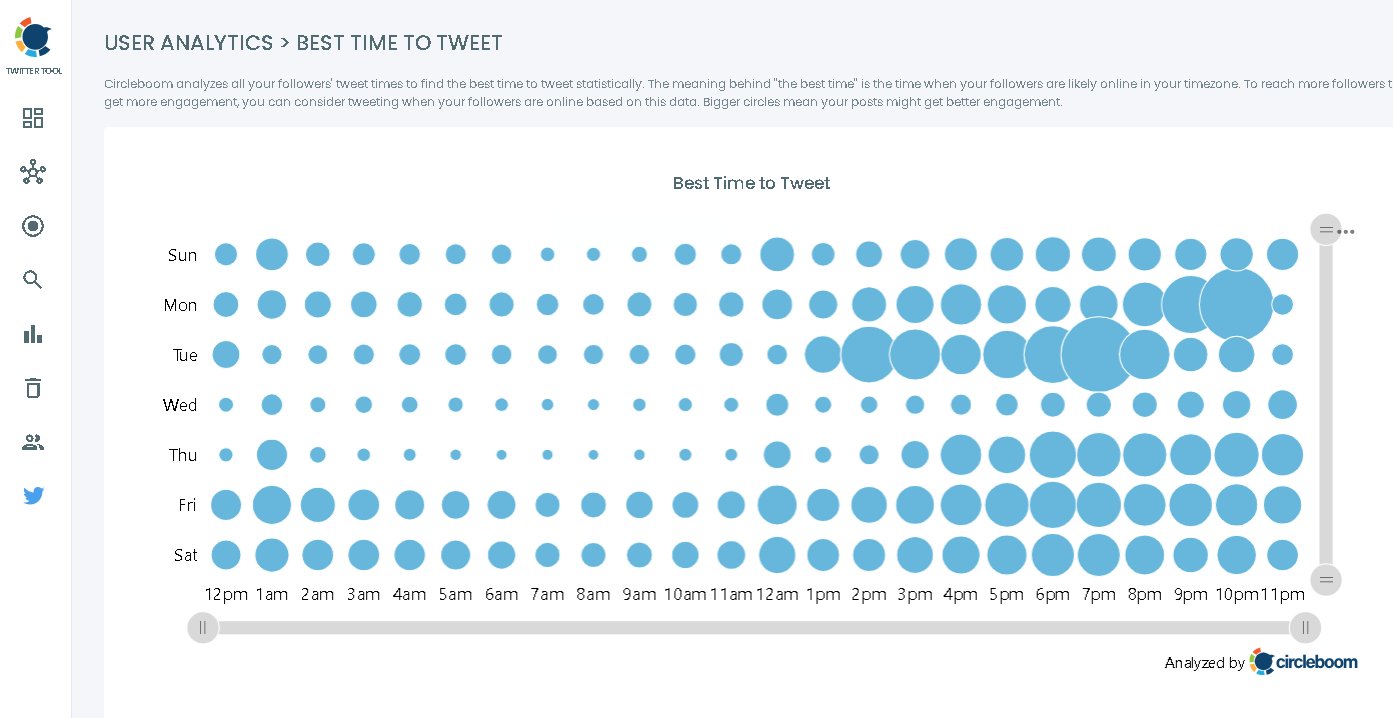
You can follow the step-by-step guidelines to schedule your tweets on the best time to post with Circleboom Publish.
Step#1: Log in to Circleboom Publish with your account.
If you don't already have a Circleboom account, you can get one in seconds for free!
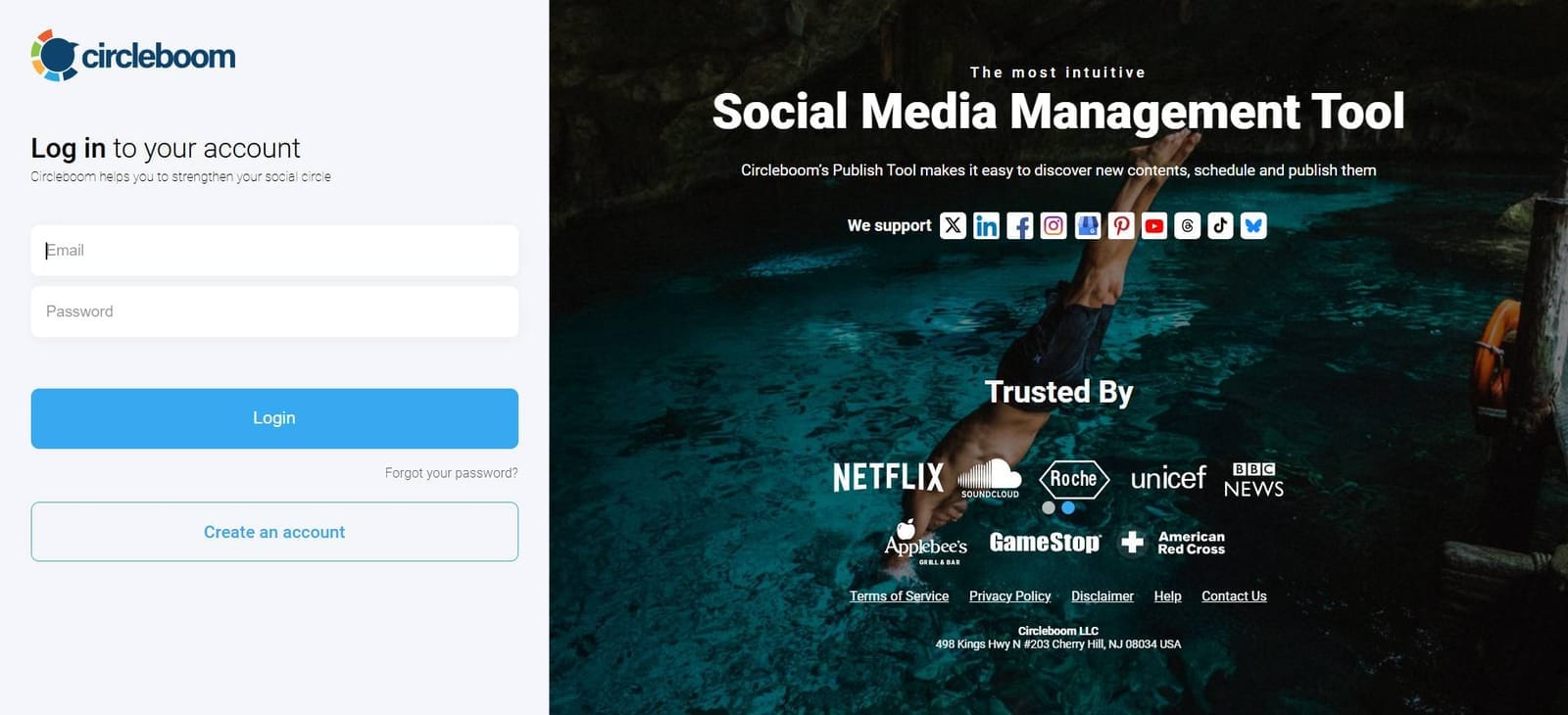
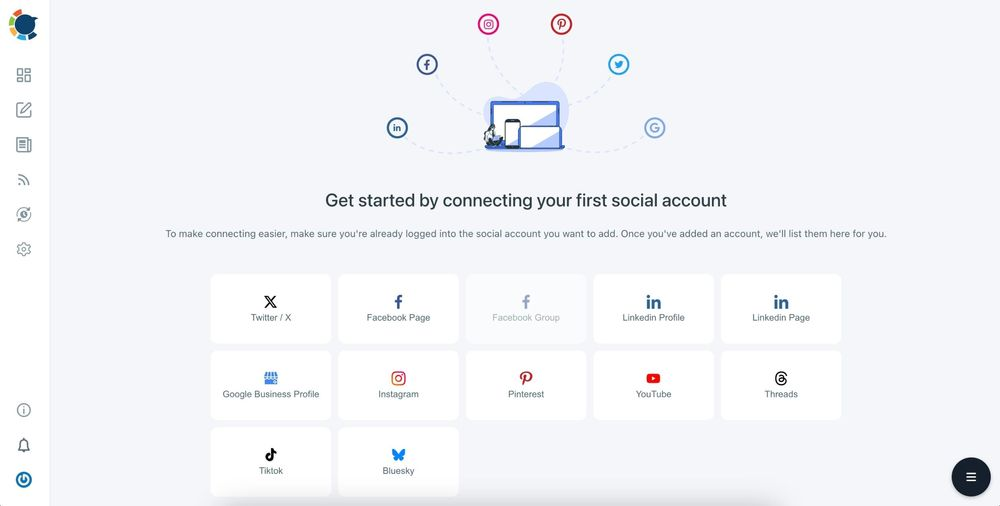
Step#2: If this is your first time using Circleboom Publish, you will see several options for Twitter, Facebook, Instagram, LinkedIn, Pinterest, Threads, Bluesky, TikTok, YouTube and Google Business Profile.
Select Twitter and connect your account(s). You can add multiple accounts from each platform.
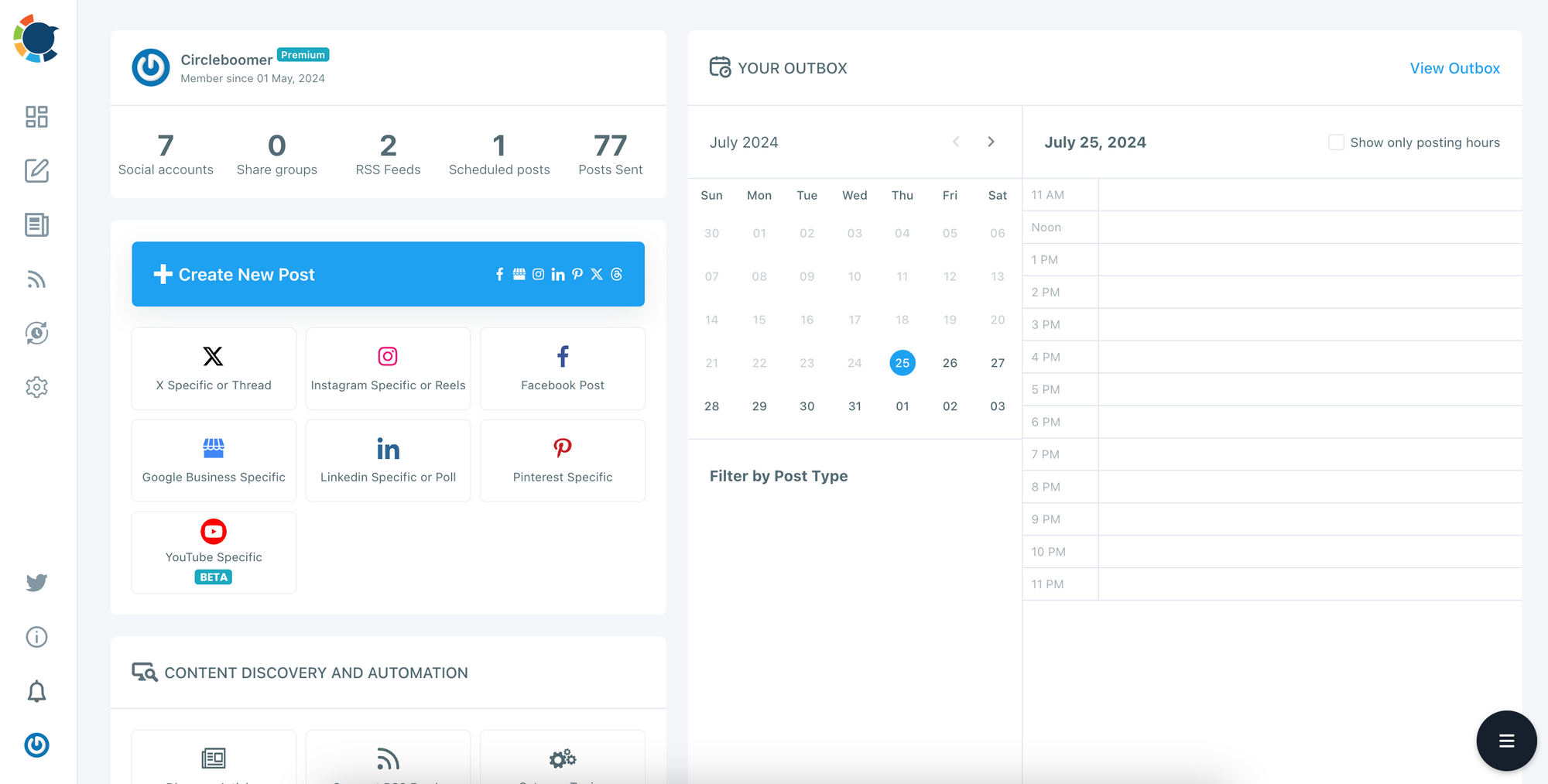
Step#3: You should click on the “Create New Post” button to create tweets. As you see, there are specific post options for each platform. You can choose Twitter Specific & Threads, too.
You’ll proceed to account selection.
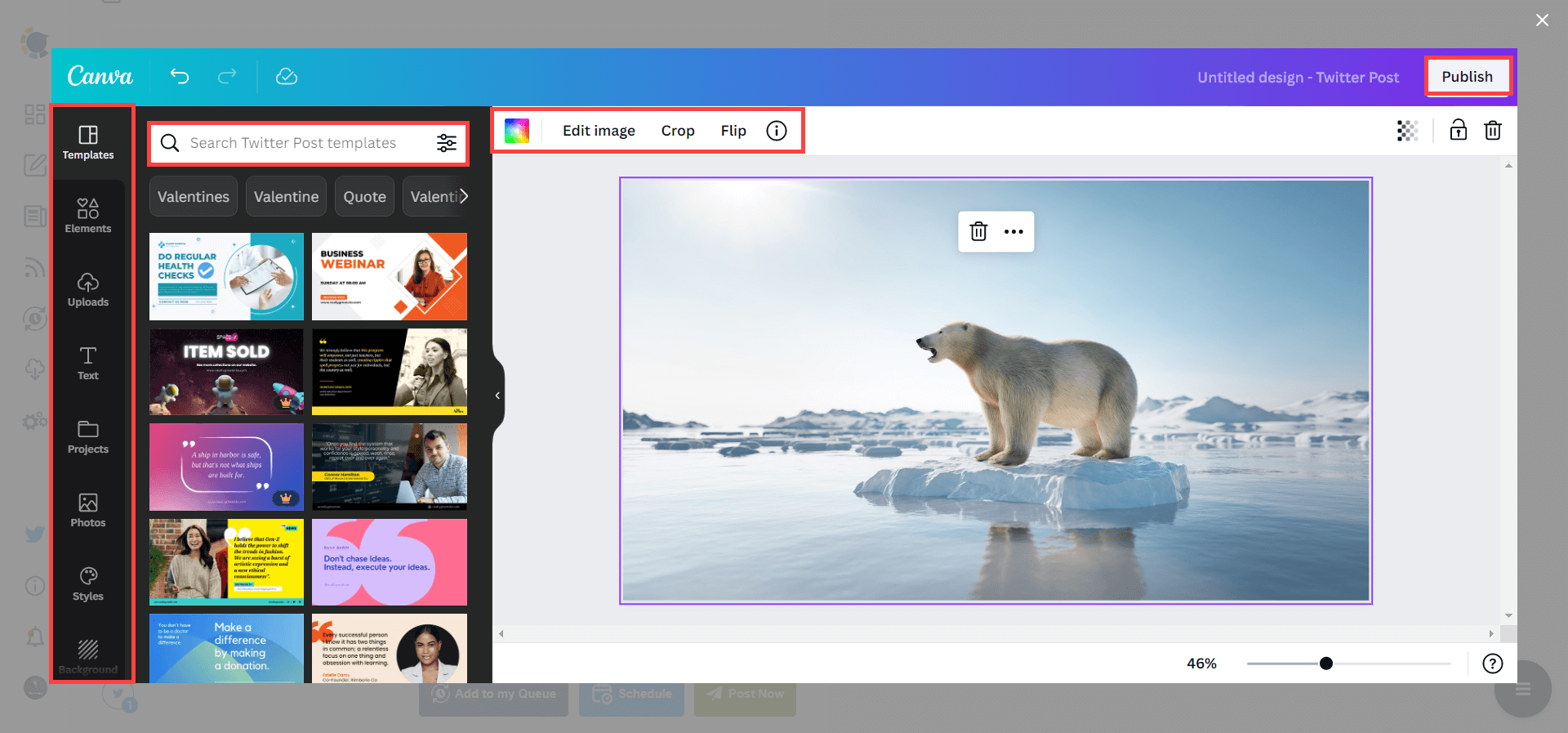
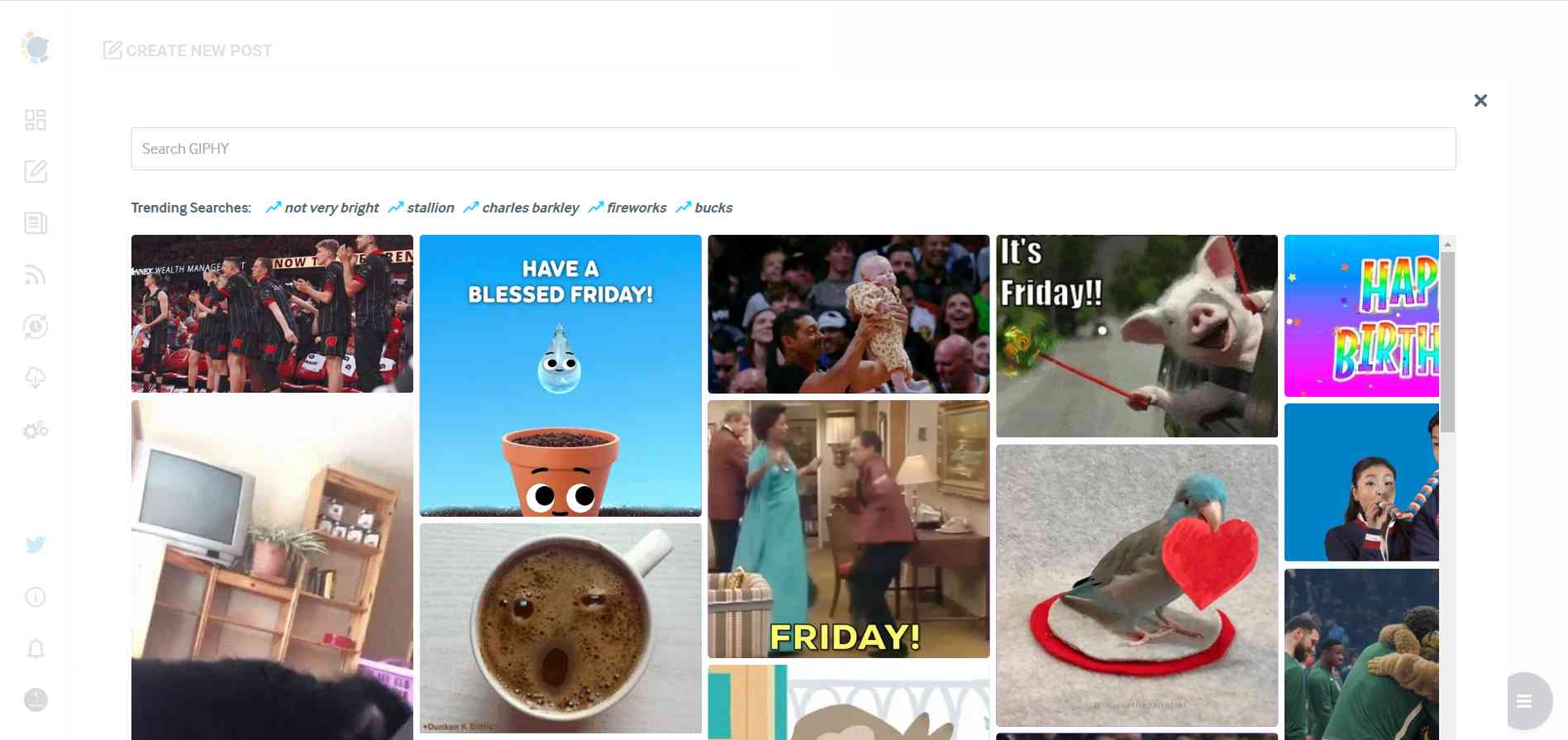
Step#4: The social media image generator on Circleboom has 4 options: Canva, Unsplash, Giphy, and Google Photos. You can also upload your own files to send them directly.
Canva is where you can curate and design images as you wish. You can apply ready-made templates, filters, effects, and other kinds of elements to edit your image.
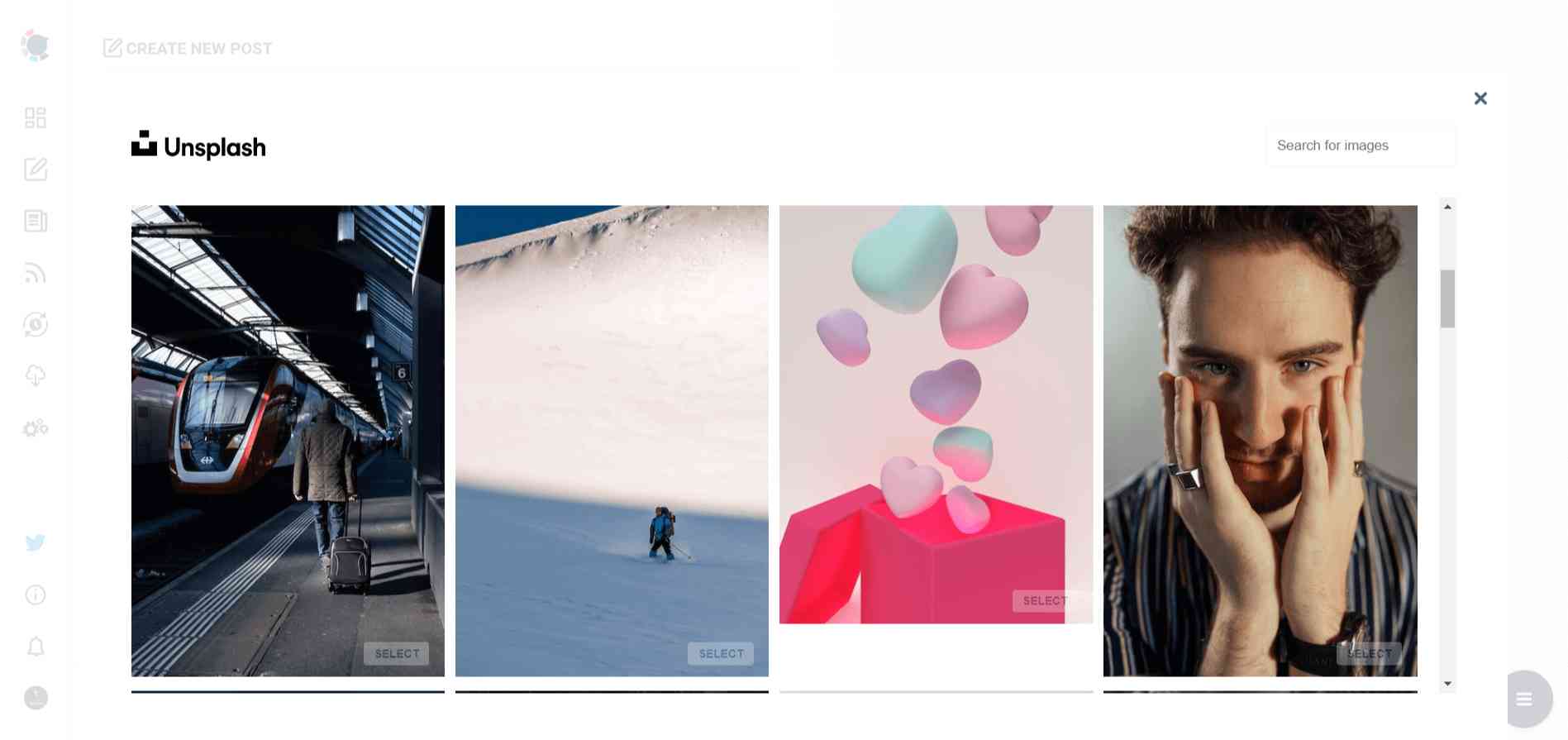
Also, you can use Unsplash to find auto-generated, high-quality images to share on your Twitter accounts.
Giphy is where you can generate high-quality GIF images for your auto-generated tweets.
Step#5: The next station is the social media text generator. Thanks to OpenAI integration, you can create auto-generated social media descriptions, captions, texts, and all kinds of texts enriched by AI-generated hashtags, emojis, and other extras like grammar checks or translations.
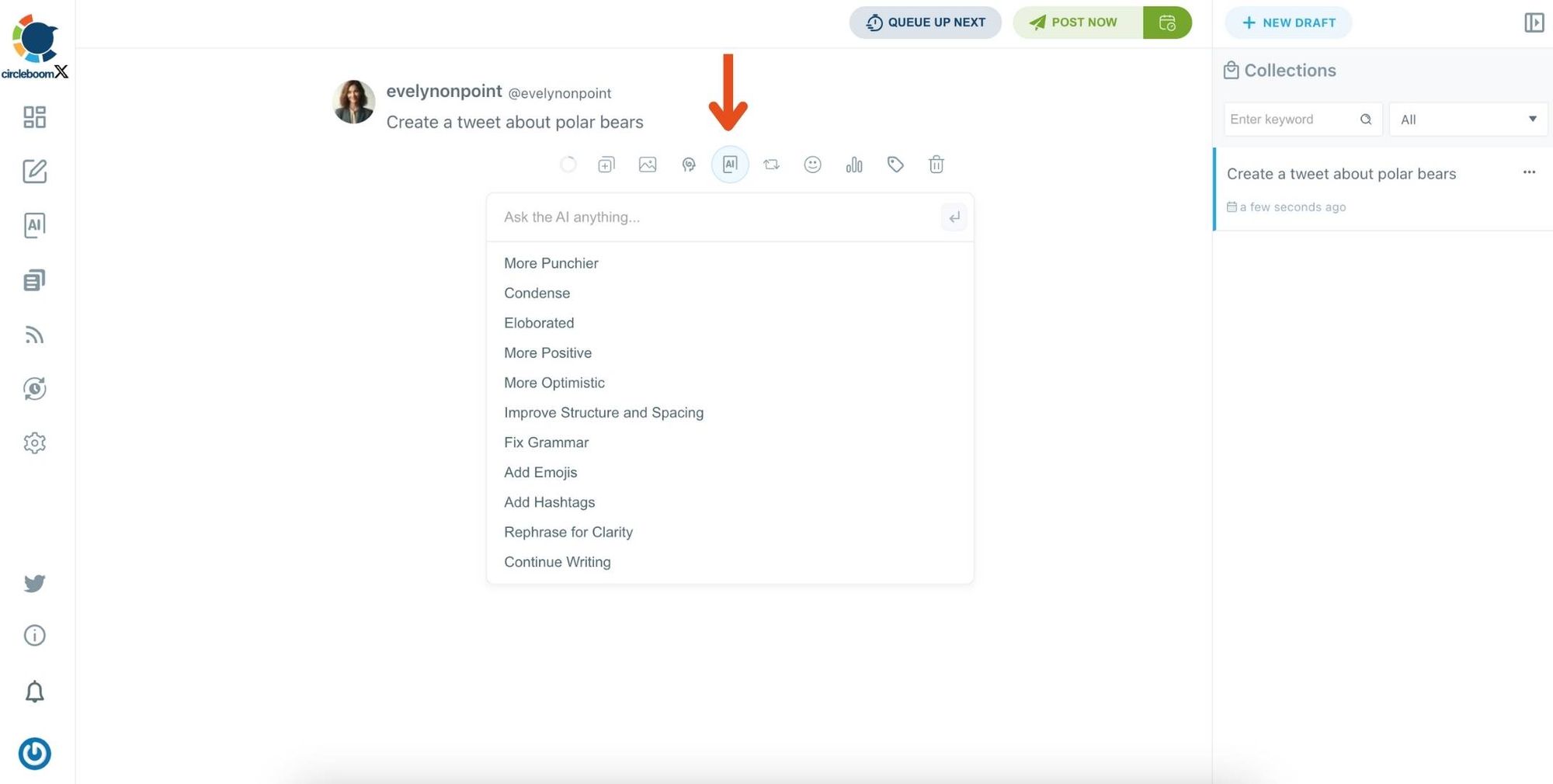
You can define the style of your words, warmth, etc., on Circleboom Publish.
And, you can enrich your auto-generated tweets with extras.
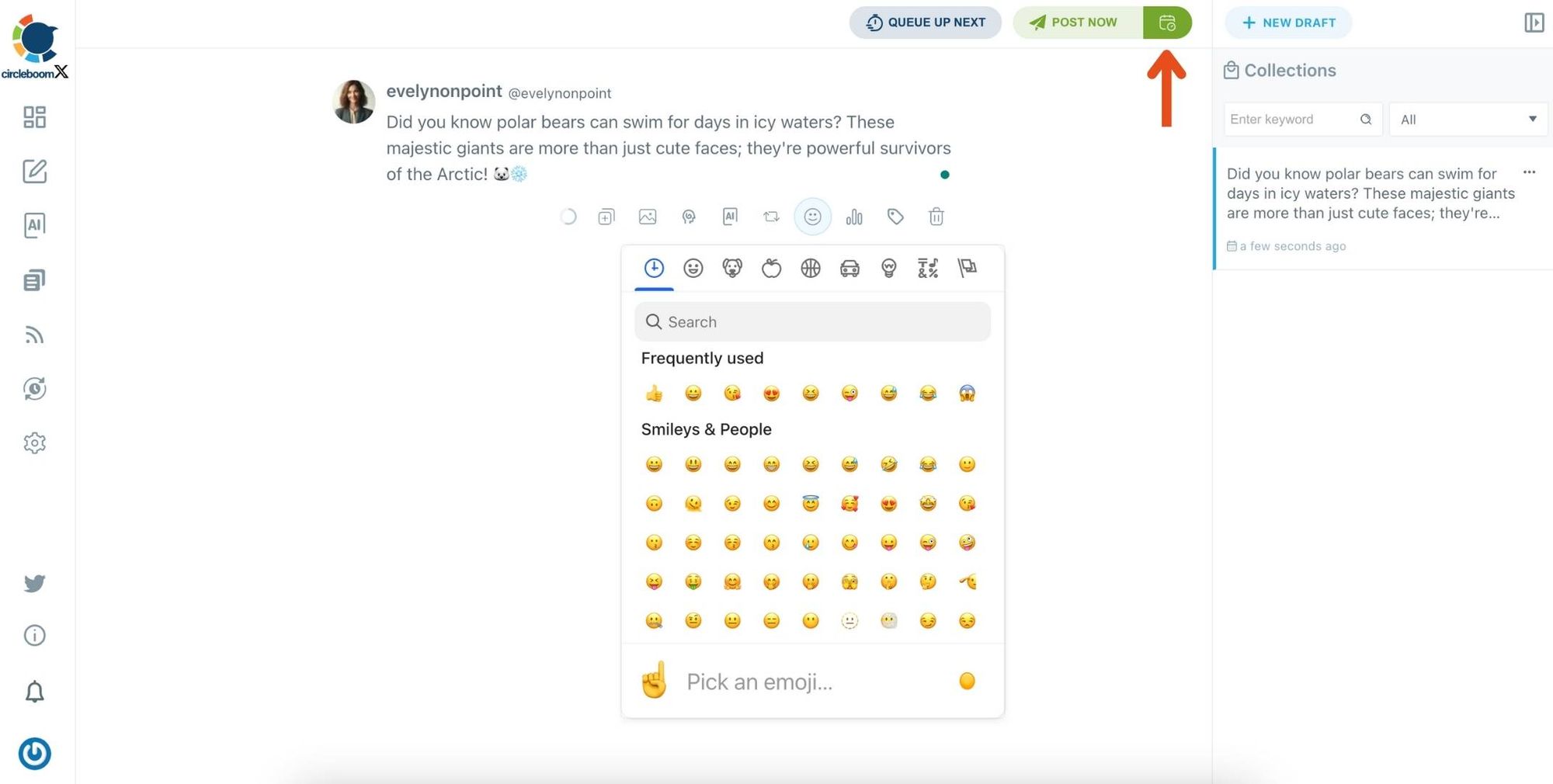
Step#6: Once you generate your tweets, you can share them immediately, Or you can schedule them for the future.
In our case, we will select a time from the best time to post for maximum impression.
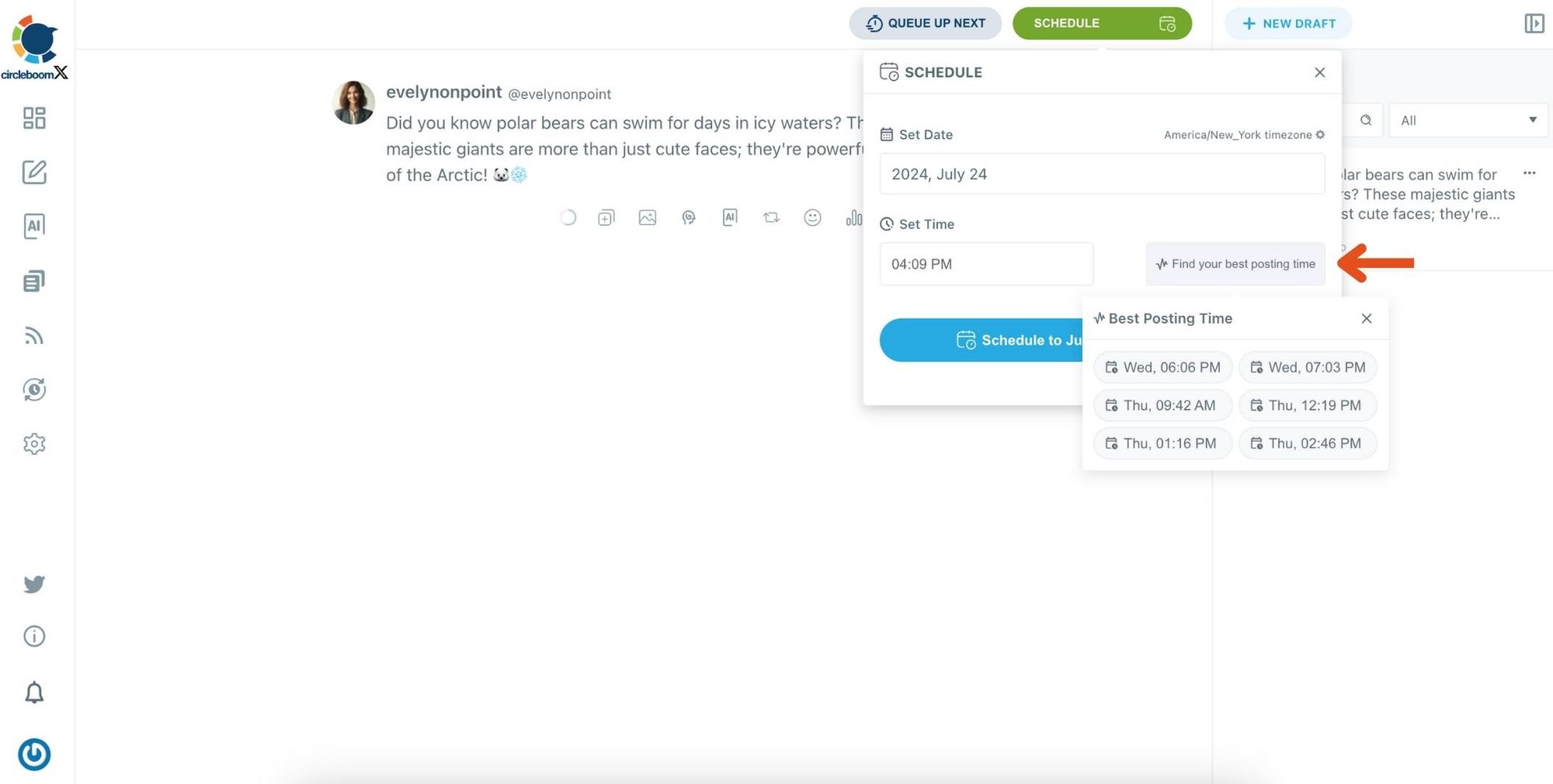
Before sharing your tweets, you can edit your Twitter posts.
Personal Results:
- After implementing this strategy, I observed a significant increase in my tweet impressions.
- My tweets were reaching a broader audience and receiving more engagement.
Additional Tips to Increase Tweet Impressions
While using Circleboom's Best Time to Post feature is highly effective, here are a few additional tips to further increase your tweet impressions:
Conclusion
Tweet impressions are a vital metric for measuring your reach and engagement on Twitter. If you've noticed a decline, don't despair.
By understanding the factors that influence impressions and leveraging tools like Circleboom Publish, you can significantly boost your tweet impressions. Circleboom's Best Time to Post feature was a game-changer for me, and I encourage you to try it and see the difference it can make.