
Managing a Facebook Page today is very different from what it was a few years ago. Organic reach is tighter, competition for attention is intense, and consistency matters more than ever. This is exactly why searches for automated Facebook posting keep growing.
Automation isn’t about being lazy or “posting without thinking.” It’s about building a reliable publishing system that works even when you’re not online, and making sure your best content actually gets seen.
Let’s break down what automated Facebook posting really means, why it’s valuable, and how Page owners use it in practice.
Do you know how to set up a Facebook Business Page? If you don't, we have prepared a guide for you:
 Kevin Frank
What Is Automated Facebook Posting?
Automated Facebook posting means publishing content on a Facebook Page automatically, based on predefined rules or schedules.
Instead of logging in manually every day to post updates, you set up a system that can:
- publish posts at specific times
- pull content from external sources (like blogs or RSS feeds)
- maintain a consistent posting rhythm
- queue posts ahead of time
Automation is especially relevant for Facebook Pages (not personal profiles), where consistency and timing directly affect reach and engagement.
If you want to jump into Facebook automation directly, here is a shortcut:
 Altug Altug
Why Automated Facebook Posting Is Important
1. Consistency Beats Occasional Bursts
Facebook’s algorithm favors Pages that post consistently, not sporadically.
A Page that publishes:
- 1–2 posts daily, spread evenly across the week
often performs better than a Page that posts:
- 10 updates one day
- nothing for the next four days
Automation makes consistency achievable without daily manual effort. I know you think you can show up on Facebook every day and share posts manually. But, believe me it is not easy as you think. Simply you can't find anything to say. It is very hard thing to create daily. That's why automation can save you because I highly recommend showing up every day. This is what algorithm likes. Be there, share something and in time the algorithm will reward your persistence.
2. Timing Has a Direct Impact on Reach
Posting when your audience is online dramatically increases early engagement which is critical for Facebook distribution.
But here’s the challenge:
- your audience may be active outside your working hours
- global Pages have followers in multiple time zones
- manually tracking “best times” is unreliable
Automated scheduling allows you to lock in optimal posting windows and hit them every time.
And this is actually called smart scheduling. Do you know when to schedule your next Facebook post? Probably you don't know. Circleboom offers best times to share or schedule your posts. This is the result of analyzing your followers and also testing general patterns of behaviors. It is a suggestion of course and results are not guaranteed, as they are dependent on many other factors as well. But, you will be better, be sure, with smart scheduling and your impressions and engagement will be increasing day by day.
3. Manual Posting Does Not Scale
If you manage:
- multiple Facebook Pages
- a content-heavy blog
- a business with frequent updates
manual posting quickly becomes a bottleneck.
Automation turns posting from a daily task into a one-time setup.
You can spend one hour in a week, prepare all the posts for the next seven days and smart schedule them and log out. You will be on Facebook without seeing this blue platform for the next seven days. You can spend your time with your family, go out with your friends, pass to the next level on your favorite video game, or finish the book you couldn't start for months. Automation gives you the time that otherwise you would spend on social media.
Practical Examples of Automated Facebook Posting
Example 1: Content Website with Daily Articles
A tech blog publishes 3–5 articles per day.
Without automation:
- editors must manually post each article to Facebook
- posts often get delayed or skipped
- older evergreen articles are forgotten
With automated posting:
- RSS feeds are connected to the Facebook Page
- every new article is shared automatically
- posts are spaced using queue scheduling
- headlines and descriptions are formatted consistently
Result:
- steady traffic from Facebook
- no missed posts
- predictable engagement patterns
If you’re unfamiliar, an RSS feed is a tool that pulls content updates from websites, blogs, or news sources and delivers them directly to a platform like Circleboom Publish.
Using RSS feeds can automatically share new content to your Facebook pages as soon as it’s published on the original source. This approach not only ensures that your pages are updated regularly but also saves hours that would otherwise be spent managing posts manually.
Example 2: Small Business Facebook Page
A local service business wants to stay visible but doesn’t have a social media manager.
Automation allows them to:
- smart schedule promotional posts weeks ahead
- queue educational and testimonial content
- keep the Page active during busy periods
Result:
- Page looks professional and alive
- no pressure to “post something” every day
- better long-term reach
If you don't know what is "queueing", read it carefully. Queue scheduling is that first you are creating your posting queue. For example, you are saying that a post should be shared every day at 7:15 PM. Monday 7:15 PM, Tuesday 7:15 PM, Wednesday 7:15 PM, Thursday 7:15 PM, Friday 7:15 PM, Saturday 7:15 PM, and Sunday 7:15 PM. This is your queue. So, when you create a post and add it to your queue, it is added to the first, empty slot. For example, in the beginning, when you add a post to queue, it is set to be published at Monday 7:15. Your second post will be set at Tuesday 7:15 and so on.
Example 3: Agency Managing Multiple Pages
An agency handles Facebook Pages for several clients.
Manual posting leads to:
- mistakes
- inconsistent timing
- burnout
Automated posting enables:
- centralized scheduling
- standardized content workflows
- predictable delivery across all Pages
Result:
- higher efficiency
- fewer errors
- better reporting and optimization
Managing one Facebook Page is simple. But, what if you have 100 Facebook Pages? Automation is not a choice for them, it is mandatory! They can connect multiple Facebook Pages to Circleboom and manage them in one dashboard.
 Kevin Frank
Smart Scheduling vs. Queue Scheduling
Automated Facebook posting usually involves two core approaches.
Smart Scheduling
You choose:
- exact dates
- exact times
Best for:
- campaigns
- announcements
- time-sensitive content
Queue Scheduling
You create a content queue and define:
- which days to post
- which hours to publish
Posts automatically fill the next available slot.
Best for:
- evergreen content
- blog posts
- ongoing brand communication
A healthy Page often uses both.
Where Circleboom Fits In
This is where Circleboom naturally enters the workflow.
Circleboom supports Facebook Pages and allows users to build a complete automated posting system without complexity.
With Circleboom, you can:
Connect RSS Feeds to Facebook Pages
- automatically share new blog posts
- keep Pages updated without manual work
- customize how RSS content is formatted before posting
Yes, for example you are writing blogs on Blogger and want to share them on Facebook with your followers. With Circleboom you can connect them, and when you post a blog on Blogger, it will be automatically shared on Facebook, no manual workflow.
 Kevin Frank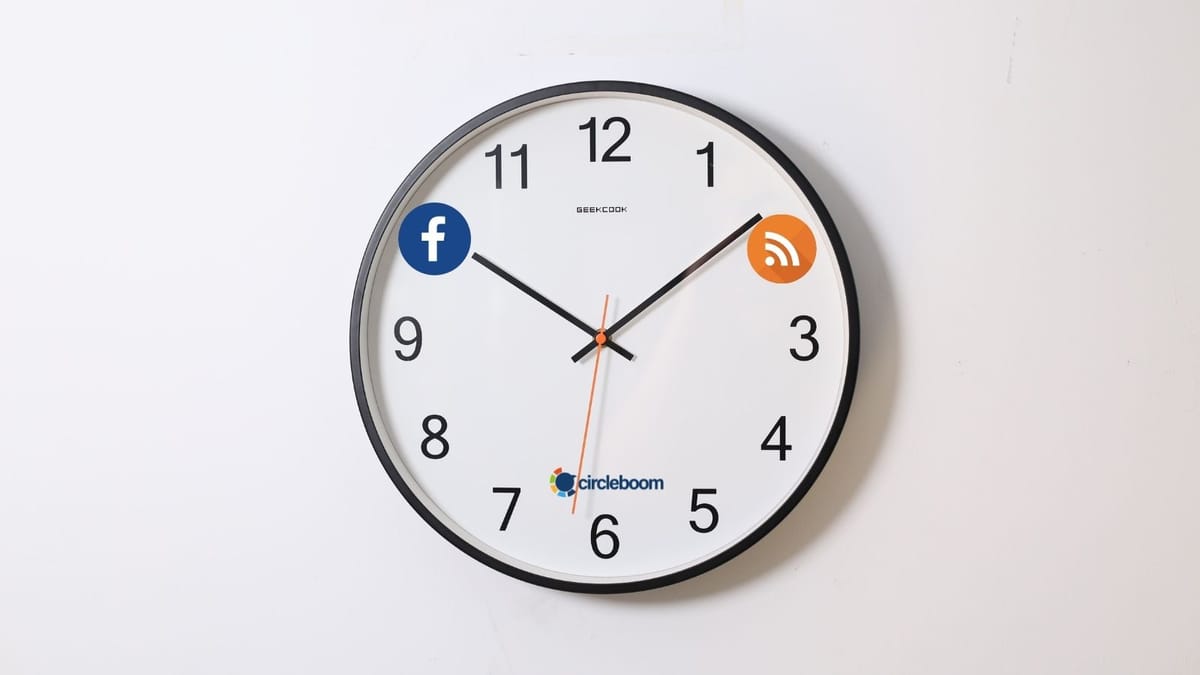
This is especially powerful for:
- publishers
- content creators
- SEO-driven websites
Use Smart Scheduling
- schedule Facebook posts for exact dates and times
- align posts with audience activity
- plan campaigns weeks ahead
Use Queue Scheduling
- define posting days and hours
- drop content into a queue
- let Circleboom handle timing automatically
This removes guesswork and ensures consistency.
Manage Everything from One Dashboard
Instead of jumping between tools and tabs:
- content creation
- smart scheduling
- queue management
all happen in one place.
Automation becomes controlled, not chaotic.
Common Myths About Automated Facebook Posting
“Automation kills engagement”
False.
Poor content kills engagement.
Well-timed, relevant content performs better when automated.
“Facebook penalizes automated posts”
Facebook penalizes spammy behavior not automation itself.
Using approved tools and reasonable posting frequency is safe and widely practiced.
“Automation removes the human touch”
Automation handles when you post.
You still control what you post.
In fact, automation often frees time for better content creation and community engagement.
Best Practices for Automated Facebook Posting
- combine automation with manual interaction (reply to comments)
- avoid posting too frequently
- test different posting times
- mix promotional and value-driven content
- review performance regularly
Automation works best when it supports a clear content strategy.
Final Thoughts
Automated Facebook posting isn’t about replacing strategy, it’s about executing strategy reliably.
When posting becomes systematic:
- consistency improves
- reach stabilizes
- time pressure disappears
Tools like Circleboom make automation practical by combining:
- RSS automation
- smart scheduling
- queue scheduling
- Facebook Page support
into a single, manageable workflow.
If you treat Facebook posting as a system instead of a daily chore, automation stops being optional, and starts becoming essential.