
Open the Google Business Profile composer for the first time and "Learn More" is usually already selected.
Most business owners leave it there. On the second post, and the third.
It's rarely a decision. It's just the button that happened to be selected when the composer opened, and nobody questioned it. Pull the numbers on a profile like that after a month, and the lowest performing post is almost always one of the "Learn More" ones, sitting under an announcement that was really asking people to call and book a table.
That's the mistake. Google Business Profile hands out six different buttons for a reason, and using the same one out of habit is the same as not choosing at all.
➡️ How to add a Book Now button to Google Business posts!
Why the CTA button carries more weight than the copy
A Google Business Profile post shows up in two places that matter a lot to a local business: directly on your profile when someone searches your name, and on Google Maps when someone searches nearby. In both spots, someone has already shown intent. They typed your name or they're standing three blocks away looking for exactly what you sell.
That's a different reader than someone scrolling a social feed. They're not deciding whether to be interested in you. They're deciding what to do next, right now.
The button is what turns that moment into an action. Good copy earns the click. The wrong button wastes it.
Make you clients one click away from your products and services.
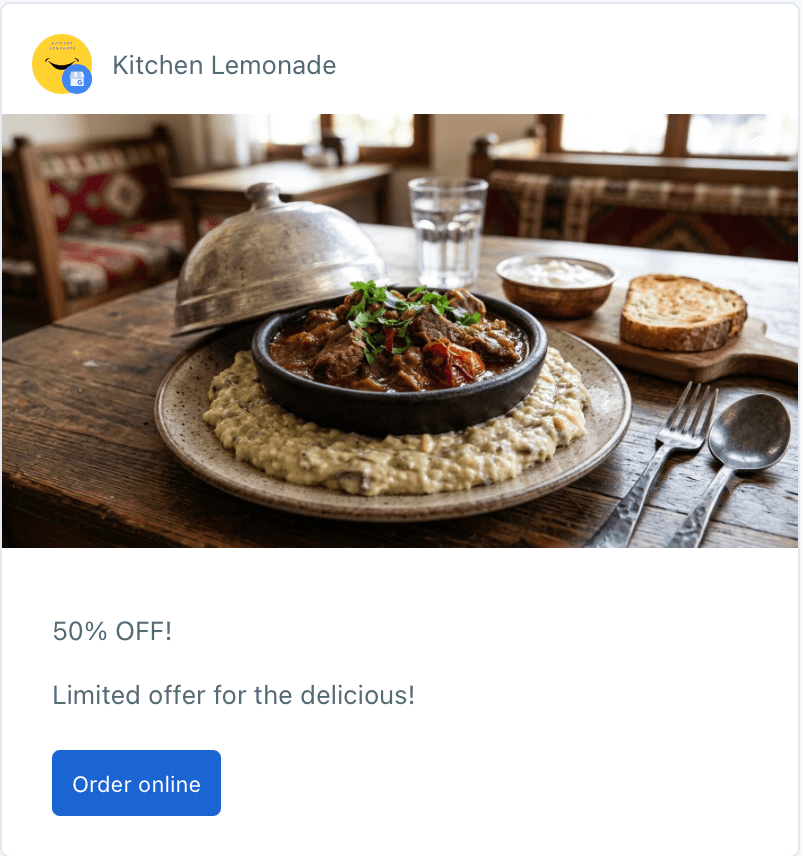
The six buttons and what each one is actually for
Google Business Profile posts let you attach a button from a set list: Call Now, Learn More, Book, Sign Up, Order Online, Buy. It shows up on Standard posts and on Event posts, and it's optional both times, which is exactly why it gets skipped so often.
Here's how to think about each one.
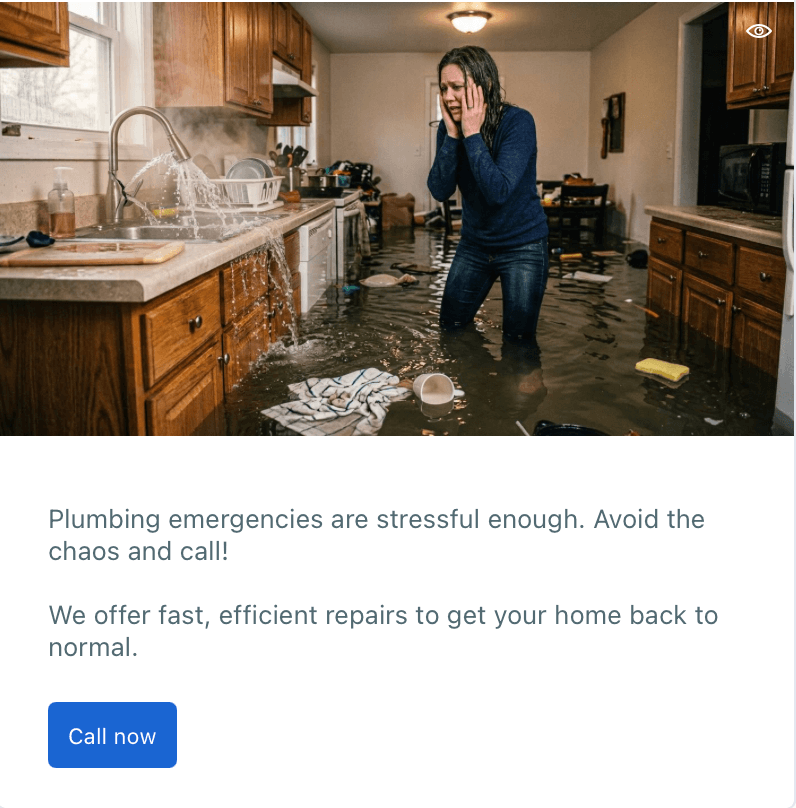
Call Now is for anything with urgency or a question attached. A plumber, a locksmith, a restaurant taking same day reservations. If the next step genuinely is "pick up the phone," this is the button, not "Learn More."
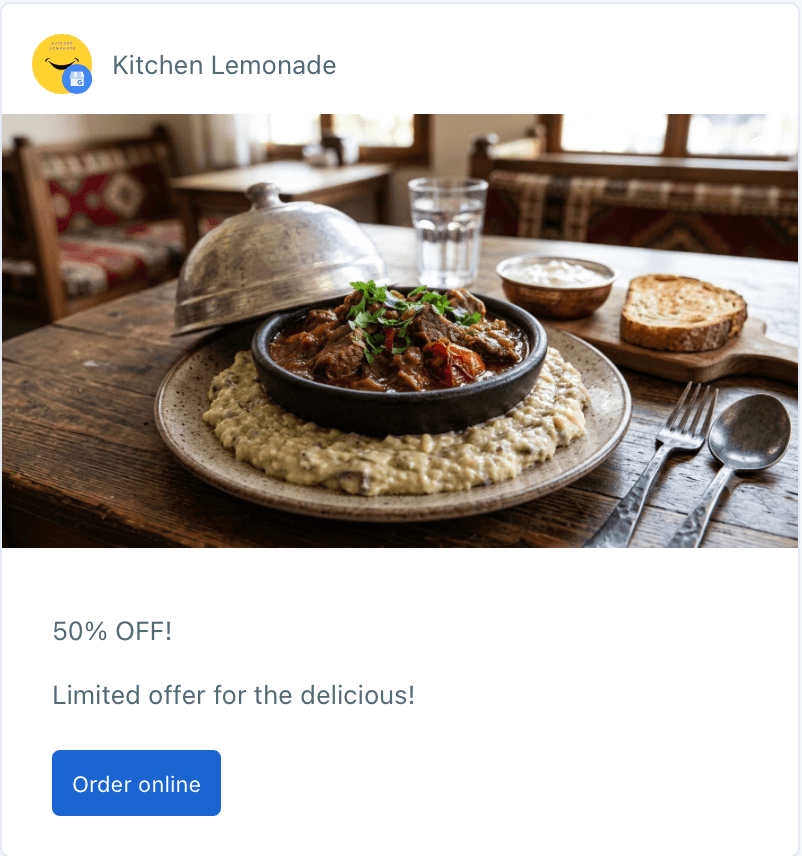
Order Online is for anyone who can complete a transaction without a phone call. A restaurant with delivery, a bakery taking online pickup orders, a retailer with an ecommerce checkout.
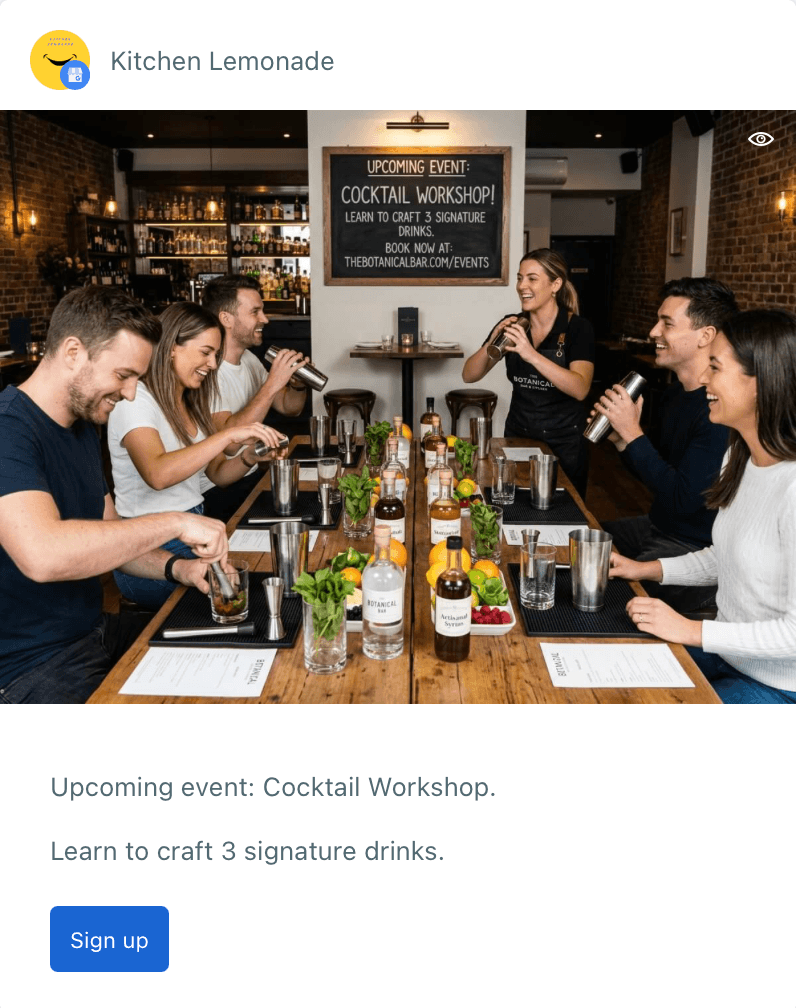
Book and Sign Up both point at scheduling, but they read differently. A salon, a clinic, or a consultant books a specific slot. A class, a webinar, or a mailing list signs someone up. Use the one that matches how the customer will actually describe what they just did.
Buy is the most direct of the six and should be reserved for posts that lead straight to a product page or a specific item, not a general homepage.
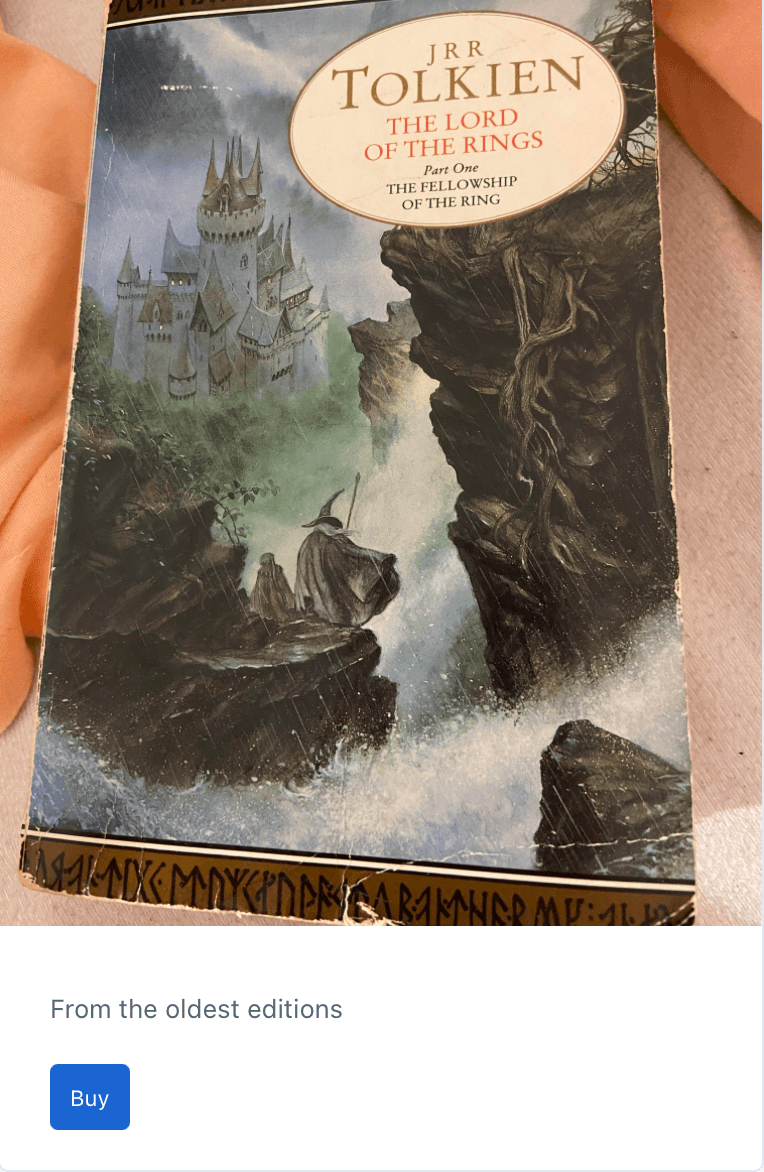
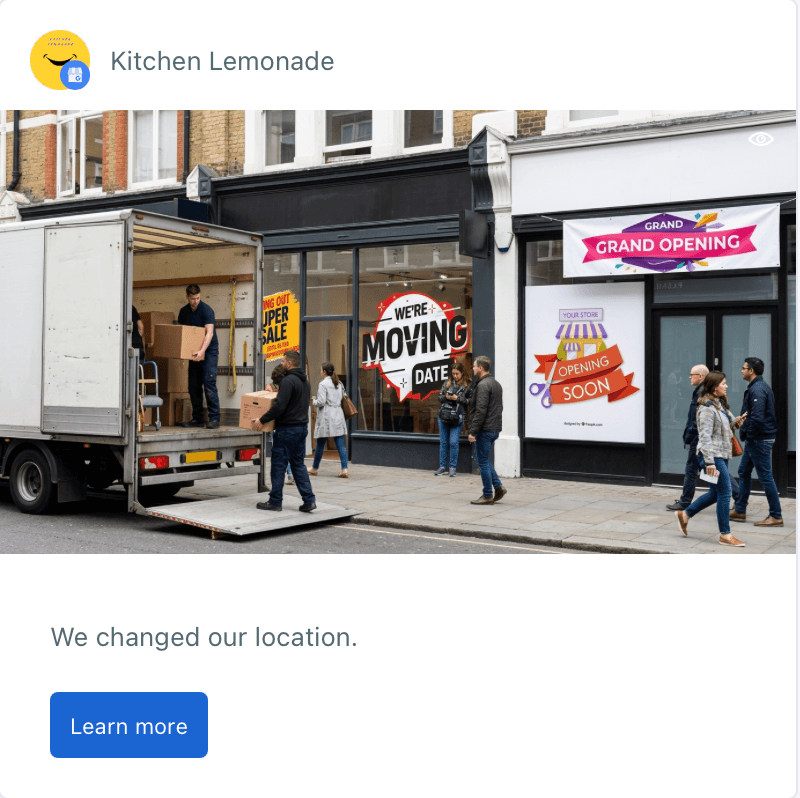
Learn More is the default, and that's exactly the problem with it. It's the right choice when there genuinely isn't a stronger action, a general update, a press mention, a new location announcement. It is not the right choice when there was a stronger action available and it just wasn't picked.
A boutique gym recently ran the same offer twice, three weeks apart. The first time it went out with "Learn More." The second time, same copy, same image, they switched to "Sign Up" and pointed it at their trial class page. The second post pulled in noticeably more clicks for the identical offer. The only variable that changed was the button.
Matching the CTA to the post type
Google Business Profile posts aren't all built the same, and that changes which CTA options are even on the table.
A Standard post is the simplest case: a text field with an optional button, any of the six. If you're writing a Standard post and skipping the button, ask yourself what you'd want to happen if this post actually worked. There's almost always an answer, and it's almost never "nothing."
An Event post adds a title and a date and time window on top of the same button options, Call Now through Buy. This is where the CTA earns its keep the most, because an event post is already telling someone something is time bound. A workshop host running a Saturday seminar should pair the event dates with "Book" or "Sign Up," not leave the button off and hope people remember to look it up later.
If you will post this Event or Offer more than one time, you can create your content and schedule it for multiple times in the future.
➡️ How to schedule Google Business Event posts
An Offer post works differently on purpose. Instead of the six button choices, an Offer post gives you a coupon code, a redeem online link, and a terms and conditions field. The coupon box and the "REDEEM ONLINE" link become the call to action themselves. A retailer running a discount campaign doesn't need a separate button here, the code and the redeem link are doing that job, so the effort goes into making the offer itself sharp: a clear code, a working link, and terms that don't bury the good part in fine print.
➡️ How to schedule Google Business Offer posts
Knowing which structure you're in matters as much as knowing which button to pick.
Steps to pick a CTA that actually gets clicked
Step 1: Name the action before you write the post. Not the topic, the action. "Get them to call" is a plan. "Tell them about the new menu" is not.
Step 2: Use Call Now and Order Online for anything with local, immediate intent. These match searchers who are close by and ready to act, which is most of who sees a Google Business Profile post in the first place.
Step 3: Use Book and Sign Up for anything scheduled. Pick Book when there's a specific slot involved, Sign Up when there's a list or a class involved. The distinction sounds small and it isn't, it's the difference between "reserve a time" and "get on the list."
Step 4: Save Learn More for when nothing else genuinely fits. If you catch yourself picking it out of habit, stop and check the other five first.
Step 5: Build Event posts around the RSVP action, not just the date. The date and time window tells people when. The button tells them what to do about it.
Step 6: Let Offer posts do their own selling. Put the real effort into the coupon code, the redeem link, and short, honest terms, since those replace the button entirely on this post type.
Step 7: Pair every CTA with an image and real alt text. Google Business Profile is one of the few places in Circleboom Publish where you can add alt text directly to the image before publishing, alongside X, Facebook, and Pinterest. Accurate alt text helps that image surface in image search, which means more people see the post, and the button, in the first place.
Step 8: Watch which buttons perform and rotate. A Call Now button that worked well for a restaurant's lunch rush post might do nothing for their catering announcement. Treat the button as a variable worth testing, not a fixed setting.
What this looks like in practice
A restaurant posting a weekend special reaches for Order Online or Call Now, not Learn More. A local gym announcing a new class reaches for Sign Up. A clinic reminding patients about flu shots reaches for Book. A boutique running a weekend sale skips the button entirely and builds an Offer post instead, coupon code and all.
None of these are complicated decisions once you separate them out. The mistake was ever treating the button as an afterthought.
Picking the right button on every post is a small decision made often, and that's exactly the kind of thing that quietly stops happening once a business is juggling five platforms and a dozen posts a week. This is the actual gap Circleboom Publish closes.
Instead of opening Google's own interface separately to remember which post type has which button, Circleboom Publish gives Standard, Event, and Offer their real, distinct structures inside one composer, the title field, the date and time window, the coupon code and redeem link, all exactly where they belong, alongside the button dropdown. Writing the post itself gets easier too, with an AI assist, hashtag suggestions, and emoji built into the same composer, so the copy above the button doesn't have to be written from a blank page every time.
Alt text for the image sits in the same flow rather than a separate step, and posts can be scheduled ahead of time instead of relying on remembering to log in and publish manually. For a business posting across Google Business Profile and several other platforms every week, that's the difference between the right button becoming a habit and it quietly going back to whatever was selected by default.
The button is the smallest element on a Google Business Profile post and it does more work than the copy above it. Pick it on purpose, and it stops being decoration and starts being the reason someone actually clicks.
Conclusion
Six buttons, three post structures, one habit worth breaking. Standard posts leave all six choices open, so the question is always what happens next if the post works. Event posts pair a button with a date and time window that's already telling people something is time bound. Offer posts skip the button altogether and let the coupon code and redeem link do that job instead.
None of this calls for a bigger process or more time spent per post. It calls for one extra look at the button before hitting publish, every single time, instead of leaving it on whatever the composer happened to open with.
The button is the smallest element on a Google Business Profile post, and it does more work than the copy above it. Pick it on purpose, and it stops being decoration and starts being the reason someone actually clicks.