
GMB stands for Google Business Profile, formerly known as Google My Business. It is the free profile that controls what people see about your business when they search for you on Google Search or look you up on Google Maps: your name, address, hours, phone number, reviews, photos, and posts.
Already familiar with the basics? Jump straight to how to optimize your GMB profile.
A Quick Note on the Name
Google renamed Google My Business to Google Business Profile in 2021, but most business owners, and most search results, still call it GMB out of habit. The two terms mean the same thing today, so you will see them used interchangeably throughout this guide.
Why a GMB Profile Matters
A GMB profile is often the very first impression a customer has of your business, before they ever visit your website.
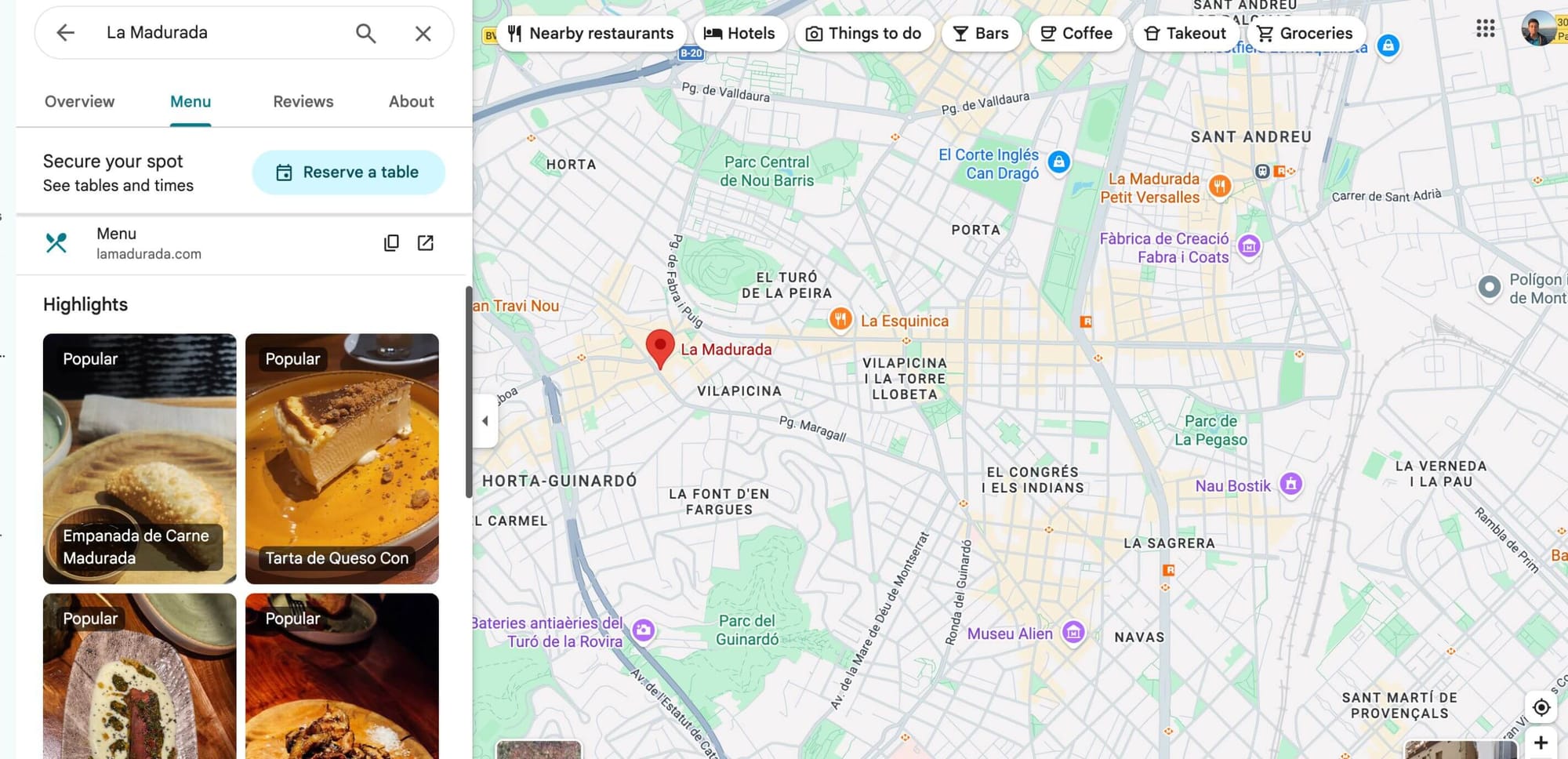
When you search for a restaurant, a museum or something and you see menus, reviews, etc. yes, all these are from GMB, Google Business Profile, know this.
Google has reported that businesses with complete profiles get 70% more location visits and 50% more purchase intent than businesses with incomplete ones.
Photos alone make a measurable difference. Profiles with photos receive 42% more requests for directions and 35% more click throughs to the business website compared to profiles without them.
Put simply, an unclaimed or half filled GMB profile is a missed sale, every single day it stays that way.
The Core Features of a GMB Profile
Business information. Your name, address, phone number, category, and hours, all pulled directly into Search and Maps results.
Maps and the local pack. A complete, active profile is what earns a spot in the top three local results Google shows for nearby searches.
Reviews and Q&A. Customers read reviews before they read anything else you publish. A steady flow of recent, answered reviews builds trust faster than any ad.
Photos and videos. Visual proof that your business is real, current, and worth visiting.
Posts. Short updates about offers, products, and events, similar to a microblog attached to your listing. Most owners publish a post once, get busy, and never come back to it. That gap is exactly where a scheduling tool like Circleboom Publish earns its keep, since it lets you plan a month of GMB posts in one sitting and queue them to go out automatically alongside your other social content.
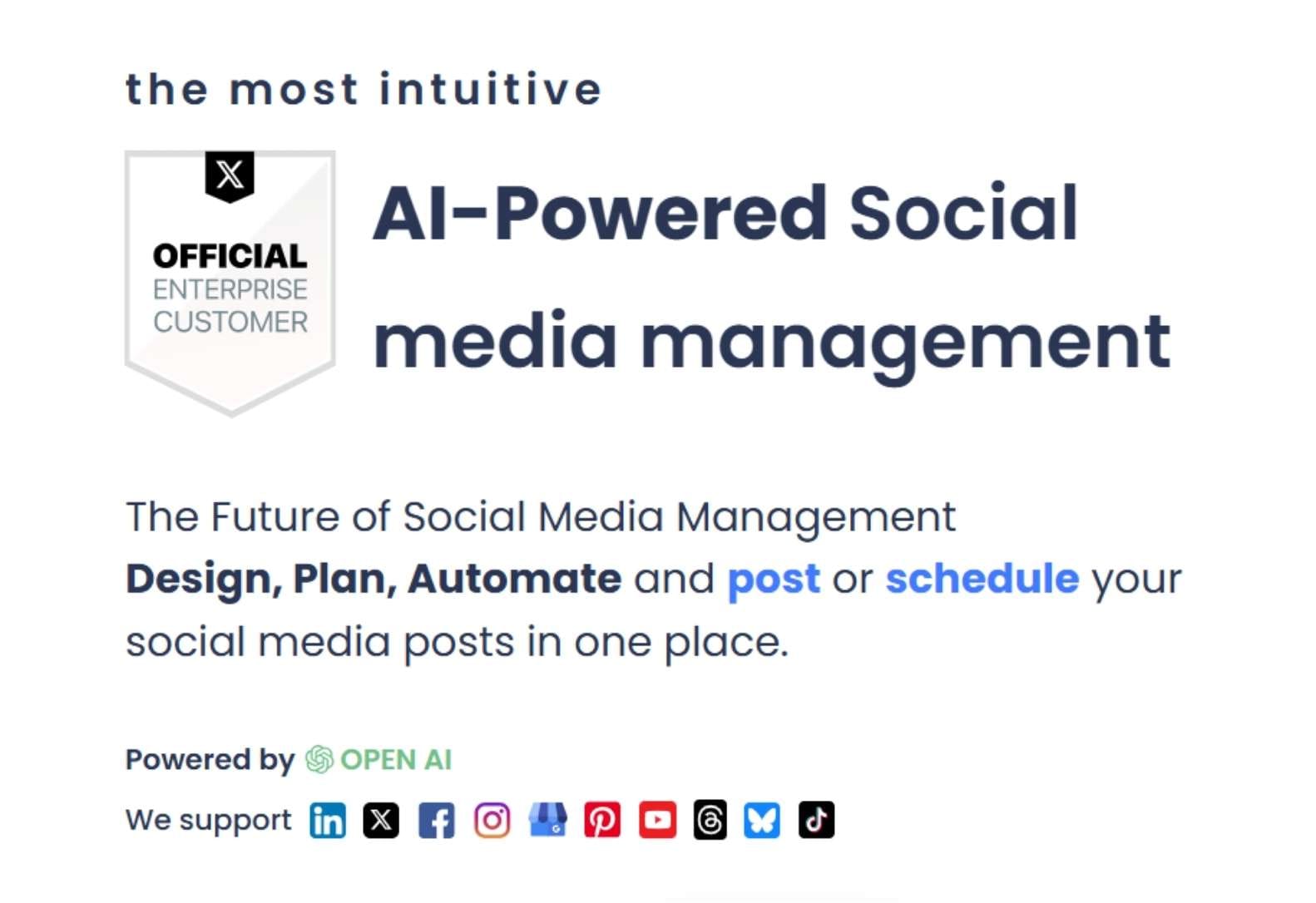
Why does it matter to keep a regular posting program on GMB? Because, Google likes to know that you update your business regularly so you are fresh and people who visit your business online will get fresh information.
Using tools like Circleboom Publish helps you keep up a regular schedule for GMB posts. You can create a posting queue and share your updates regularly without checking your account all the time.
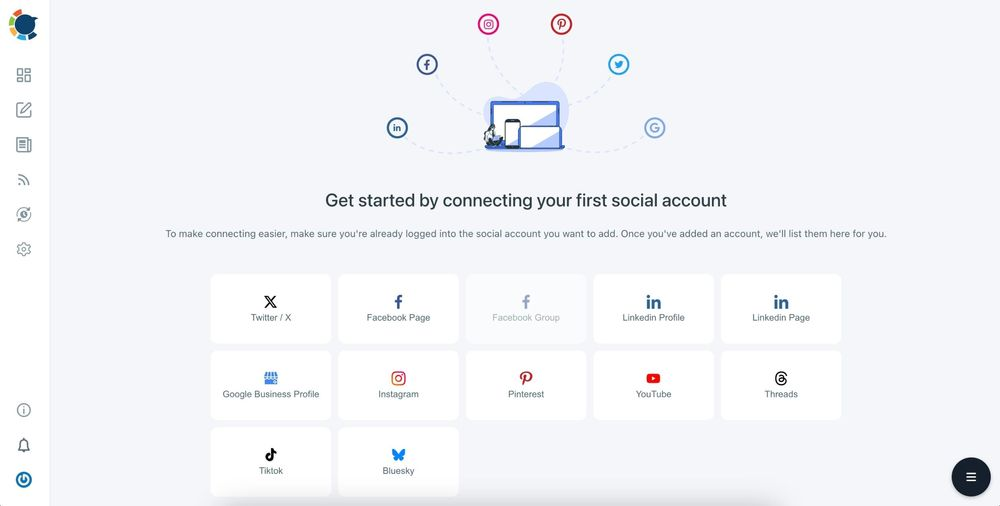
If you are a business, probably you have accounts on other social media platforms. You should have an Instagram, Facebook, maybe Pinterest and TikTok. Circleboom Publish has another advantage. You can connect all these accounts to Circleboom and manage them in one place.
You can share the same content to multiple platforms and multiple accounts with one click!
Insights and analytics. Data on profile views, website clicks, calls, and direction requests, which only becomes useful once you are tracking it consistently rather than checking it once and forgetting.
How to Optimize Your GMB Profile
Step 1: Claim and Verify Your Listing
Search your business name on Google and claim the listing if it already exists, or create one if it does not. Verification usually happens by phone, email, or postcard.
A restaurant owner who skips this step is effectively letting anyone edit their hours and address. Claiming the profile is the only way to control what customers actually see.
Step 2: Complete Every Field
Fill in your category, service area, business description, attributes, and hours completely. Google rewards completeness with visibility, and customers reward it with trust.
A SaaS company selling locally often forgets the service area field entirely, which quietly removes them from a whole category of nearby searches.
Step 3: Add Real Photos Regularly
Upload real, current photos of your space, staff, and products rather than stock imagery. Update them on a regular cadence, not just once at setup.
A boutique gym that refreshes its photos every month, new equipment, new classes, real members mid workout, consistently outperforms competitors whose galleries have not changed in years.
Step 4: Post Consistently
Publish updates weekly if you can manage it. This is the step almost every business abandons after the first month, simply because remembering to log in and write a post every week does not survive a busy schedule.
This is exactly the gap Circleboom Publish is built to close. Instead of logging into GMB separately from your other platforms, you draft a batch of Google Business Profile posts in one sitting, schedule them alongside your Instagram, Facebook, and X content, and let them publish automatically on the days you chose.
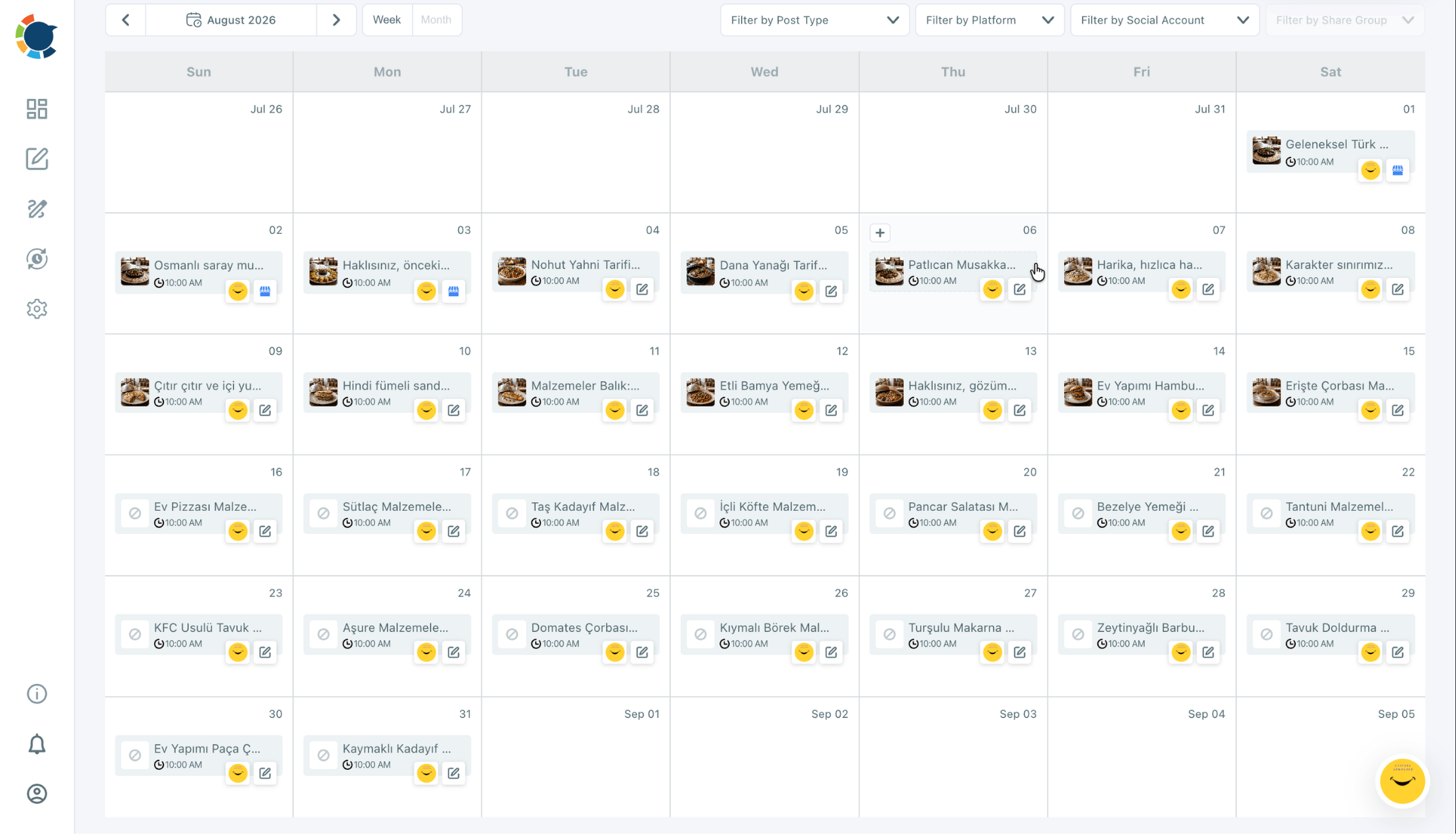
A dental clinic using this approach can plan a full quarter of promotions and reminders in a single afternoon, then not think about it again until it is time to review results.
Let's say you have multiple Google My Business accounts. No problem. You can manage them all in Circleboom.
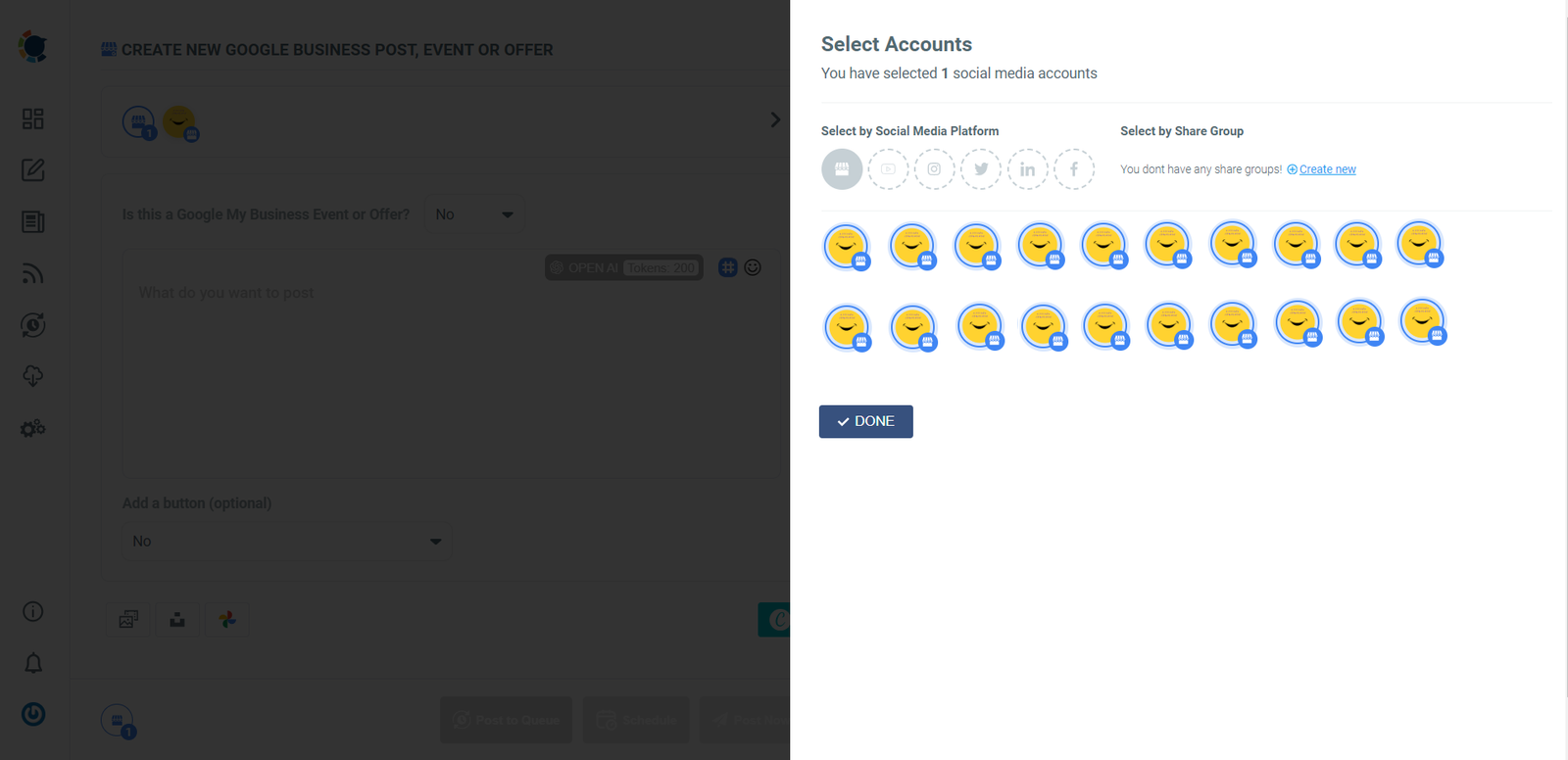
➡️ I have 20 stores. How can I manage 20 Google Business Profiles for multiple locations?
Step 5: Share Offers and Events Regularly
Sharing Offer and Event posts helps you create a customer base and also increase their loyalties to your business. For example, you can call an Event and organize a workshop. Those, who will attend this workshop will probably visit your business again.
➡️ How to schedule Google My Business Event posts
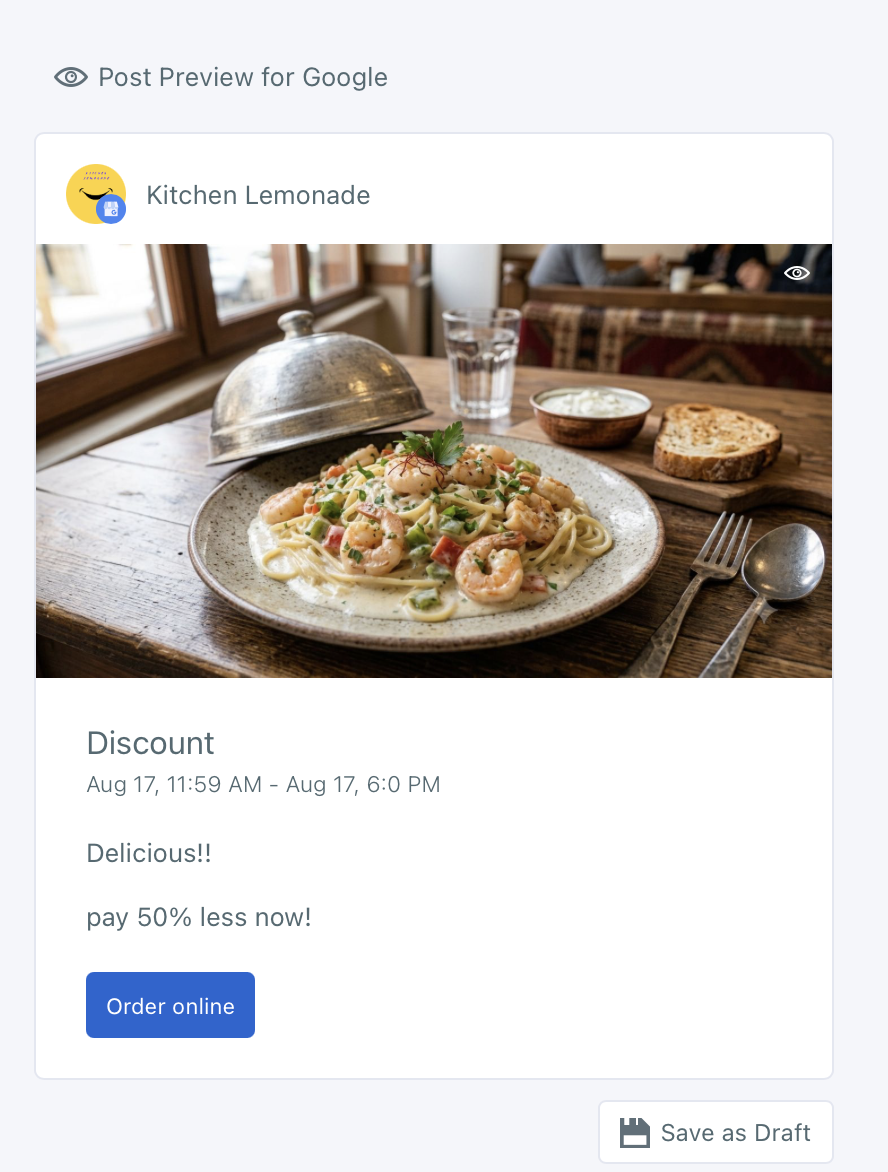
Or, you can share an Offer, maybe a limited 50% discount. Those who will use these offers, probably will select your business in future, if they like it.
➡️ How to Schedule Google My Business Offer Posts
You can add a button or a coupon to your Event and Offer posts. So, this makes your content more engaging and conversions will be higher naturally.
Step 6: Respond to Reviews and Questions
Reply to every review, positive or negative, and keep an eye on the Q&A section before a stranger answers a question about your business incorrectly.
A local locksmith who responds to reviews within a day, even a short thank you, visibly outperforms competitors who leave reviews unanswered for months.
Step 7: Track Insights and Adjust
Check which posts, photos, and categories are actually driving calls, clicks, and direction requests, then double down on what works.
This is where having your GMB activity managed alongside your other social channels pays off again. Circleboom Publish keeps your Google Business Profile posts and your broader social calendar in the same place, so a law firm, for example, can see at a glance whether a promotion performed better on GMB or on Facebook, instead of piecing that picture together across five different logins.
Frequently Asked Questions
Is a GMB profile free to create? Yes, setting up and managing a Google Business Profile costs nothing. What takes investment is the time to keep it updated, which is the part most businesses underestimate.
Do I need a physical address to have a GMB profile? No. Service area businesses, like plumbers or consultants who travel to clients, can set up a profile without displaying a public address.
How often should I post on GMB? Once a week is the commonly cited benchmark, though businesses running frequent promotions often post more. Consistency matters more than volume.
Can I manage my GMB posts alongside the rest of my social media? Yes. Tools like Circleboom Publish let you plan, schedule, and analyze Google Business Profile posts in the same dashboard as your other social accounts, so GMB stops being the one platform you always forget to update.
A GMB profile is not something you set up once and walk away from. It is a living presence that rewards consistency, and consistency is a lot easier to keep up when you are not doing it manually, one login at a time.