
Updated 08.07.2026
Maybe not like in 2019, but hashtags are still used on X (formerly Twitter) very commonly. Hashtags are a slightly different form of keywords. Users build a topic around them and they use them with this sign #.
Why is it important to follow a hashtag on Twitter?
Twitter is a great data source and hashtags provide clusters to organize these data. When you want to track real time or historical data on the platform, hashtags are checkpoints. When you follow a hashtag, you are able to track tweets with that keyword, that is posted and will be posted, even if you are not following the user.
📢 How to monitor tweets about a keyword on Twitter in real time
Following hashtags on Twitter is a great way to be stay updated and discover new ideas from the first hand. It can be your personal curiosity but also as a professional, you may want to purchase Twitter data to monitor social media, conduct a market search, track competitors and make a sentimental analysis.
Can you follow a hashtag on Twitter?
Yes, you can follow a hashtag on Twitter and there are ways of it within and outside of the Twitter.
Now, I will show you all methods. Pick up the best one for you.
📢 Hashtag monitoring on Twitter: how to watch a hashtag over time
How to follow a hashtag on Twitter
I will show you two methods of following a hashtag on Twitter.
Method 1: Using Twitter's Advanced Search
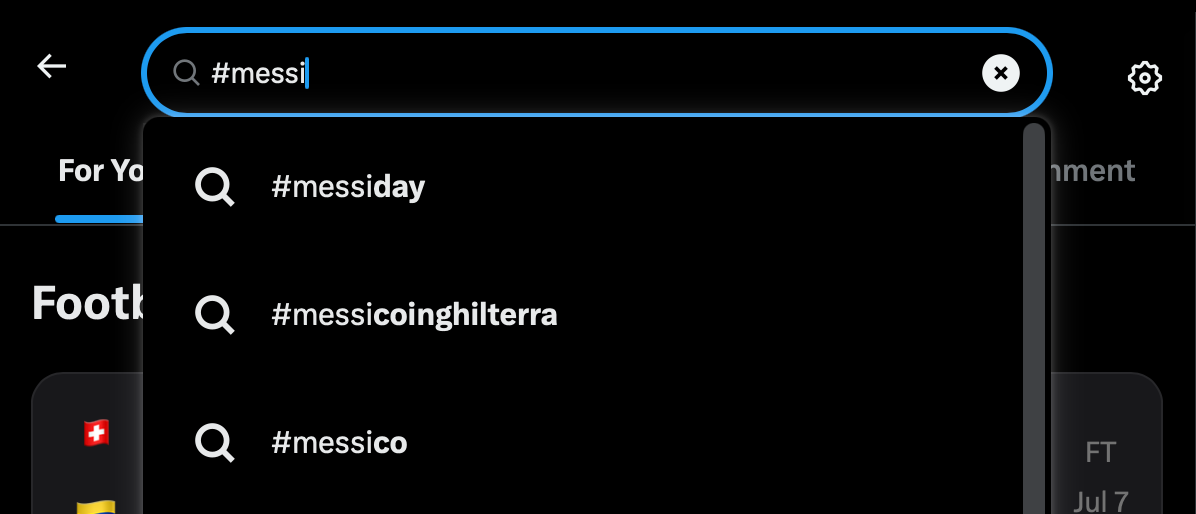
Twitter has a built-in advanced search tool to track hashtags and keywords.
You can search for hashtags on trending topics and catch the latest updates.

You can find the tweets and track the trends.

If you want to conduct a detailed search, click on the three dots for more

Then click on the 'Advanced search'.

There you will have more options with advanced filters.

Method 2: Use Twitter Hashtag Tracker
You can follow hashtags and keywords on Twitter with Circleboom.
You should follow these steps to follow a hashtag on Twitter:
Step #1: Go to Circleboom and log into your account.
If this is your first time, you should create a new account. It will be done in five seconds.

Step #2: Circleboom is an official X Enterprise Developer.
That means you are totally safe when you connect your X account to Circleboom.

Step #3: When you are on the Circleboom dashboard, go to the left and find the 'Advance X Search'.
Select Historical Search or Real Time Search. If you want to track hashtags on live tweets, select Real Time. If you want to search on old tweets, select Historical.

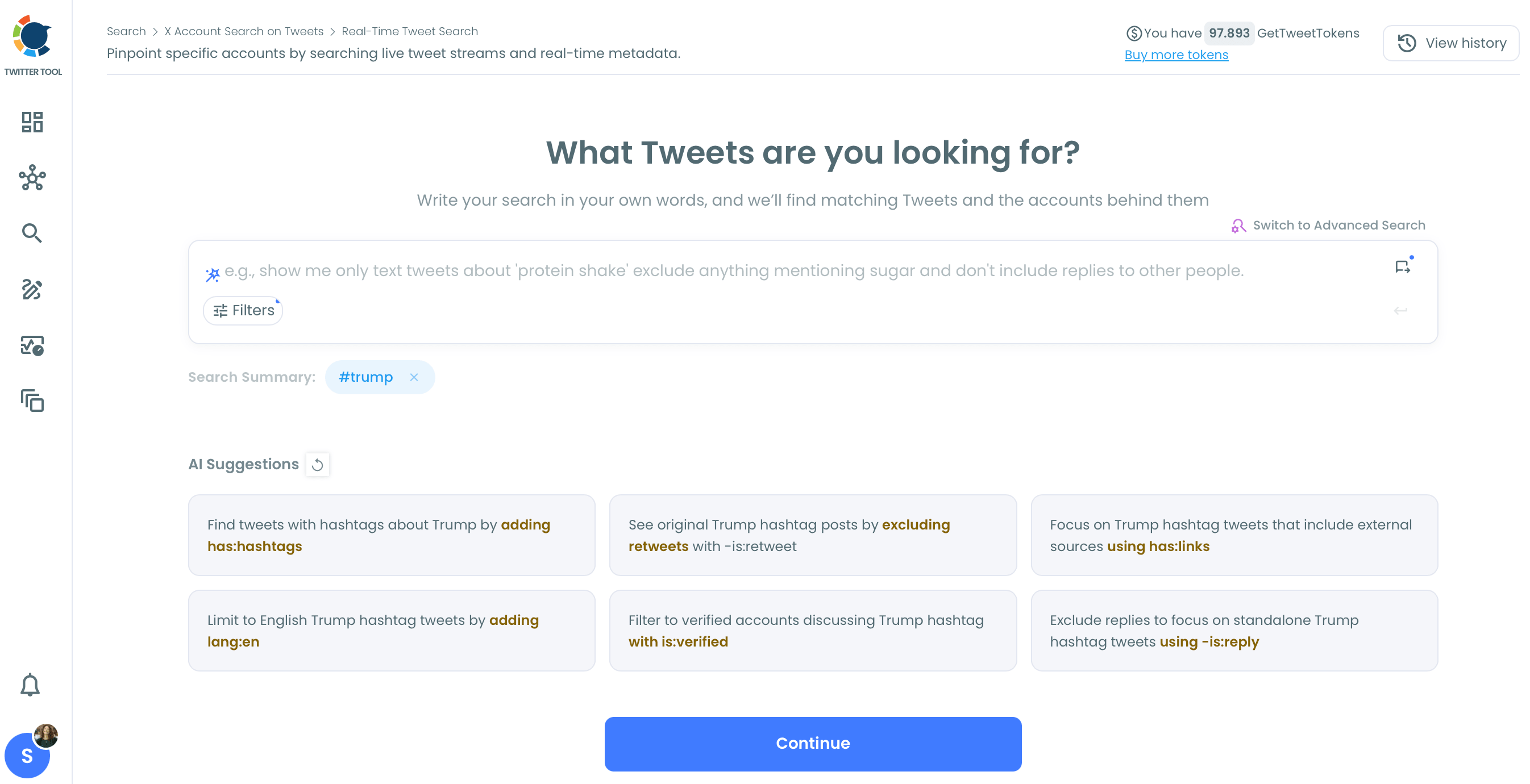
Then type the hashtag you want to track. As you can see, Circleboom provides AI suggestions for your hashtag tracking.
For example, 'Do you want to exclude retweets?' You can use these AI suggestions to make your searches better.
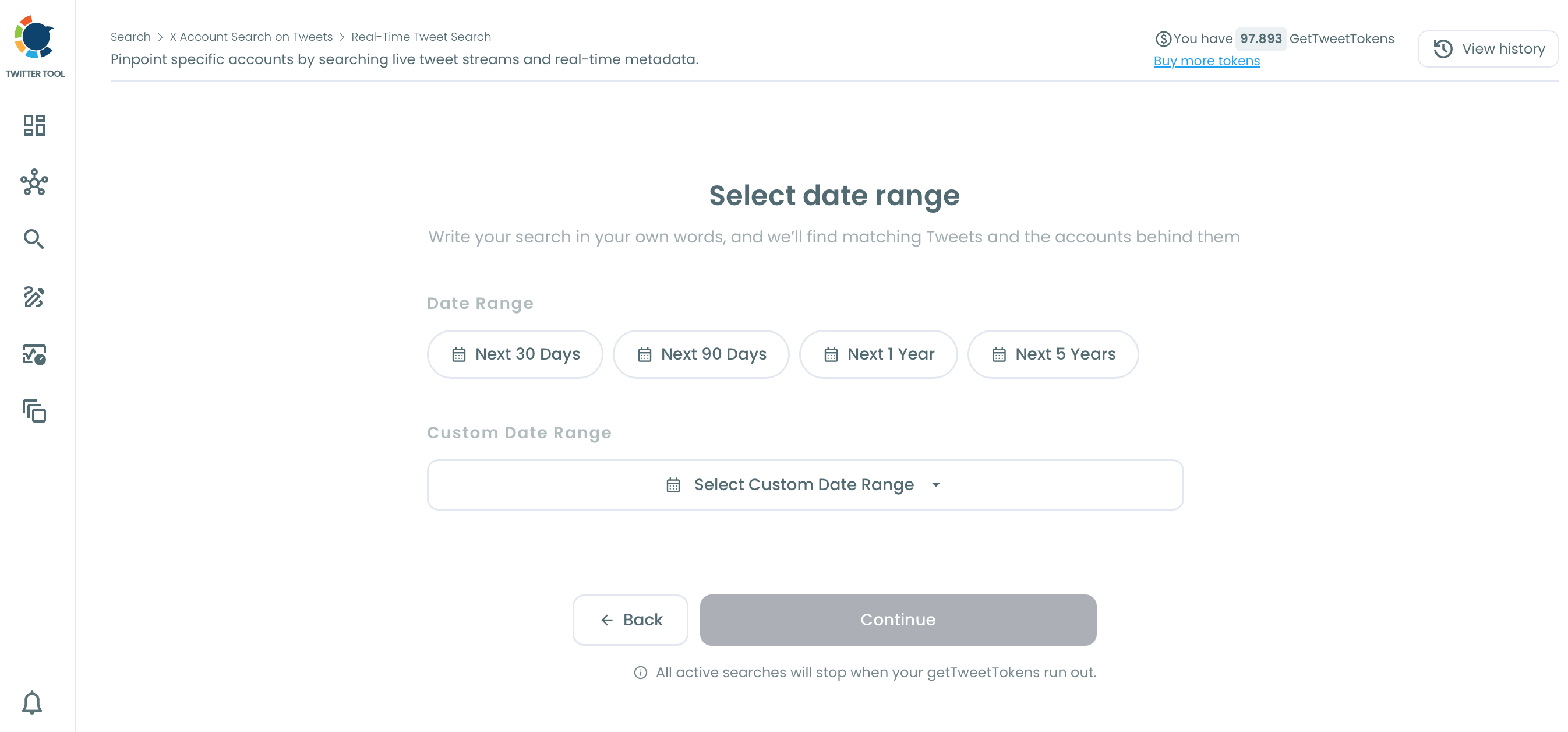
Then, you should select the date range. You want to track for the next 30, 60, 90 days, or any custom date range.
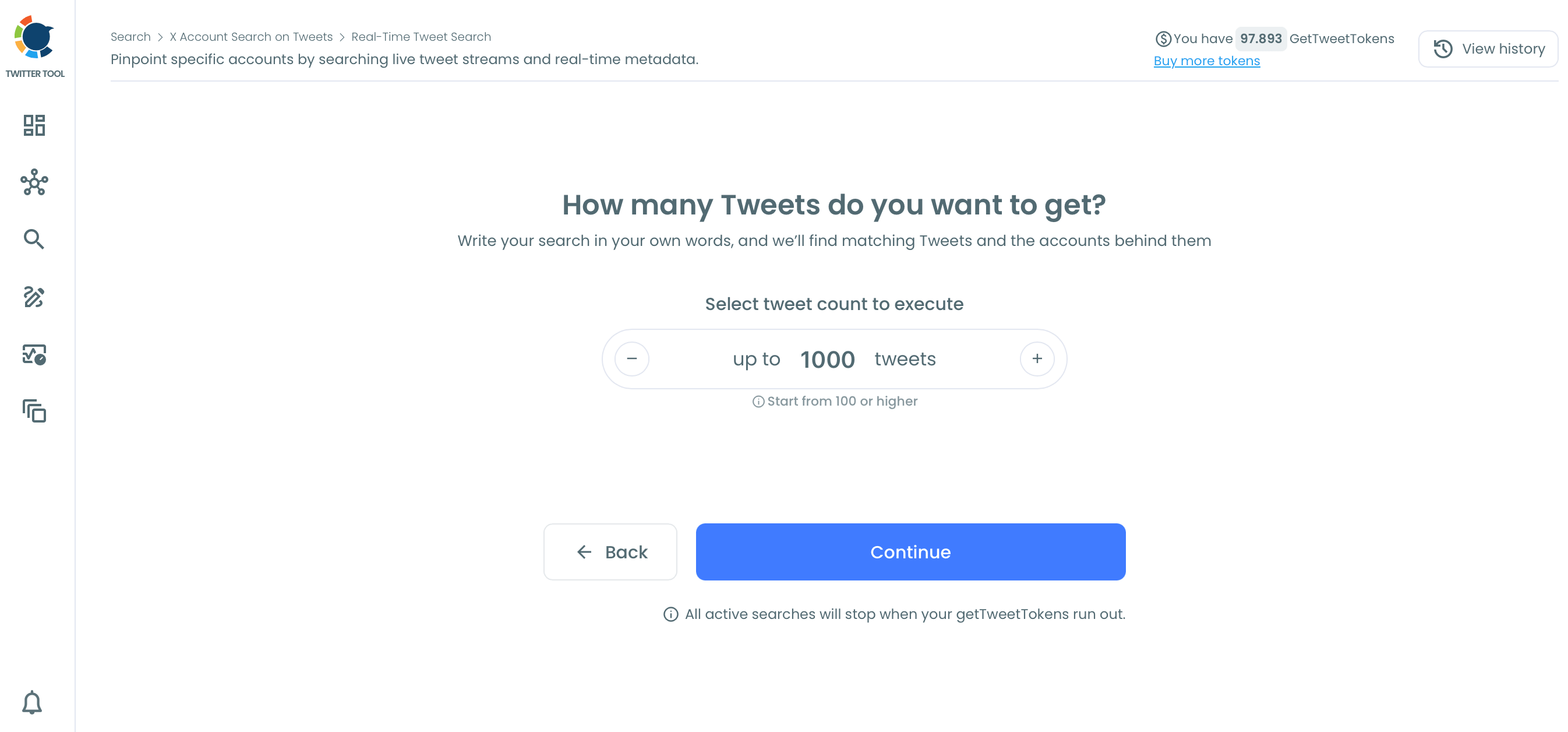
Step #4: How many tweets do you want to get?
You can set the maximum tweet number.
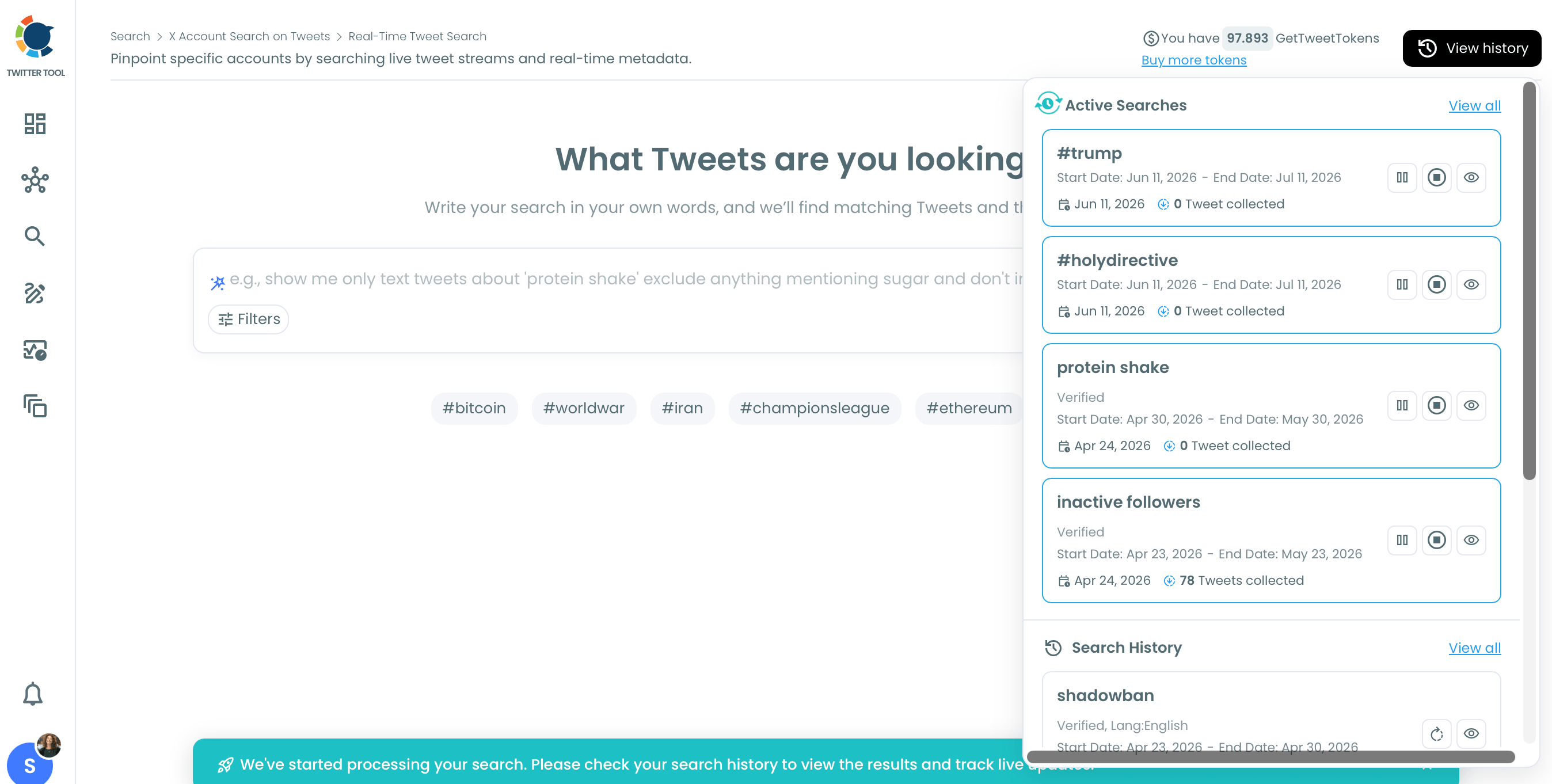
Hashtag tracking has started.
You can check the results anytime. When it reaches the maximum tweet limit, your final report will be ready.
Final Words
I hope both the above methods will help you to follow a hashtag on Twitter.
To discover Twitter accounts with similar tastes to yours, don't lose a second to use the Hashtag/Keyword Search of Circleboom.
Check for the trends you're interested in on Twitter, including bios and tweets.