Your follower count dropped, and X gave you a number with no names attached. Answering "who unfollowed me on Twitter?" takes a check you run yourself, because X never sends an unfollow alert.
To see who unfollowed you on Twitter, look for the account in your followers list, or compare the follower lists in two downloads of your X archive, because X sends no unfollow notification and shows no list of past followers. Rule out the other exits before you count a missing name as an unfollow, since accounts that block you, deactivate or get locked by X also drop out of your followers.
Below: both checks step by step, how to tell those exits apart, whether to unfollow back, and how to track departures as they happen.
How to see who unfollowed you on Twitter with X's own tools
X gives you two ways to see who unfollowed you on Twitter, and neither needs an outside app. Your followers list confirms whether one specific account still follows you, while two downloads of your X data archive show every account that left between them.
Both rest on X's own documentation. Its following FAQ says the followers link on your profile shows how many followers you have and who they are.
The same FAQ confirms that X does not send a notification when you unfollow someone.
X's page on how to download your X archive lists your followers among the contents of every download. That list is what makes the second check possible.
Check one account against your followers list
- Switch off the quality filter first: in Notifications, open the settings (the gear icon in the app, Settings on x.com) and turn the filter off.
- Open your profile and select Followers under your bio.
- Look for the account you suspect has left.
- Open that account's profile if it's missing: a profile that loads normally means they most likely unfollowed, while a block message or a profile that won't open points to one of the other exits.
Step one is the step people skip.
X's page on common following issues says a follower you can no longer find was likely hidden for spam activity, unfollowed you, or deactivated. The same page says your full list, suspected spam accounts included, only appears with the quality filter off.
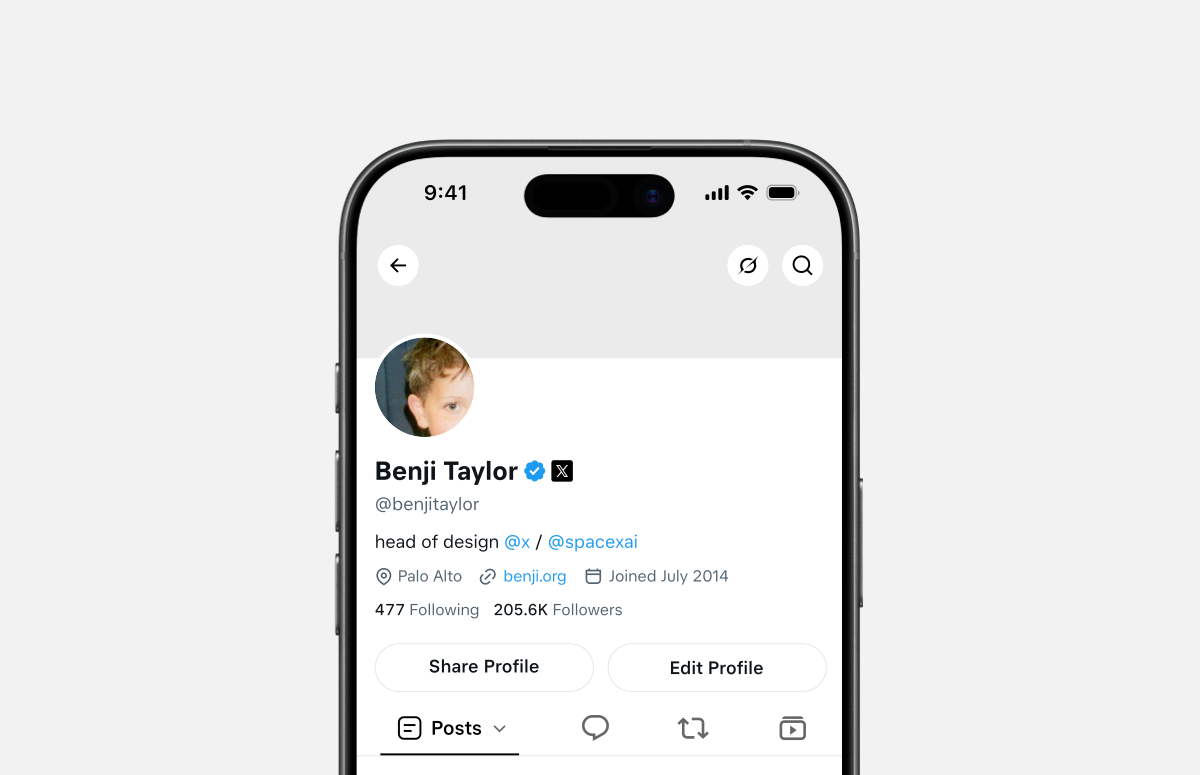
On your own profile, the Followers count sits under your bio beside your Following count, and selecting it opens the list from step two.
The same list and the same filter setting are in the X app, so all of this works from a phone. This walkthrough on tracking Twitter unfollowers on iPhone covers the mobile side in more detail.
Start from X's new-follower emails when you don't know whom to check
X's own emails give you a starting list. The following FAQ says X emails you by default when someone new follows you, so your inbox can hold a dated record of recent arrivals.
Run those names through your followers list and you'll see who unfollowed you soon after following, the quick follow-and-leave accounts, without any tool.
It won't catch long-time followers who left, which is the gap the archive comparison below fills.
Compare two X archive downloads to catch every departure
- Open Settings and privacy, go to Your account (Account in the app), and choose to download an archive of your data, which the app files under Your X data.
- Confirm it's you when X asks, with your password or a code sent to your email address or phone, then select Request data.
- Download the .zip file once X emails you or sends a push notification that it's ready, while signed in to the same account.
- Request a second archive at the end of the stretch you want to measure, whether that's a week or a month.
- Compare the follower lists in the two archives: any account in the first and missing from the second left your followers in between.
It's slow, since X says an archive can take a few days to prepare.
But it's the one method inside X that catches departures you never suspected, and no outside app ever touches your account.
Keep the first download as your baseline instead of overwriting it, and put the date in each file name. The comparison can only place a departure inside the gap between two downloads, so a shorter gap tells you more precisely when someone unfollowed you on X.
Unfollowed, blocked, deactivated or locked: why a Twitter follower disappears
An account can vanish from your followers in five ways, and only one of them is a decision to unfollow you. Check which one it was before you decide who unfollowed you on Twitter:
- Unfollowed: their profile loads normally and you can still read their public posts.
- Blocked you: blocking ends the follow in both directions, and their profile shows a message that they've blocked you.
- Deactivated: X stops showing the profile on x.com and in its apps, then deletes the account after 30 days without a login.
- Locked by X: X removes locked accounts from follower counts on every profile, so your number can fall with nobody choosing to leave.
- Hidden as suspected spam: the quality filter keeps the account out of your list until you switch it off.
A lower follower count is not a list of people who chose to leave.
The last two move your number without anyone deciding anything, so a drop across many accounts at once can point to X acting on problem accounts, not to anything you posted.
Of the five, only an unfollow and a block are choices aimed at you. A deactivated account can even come back, since X restores it when its owner logs back in within 30 days.
Some churn is normal on any account that posts often. This look at why unfollowers are common on Twitter covers the everyday reasons people leave.
Should you unfollow people who unfollowed you on X?
Only when you no longer want their posts in your timeline, and never in one burst.
Unfollowing is silent, since X doesn't notify anyone when you unfollow them. What can cause trouble is doing it in volume.
X's follow limits page says its rules prohibit follow churn, meaning following and then unfollowing large numbers of accounts to inflate your own follower count. The same rules prohibit indiscriminate following, which covers following or unfollowing many unrelated accounts in a short time, particularly by automated means.
That makes unfollowing back a selective job rather than a reflex. Run each name past the five exits above first. Unfollowing an account that was only locked, or hidden by your own filter, punishes someone who never left.
The clearest candidates are accounts that follow you, wait for a follow back and leave soon after, a pattern some accounts use to improve their follower-to-following ratio.
Doing it by hand takes seconds per account. Open your Following list or the account's profile, select the Following button and confirm the unfollow, the same flow X's help pages document for the web and the apps.
Spread any removals over days rather than minutes.
This take on getting rid of accounts that unfollowed you makes the same case for going gradually.
Why one-off checks can't show when a Twitter unfollow happened
Both checks give you a snapshot, and unfollows only start to mean something as a timeline.
A profile check confirms a suspicion but can't find the departures you never suspected. The archive finds them, yet it only tells you someone left between two downloads, not on which day, and every download can take days to arrive.
X's own numbers don't fill the gap. The account analytics X has marketed as a Premium feature reports growth as totals, such as a New followers figure for the period you pick, rather than a list of who left.

The date is what turns an unfollow into feedback.
A cluster of departures right after a topic change or a run of promotional posts says something about that choice. The same number spread thinly across a quiet month is ordinary churn.
Building that timeline by hand means downloading and comparing archives on a schedule, with no end date.
Even then, each departure is pinned only to the gap between two downloads, which blurs exactly the timing you wanted to see.
Keeping a dated record of who unfollows you on X
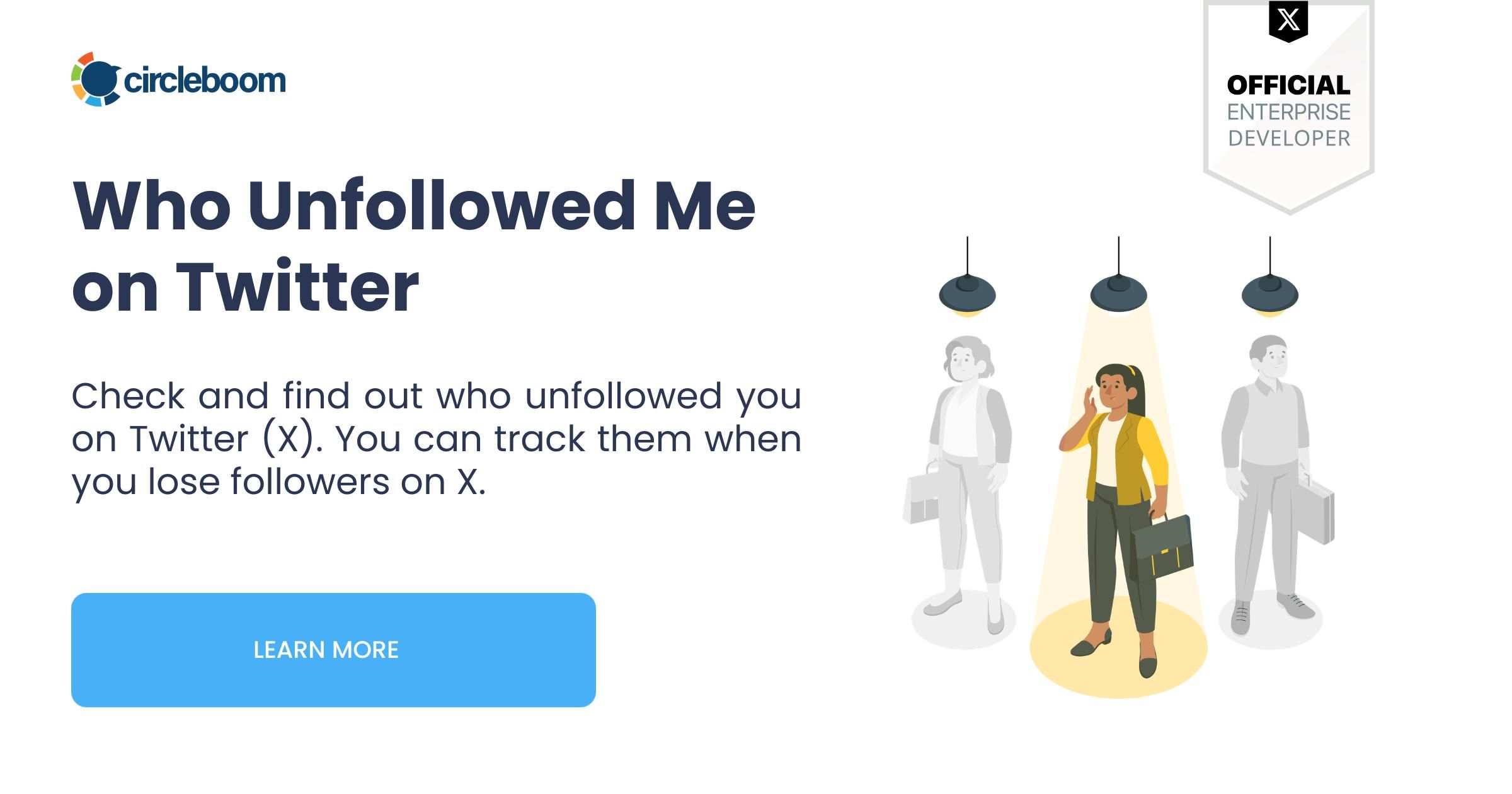
The practical fix is to let software run the comparison every day and date each departure. Circleboom Twitter's Who Unfollowed Me does exactly that.
It compares your current follower list with its stored earlier ones and lists every account that's no longer there, inside a time window you choose, from the last day back to the last year.
Circleboom connects through X's authorization screen as an official X Enterprise Developer, so you never hand over your password and nothing is scraped from your profile.
Tracking starts the day you connect, and because follower data syncs from X once a day, a departure from this morning appears after the next sync.
What each entry tells you about who left
Each row shows the account's activity level and follow ratio next to its usual counts, so you can judge a loss without opening the profile.
Filters then narrow the list to the departures worth a second look:
- follower quality, with separate settings for fake or spam, inactive, overactive, protected and no-profile-photo accounts
- verification status
- language and location
- follower, following or tweet counts, and the follow ratio
- join date and engagement level
Circleboom notes on the page itself that X's data occasionally lists an account as an unfollower when it hasn't left, and that the next day's fetch usually corrects it. Review the list before acting on it, for the same reason you ran the five-exit check earlier.
Departures also read better next to arrivals. Who Followed Me lists the accounts that recently started following you. Side by side, the two lists show whether a change in what you post is losing one kind of reader while drawing in another.
For the count itself, Followers' Growth charts your follower number day by day from the day you connect. That chart shows whether a drop was a one-off or part of a longer slide.
Acting on the list without tripping X's limits
From the same list you can:
- unfollow back one account or a checked batch
- add accounts to a Twitter List, a whitelist or a blacklist
- export the selection as a CSV file for a report, using export tokens
Unfollowing back only ever runs on accounts you select.
Bulk runs are paced at 50 unfollows every 15 minutes, up to 800 a day, and pick up again the next day when the cap is reached, pacing designed to stay within X's rules.
This rundown of mass unfollowing safely on Twitter goes further into bulk cleanups, for anyone working through a long list.
Some people would rather not open a dashboard at all. For them, the Unfollowers Alert emails a summary of new unfollowers on a schedule you set.
Two minutes on screen: the unfollow tracker listing who left an X account and when, from one dashboard.
https://www.youtube.com/watch?v=2MhU32QunxQ
The cost of not knowing who left your Twitter audience
Without a record of who unfollowed you on Twitter, every drop in your follower count is a guess. From the number alone, a spam cleanup looks exactly like a post that lost you readers, and the loss that deserves a response hides among the ones that don't.
With dated departures, each drop points at something you can check: what you posted that week, and which accounts decided it wasn't for them.
→ Start a dated record of who leaves with Who Unfollowed Me on Circleboom Twitter
Quick questions about X unfollowers
Is it safe to connect an unfollower tracker to your X account?
Yes, as long as the tracker signs in through X's own authorization screen and requests only the access it needs.
X's page on third-party apps and sessions says X doesn't share your password with apps. It also says you can revoke an app's access at any time under Apps and sessions in your settings.
Does a follower come back if they block and then unblock you?
No. Blocking ends the follow in both directions, and X's blocking rules say the follow has to be made again after an unblock, so the account stays out of your followers unless it follows you again.
Can you find out who unfollowed you before you started checking?
No. Every method compares a later follower list with an earlier one, so your record starts with the first list you saved or the day a tracker connected. Older departures can only be confirmed one suspected account at a time.