
*Last updated: July 2026*
Your Google Business Profile (formerly Google My Business, or GBP) is not a social network. It is something more consequential: the first thing a potential customer sees when they search for a business like yours on Google. The photos. The hours. The reviews. And the posts that signal whether this business is alive and paying attention, or whether it has been quietly abandoned for six months.
Here is the mechanic that catches most businesses off guard. Standard GBP posts disappear from your profile after seven days. Which means that unless someone is actively creating and publishing new content every week, your profile goes dark. And a dark profile, in local search terms, is a profile that is losing ground to every competitor that keeps theirs active.
A Google Business Profile scheduler is how you solve that problem without hiring someone to think about it every week. Set it up once. Let it run.
This guide covers the ten best tools for doing exactly that. We evaluated each one on the criteria that matter in real conditions: actual post creation speed, the depth of automation available, whether the design tools are built in or require constant tab switching, pricing that holds up at small business scale, and how honest the analytics are about what is actually working. No scores out of ten. No spec sheets. Just an honest account of what each tool is good at and where it falls short.
What Actually Matters in a GBP Scheduler
Before the list, it helps to understand what separates a tool that becomes a permanent part of your workflow from one you abandon after two weeks.
Speed matters more than any feature. If scheduling a post takes more than two minutes, it will not happen consistently. The best tools in this category get out of your way. The worst ones make a simple task feel like a project.
Native GBP support versus bolted on support are not the same thing. Some platforms added Google Business Profile as an afterthought, requiring third party app installations or quietly omitting Event and Offer post types. A proper GBP scheduler supports Standard, Event, and Offer post types natively, in the same interface where you create every other post.
Automation is the real game. Any tool can let you schedule a post. The tools worth paying for let you keep your profile active even when nobody is actively thinking about it: RSS automation, content queues, AI assisted drafts. The "what do I post this week" problem should not be a recurring drain on your attention.
Pricing honesty. Many tools on this list are built for agencies and price accordingly. If you are running one or two locations, you should not be paying for 25 accounts worth of infrastructure.
10 Most Popular GMB Scheduler Tools
| Tool | Best For | Starting Price | Free Plan | Event and Offer Posts |
|---|---|---|---|---|
| Circleboom Publish | Automation and small business | $24.99/mo | 14 day trial | Yes |
| Sprout Social | Enterprise teams | $249/mo | No | Yes |
| Hootsuite | Teams already on Hootsuite | $108/mo | No | Via marketplace app |
| Loomly | Approval workflows and previews | $42/mo | No | Yes |
| SocialPilot | Agencies and review management | $30/mo | No | Yes |
| Planable | Client content approval | $39/mo | Trial | Yes |
| Sked Social | Visual content teams | $29/mo | No | Yes |
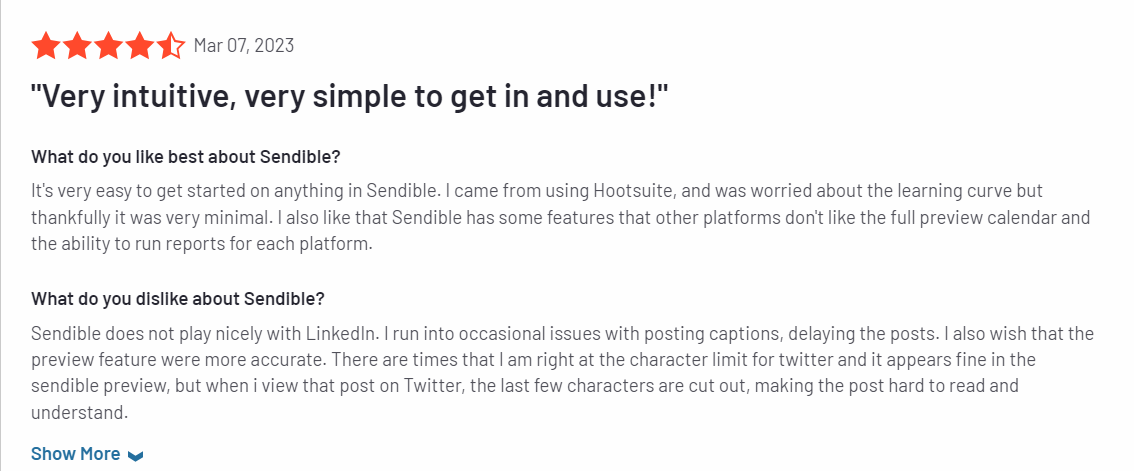
| Sendible | White label agency management | $29/mo | No | Yes |
| PromoRepublic | Multi location and franchise brands | $59/mo | No | Yes |
| OneUp | Unified inbox and niche platforms | $18/mo | No | Yes |
Let's start with our editorial choice:
#1 Circleboom Publish
The fastest GBP scheduler available, with the only content automation that actually removes the posting burden entirely.
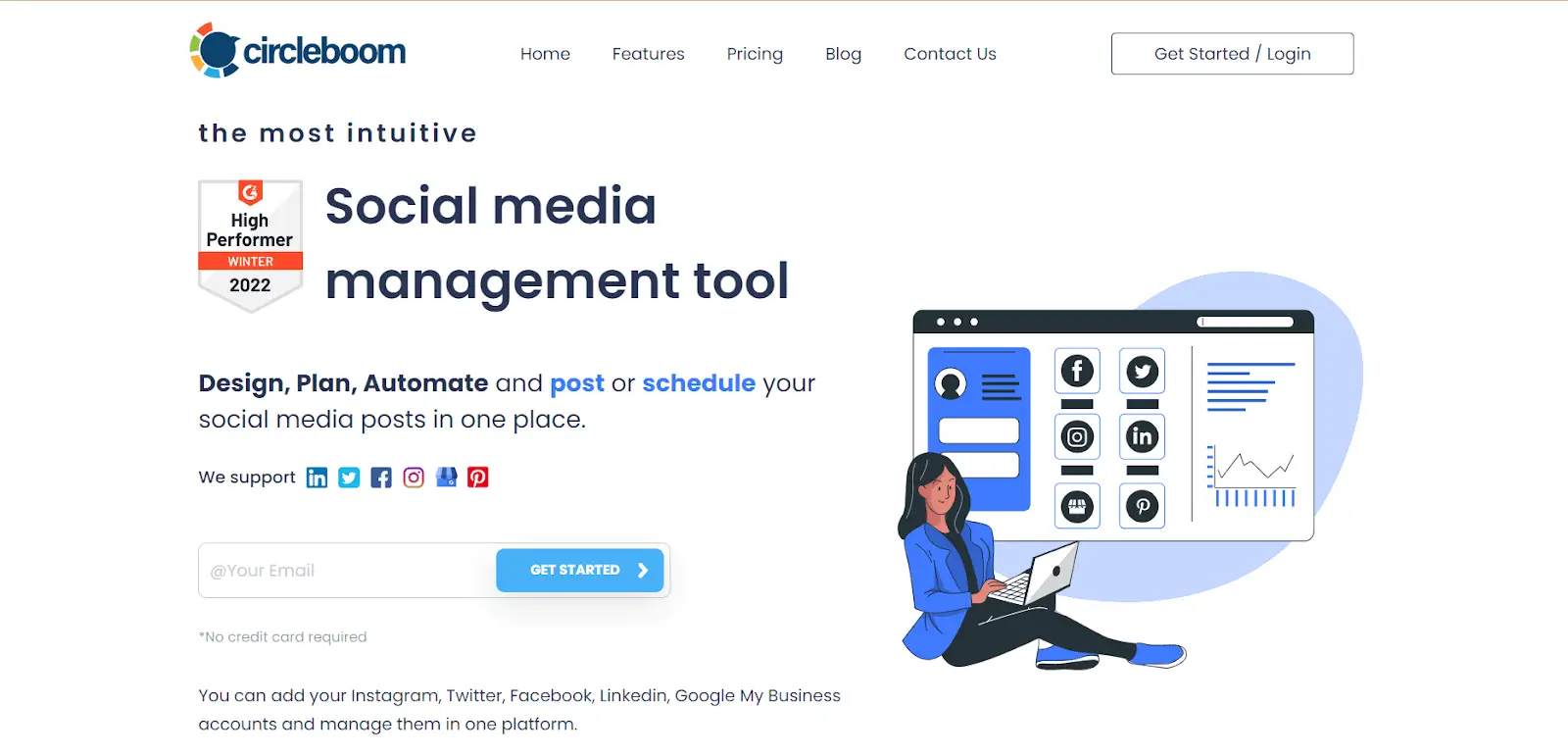
BEST FOR: Small businesses, local services, restaurants, and solopreneurs who need their Google Business Profile to stay active without dedicating time to it every week.
There is a version of GBP scheduling that looks like this: you open a tool, remember what to write, find an image, build the post, schedule it, and close the tab. Fifteen minutes gone, twice a week, every week.
Circleboom Publish is designed to eliminate that version entirely.
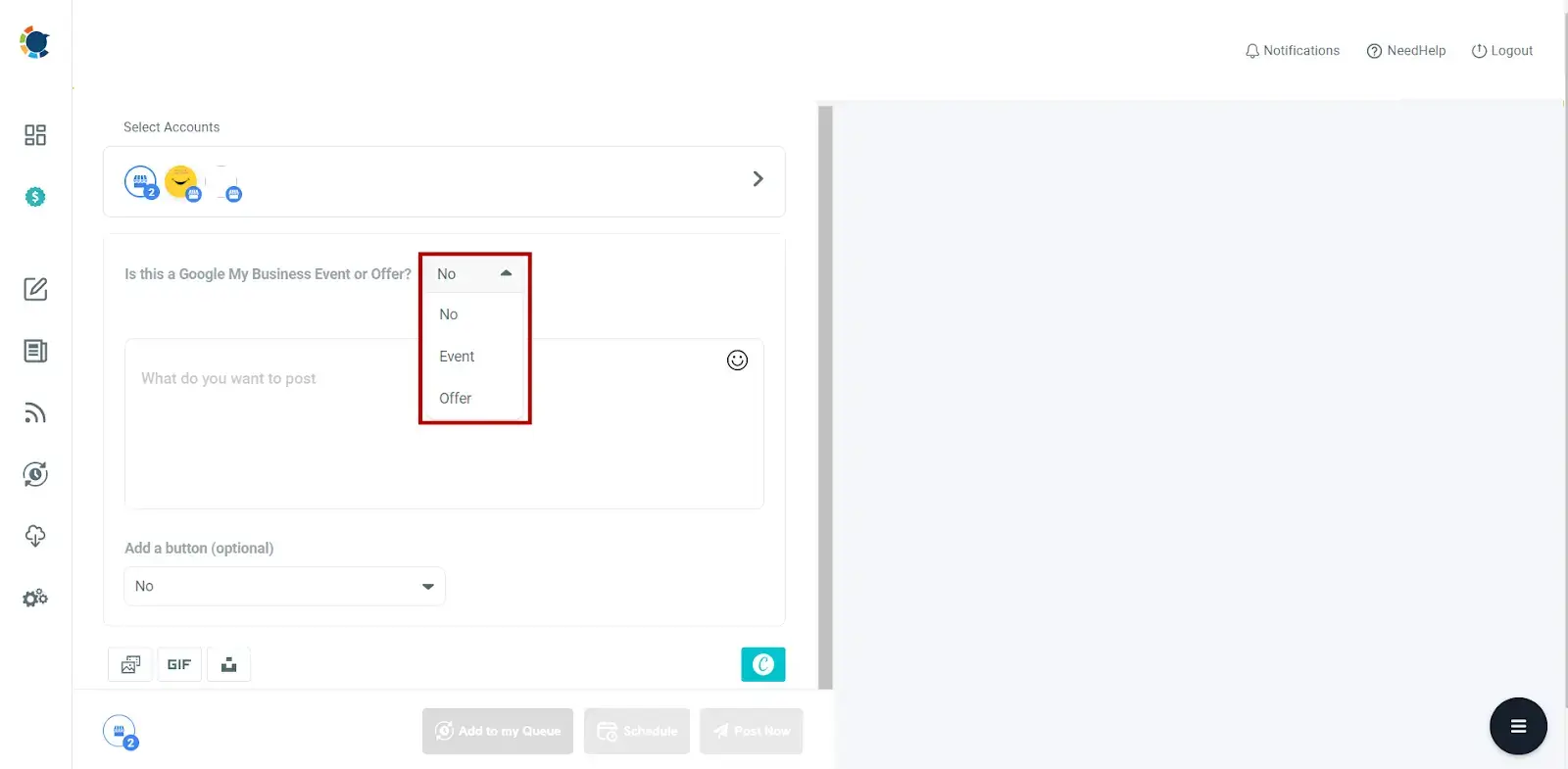
Setup is direct. A dedicated Google Business Profile connection flow handles the OAuth handoff and lands you in an interface that already understands GBP vocabulary: post type selector (Standard, Event, or Offer), CTA button, text, image, date. That is the complete creation flow, arranged in the order a human actually thinks about a post. Average time from clicking Create to receiving the scheduling confirmation: 37 seconds, fastest of any tool in this category by a meaningful margin.
The deeper value, however, is automation. Connect an RSS feed from any source and Circleboom pulls content automatically, generates formatted drafts, and queues them on the schedule you define. A food blog, a local news source, a trade publication: anything with a feed becomes a hands off content stream. A content discovery feature also surfaces shareable articles directly in the dashboard, for users who prefer to curate rather than automate. The next morning, content is waiting. No decisions required.
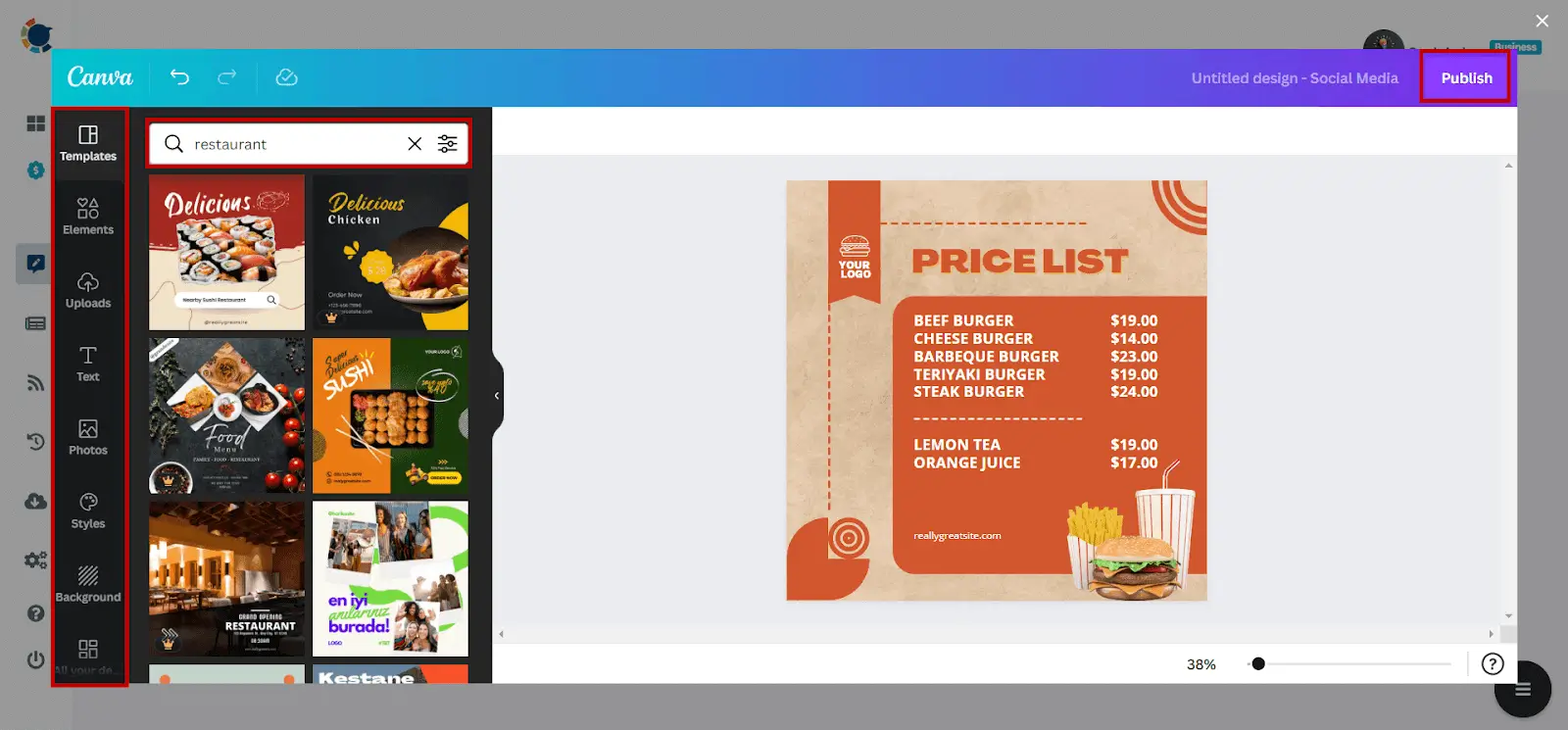
An AI assistant inside the post editor generates drafts from a URL you paste in or rewrites existing text in different tones. Canva, Unsplash, Giphy, and an AI carousel generator are all embedded rather than linked out to. UTM tracking is built directly into the post creation interface, meaning every link published is automatically trackable in Google Analytics without separate tag building. Best time recommendations draw from your own account engagement data, not generic industry averages. Team access is included on all plans above the base tier without per seat charges.
The two honest limitations: repeat posting for GBP is not available (though RSS automation makes this largely irrelevant), and the dashboard includes options for many other social networks, which can feel cluttered if Google Business Profile is your only focus.
Why It Leads
- 37 second average post creation, fastest in the category
- RSS automation removes the content ideation problem permanently
- UTM tracking built into the composer, not a separate integration
- Canva, Unsplash, Giphy, and AI carousel generator all embedded
- Best time recommendations from your own engagement data
- Team access on paid plans with no per seat charges
- 14 day free trial, no credit card required
Honest Limits
- No repeat posting for GBP
- Multi network dashboard can feel busy for GBP only users
Pricing
Pro: $24.99/month (5 social accounts). Premium: $34.99/month (10 accounts). 14 day free trial.
Circleboom Publish also supports Twitter, Facebook, Instagram, Pinterest, Threads, Bluesky, YouTube, TikTok and LinkedIn.
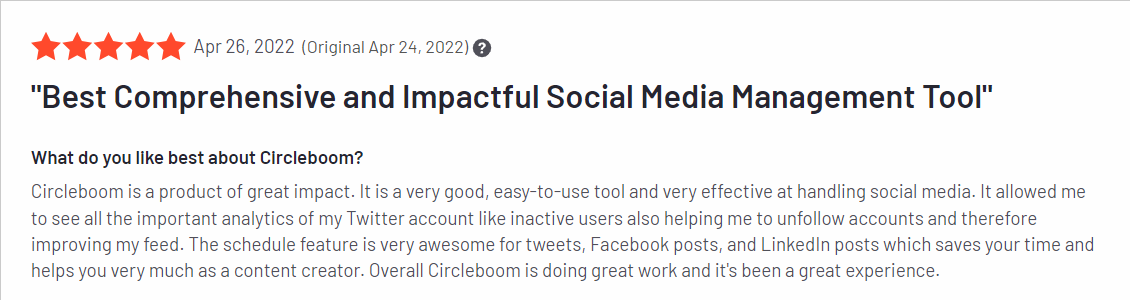
Ease of Use: 9.4
Quality of Support: 9.4
Ease of Setup: 9.8
#2 Sprout Social
The premium choice for enterprise teams that need GBP to be one coordinated piece of a much larger social operation.
BEST FOR: Enterprise marketing teams and large agencies where Google Business Profile sits inside a comprehensive social media management operation and budget is not the primary constraint.
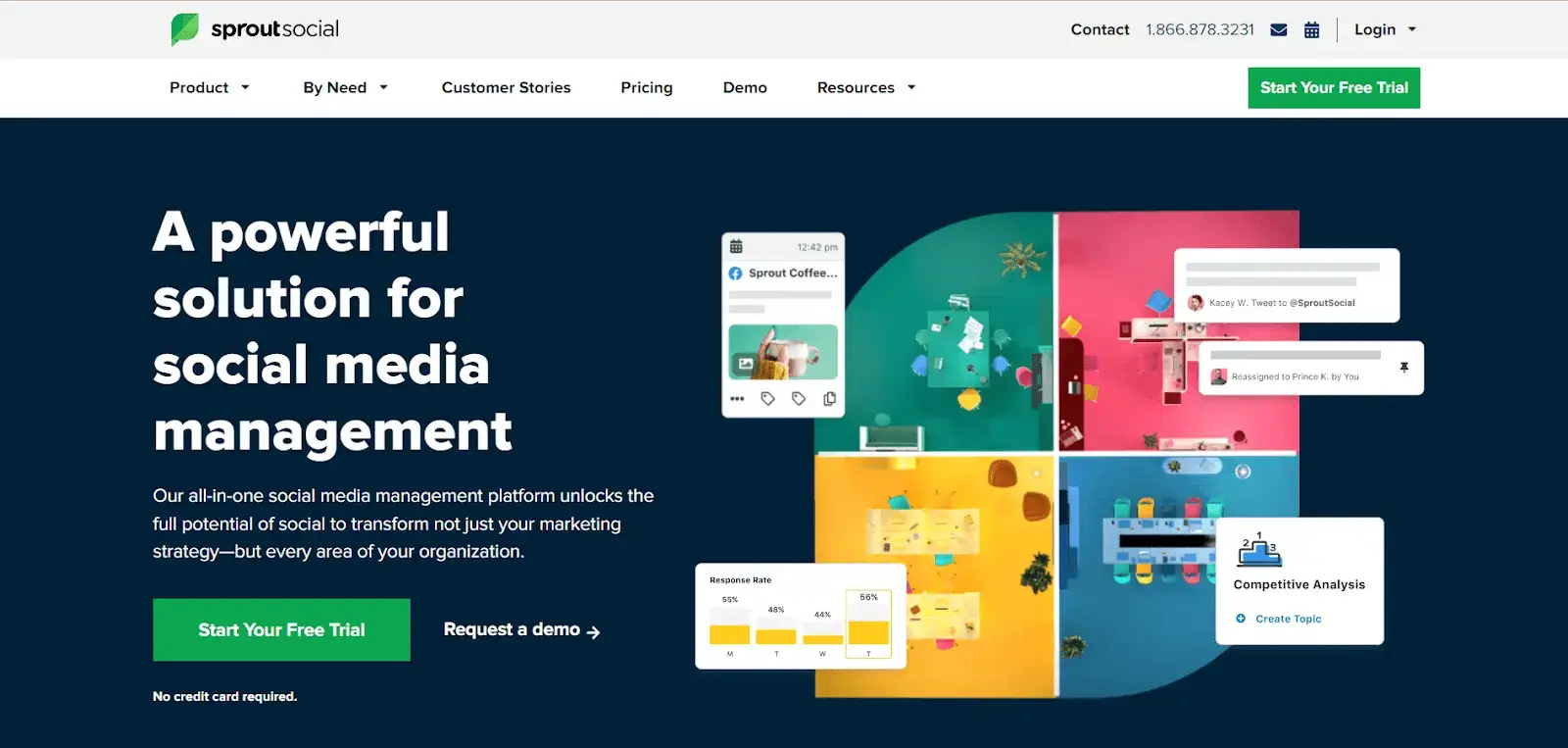
Sprout Social is one of the most capable social media platforms in existence. It also starts at $249 per month for five social accounts, which immediately tells you something about who it is designed for.
For that price, you get direct publishing to Google Business Profile with support for both Event and What's New post types, integrated into a platform that also handles in depth social analytics, a unified inbox across every channel, team workflow management, and some of the strongest reporting in the industry. The CRM integration lets you tie social interactions to individual contacts. The analytics are genuinely sophisticated: engagement rates, audience growth, competitive benchmarking, and the kind of granular data that makes sense when you are presenting to a board.
The criticism is simple: for a local restaurant, a regional clinic, or a single location retailer, $249 per month is an impossible number to rationalize. Sprout Social is a platform designed for teams managing multiple brands at scale, and the pricing reflects that reality honestly. GBP scheduling is one feature among dozens. If you are buying Sprout Social specifically for GBP scheduling, you are massively overpaying.
Where Sprout Social makes sense: if your organization already subscribes to it for other reasons, adding GBP to your existing workflow costs nothing additional and works well. The publishing interface is clean, the scheduling is reliable, and the integration with the rest of the platform is seamless. It is a genuinely excellent product at the wrong price point for most small and mid size businesses.
The Genuine Strengths
- Full GBP post support integrated into a comprehensive social platform
- Sophisticated analytics and reporting
- Unified inbox across all channels
- Strong team collaboration and approval workflows
- Reliable and well supported platform with a long track record
The Hard Reality
- $249/month entry price makes it inaccessible for most small businesses
- GBP scheduling is a secondary feature in a platform built for much broader use
- Paying for a great deal of infrastructure that most local businesses will never use
Pricing
Standard: $249/month (5 accounts). Professional: $399/month. Advanced: $499/month. Enterprise: custom.
Ease of Use: 8.9
Quality of Support: 8.7
Ease of Setup: 8.8
#3 Hootsuite
The original social media management platform. Reliable, broadly supported, and showing its age in ways that matter.

BEST FOR: Organizations already operating on Hootsuite for other channels, where adding GBP to an existing workflow is more practical than migrating to a new tool.
Hootsuite built the category of social media management. It has been around long enough that most marketing teams have encountered it at some point, and its integrations with enterprise systems are among the broadest in the industry. For Google Business Profile scheduling, however, there are meaningful things to understand before choosing it.
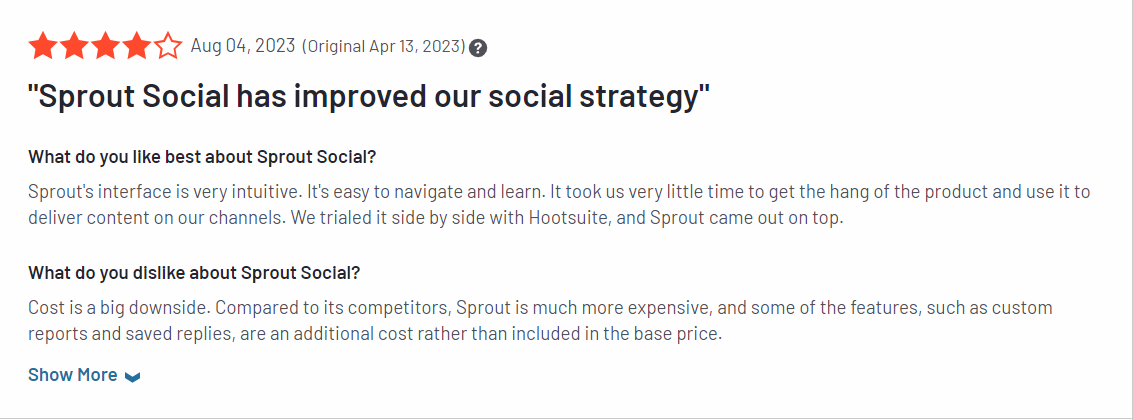
GBP support in Hootsuite is not native in the same way as tools built around it. You need to install a Google My Business app from the Hootsuite app marketplace and configure it within your account. This is not a difficult process, but it introduces a layer of setup that does not exist with tools where GBP is a first class feature. Once configured, you can manage streams for GBP posts, reviews, and questions from within the Hootsuite dashboard.
The analytics for GBP specifically are limited compared to what dedicated tools provide. Hootsuite's analytics are strong for platforms where it has deep integration, but GBP measurement within the platform is surface level relative to the engagement and traffic data you can pull directly from Google Business insights. The interface, while functional, has not modernized significantly and carries complexity from years of feature additions.
At $108 per month, Hootsuite is not cheap. For a team that already uses it across multiple channels, adding GBP integration makes operational sense. For a business evaluating schedulers purely for GBP, the setup friction, the limited analytics, and the pricing make it a difficult choice when purpose built alternatives exist at lower prices.
Where It Still Delivers
- Broad platform integrations for teams managing many social channels
- Reliable and well established platform with strong enterprise support
- Unified dashboard for teams already operating on Hootsuite
- GBP post, review, and question management from one place
What Has Not Changed
- GBP support requires a marketplace app installation, not native integration
- GBP specific analytics are limited compared to dedicated tools
- Interface feels dated and complex relative to newer tools
- $108/month is hard to justify for GBP only use
Pricing
Professional: $108/month (1 user, 10 accounts). Team: $249/month. Business and Enterprise: custom.
Ease of Use: 8.4
Quality of Support: 8.0
Ease of Setup: 8.4
#4 Loomly
The tool for teams where content accuracy is not optional: where a post going live with the wrong price or the wrong date has real consequences.
BEST FOR: Teams in retail, healthcare, legal, or any field where a published mistake creates real reputational or operational problems, and where seeing exactly what a post looks like before it publishes is not negotiable.
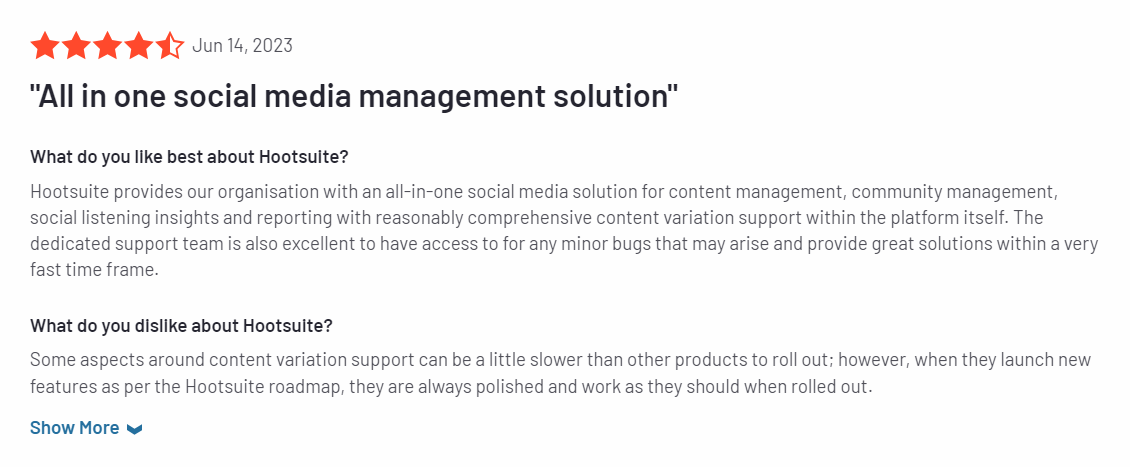
Loomly is built around a conviction that most scheduling mistakes are preventable, if you actually look before you click publish. Its post preview system renders a realistic, platform accurate representation of what your audience will see before anything goes live. Not an approximation. Not a generic frame. The actual post, as it will appear on Google Business Profile.
The drag and drop content calendar is visually clean, with color coding by post type and status. Multi stage approval workflows require sequential sign off from defined stakeholders before a post can publish. Role based access controls mean team members can only see and edit what they are supposed to. A centralized media library keeps assets organized across campaigns and teams without duplication.
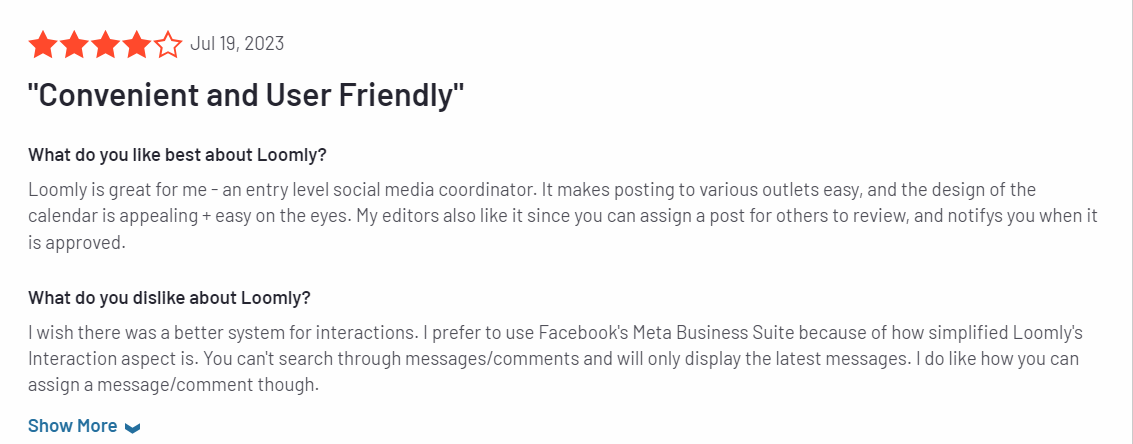
For a business where content accuracy is genuinely important, Loomly's preview first workflow changes the error rate in a measurable way. For solo users or small teams where this kind of governance is unnecessary overhead, the pricing is harder to defend. There is no free plan, and the entry point at $42 per month for 10 accounts is reasonable for a team but steep for an individual. Loomly is a team tool that occasionally gets bought by individuals who end up paying for infrastructure they do not use.
The Accuracy Advantage
- Platform accurate post previews before publishing, including GBP
- Multi stage sequential approval workflows
- Role based access control for team governance
- Centralized media library across campaigns
- Clear visual calendar with status color coding
The Trade Off
- No free plan
- Better suited to teams than individual users
- Governance features add overhead that smaller operations do not need
Pricing
Base: $42/month (10 accounts). Standard: $80/month. Advanced: $175/month. Premium: $369/month.
Ease of Use: 9.3
Quality of Support: 9.3
Ease of Setup: 9.4
#5 SocialPilot
The best choice for agencies where managing Google reviews is as important as publishing content, with the pricing to back it up.
BEST FOR: Marketing agencies and multi location businesses where responding to Google Business reviews is a core deliverable, not an afterthought.
SocialPilot is the only tool on this list that lets you read and respond to Google Business reviews without leaving the platform. For agencies managing local business clients, that single feature justifies a serious look. One unanswered negative review can sit in Google search results for months. A tool that surfaces it in the same dashboard where you schedule content removes the excuse to let it slide.
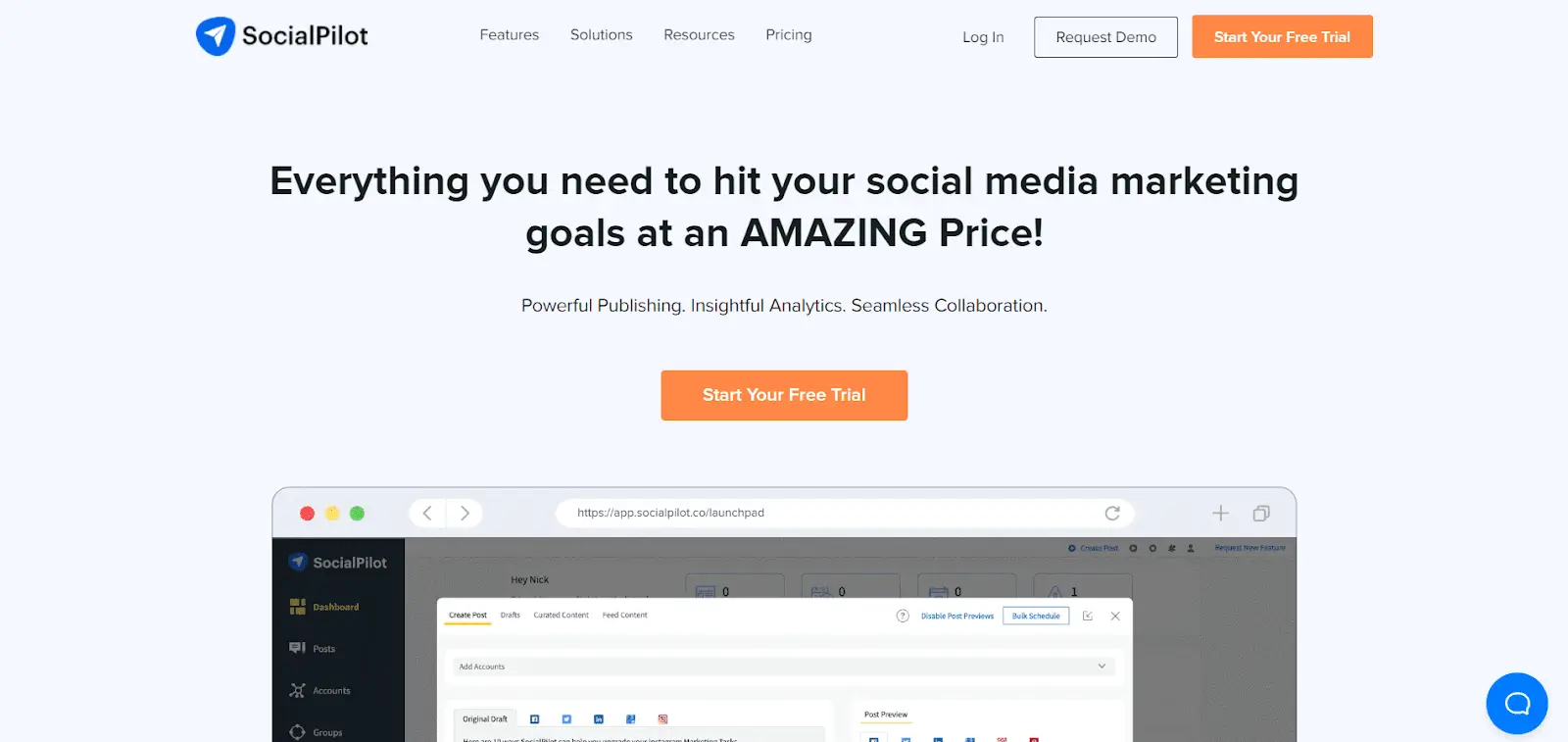
The post editor itself is functional and clean once you navigate to it. Getting there, however, takes longer than it should: the dashboard is designed for agency scale and presents more options than a single location business will ever use. Average time from login to scheduled post is approximately 1 minute 21 seconds, most of which is navigation rather than actual content creation. The dashboard communicates complexity before it communicates usefulness.
What agencies get in return: white label reports, bulk CSV scheduling for high volume publishing, AI caption generation in over 10 languages, and comprehensive GBP analytics covering Total Impressions, Average Rating, Total Reviews, and Total Actions with historical charts. For a team managing multiple client GBP accounts with different reporting requirements, the value is real. For a single location business, the complexity is overhead without a corresponding benefit.
The Agency Edge
- Review management for Google Business and Facebook, unique in this category
- GBP analytics with historical charts
- Bulk CSV scheduling for high volume publishing
- White label client reporting
- AI caption generation in 10 or more languages
The Agency Overhead
- Interface complexity designed for agencies, not small businesses
- No free plan
- Around 1 minute 21 second average post creation due to navigation
- Paying for agency infrastructure at every pricing tier
Pricing
Essentials: $30/month (7 accounts, 1 user). Standard: $50/month. Premium: $100/month (25 accounts, 6 users). Ultimate: $200/month.
Ease of Use: 9.0
Quality of Support: 8.9
Ease of Setup: 9.1
#6 Planable
When the bottleneck is not what to post but getting approval before it goes live, Planable removes that problem more cleanly than anything else here.
BEST FOR: Creative agencies and in house content teams where client or stakeholder sign off before publishing is the primary workflow challenge.
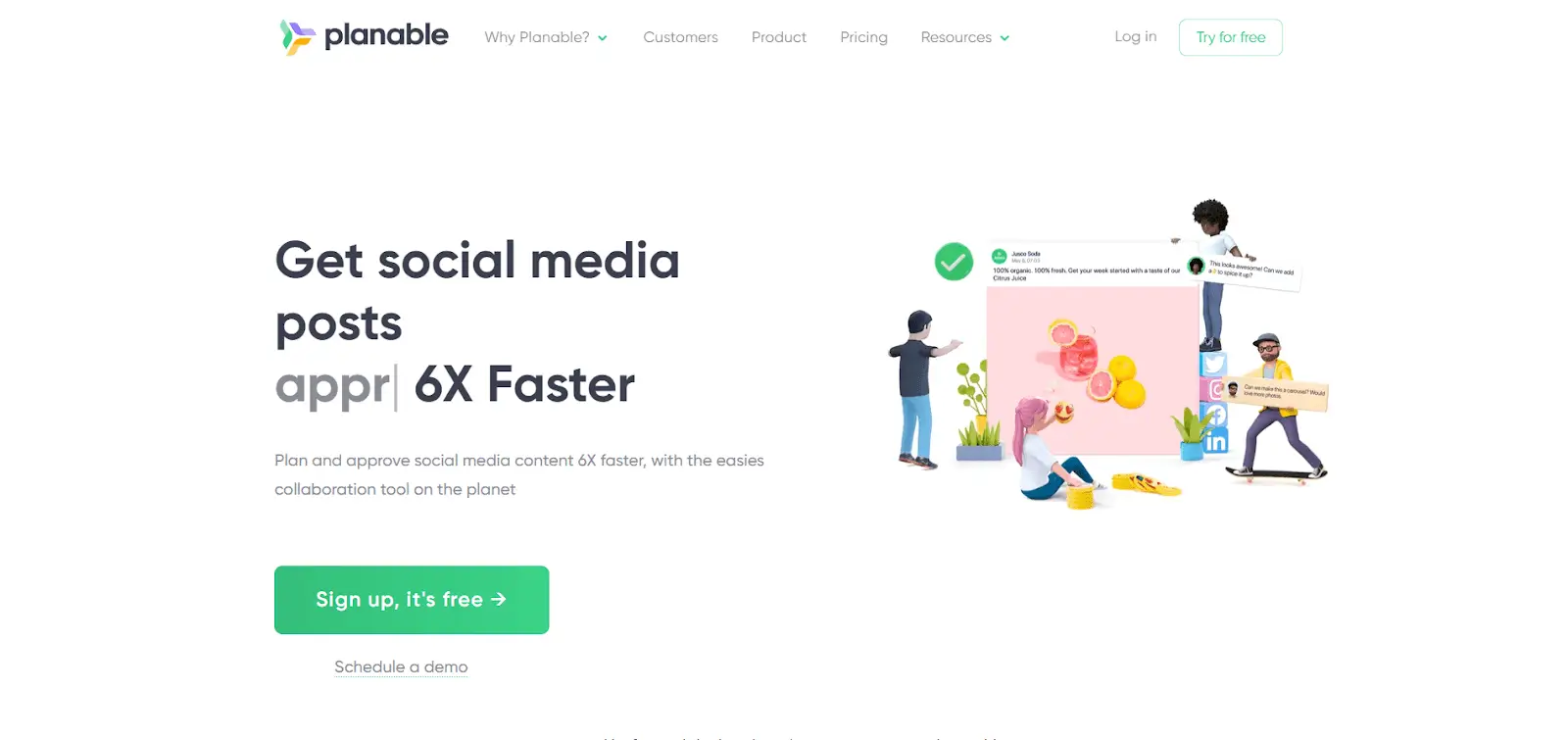
Planable's product decision is clear: content approval is not a secondary feature, it is the product. Every post moves through a structured approval flow. Clients comment directly on posts in context rather than over email. They approve or request changes. The scheduler only fires after the required sign off is received. The audit trail is automatic and complete.
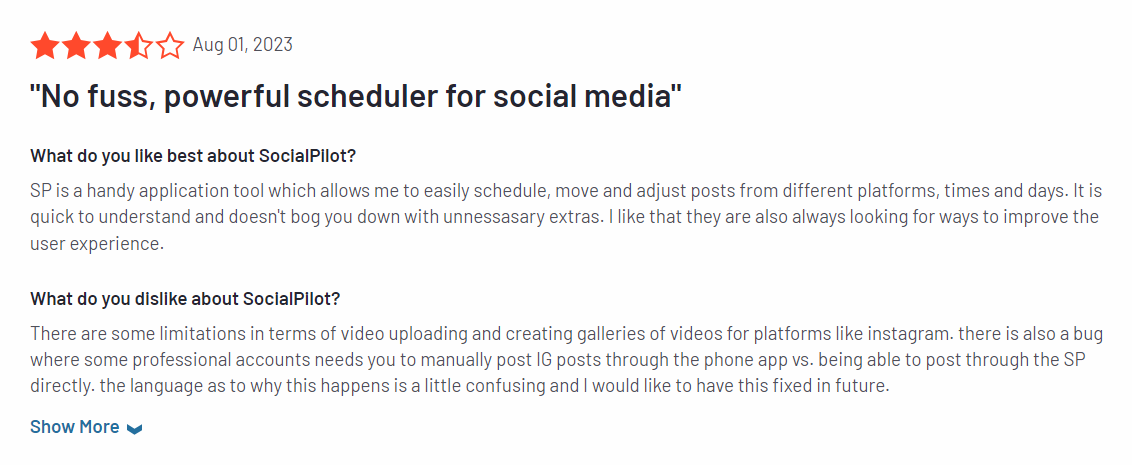
The platform supports nine networks including Google Business Profile, with a clean, accessible interface that does not require technical sophistication to navigate. This matters more than it sounds: when your client is a local business owner who barely uses email, a platform they can figure out in five minutes is a meaningful advantage. An Instagram Grid view handles visual content planning for accounts where aesthetic consistency matters.
The honest limitation is deliberate focus. Planable does content approval extremely well. Everything else, automation, analytics, content generation, is functional rather than excellent. If your workflow bottleneck is content ideation or analytics rather than approval, there are better suited tools on this list. If approval is the problem, Planable solves it better than anything else here.
The Approval Advantage
- Approval first workflow: stakeholders interact in the tool, not over email
- Interface accessible enough for non technical clients
- Multi workspace management for multiple brands
- Supports 9 networks including GBP
- Complete audit trail of approvals and revisions
Where It Steps Back
- Analytics and automation are secondary features, not strengths
- Agency features require the Pro plan at $59/month
- Not the right tool if content creation or analytics is the primary need
Pricing
Free trial. Basic: $39/month. Pro: $59/month. Enterprise: custom.
Ease of Use: 9.3
Quality of Support: 8.9
Ease of Setup: 9.3
#7 Sked Social
A visual first scheduling platform that covers Google Business Profile alongside its core Instagram and video focus.
BEST FOR: Content teams where visual consistency is the primary concern and GBP scheduling is one component of a broader content strategy centered on Instagram, TikTok, and video.
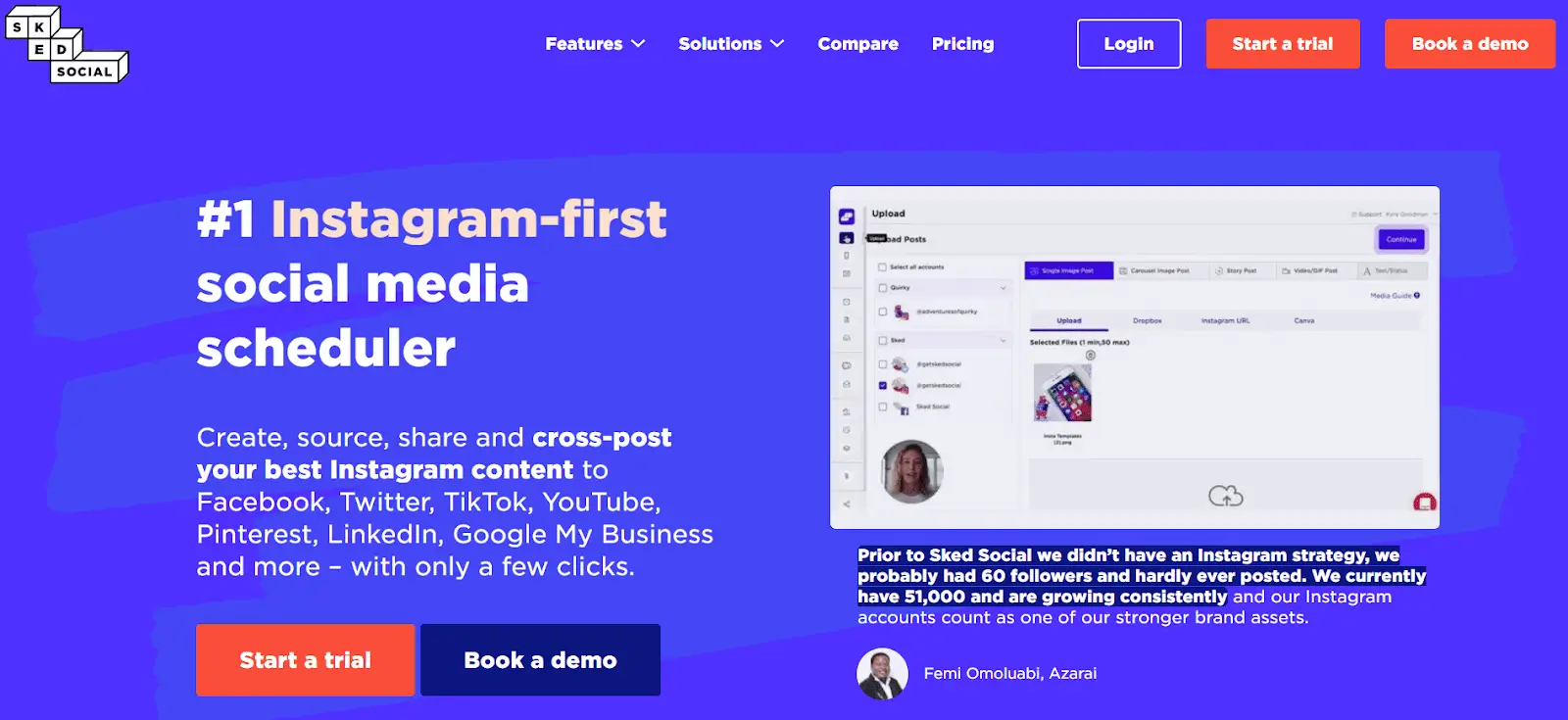
Sked Social built its reputation on Instagram scheduling and visual content planning, and that origin is visible throughout the product. The Ideas board, with Content Pillar organization, is designed for teams that think in campaigns and visual themes rather than individual posts. A brand trained AI caption generator produces copy that reflects a specific brand voice rather than generic suggestions. A built in media and video editor means post production happens inside the platform.
Google Business Profile support is genuine and functional: Standard, Event, and Offer post types are supported. For a team already using Sked Social for Instagram and TikTok, adding GBP to the same workflow is a natural extension. For a business evaluating tools specifically for GBP scheduling, Sked Social's strengths in visual content planning and video are attractive but the pricing reflects a product built for more complex content operations than GBP alone typically requires.
The entry point at $29 per month for 3 accounts is accessible, but meaningful team features and the full content workflow capabilities require higher tiers. If your primary channel is Instagram or video and GBP is a secondary but important addition to your workflow, Sked Social deserves evaluation. If GBP is the primary use case, a more GBP focused tool delivers more value for the investment.
The Visual Edge
- Strong visual content planning with Ideas board and Content Pillars
- Brand trained AI caption generator
- Built in media and video editor
- Full GBP post type support
- Good fit for teams already managing Instagram and video content
The GBP Caveat
- Built for visual content teams; GBP is a secondary rather than primary focus
- 3 accounts at entry price limits multi account users
- Full capabilities require higher tier plans
- Less suited to text heavy or information focused GBP strategies
Pricing
Fundamental: $29/month (3 accounts). Essential: $69/month. Professional: $159/month. Custom: $299/month.
Ease of Use: 8.8
Quality of Support: 8.3
Ease of Setup: 8.3

#8 Sendible
The white label scheduling platform for agencies that want to remain entirely invisible to their clients.
BEST FOR: Agencies managing multiple client accounts that need fully branded delivery, client onboarding without credential sharing, and automatic evergreen content recycling.
Sendible is built around a specific agency need: the client should never need to know which scheduling tool their agency uses. White label options let you deliver the entire platform interface under your agency's own branding. Client onboarding works through OAuth permission flows that do not require clients to share their Google Business credentials with you. They connect their own accounts independently. You manage the content. The relationship stays clean.
Smart Queues handle evergreen content recycling automatically. Your strongest posts get requeued according to rules you define: promotional content cycles less frequently, educational content more often, seasonal content activates and deactivates on schedule. This is meaningful for agencies managing long term client accounts where reinventing the content wheel every month is not sustainable.
The pricing is honest once you look past the entry point. The Creator plan at $29 per month is functional for an individual managing a small number of accounts. For the agency features that make Sendible genuinely differentiated, the Scale plan at $199 per month is where the product delivers on its promises. That gap is worth knowing before choosing it.
The Agency Case
- Full white label delivery: clients interact with your brand, not Sendible's
- Client onboarding without credential sharing
- Smart Queues for automatic evergreen content recycling
- Multi stakeholder approval workflows
- Supports 9 or more networks including GBP
The Pricing Gap
- Meaningful agency features start at $199/month (Scale), not $29/month (Creator)
- Interface requires time to learn on first use
- No free plan
Pricing
Creator: $29/month. Traction: $89/month. Scale: $199/month. Enterprise: $750/month.
Ease of Use: 8.8
Quality of Support: 8.9
Ease of Setup: 8.6
#9 PromoRepublic
Built specifically for multi location brands and franchises where the challenge is maintaining consistent, locally relevant content across dozens or hundreds of profiles.
BEST FOR: Franchise operations, multi location retail chains, and regional brands where managing GBP content at scale across many locations requires centralized control with local customization.
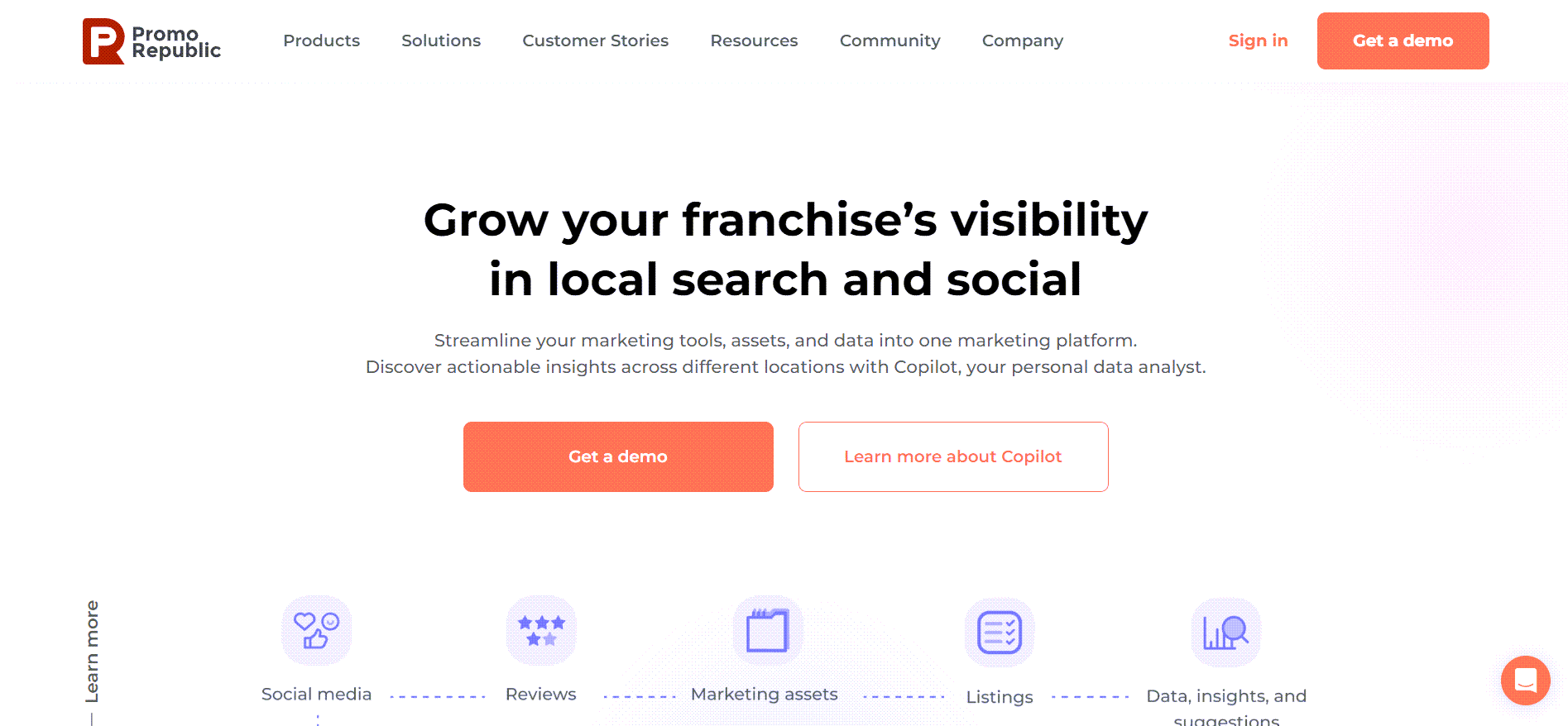
PromoRepublic occupies a position on this list that no other tool quite fills: it is designed from the ground up for businesses with many locations rather than businesses with one. The platform enables centralized teams to create content templates and distribute them to individual locations, which can then customize within approved parameters before publishing. For a franchise network where brand consistency matters but each location has different offers, different hours, and a different local audience, this architecture is purpose built.
GBP support covers Standard, Event, and Offer post types with up to 1,500 character posts and square image uploads. The Inbox feature handles incoming questions and reviews from inside the platform. Location specific performance analytics let you compare engagement across different locations in the same dashboard, which is genuinely useful when you are managing content for 50 branches and need to understand which markets are responding better than others.
The honest limitations are real. CTA button support in GBP posts is still absent at the time of this writing, which is a meaningful gap for businesses where driving traffic to a booking page or a specific product URL is part of the posting strategy. And the product architecture, while excellent for multi location operations, creates unnecessary complexity for a single location business that does not need distributed publishing controls. PromoRepublic is a strong tool for the audience it is designed for, and a mismatched tool for everyone else.
The Franchise Fit
- Multi location publishing with centralized control and local customization
- Content template distribution across franchise networks
- Location specific performance analytics
- Inbox for GBP questions and reviews
- Built for the scale and compliance needs of franchise operations
The Single Location Problem
- No CTA button support in GBP posts
- Over engineered for single location businesses
- Pricing at $59/month for 10 locations is attractive for franchises but steep for individual businesses
- Product complexity reflects multi location design throughout
Pricing
Starter: $59/month (10 locations). Growth: $99/month. Scale: custom.
Ease of Use: 9.2
Quality of Support: 9.0
Ease of Setup: 9.2
#10 OneUp
Distinctive niche features that no other tool on this list bothers to build, inside an interface that has not kept pace with them.
BEST FOR: Business owners who want to manage Google reviews, social DMs, and comments alongside their content scheduling from a single platform, without paying enterprise prices to do it.
OneUp earns its place on this list through a specific set of features that nobody else in this price range has built. The Inbox feature consolidates Google review responses, social media DMs, comment replies, and brand mention monitoring into one interface. For a business owner currently toggling between Google Business, Instagram, and Facebook to manage customer conversations, that consolidation has real, measurable value on any given week.
The AI video generator is genuinely unusual at this price point. Write a script, choose an avatar and music, and OneUp produces a short video suitable for social posts without leaving the platform. Reddit and WhatsApp connections are supported, something no other tool on this list offers. For the businesses where those channels are relevant, these are genuine differentiators.
The trade offs are honest and significant. Average time to schedule a GBP post is approximately 1 minute 30 seconds, the slowest in this category. The interface feels dated in ways that go beyond aesthetics into daily usability: the post type selector layout is initially confusing, and the navigation requires more clicks than it should. The cross posting feature checks for new content every two hours rather than continuously, meaning content does not propagate to other platforms in real time. And team access requires jumping from the $18 Starter plan to the $60 Intermediate plan, a steep increase for a single feature.
The Unique Offering
- Unified Inbox: Google reviews, DMs, and comments from one place
- AI video generator built in
- Reddit and WhatsApp connections, unique in this category
- Competitive $18/month base price
The Usability Cost
- 1 minute 30 second average post creation, slowest in this category
- Interface feels dated and affects daily usability
- Cross posting has a 2 hour delay
- Team access requires jumping from $18 to $60 per month
Pricing
Starter: $18/month (10 accounts, 150 posts, no team). Intermediate: $60/month. Growth: $120/month. Business: $300/month.
Ease of Use: 8.7
Quality of Support: 9.5
Ease of Setup: 8.0

Tools by Review Scores
| Tool Name | Ease of Use | Quality of Support | Ease of Setup | Average Score |
|---|---|---|---|---|
| Circleboom | 9.4 | 9.4 | 9.8 | 9.5(Highest) |
| Sprout Social | 8.9 | 8.7 | 8.8 | 8.8 |
| Hootsuite | 8.4 | 8.0 | 8.4 | 8.2 |
| Loomly | 9.3 | 9.3 | 9.4 | 9.3 |
| SocialPilot | 9.0 | 8.9 | 9.1 | 9.0 |
| Planable | 9.3 | 8.9 | 9.3 | 9.1 |
| Sked Social | 8.8 | 8.3 | 8.3 | 8.4 |
| Sendible | 8.8 | 8.9 | 8.6 | 8.7 |
| PromoRepublic | 9.2 | 9.0 | 9.2 | 9.1 |
| OneUp | 8.7 | 9.5 | 8.0 | 8.7 |
The advantages of using Google My Business
- Users who make a Google search for specific information on a firm can call the number to learn more about its services and products before using or purchasing them.
- Because they portray a more credible and professional image than other firms.
- It is simpler for potential customers to find the business because information like the address, driving instructions, phone number, e-mail address, website address, and directions are provided on Google Maps and Google Searches.
- You can take action to improve service quality and turn a bad experience into a good one by paying attention to the feedback left by customers and visitors.
- Businesses may give customers more precise information by posting pictures of the location and the goods. Businesses on Google Maps that have photographs receive more directions. This way will allow you to attract more potential clients to your business.
How frequently should you publish content on Google My Business?
Posting on Google My Business is essential to stay in touch with your customers. Regular updates are recommended for your Google Business Profile page at least once every seven days.
Your clients will expect consistency from you. Posting frequently is a fantastic way to demonstrate your organization's dedication to giving customers essential service.
You can use this space to announce sales, new items, and new opportunities. When it comes to posting various kinds of content, GMB offers you a lot of options. Your content will display in search results, offering you an excellent opportunity to attract the attention of potential clients.
What is the best time for Google My Business posts?
You may use this to decide when to post on Google Business. On workdays, you'll probably pleasantly surprise your audience with new information!
Through Google Business Profile, companies get the most calls on weekdays between 10 and 12 p.m.
The best days for posting during the workweek are Thursdays and Fridays between 9 and 11 a.m.
The second-best period is from 9 to 11 a.m. on Mondays and Tuesdays.
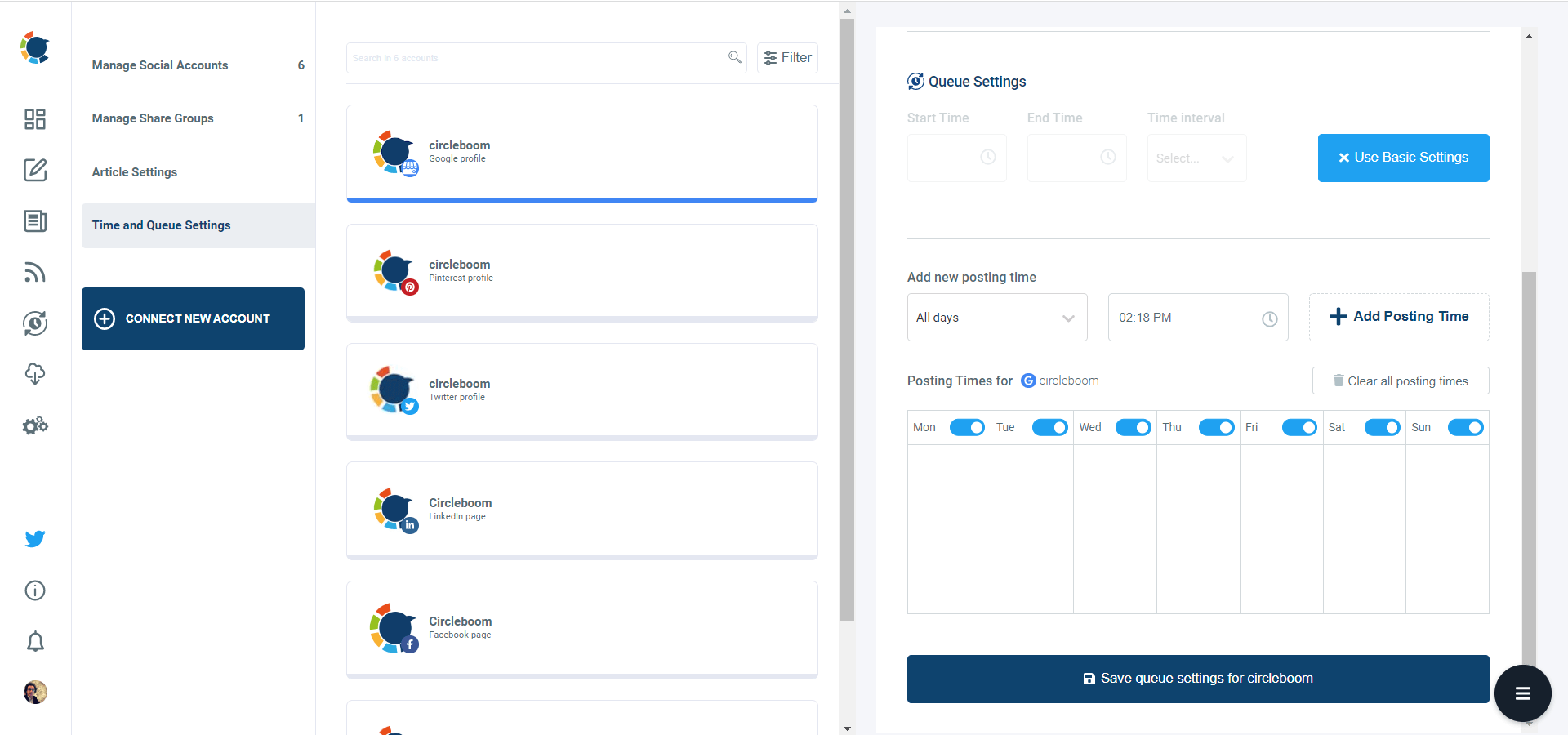
After you find the best times for your business, you can set times on Circleboom and automate your posts.
What can I do if my Google My Business listing disappeared?
In case your Google My Business listing has vanished, you can follow the below steps to restore it:
- Verify if there are any violations: Ensure that your listing hasn't been taken down because of any violations of Google's policies. Examples of violations include having multiple listings for the same business or using a fake address.
- Check your account status: Ensure that your Google My Business account is active and in good standing. You can log in and check for any alerts or notifications to verify your account's status.
- Verify for updates: Verify if any recent Google search algorithm or listings guideline updates might have affected your listing's visibility.
- Request reinstatement: If your listing has been taken down due to a violation, you can appeal for reinstatement through the Google My Business dashboard. You should provide proof that you have corrected the violations.
- Contact support: If the above steps don't help, contact Google My Business support for assistance. They can offer guidance on the next steps and help troubleshoot the issue.
Acting promptly is crucial if your Google My Business listing disappears as it can affect your online visibility and customer acquisition.
Do I need a physical address for Google My Business?
To create and verify your business listing on Google My Business, you must have a physical address. This address can be a storefront, office, or any other location where you conduct business. Google uses this address to confirm your business's location and to display it on Google Maps.
If you don't have a physical storefront or office, you might be able to use a virtual office or coworking space as your business address. However, this is against Google's policies, and using a virtual address or P.O. box can lead to the suspension or removal of your listing.
Service-area businesses (SABs) may be an exception to this rule and use a service area instead of a physical address. However, even SABs are required to provide a physical address to Google for verification purposes.
In conclusion, a physical address is generally necessary for Google My Business, but there are exceptions for service-area businesses. Ensuring that your business address is correct and up-to-date is crucial, as it can impact your online visibility and search engine rankings.
Final Words
Ten tools is still a lot to hold in your head. Here is the clearest version.
For most local businesses: Circleboom Publish. Fastest post creation in the category, the only tool with genuine content automation that removes the posting burden entirely, UTM tracking built into the composer, and pricing that makes sense for a single location business without a dedicated social media team.
For agencies managing client reviews: SocialPilot. Review management for Google Business and Facebook from inside the scheduling dashboard is something no other tool here offers, and for agencies where review response is a client deliverable, that is the decision.
For franchise and multi location brands: PromoRepublic. The centralized to local content distribution architecture is purpose built for this use case.
For teams where approval is the bottleneck: Planable. Client sign off workflows are the product, not a feature, and it shows.
For enterprise teams already on Sprout Social: Stay there. The GBP integration is solid and adding it to an existing workflow costs no additional friction.
For organizations already using Hootsuite: The marketplace app integration works. It is not the most elegant solution, but migrating platforms purely for GBP is unlikely to be worth the transition cost.
A Google Business Profile that looks active to anyone who searches for your business is not a nice to have. It is what local search currently rewards. The tools above are how you make that happen without it becoming the thing that falls off your list every time you get busy.
Circleboom Publish is our own tool, and it is the one we recommend most often. We say that because the testing data supports it, and because the features we built (RSS automation, embedded UTM tracking, 37-second post creation) reflect exactly the problems local businesses told us they could not solve with other tools. We want to be transparent about that relationship, and we would rather you try the 14 day free trial and find out for yourself than take our word for it.





)

