

Yes, Circleboom helps you track who unfollowed you on X with precise monitoring thanks to being an Official X Enterprise Developer and using the official API.

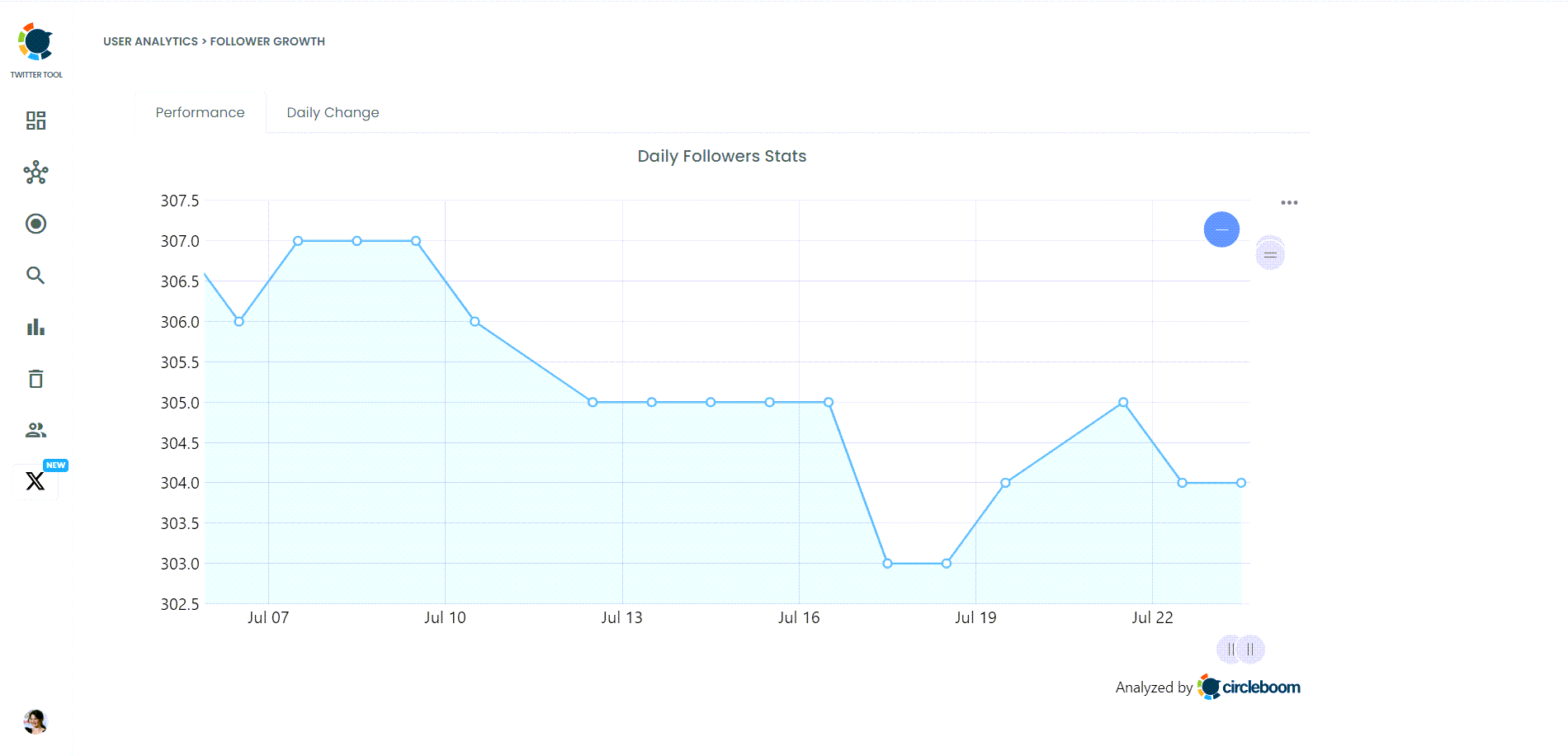
Discovering that you've lost followers on Twitter can be frustrating, especially when you can't tell who unfollowed you on X, I found myself in a similar situation, seeing my follower count drop but with no straightforward way to determine which users left.
Twitter doesn’t provide an easy way to track unfollowers see who unfollowed you on X, and manually keeping tabs on them is far too time-consuming, especially if you have a large following. The lack of an efficient solution makes this process even more challenging for those trying to manage and grow their accounts.
After realizing how difficult it was to track who unfollowed me, I searched for a better way.
 Arif Akdogan
The Challenge of Tracking Unfollowers on Twitter
While Twitter excels as a platform for fostering connections and sharing content, it doesn't offer a built-in tool to monitor who unfollows you on X. This leaves users in the dark if they lose followers unless they manually comb through their lists, which is impractical for larger accounts.
For personal users, tracking unfollowers can provide insight into how their content resonates. For brands, maintaining a highly engaged audience is critical, and knowing who leaves and why leaves helps fine-tune strategies. Without specialized tools, however, tracking unfollowers remains a challenge.
Why Circleboom Twitter is the Solution
I needed a solution to this problem, and that’s where Circleboom Twitter came in. I started using Circleboom Twitter because it shows me exactly who unfollowed me.
But more than that, it gives me the ability to mass unfollow them with just one click. This one-click unfollow feature is incredibly useful when you want to keep your follower list clean and relevant without spending hours trying to figure out who’s gone.
Another game-changing feature that Circleboom offers is Unfollower Alerts. This means that whenever someone unfollows me, Circleboom sends me a notification. With this feature, I don’t even have to actively search for unfollowers anymore—it comes straight to me. This alert system gives me insight into my account’s follower activity.
How to Use Circleboom Twitter to Track Unfollowers
Using Circleboom to track who unfollowed you on X is simple. Here’s how you can do it in 3 steps:
Step #1: As the first step, please go to Circleboom Twitter and log in with your active e-mail address.
If you haven't got a Circleboom account yet, you can get one in almost no time!
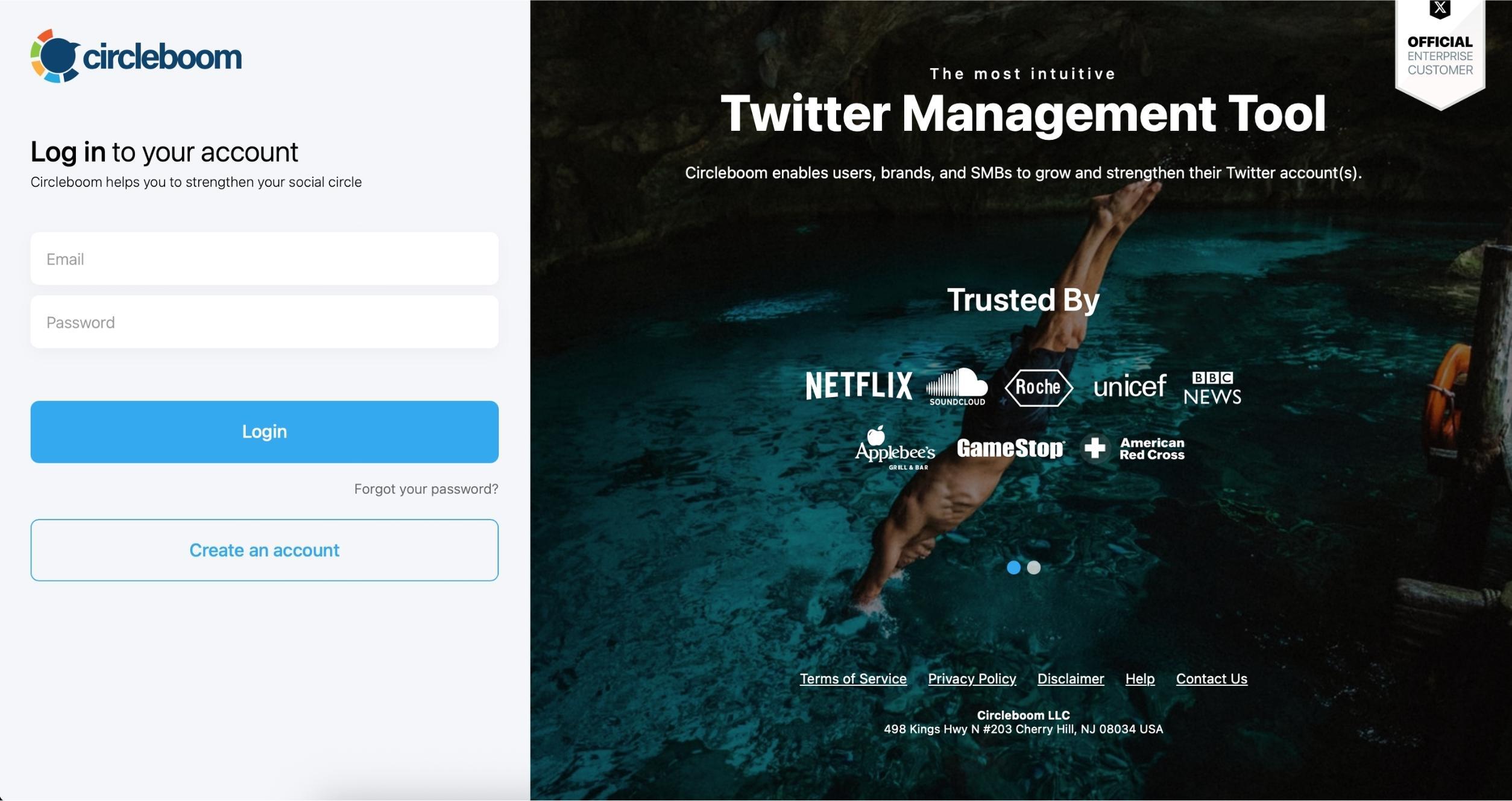
Step #2: Secondly, let's authorize Circleboom Twitter via sign-in with your Twitter account. Circleboom is an official X Enterprise Developer Partner.
Your Twitter account will be connected to the Circleboom dashboard to find out who unfollowed you on Twitter.

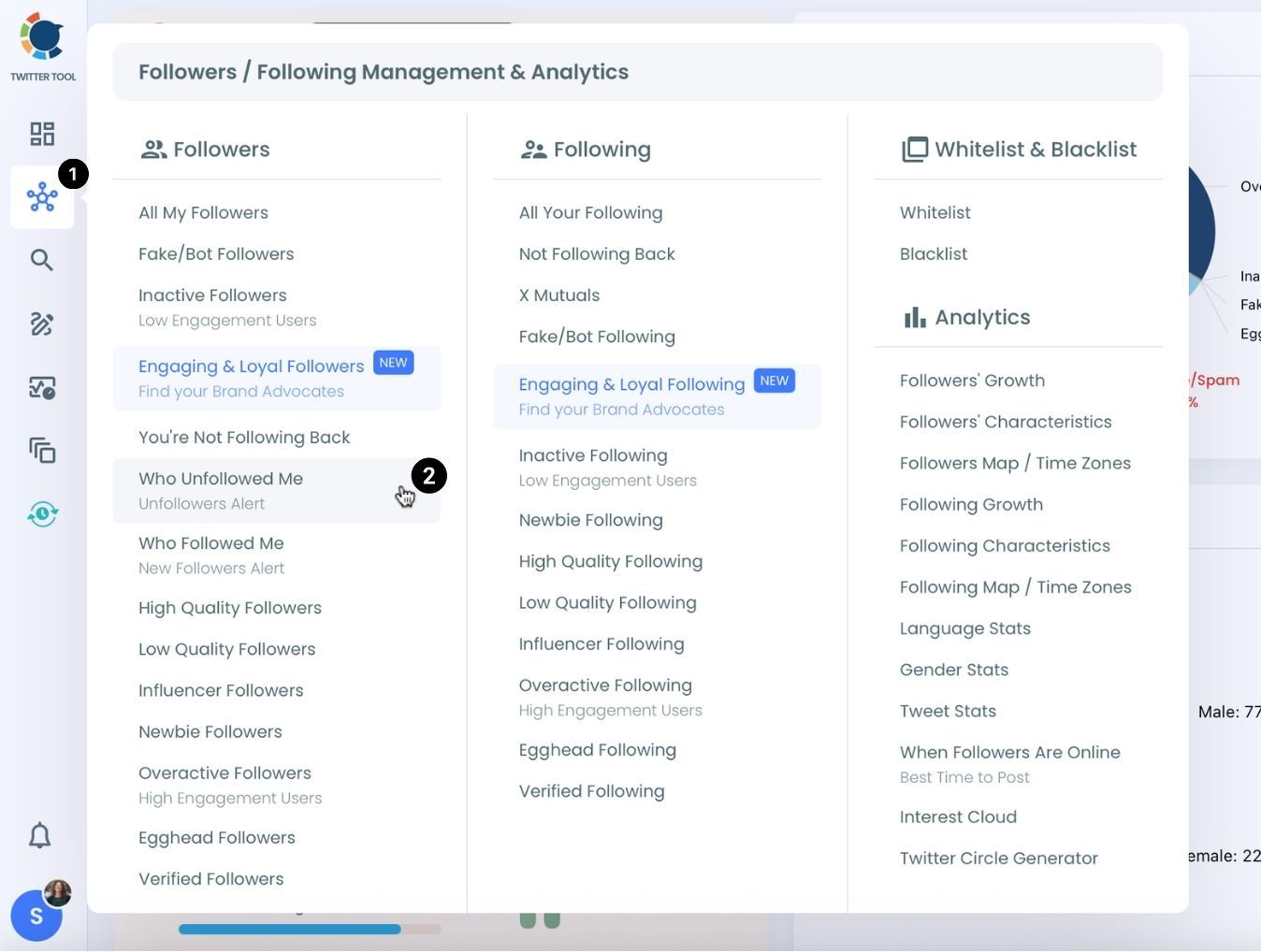
Step #3: Navigate to the left and open up the menu. See "Followers" tab there.
Here you will see "Who Unfollowed Me?" option there. Click on it and navigate.
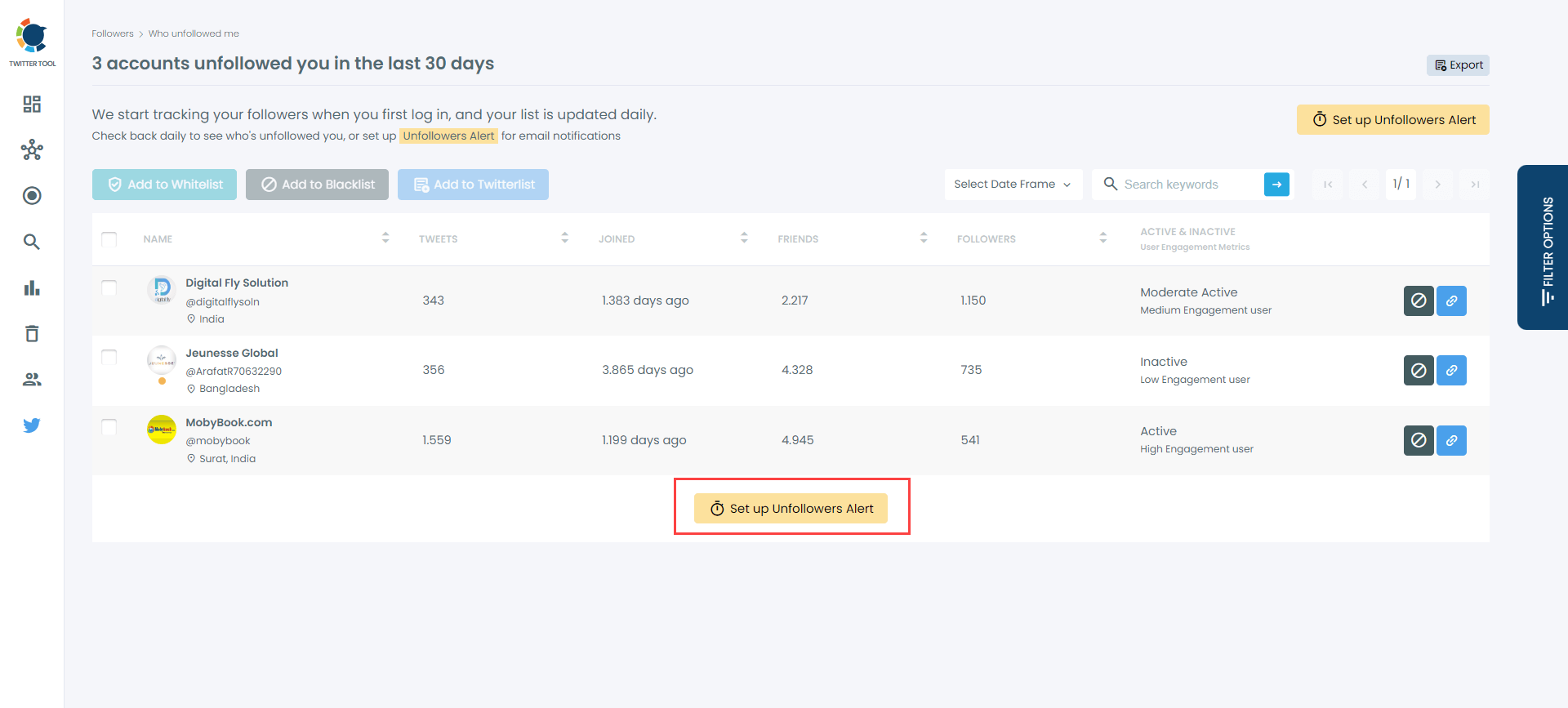
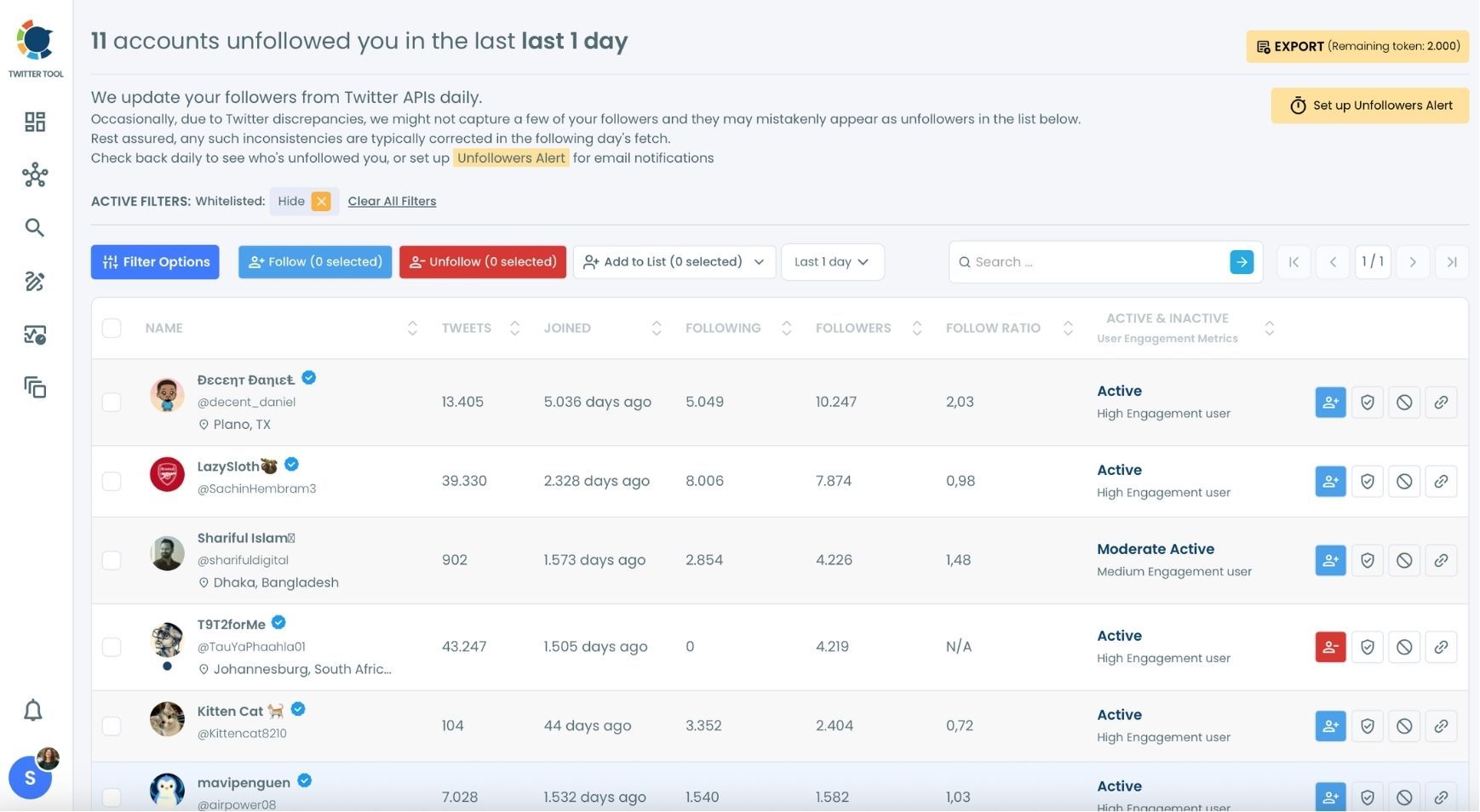
Step #4: Now you can see the Twitter (X) accounts that unfollowed you. Circleboom lists all those unfollowers!
The default is the unfollowers from the last 1 day.
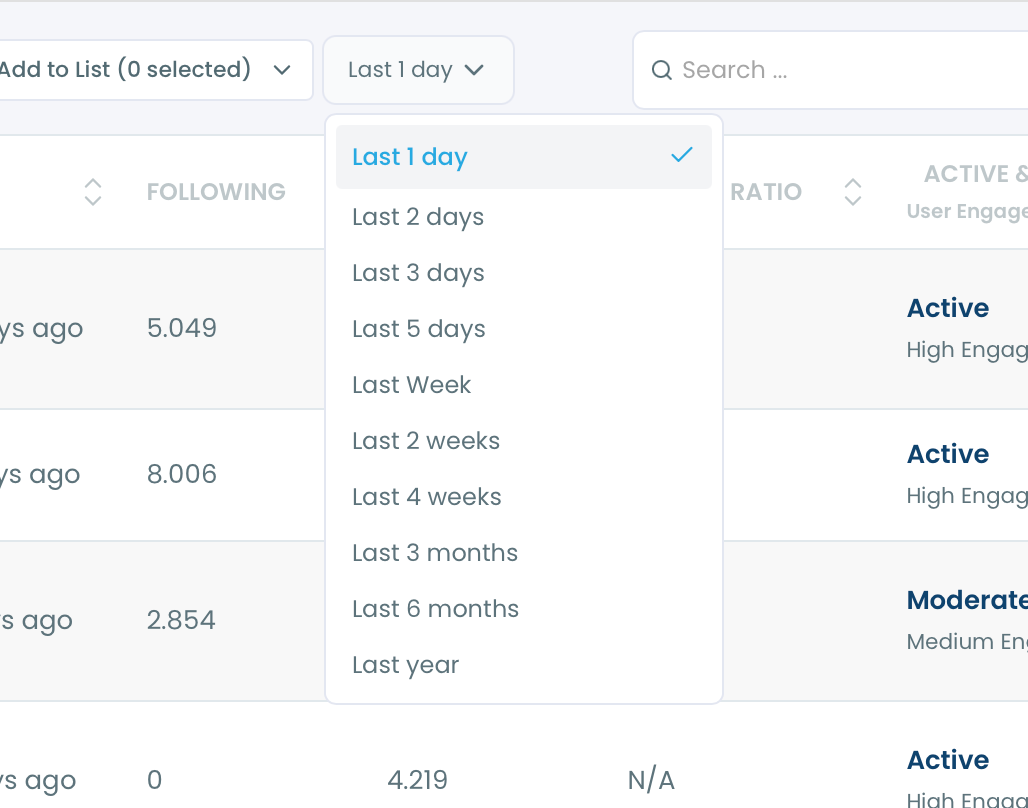
You can also change the time period and see who unfollowed you in an enlarged calendar.
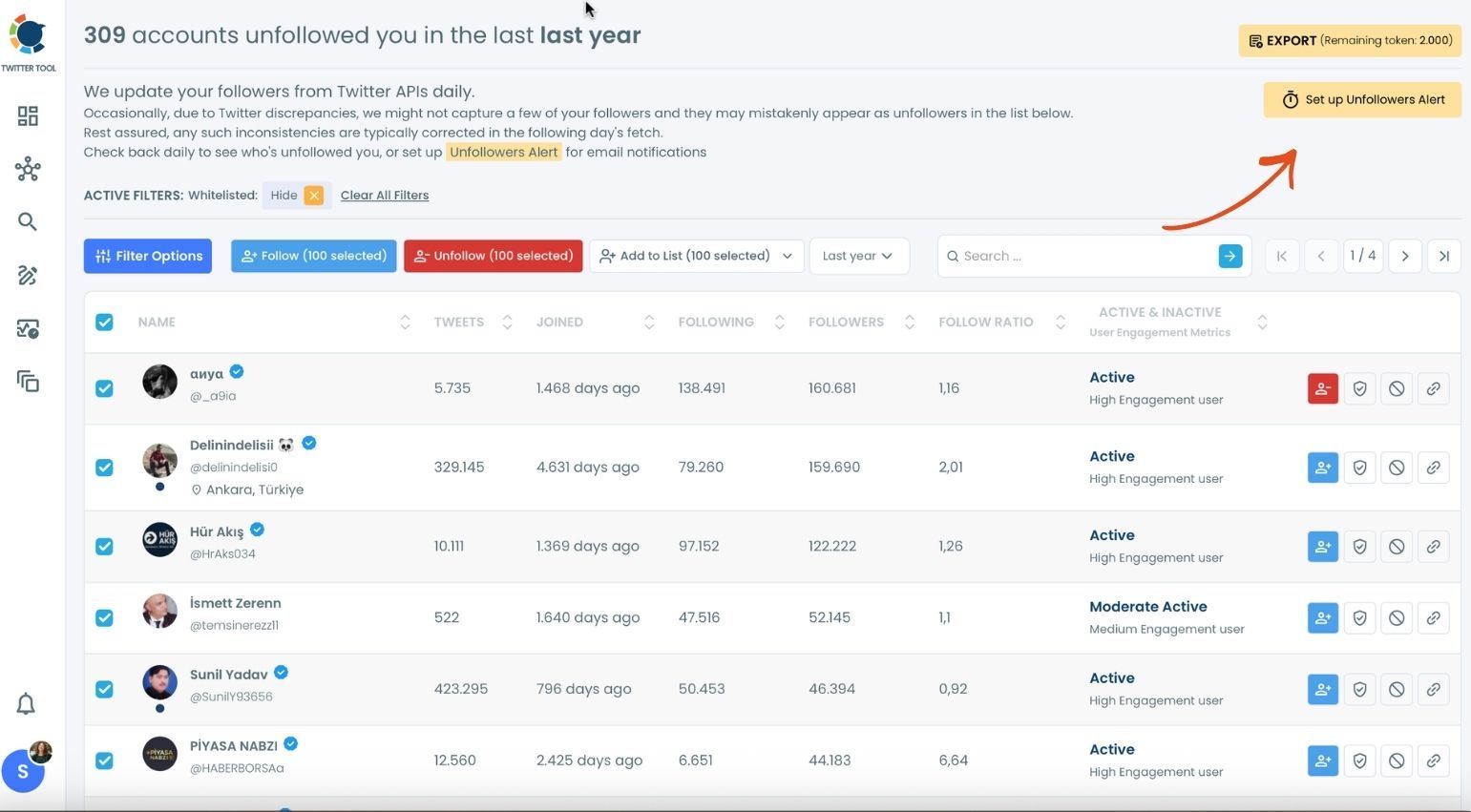
You can even see who unfollowed you last year!
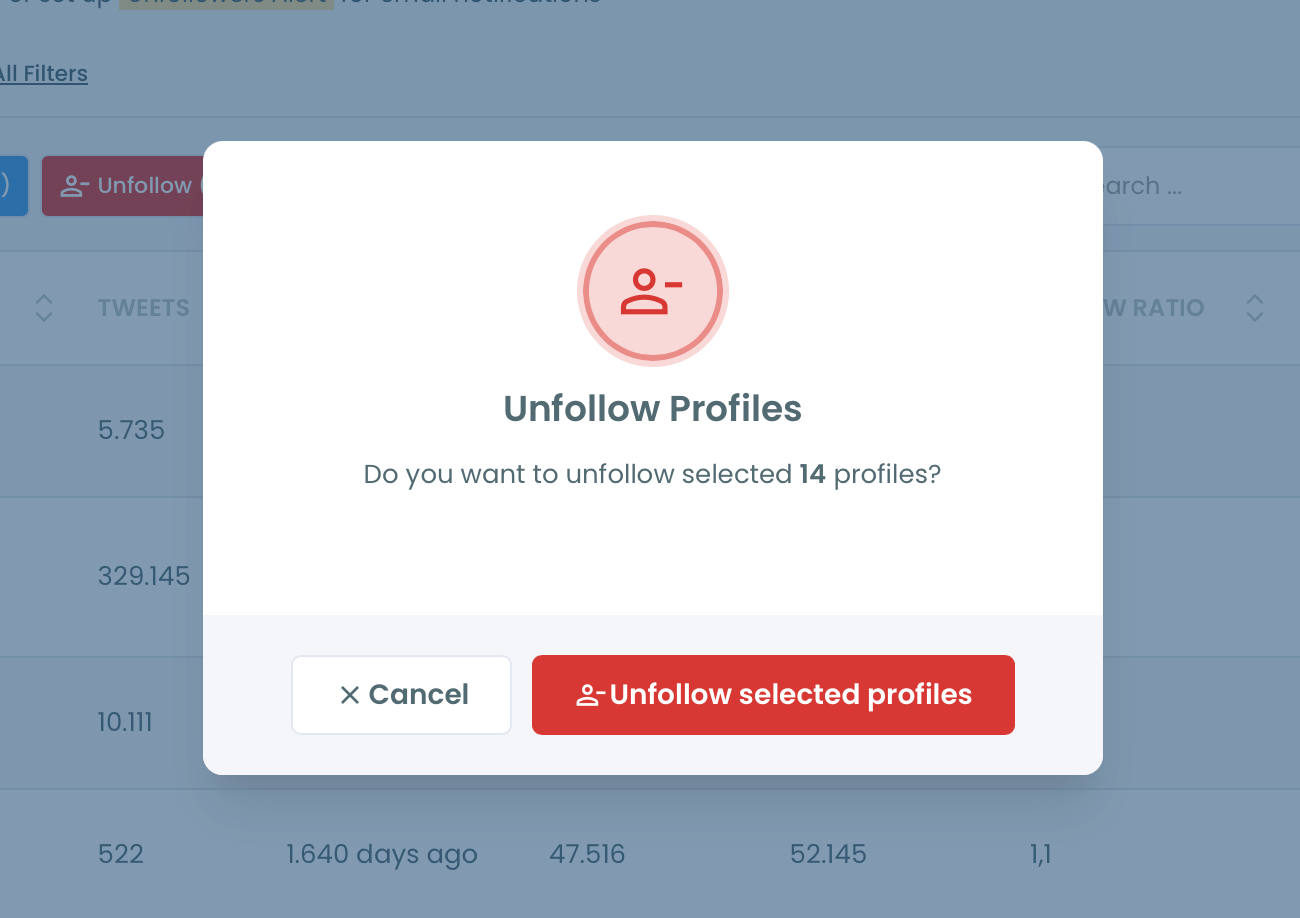
If you don't want to follow them anymore, you can unfollow all or some of those accounts that unfollowed you on Twitter (X).
If you would like to know who unfollowed you on Twitter immediately, there is a perfect tool in Circleboom.
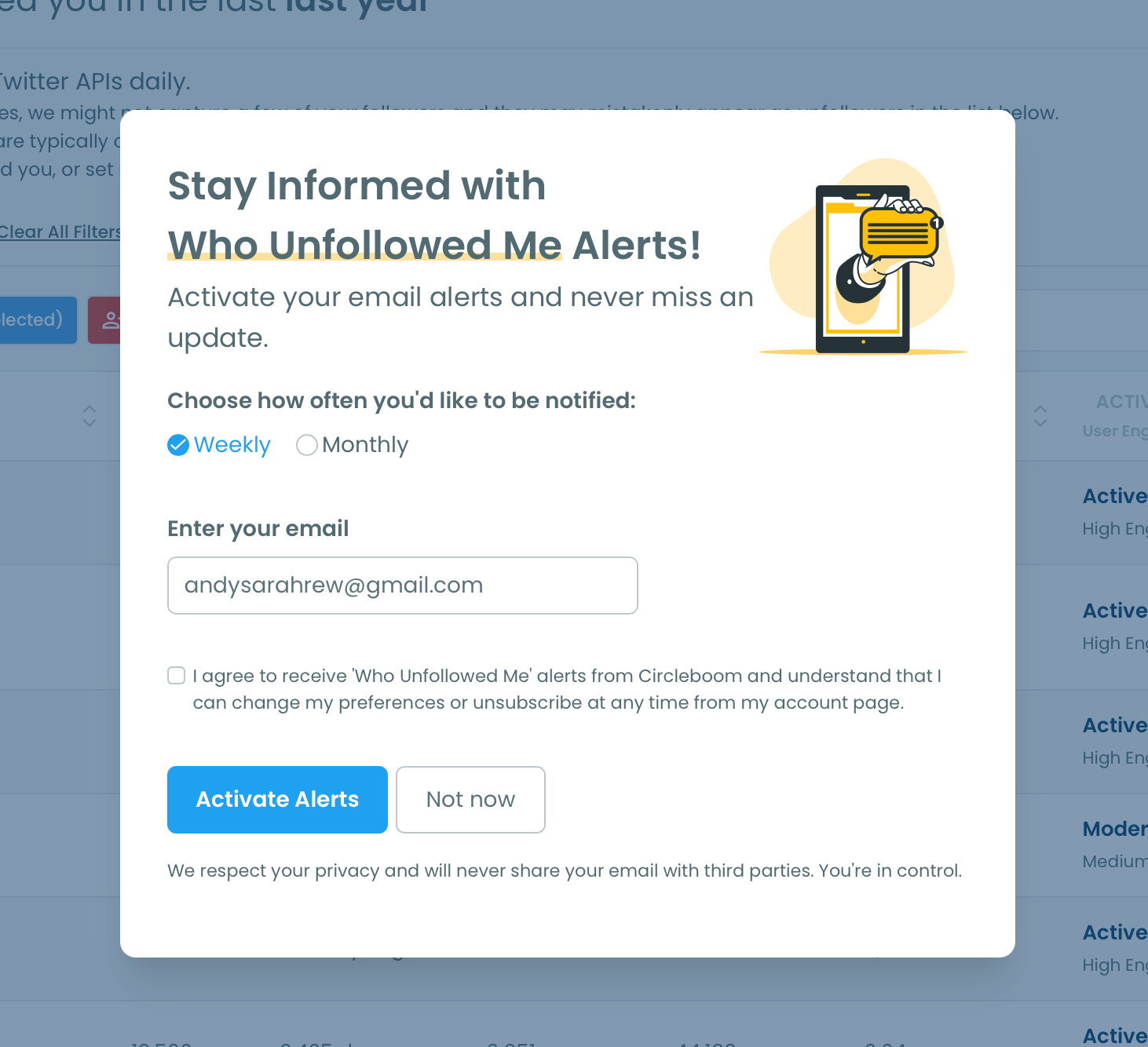
You can set "Unfollower Alerts". When someone unfollows you on Twitter, we will email you so you can take action quickly! To enable it, you should click on the "Set up Unfollowers Alert" button at the top right.
You will select the frequency of unfollower alerts: weekly or monthly!
Who doesn't want bonuses?
You can also track those who are not following you back on Twitter with Circleboom. This is a good way to re-organize your account.
Here are the necessary steps to take:
Step #1: Go to Circleboom Twitter and log in with your e-mail address.
If you don't have a Circleboom account yet, you can have one immediately!
Connect your X account to Circleboom.
We are an official X Enterprise Developer. So, you are totally safe with us!
Step #2: You should navigate to the left-hand menu and see the "Following" tab.
Select "Not Following Back" from the menu. Click and see the list of all these accounts that you follow but they don't follow you back!
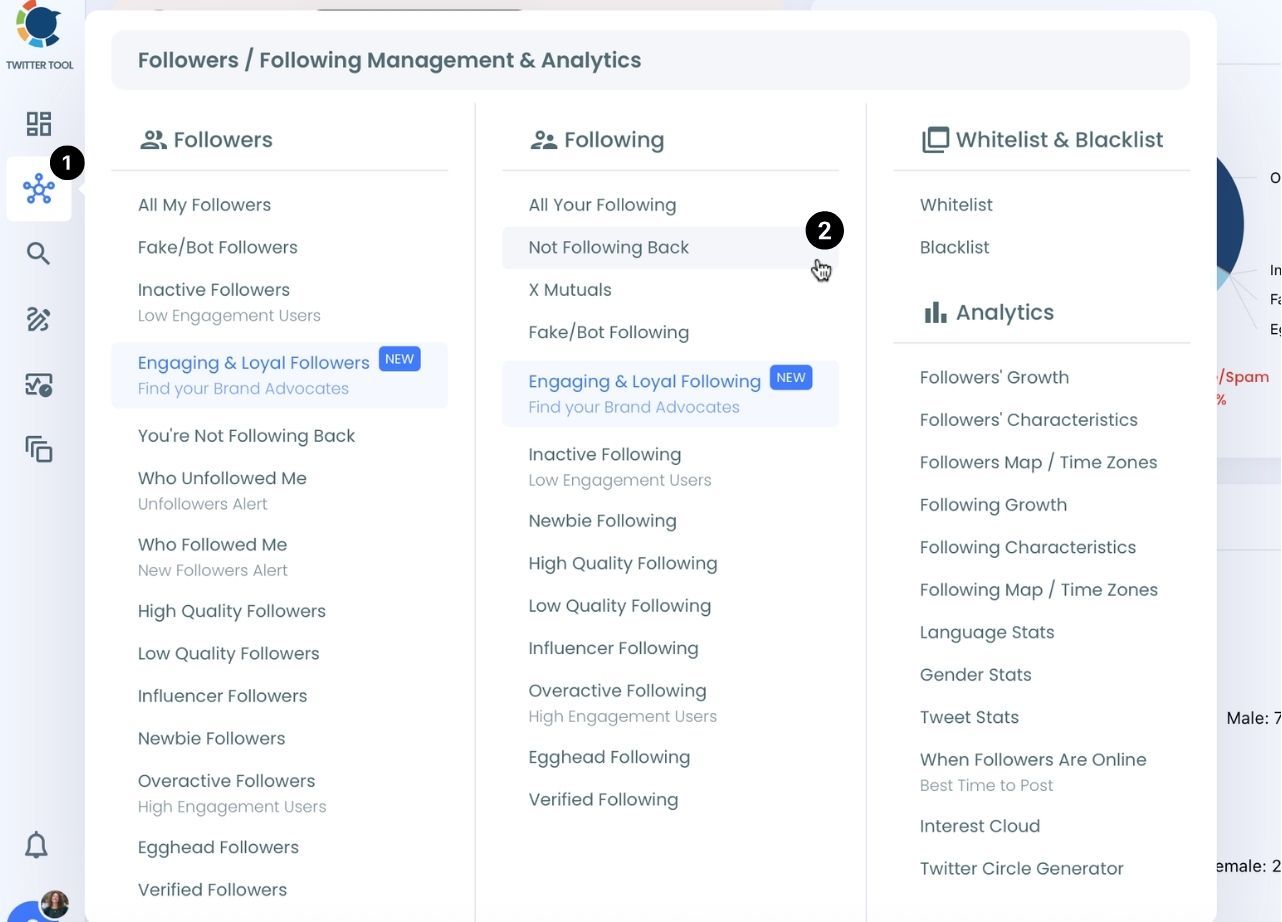
You can see and export this list of accounts that don't follow you back.
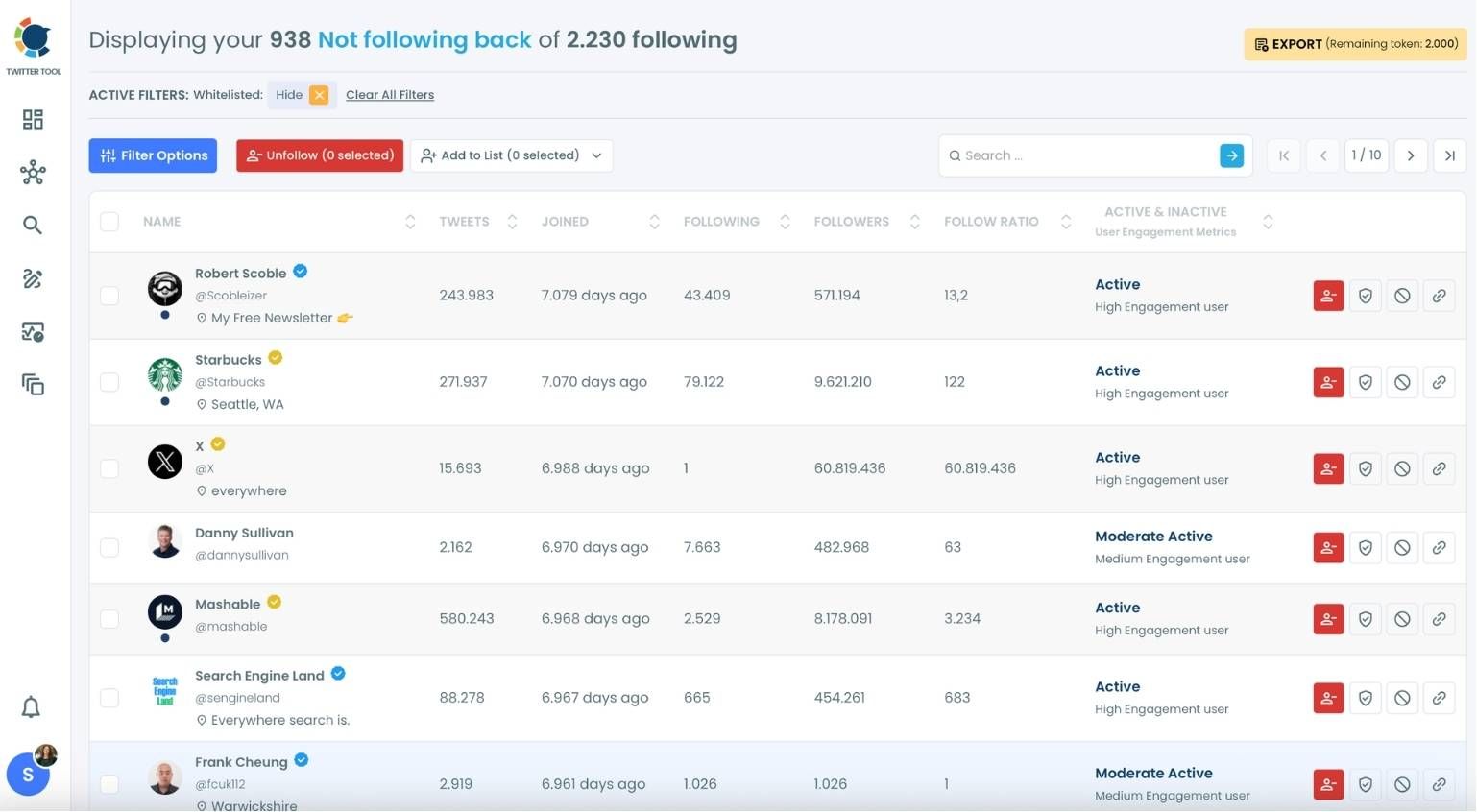
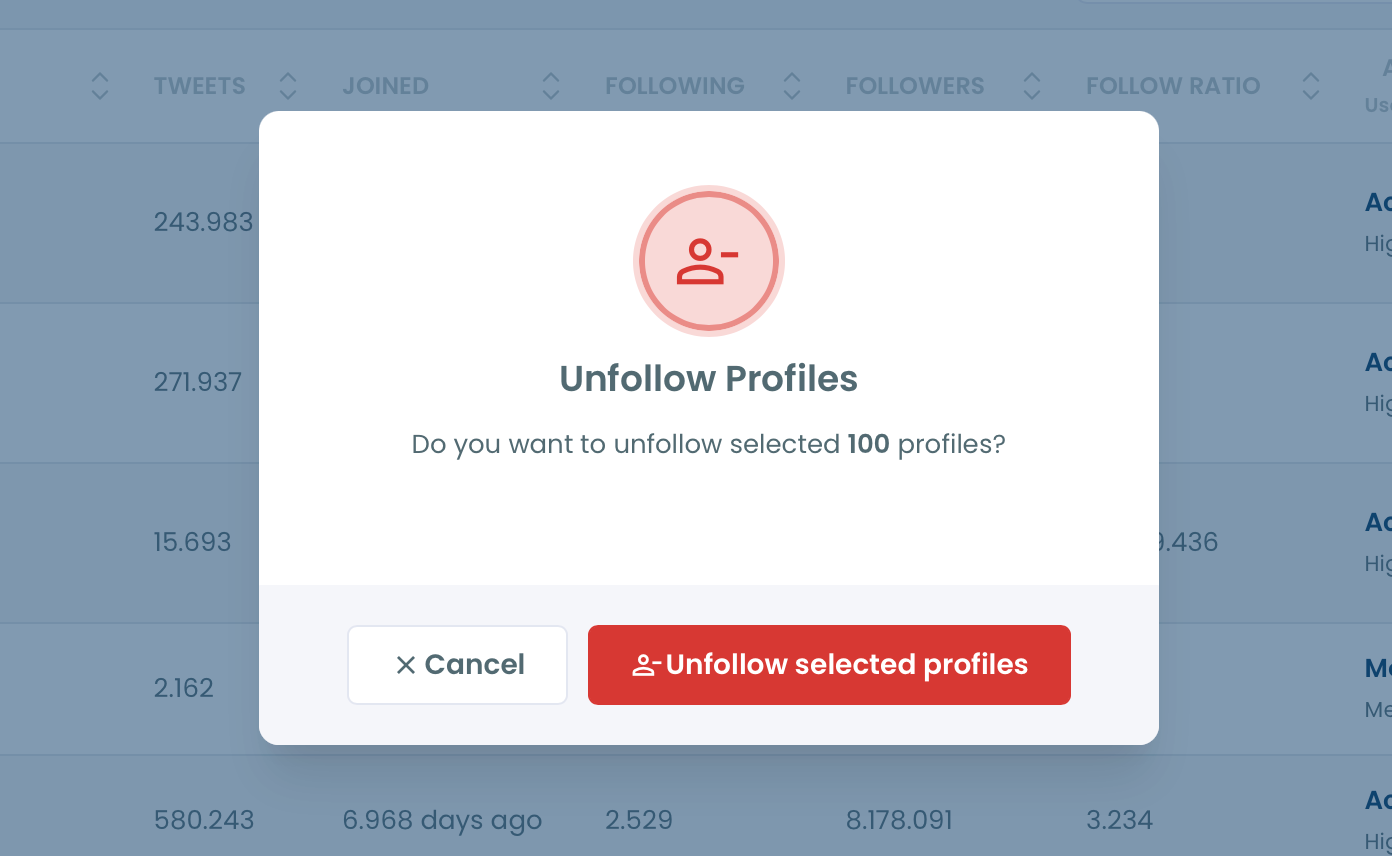
If you don't want to follow them anymore, you can mass-unfollow them with Circleboom. Or, you can unfollow them selectively.
Pro Tip: You can also choose these accounts and click the blue "Add to Twitter List" button to create a Twitter list out of them with the help of Circleboom's Twitter list manager.
Hence, you can unfollow those accounts and continue to view their content through Twitter lists in order not to spoil your following/follower ratio on Twitter.
The Benefits of Tracking and Unfollowing
So, why is this feature so valuable? Tracking who unfollows you gives you valuable insight into what type of content might not be resonating with your audience. It helps you stay connected with followers who genuinely want to engage with your content.
And the ability to mass unfollow these accounts with just one click? That’s a great opportunity to manage your account’s health. By unfollowing inactive or uninterested users, you can focus on building relationships with followers who are genuinely interested in your content.
Arif Akdogan
Conclusion
Tracking who unfollows you on Twitter doesn’t have to be a mystery anymore. With Circleboom Twitter, not only can you see who unfollowed you, but you can also take quick action to keep your account in shape. The unfollower alert system adds an extra layer of convenience by notifying you whenever someone leaves, so you stay in the loop.
Keep in mind that the API provides a more accurate real-time data stream than the X interface itself. While the platform UI may experience lag, the API captures and reflects new developments instantaneously.
Circleboom has the official Enterprise API, we don't scrape data from X!
If you’re serious about managing your Twitter account effectively, I highly recommend giving Circleboom Twitter a try, it’s a must-have tool for anyone looking to optimize their follower strategy and stay on top of their Twitter game.




%3F)


