You may have different motivations to wonder who follows who on Twitter. One of the motives can be finding relevant Twitter users to expand your social circle. You might be saying How can this be the reason to check who follows whom on Twitter.
Think of it this way: as you check the Twitter following list of your industry's thought leaders, you can easily find people who are currently interested in these topics. So, finding out who follows who on Twitter can be a shortcut to expanding your circle by directly reaching out to relevant people.
And sometimes, it’s not just about the full list—it's about the most recent updates.
That’s why many users now prefer tools that let them Track Someone’s Most Recent X Followers and FollowingYou might be saying How can this be the reason to check who follows whom on Twitter., making it easier to spot newcomers, shifting interests, or new interactions in real time.
Or, you may simply look for someone's Twitter following list out of curiosity at times.
How to check who follows who on Twitter?
The old-fashioned way to find out who follows who on Twitter is to check the user's profile. You need to browse through their Twitter following list one by one as Twitter doesn't have a smart search tool for finding a particular user among someone's Twitter following list.
If the user doesn't have many followings or followers, manually checking their Twitter following list to see who follows who on Twitter is not that hard.
If this is the case for you, you can simply follow the guide below to check who follows who on Twitter manually.
- Sign in to your Twitter profile.
- Proceed to the profile of the user by using the Twitter search bar.
- Use the "Following" option to find out the accounts that the user follows.
- Alternatively, you may search for someone's Twitter followers by clicking "Followers."
- Next, browse through the Twitter following list to identify the specific accounts you search for.
But keep in mind that you can only perform this action if the account is public or you presently follow that account.
However, if the Twitter users have many followers and followings, this method will take a lot of effort and attention. Thanks to Circleboom Twitter, there is a much smarter way to find out who follows who on Twitter with just a few clicks.
How to check who follows who on Twitter with Circleboom?
Circleboom Twitter is a sophisticated Twitter management tool with numerous features that can assist you in managing your Twitter account, from posting to user and performance analytics.
But for now, let's concentrate on Circleboom Twitter's Search Tool, which can help you see who follows who on Twitter. We've put up a guide to show you how to find out who follows who on Twitter using Circleboom Twitter.
Step #1: Take the Circleboom Twitter, and sign in with your Circleboom account.
If you don't have an account, get one with an active email address.

Step #2: You can instantly authorize Circleboom with your Twitter account after you've signing in.
The whole process will be completed in a few seconds.

Step #3: Find the "Search" feature on the left sidebar.
Once you click it, a drop-down menu will open. Here, click ın the "Account Search" option and continue.

Step #4: You will see two options: "Display Friends" and "Display Followers".
If you want to see who follows who, type the username and select "Display Followings".
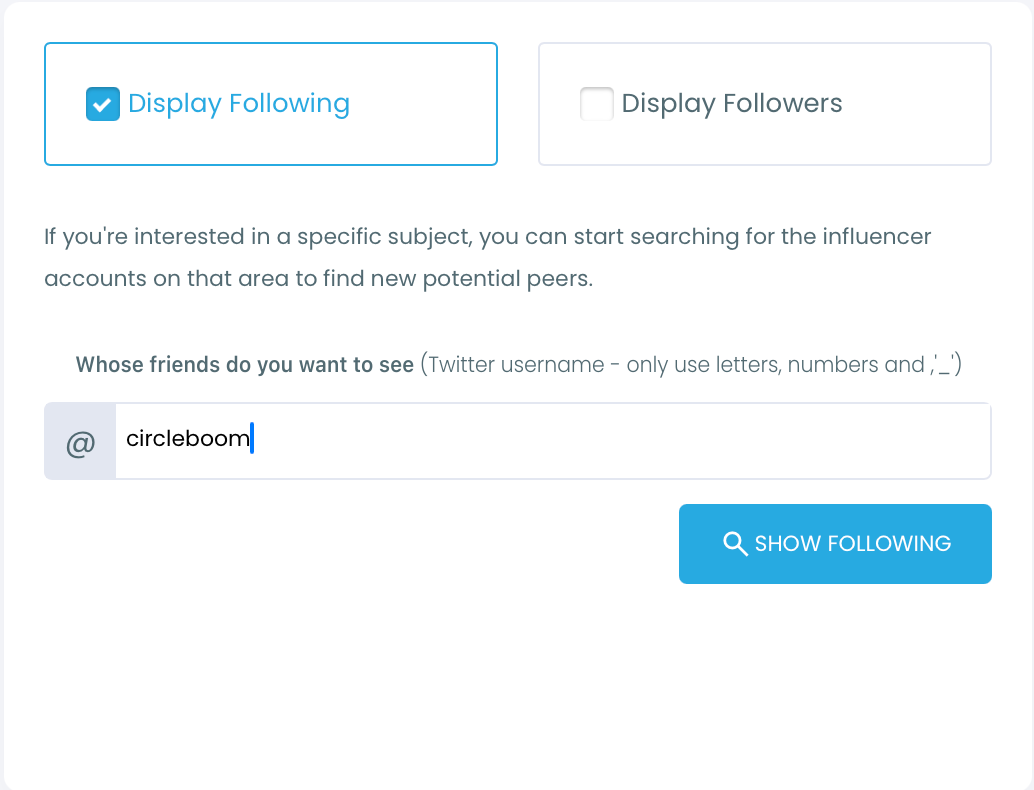
Circleboom will list all of followings of an account.
Then, there you see a search bar. Type the targeted account's username here.
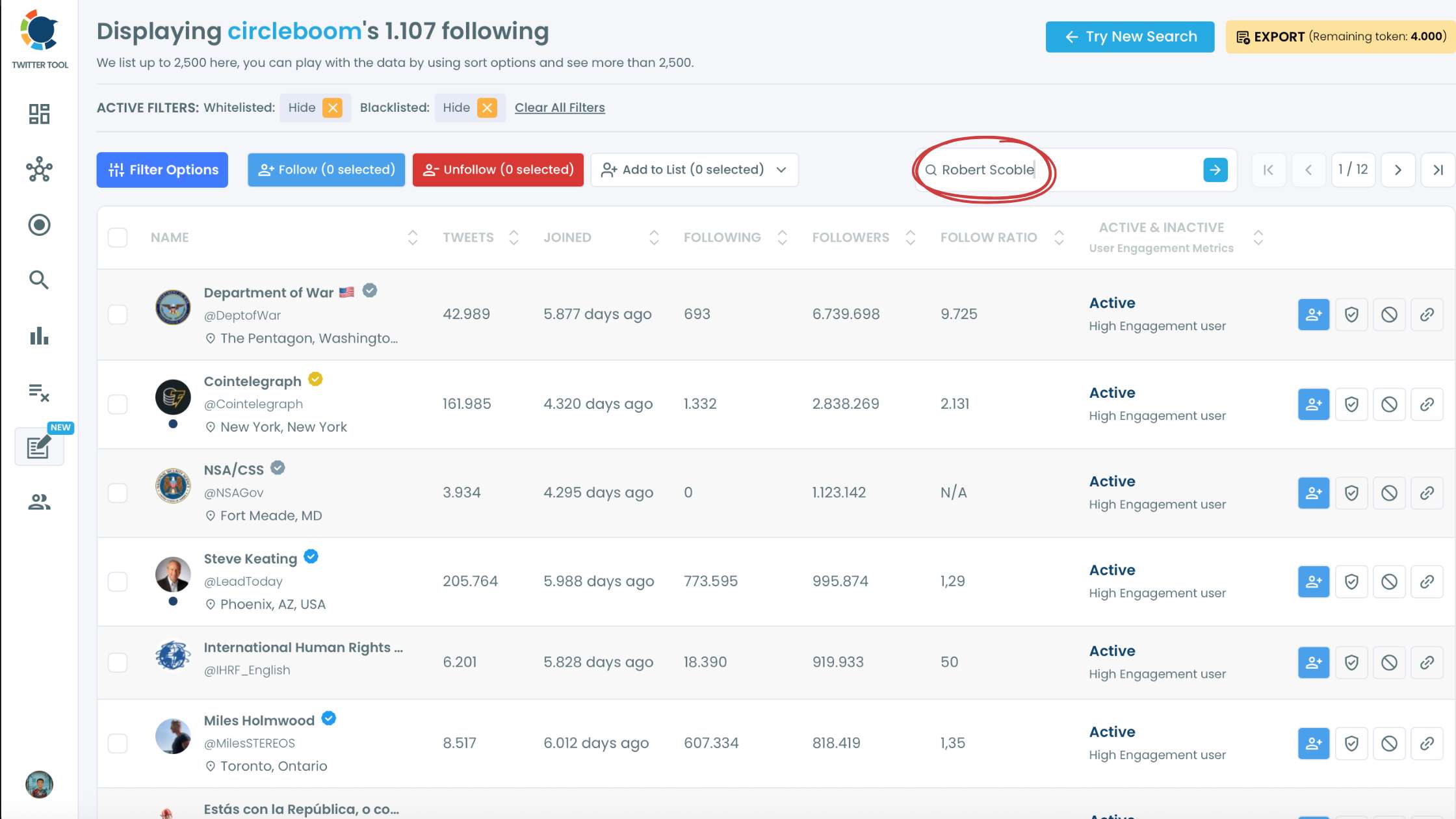
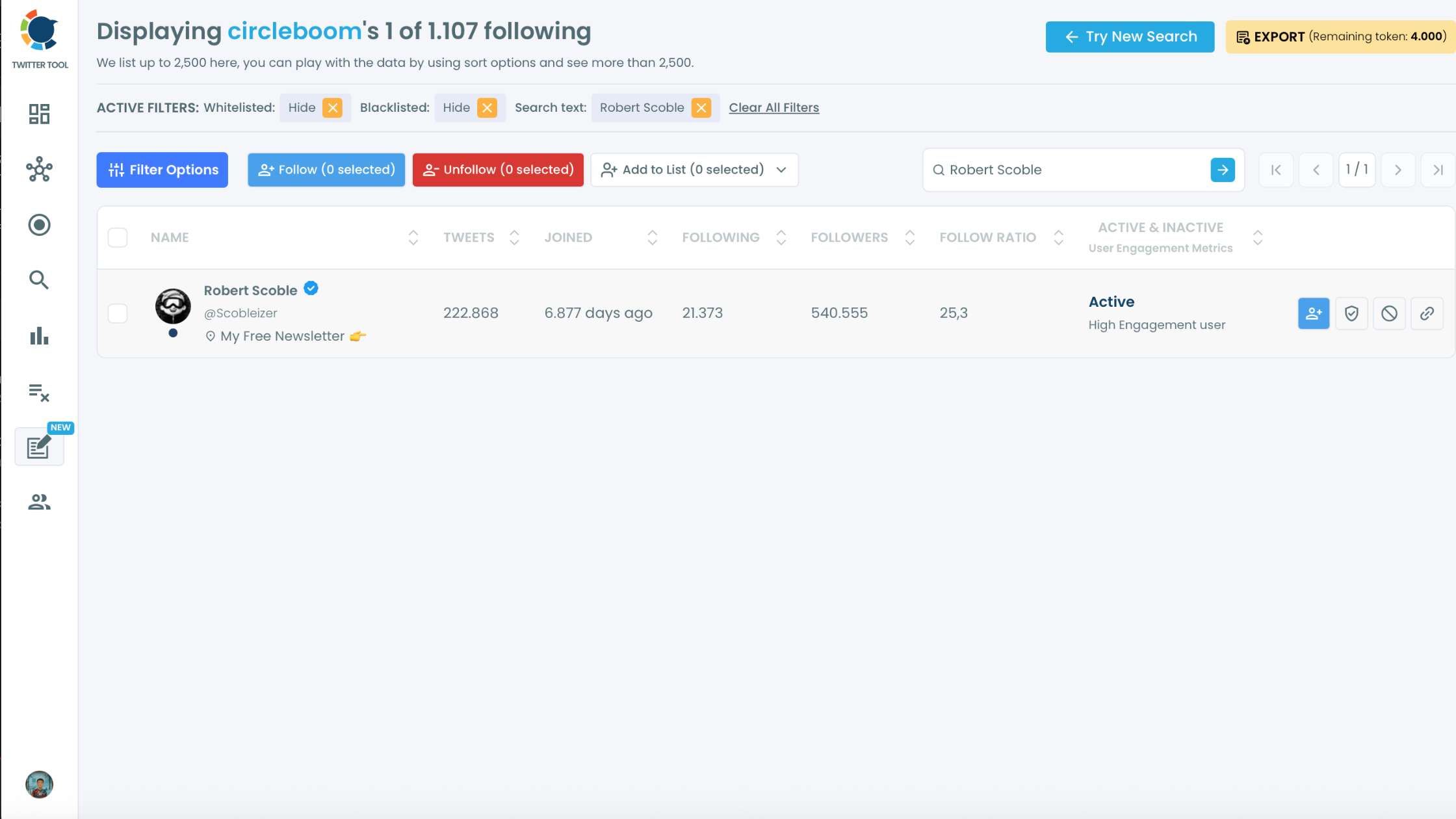
Step #5: Here is that who follows who on Twitter (X).
You can see if an account follows another account.
We've also a hands-on video that you can follow all these steps easily:
Pro Tip: Just like you can check who follows who on Twitter, you can also find out who does not follow you back and who unfollowed you with Circleboom Twitter.
These features are especially beneficial if you want to have a good following/followers ratio. Caroline Moss from Business Insider actually called this number the "cool ratio," showing how popular you are on a social network.
All in all, most Twitter users have their first impressions about a Twitter profile by checking this ratio.
You can also find details about finding those who are not following back on Twitter:
How to track someone's the most recent X followers and following
Learn how to track someone's the most recent X followers and following with Circleboom:
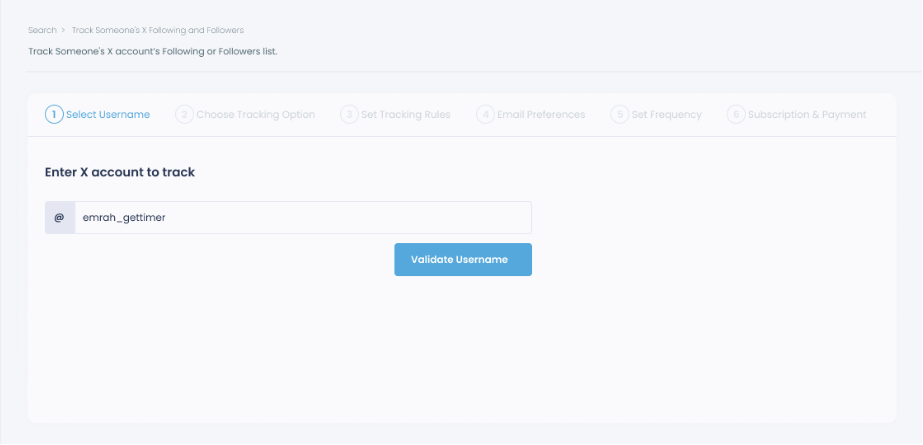
Step #1: Select any username you want to track on X.
You will track their recently followed audience.
Step #2: Next, you will choose "Followings" or "Followers".
You should select one of the tracking options.
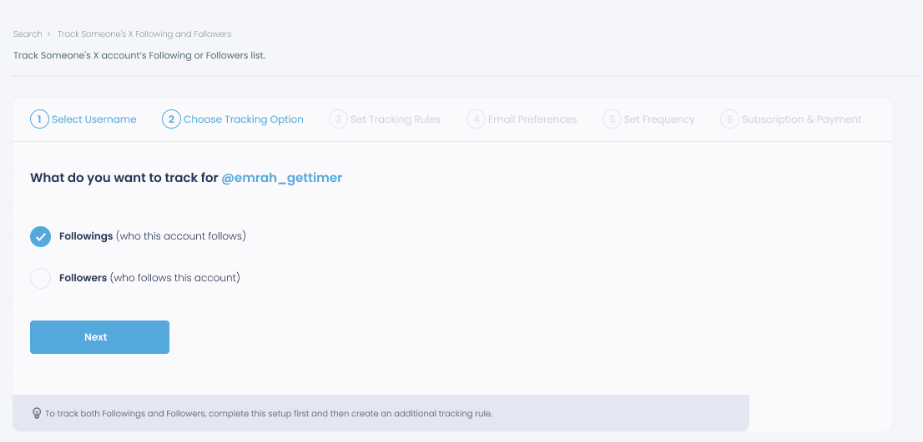
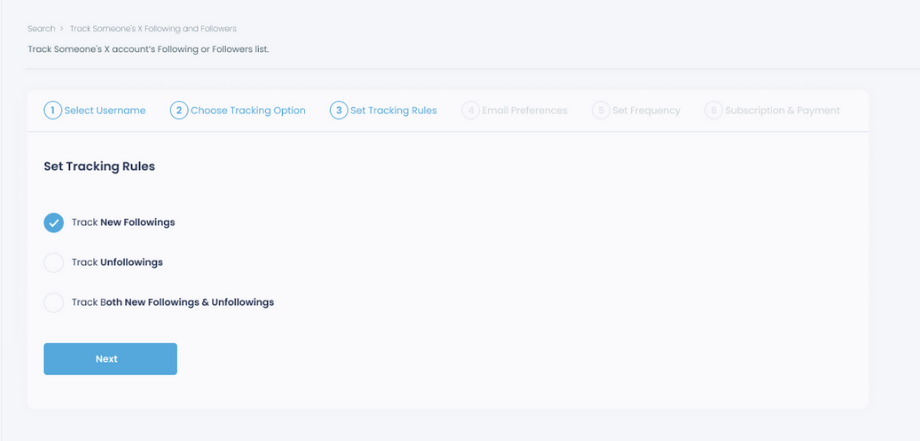
Step #3: Regarding the followings, you can track new, recent followings and unfollowings.
You can track both at the same time!
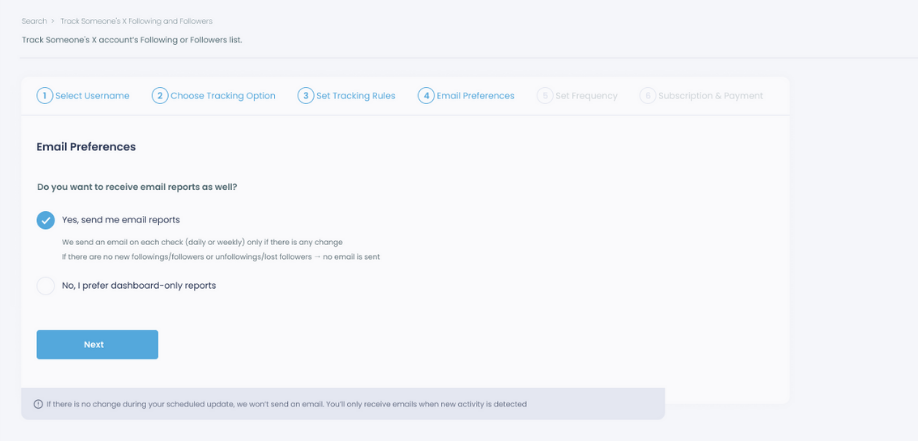
Step #4: For your tracking operations, you can receive email updates for each check.
You can still track new followings or followers without email notifications. You can monitor the following or followers with dashboard-only reports.
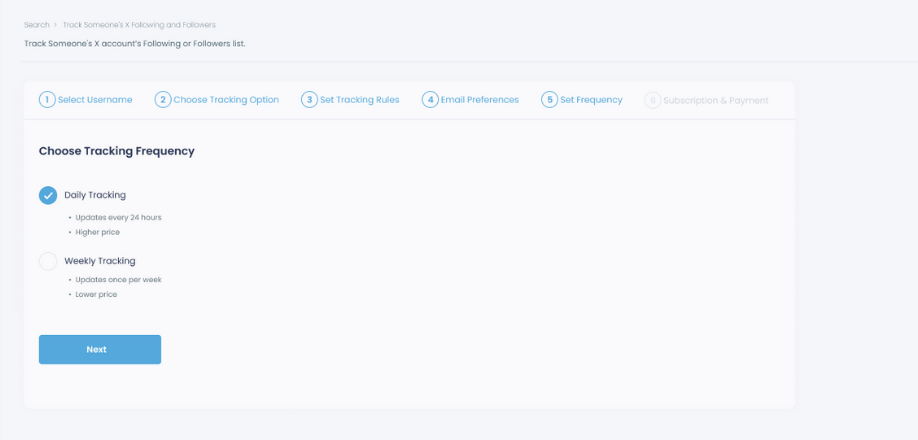
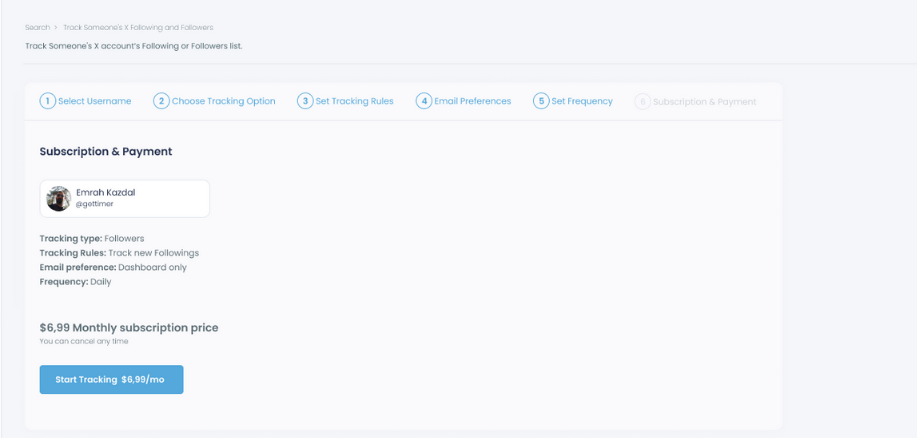
Step #5: Now, you should set the frequency.
You can get "Daily Tracking" or "Weekly Tracking".
Step #6: The next step is subscription.
After checking the rules, you can start tracking.
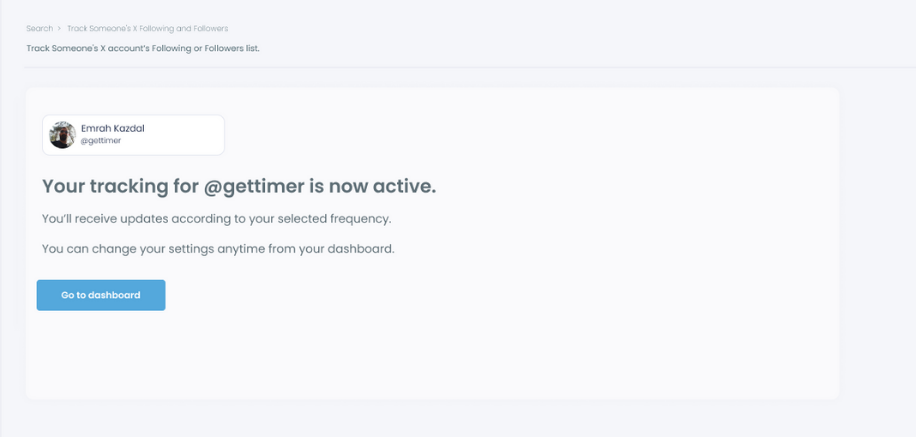
Tracking is now active. That's it! Now you can monitor newly followings and followers of anyone on X with Circleboom!
Bonus Feature: Hide who you follow on Twitter!
As you can easily find out who follows who on Twitter, another Twitter user might quickly find out who you follow, too!
A simple but not comprehensive way to hide who you follow on Twitter is to switch your account to a private one. This method can help you hide your Twitter following list from your non-followers.
But your followers will still be able to see who you follow on Twitter by simply visiting your profile and checking your Twitter following list.
If hiding who you follow on Twitter only from your non-followers is not enough for you, don't worry! We have a solution for you!
With Circleboom Twitter, you can create private Twitter lists to follow the updates of specific accounts and not publicly follow them.
 infocircleboom.com
Twitter introduced the Twitter Lists feature in 2009 to allow its users to organize a set of accounts such that their tweets are displayed in a distinct stream without any updates from excluded profiles.
Let's say that right after you find out who follows who on Twitter by following the guide above, you have noticed some Twitter users you want to follow without anybody knowing. All you need to do is to create a private Twitter list by following the steps below:
You are on the dashboard. Navigate to the left and find "Followers". Then, click on "All My Followers".
I will show you how to make a Twitter list with your some followers.
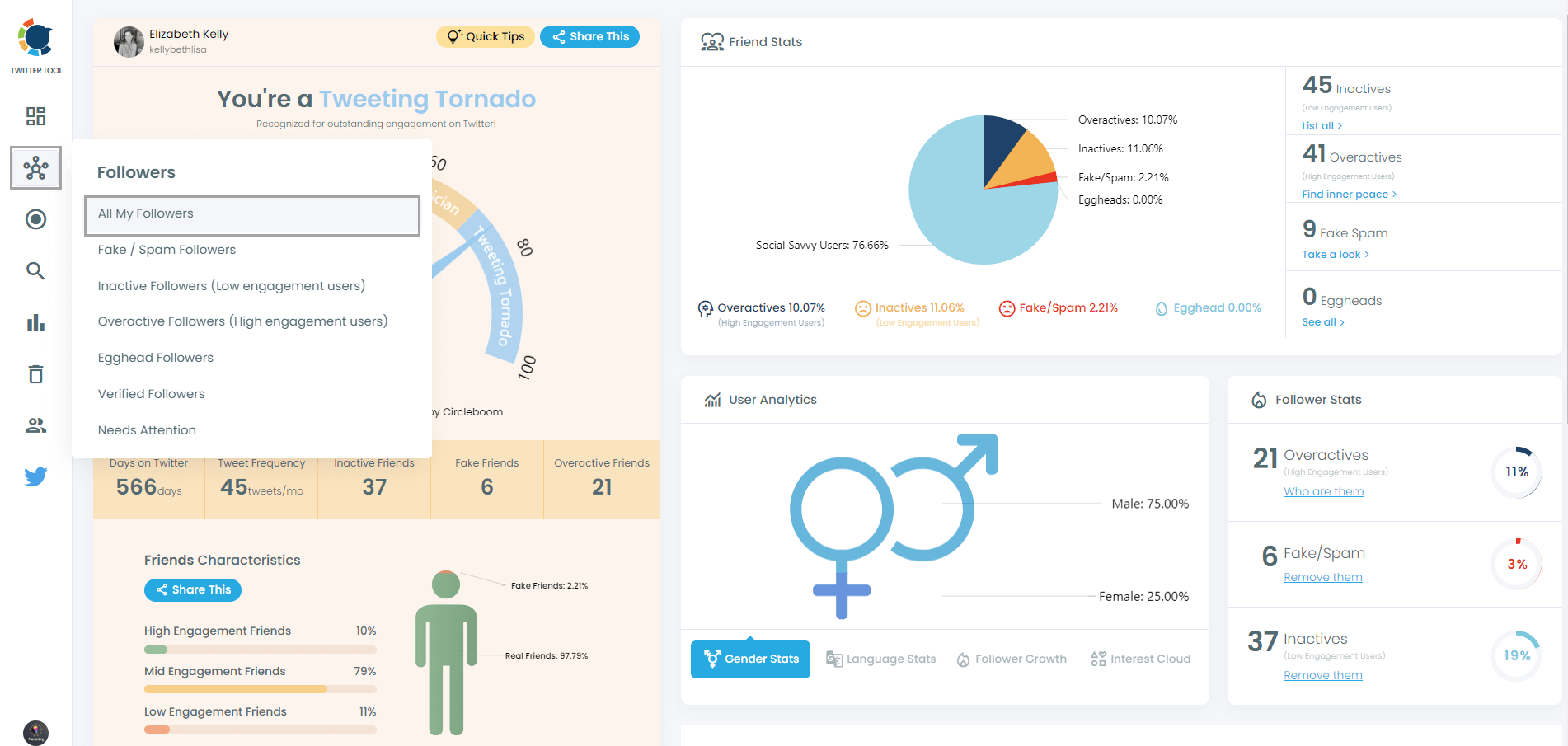
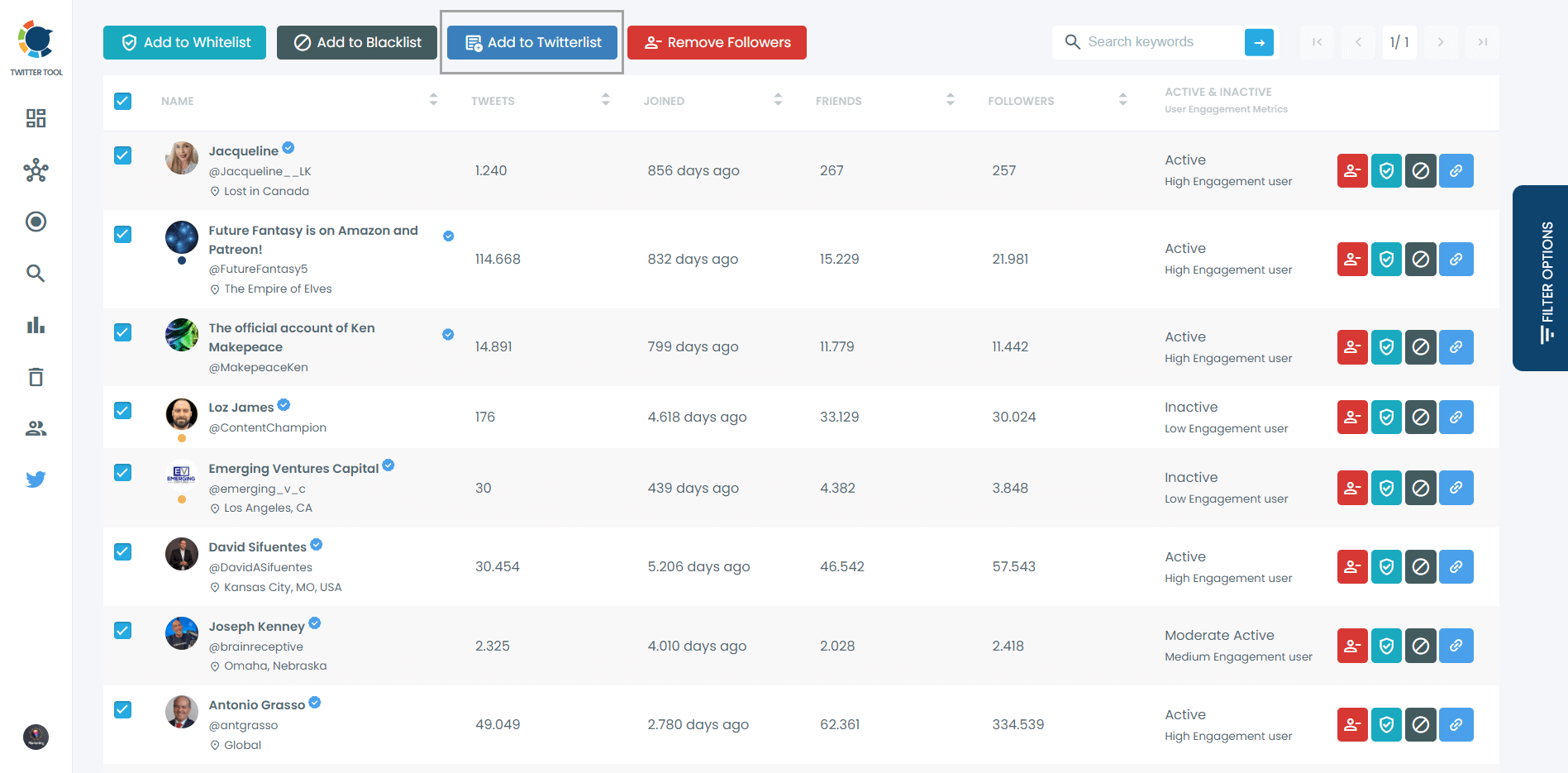
Then you can apply filters. For example, show only verified followers.

And finally, you can select them and create your Twitter lists with Circleboom's Twitter List Manager.
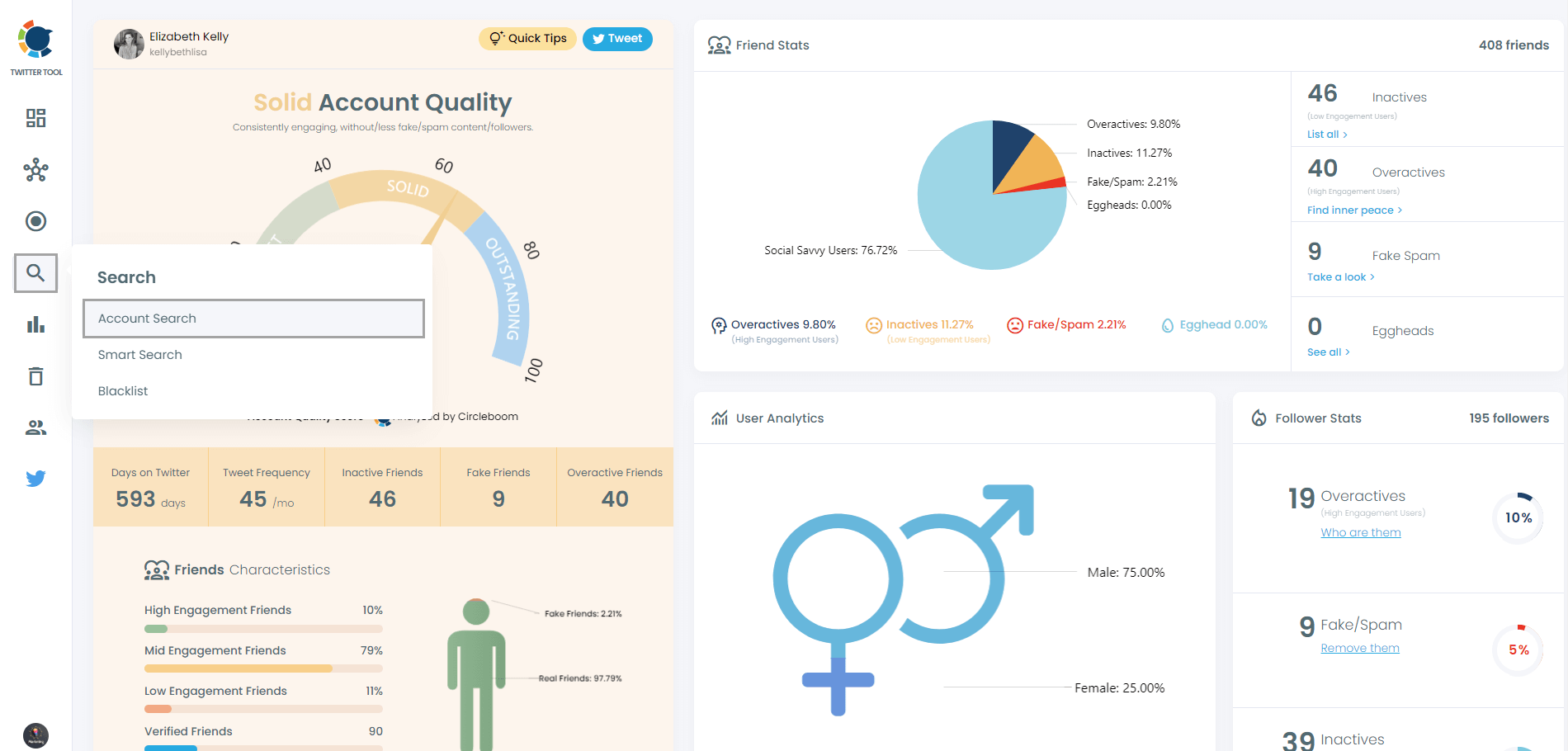
Come back to the dashboard and find "Search".
Then, you should select "Account Search" to search someone's followers and friends with Circleboom.
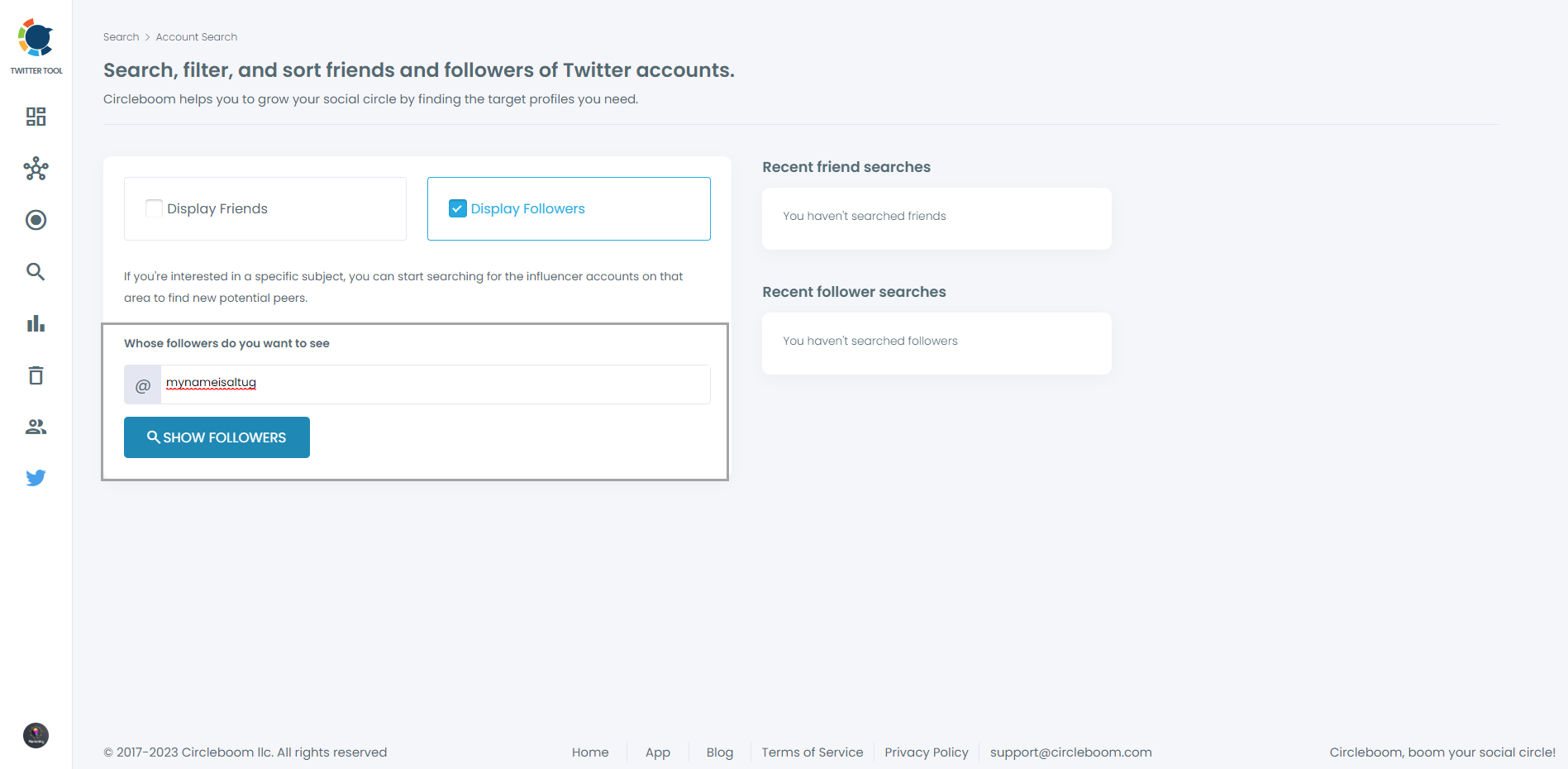
Now, you will enter a username and find its followers or friends.
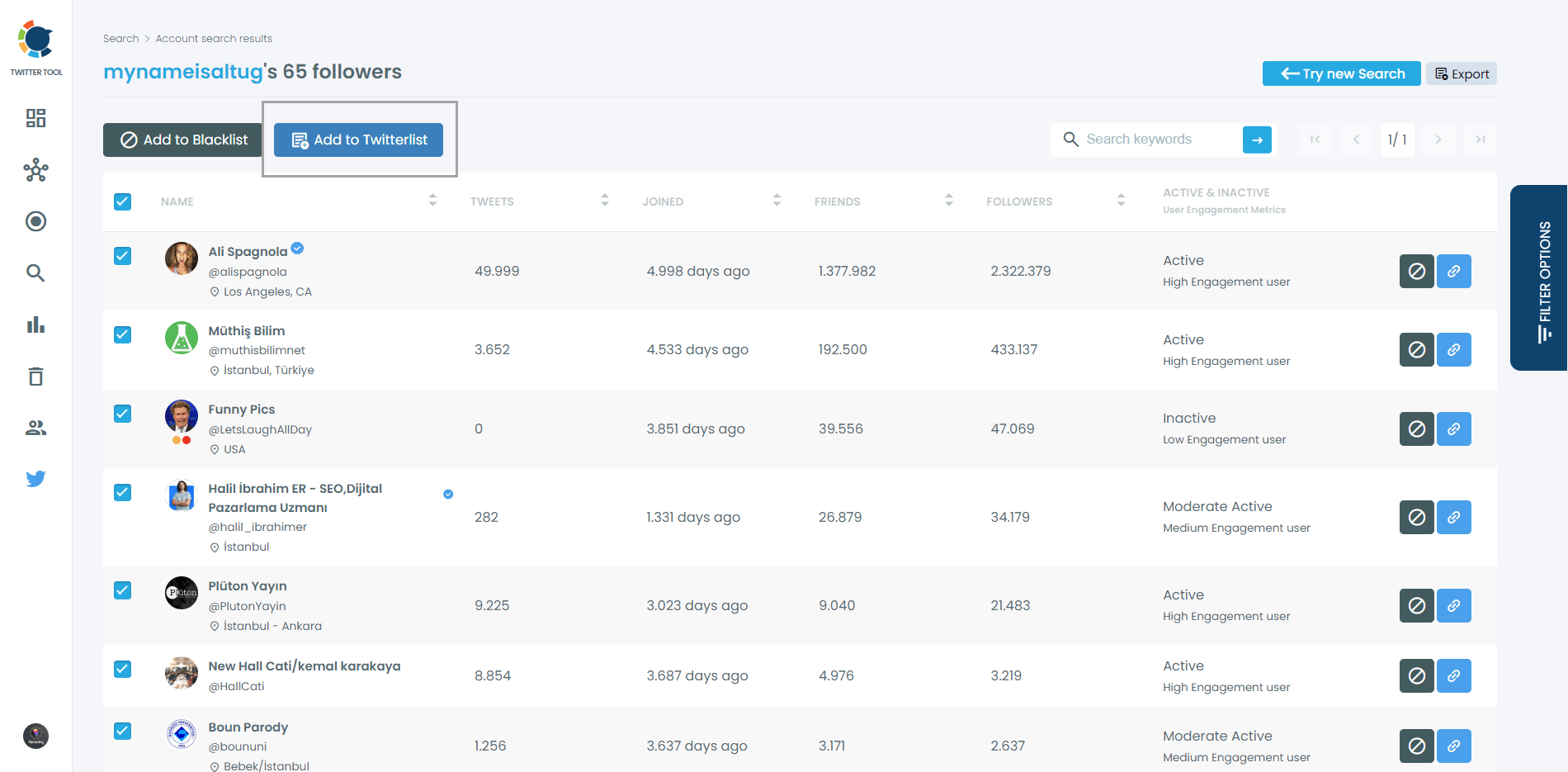
Then, you can select all or some of these followers and make a Twitter list of them.
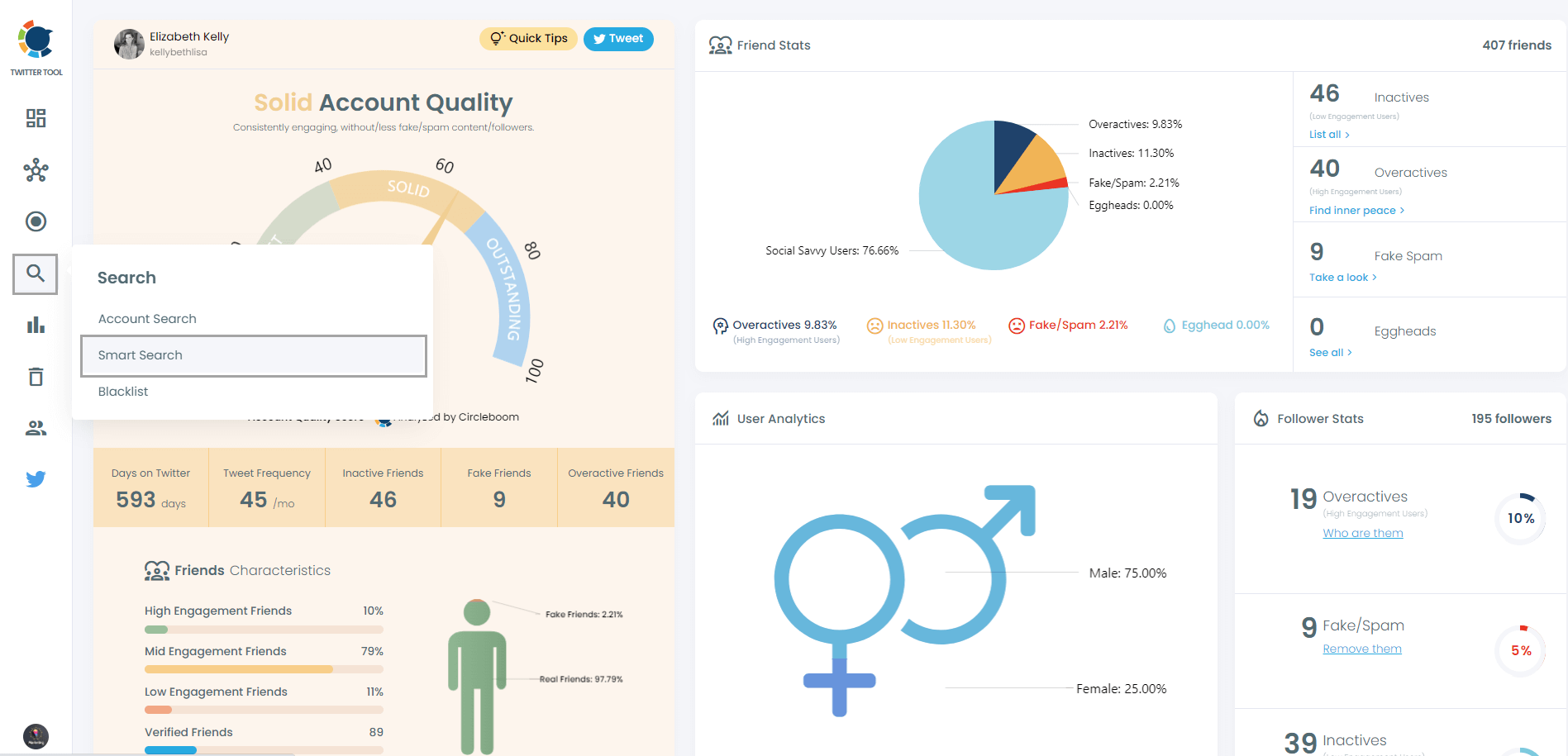
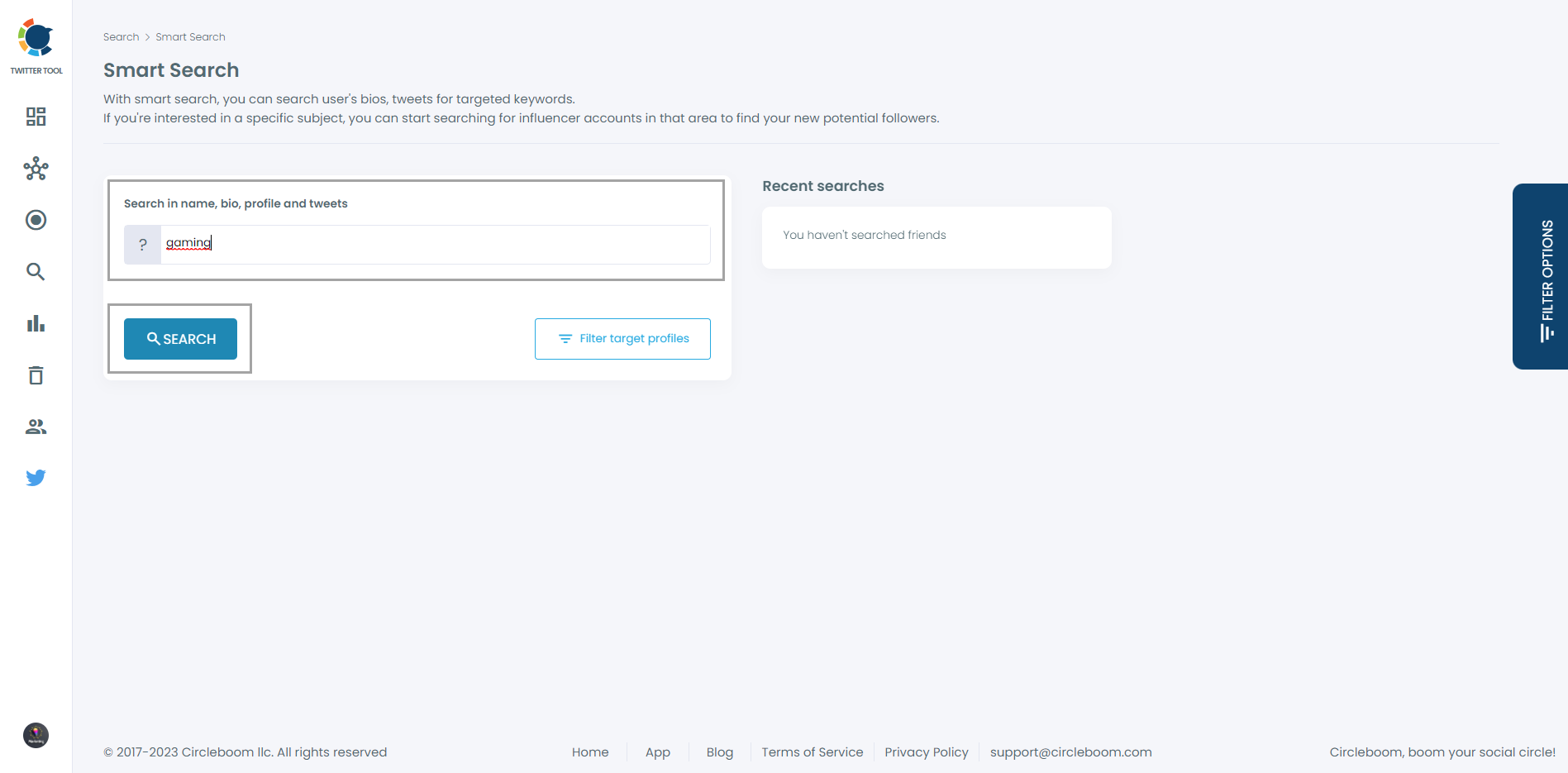
Lastly, I will show you how to do advanced searches on Circleboom with keywords. On the dashboard, come again to the "Search" and then "Smart Search".
You will find targeted accounts easily.
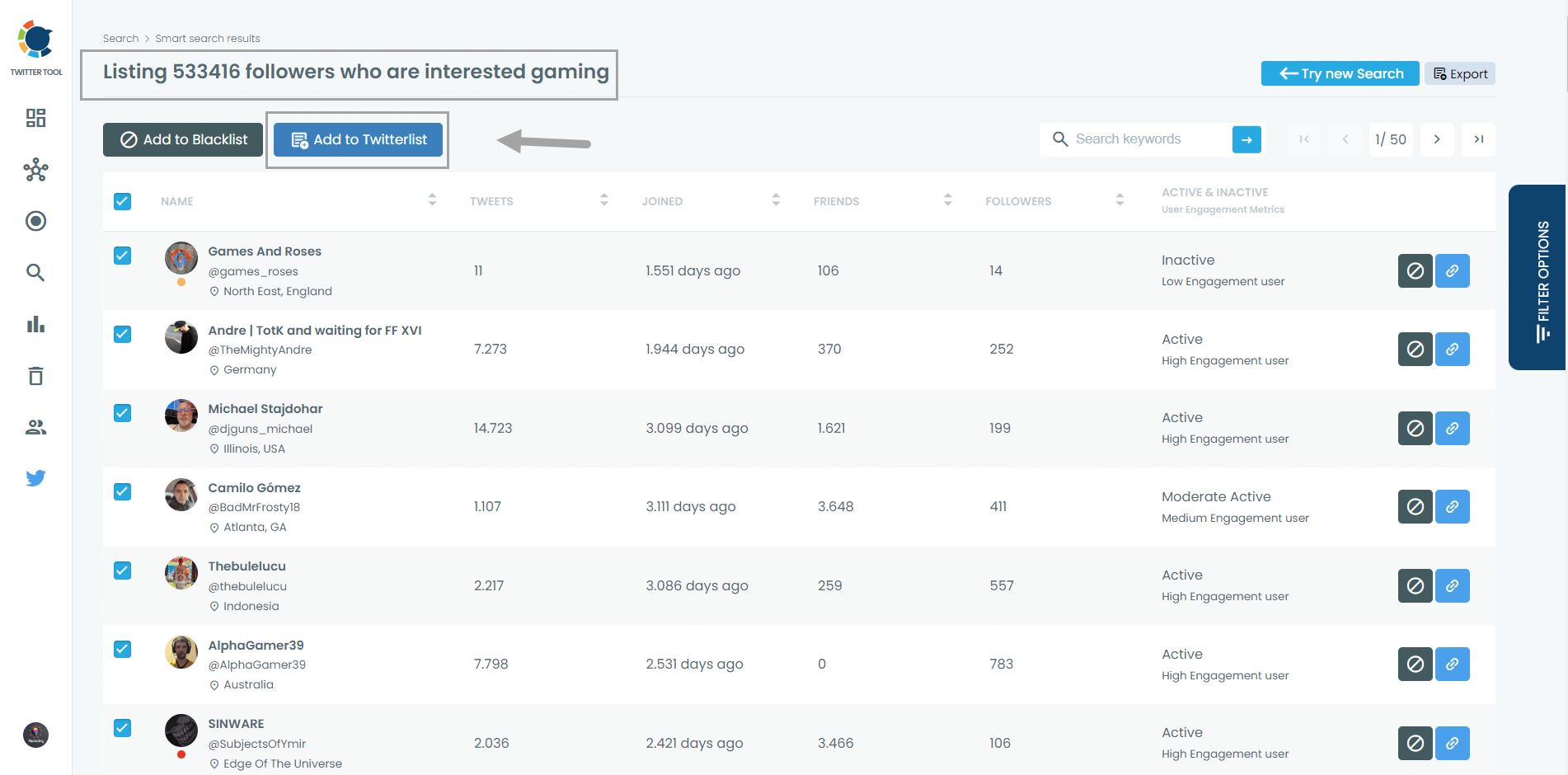
I typed the term "gaming." Circleboom will list Twitter accounts related to gaming. A very easy method to follow the latest updates in the industry.
Then, I can choose some of these gaming-related Twitter accounts and create Twitter lists for me!
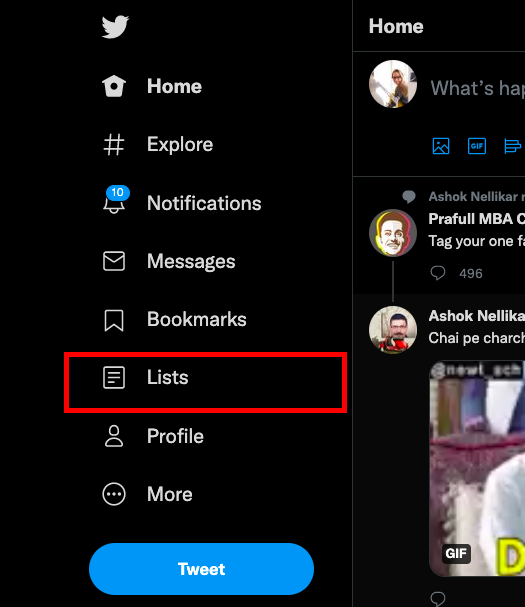
Now, let's go to your Twitter account to make your Twitter list private.
You will see the "Lists" option on the navigation menu; click it.
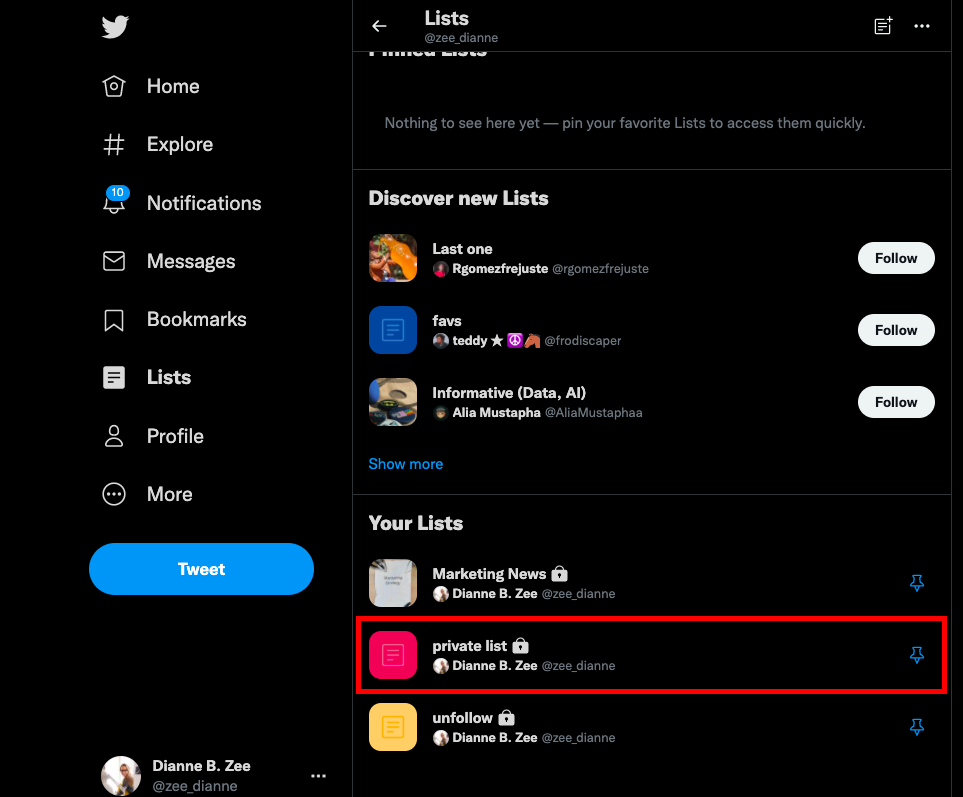
Locate the Twitter List you have just made under the "Your Lists" section.
The updates from the Twitter accounts you've added to your list will be shown when you select them.
To arrange your privacy settings, click "Edit List" at the top of the page.
Here, you can also change the name of your Twitter List and give a brief description.

You will see the "Make Private" option under the description section.
Now, check the box next to it to make your list private. Lastly, in the upper right corner, click "Done."
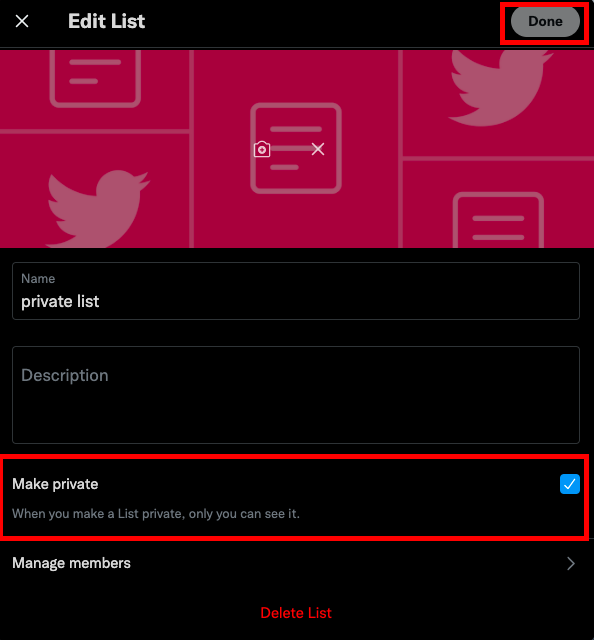
Now, when someone tries to find out who follows who on Twitter, they won't be able to see the accounts you have added to your private Twitter list.
Twitter Lists are actually the hidden gems of Twitter. Maybe it is not the mostly-used feature of Twitter, but when you know how to use Twitter Lists, they can make a real difference. You can check our pro guide for Twitter Lists to get the maximum benefit!
Moreover, instead of creating your own Twitter Lists, you can also follow other public Twitter Lists related to your interest areas. For example, Fortune Magazine has a public Twitter list with Fortune writers, editors, and contributors. By following this Twitter List, you can get updates from Fortune people without any distraction.
infocircleboom.com
Wrapping Up
By following the old-fashioned way of manually browsing the Twitter following list of users, you can check who follows who on Twitter, but it won't be simple.
You need to scroll down through their Twitter following list and check each account one by one. There is no doubt that this process will require a lot of time and effort, especially if the user has many followings.
Finding out who follows who on Twitter is not a time-consuming task anymore with Circleboom Twitter! All you need to do is export the Twitter following list of users to Circleboom Twitter's dashboard. Then, you can use the filters and the keyword search bar to find specific users in seconds!