Circleboom : An Official Enterprise Developer
"Work with a trusted X Official Enterprise Developer to expand what's possible for your business. Each Official Enterprise Developer has been selected for the program after an extensive evaluation, and represents excellence, value, and trust." — X (Twitter)Circleboom Publish Tool

DOWNLOAD INSTAGRAM VIDEOS, REELS & GIFs to ANYWHERE!
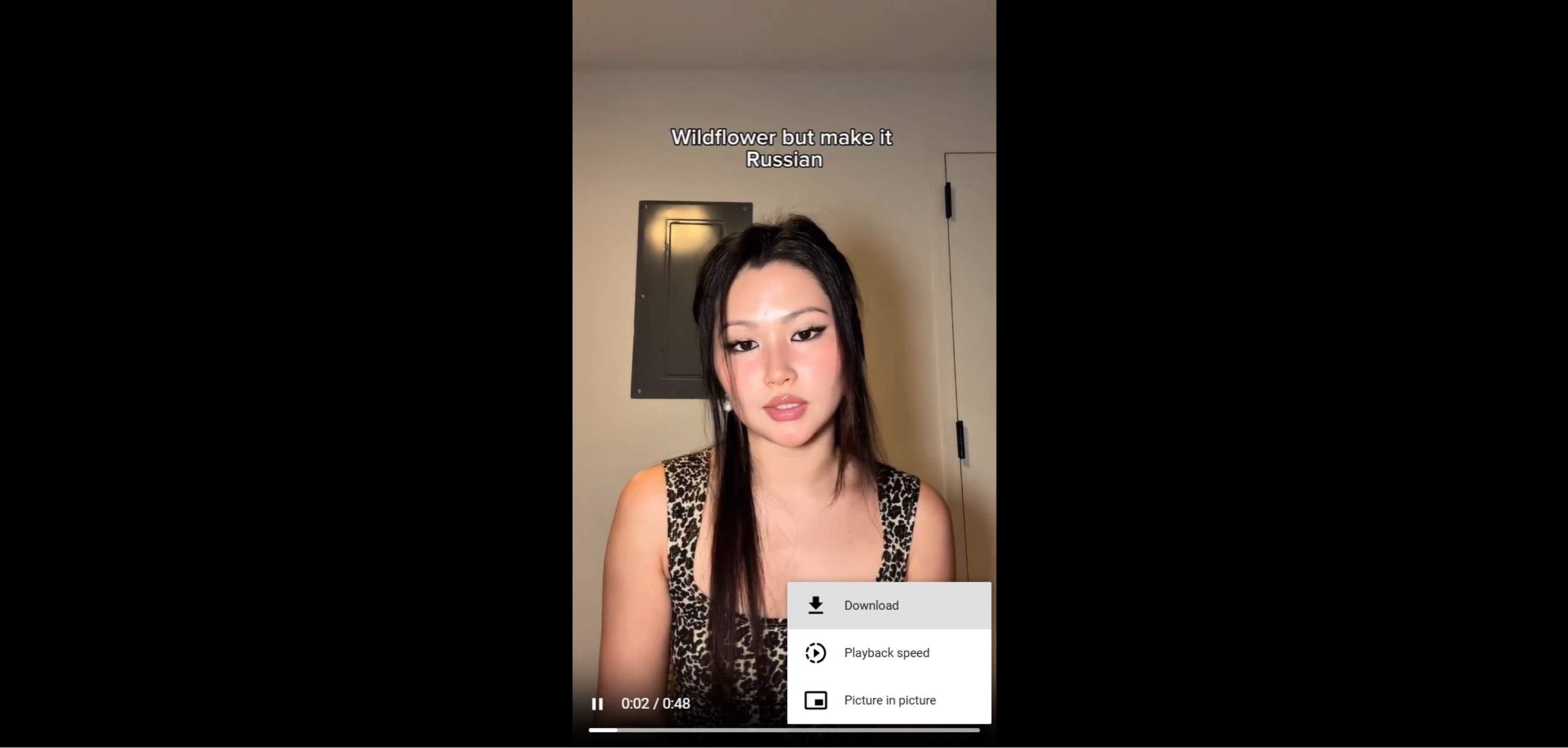
You can use the Instagram video downloader to save Instagram videos, IGTV and reels on your computer, mobile (iOS and Android) devices.

CONVERT INSTAGRAM VIDEOS TO MP4
You can convert Instagram videos to MP4 on Circleboom and download them into your computer.

HASSLE-FREE INSTAGRAM VIDEO DOWNLOADER
Most Instagram users search to find out how to save Instagram videos, IGTV, and reels to share individually instead of sending an Instagram link or reposting it. Circleboom has developed the most intuitive and robust Instagram video downloader for all social media users in mind.

POST AND SCHEDULE GIFS ON INSTAGRAM
Thanks to Circleboom Publish, you can create, post, and schedule gifs on Instagram accounts. As you know, normally, Instagram doesn't support gif files. However, Circleboom converts gifs to mp4 and makes it possible to publish gifs on Instagram profiles.
You have no boundaries with Circleboom! Create, design, share, schedule, and automate gifs, pictures, reels, carousels, grids, and panoramas, and enrich your content with auto-generated hashtags and captions for your social media accounts on Circleboom!

YOU'RE SAFE WITH CIRCLEBOOM
It's easy and fast to save an Instagram video with the Circleboom Instagram video downloader. As a social media account management tool, Circleboom is always in compliance with the policies; you can use the Circleboom Instagram video downloader without any safety concerns.
HOW TO DOWNLOAD INSTAGRAM VIDEOS & GIFs
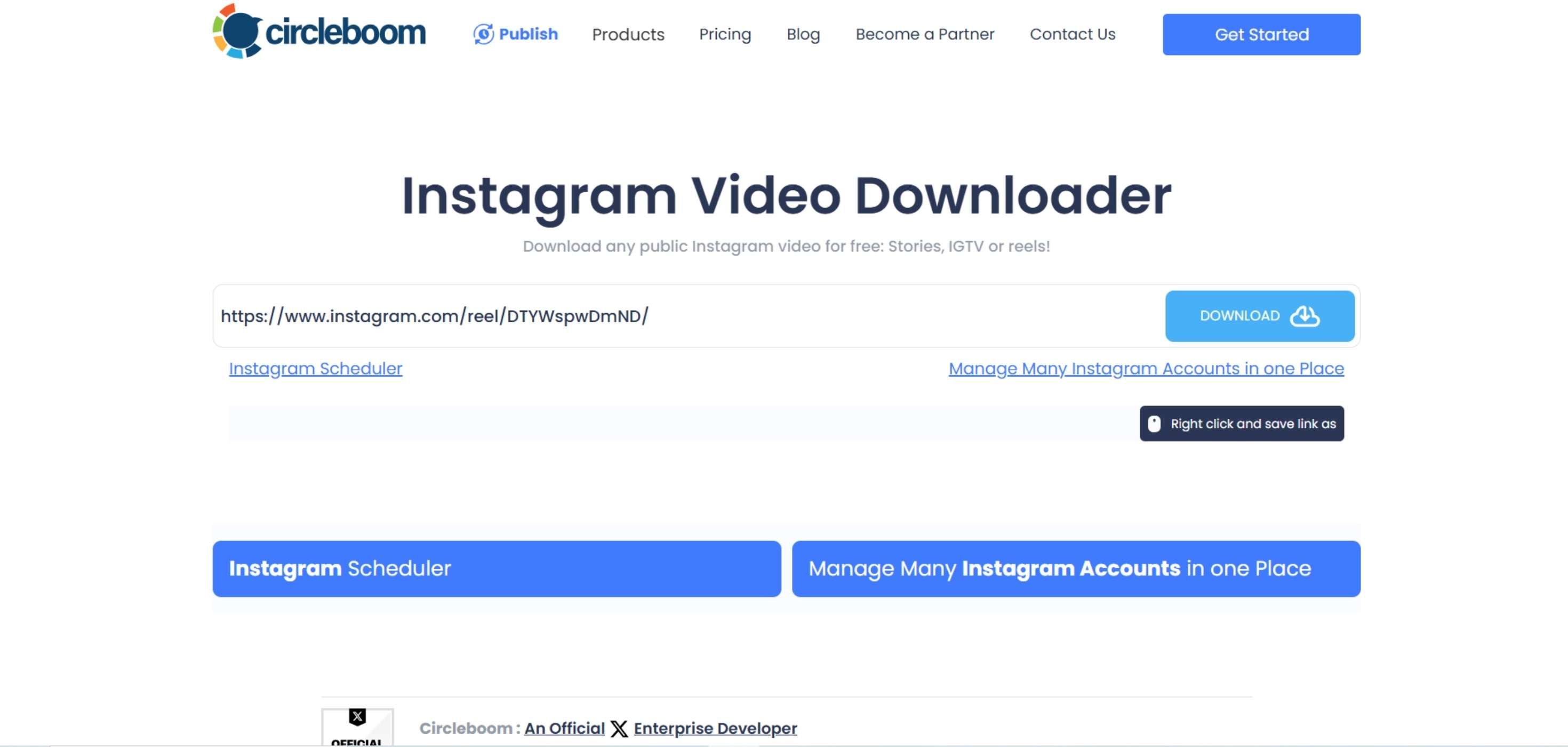
The best way to download Instagram video files is to use one tool in your browser rather than installing several extensions/plugins to your browsers. Here are a few simple steps to download any publicly available Instagram videos on your computer.
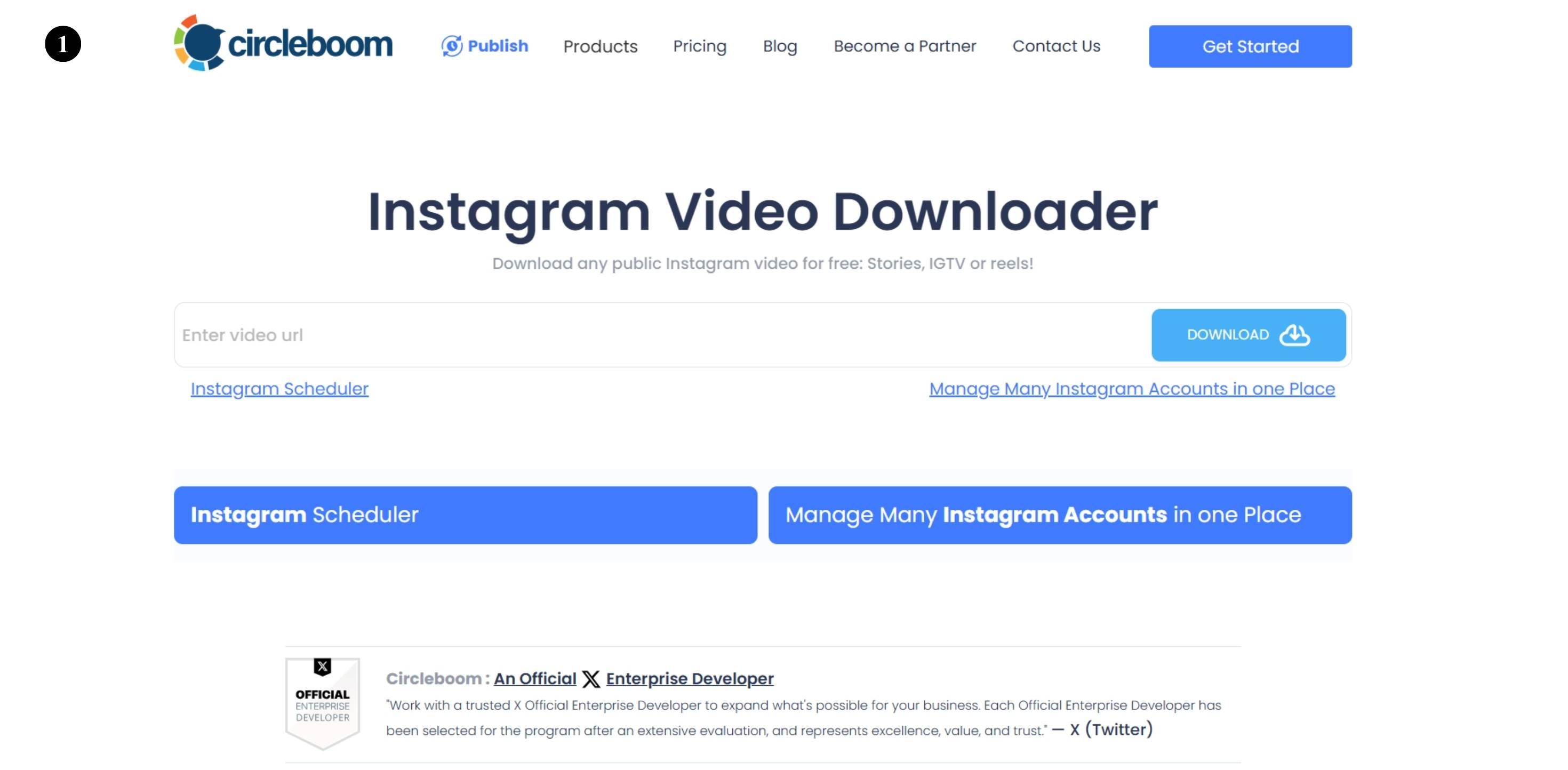
Find Circleboom Instagram Video and GIF Downloader on the web.
Also, decide which Instagram video you want to download.
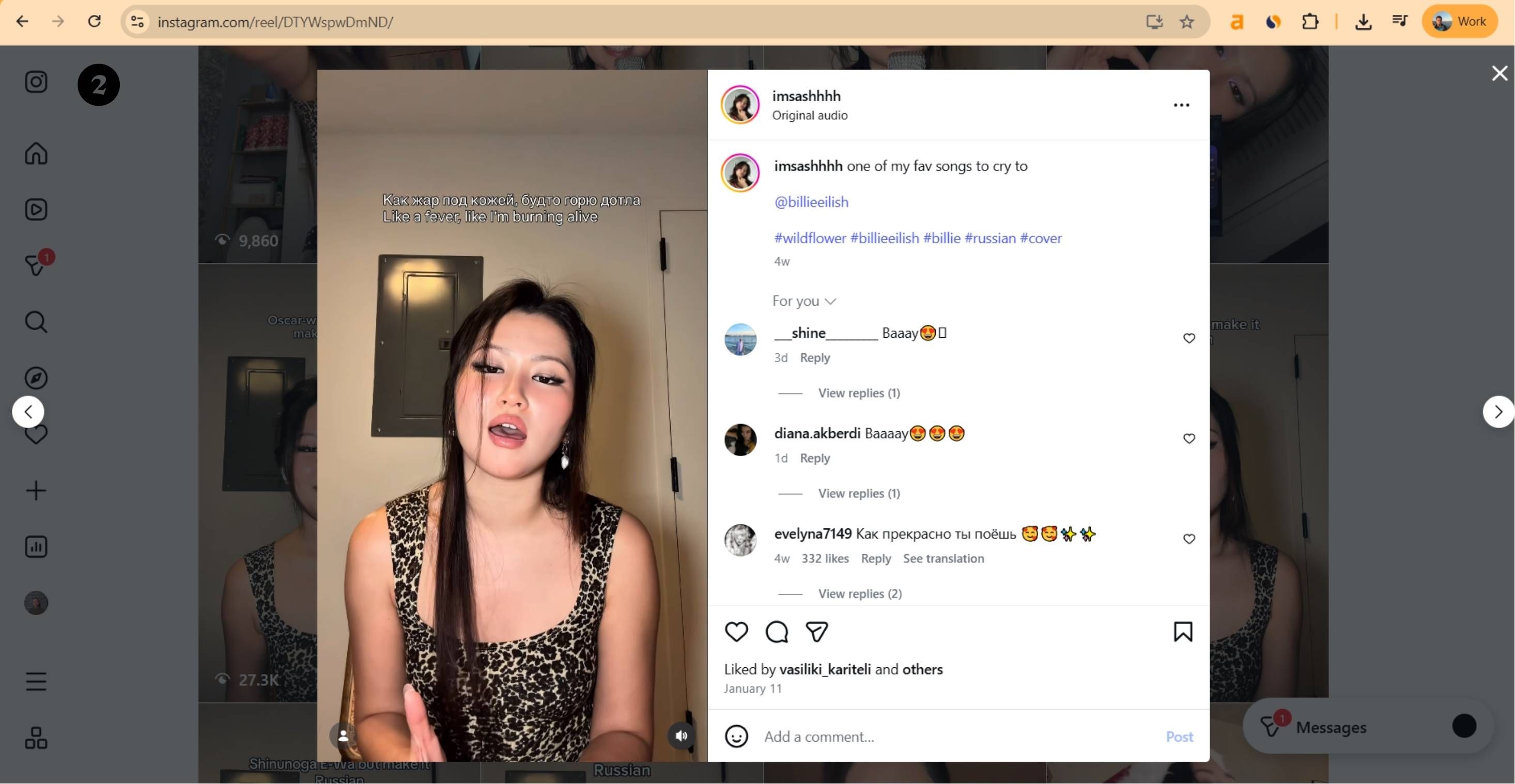
You can copy the URL of the video.
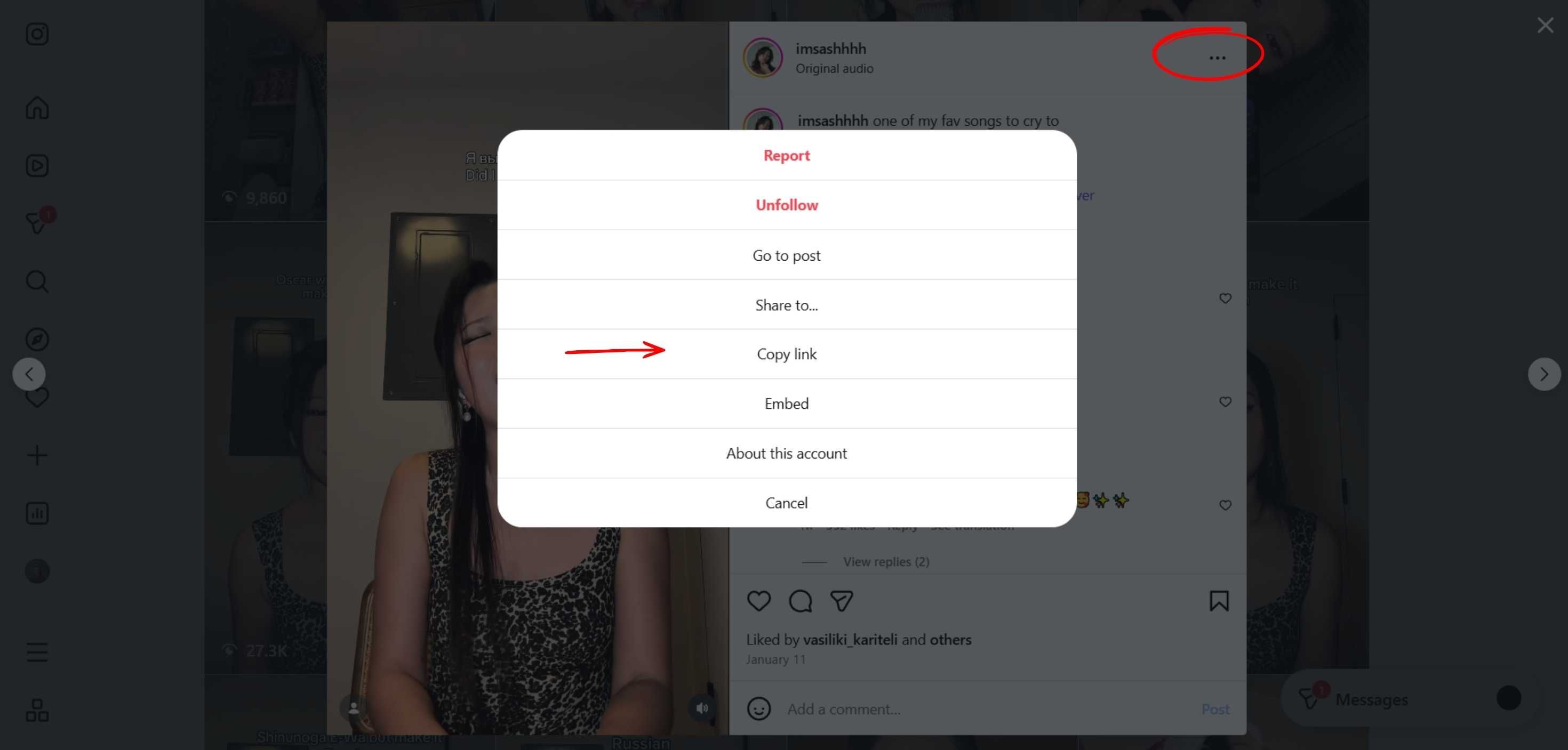
Also you can click on "More Options", the three dots on the top right and click "Copy link" to get the link of the video.
Go back to Circleboom's Instagram Video Downloader with the link.
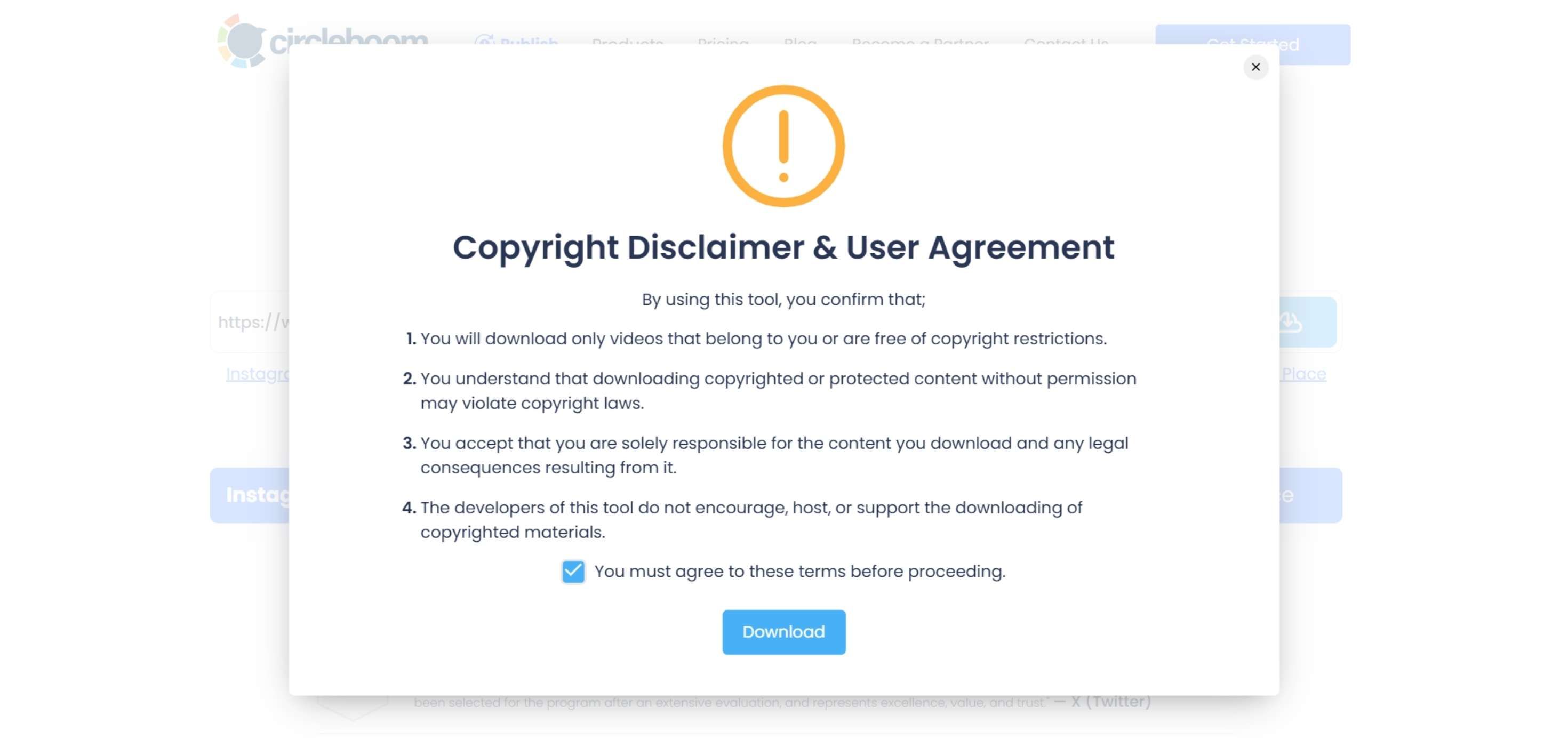
Paste it on the text box. Video options to download will appear. Before proceeding further, you should accept the copyright disclaimer and user agreement.
Frequently Asked Questions (FAQs)
Are you looking for a comprehensive social media scheduler? Take advantage of Circleboom Publish's Twitter Scheduler, Facebook Post Scheduler, LinkedIn Post Scheduler, Instagram Post Scheduler, Google Business Profile Scheduler, YouTube, Threads and Pinterest Scheduler!
Manage all social media in one place! One dashboard, less effort.