Instagram Safety Zone Template
Use Circleboom and Canva to create amazing content with the Instagram safety zone template for posts, stories, and reels.





Circleboom : An Official Enterprise Developer
"Work with a trusted X Official Enterprise Developer to expand what's possible for your business. Each Official Enterprise Developer has been selected for the program after an extensive evaluation, and represents excellence, value, and trust." — X (Twitter)Circleboom Publish Tool

INSTAGRAM SAFETY ZONE TEMPLATE FOR STORIES
An Instagram Safety Zone Template for Stories shows you where to place text, stickers, and visuals so they remain clear and unobstructed by interface elements like profile icons and buttons. Using a story safe zone template helps you create cleaner, more readable stories that look good on every screen size and keep your message front and center for viewers.

INSTAGRAM SAFE ZONE TEMPLATE 1080x1350
The Instagram safe zone for 1080x1350 posts ensures that important content stays visible within the portrait feed format. By using a 1080x1350 safe zone template, you can confidently place text and key visuals without worrying about cropping or layout changes, making it a popular choice for feed posts that need both impact and clarity.

INSTAGRAM SAFETY ZONE TEMPLATE FOR POSTS
An Instagram Safety Zone Template for posts helps you design content where text, logos, and key visuals stay visible across different devices and feed layouts. By following safe zone guidelines, you avoid cropping issues and ensure your message appears exactly as intended in the Instagram feed. These templates are especially useful for creators and brands who want consistent, professional-looking posts without risking important elements being cut off.

INSTAGRAM SAFETY ZONE TEMPLATE FOR REELS
An Instagram Safety Zone Template for Reels helps you position captions, titles, and visual elements within areas that won’t be hidden by overlays, controls, or cropping. These templates are ideal for Reels creators who want their content to stay readable and engaging while avoiding UI interference, especially when videos are viewed on different devices.
INSTAGRAM SAFETY ZONE TEMPLATE
You can get these safety zone Instagram templates on Circleboom:
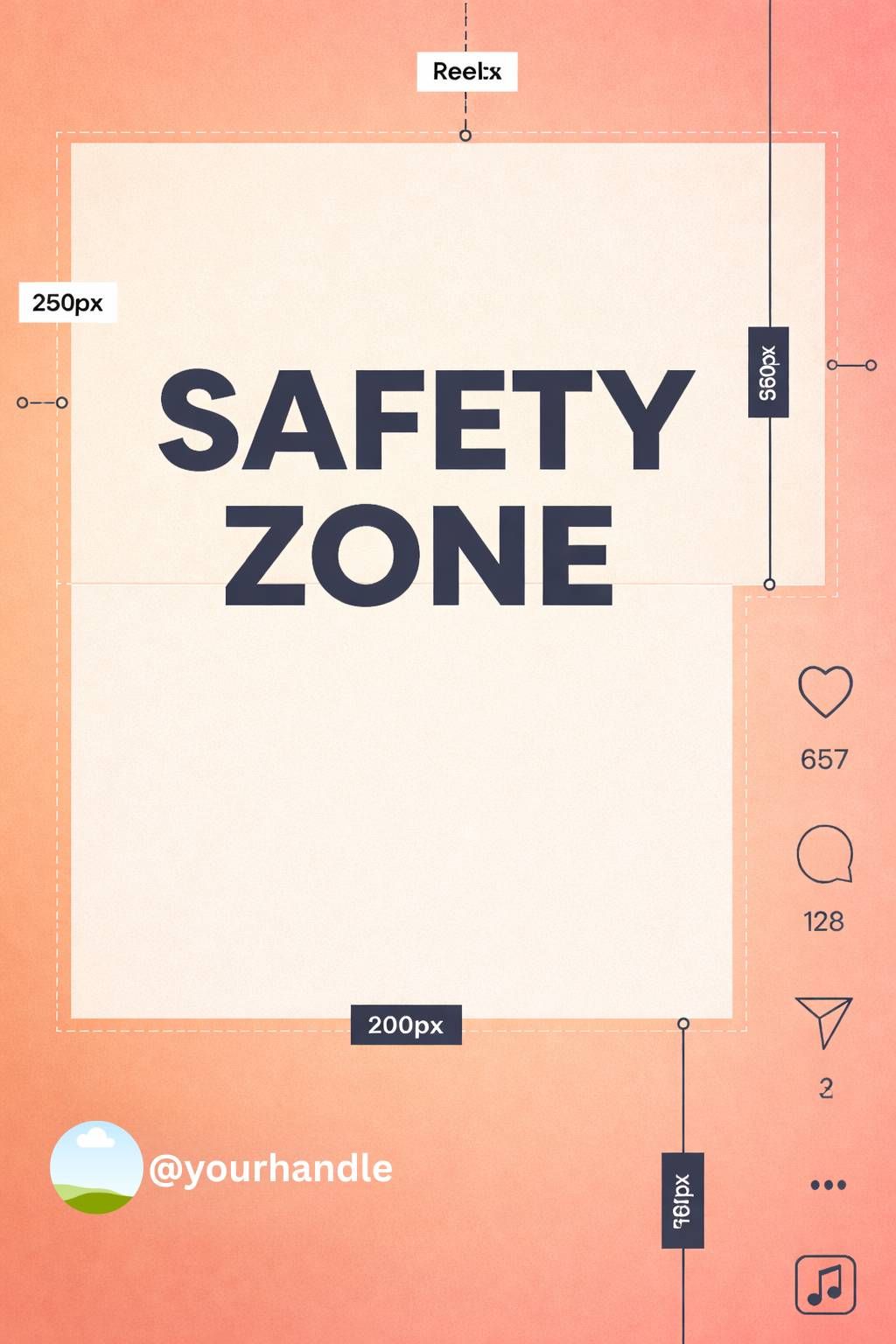
Style A: Warm gradient (peach / sunset UI)
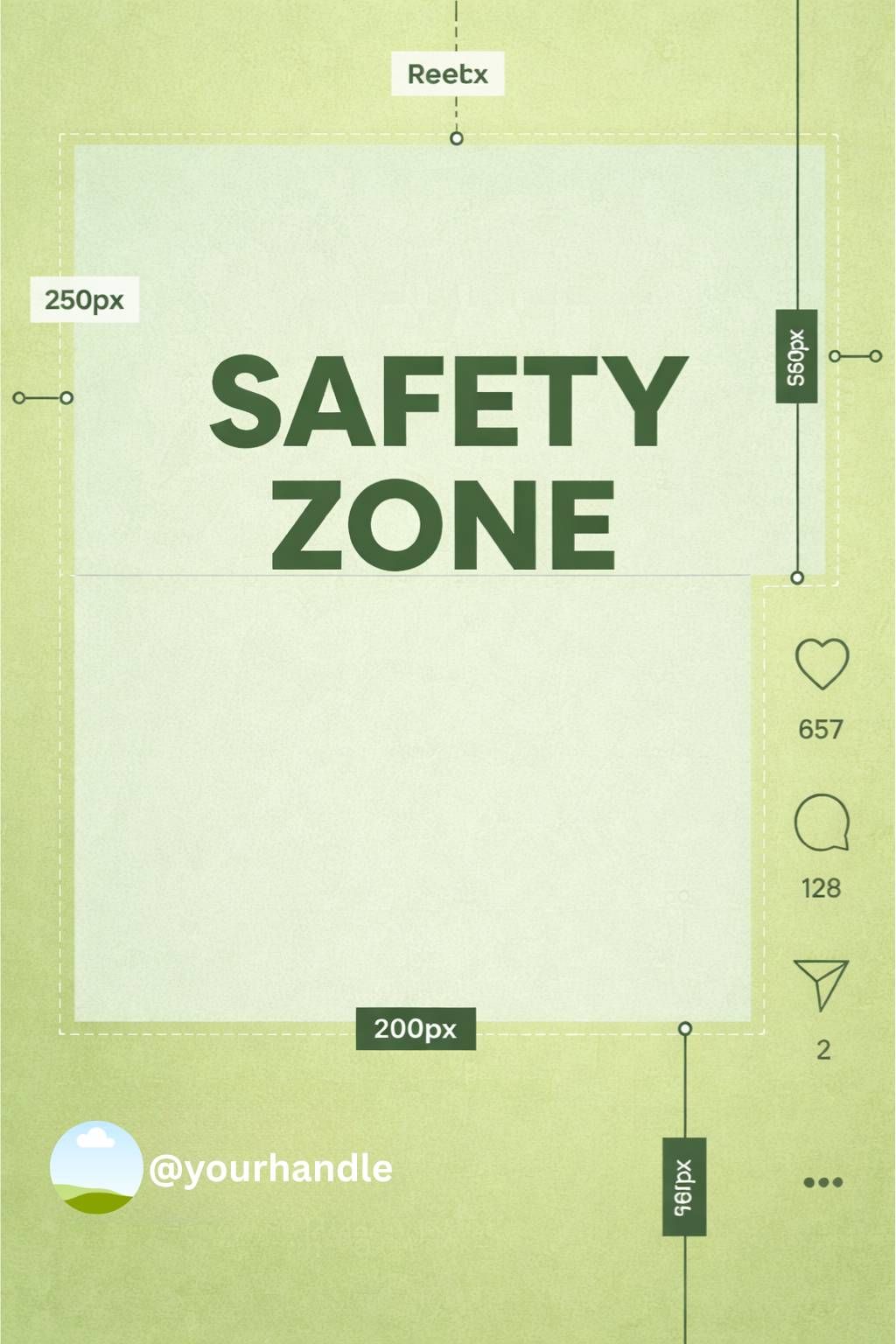
Style B: Minimal light (green)
Style C: Soft gradient (purple)
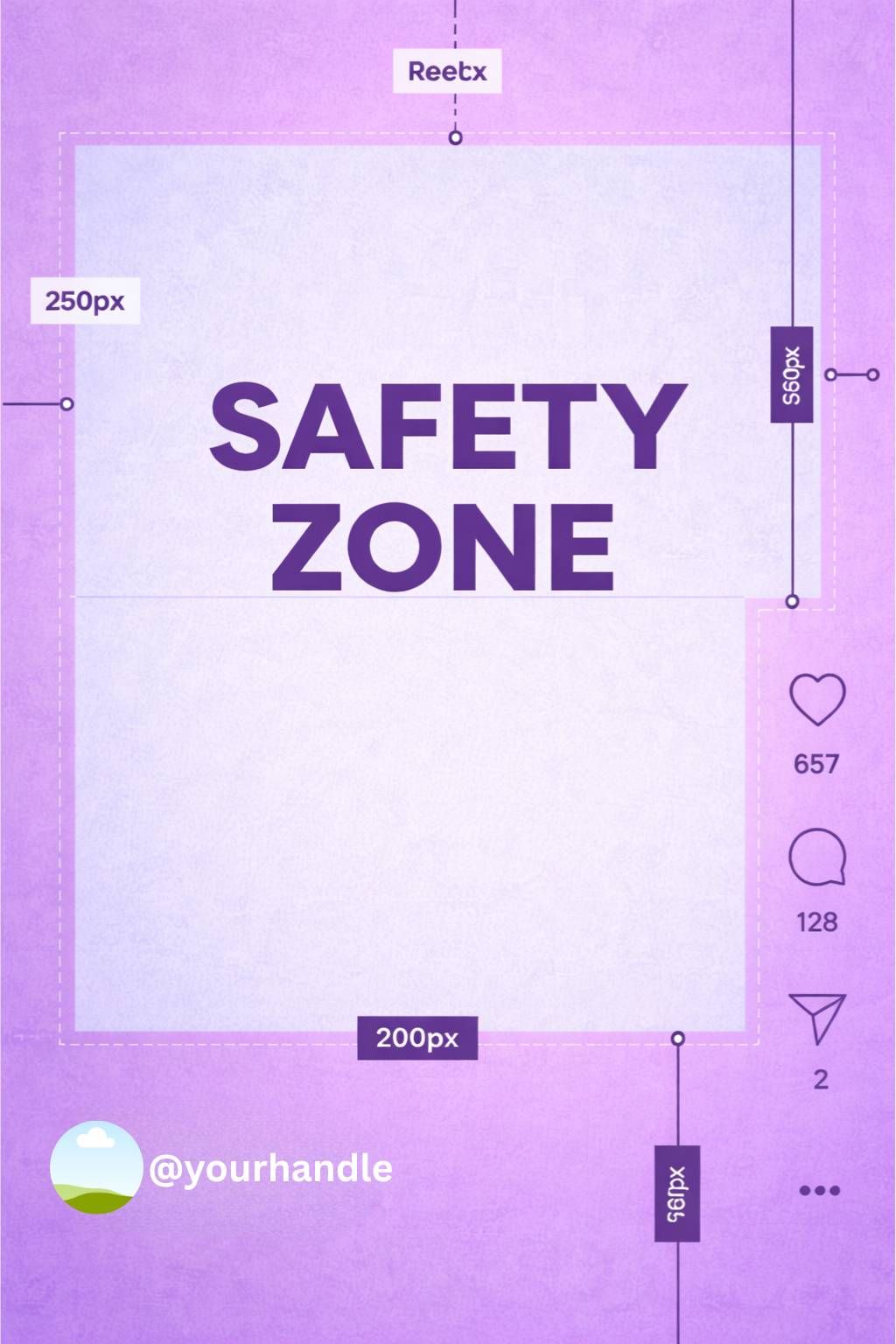
Style D: Warm contrast (orange)
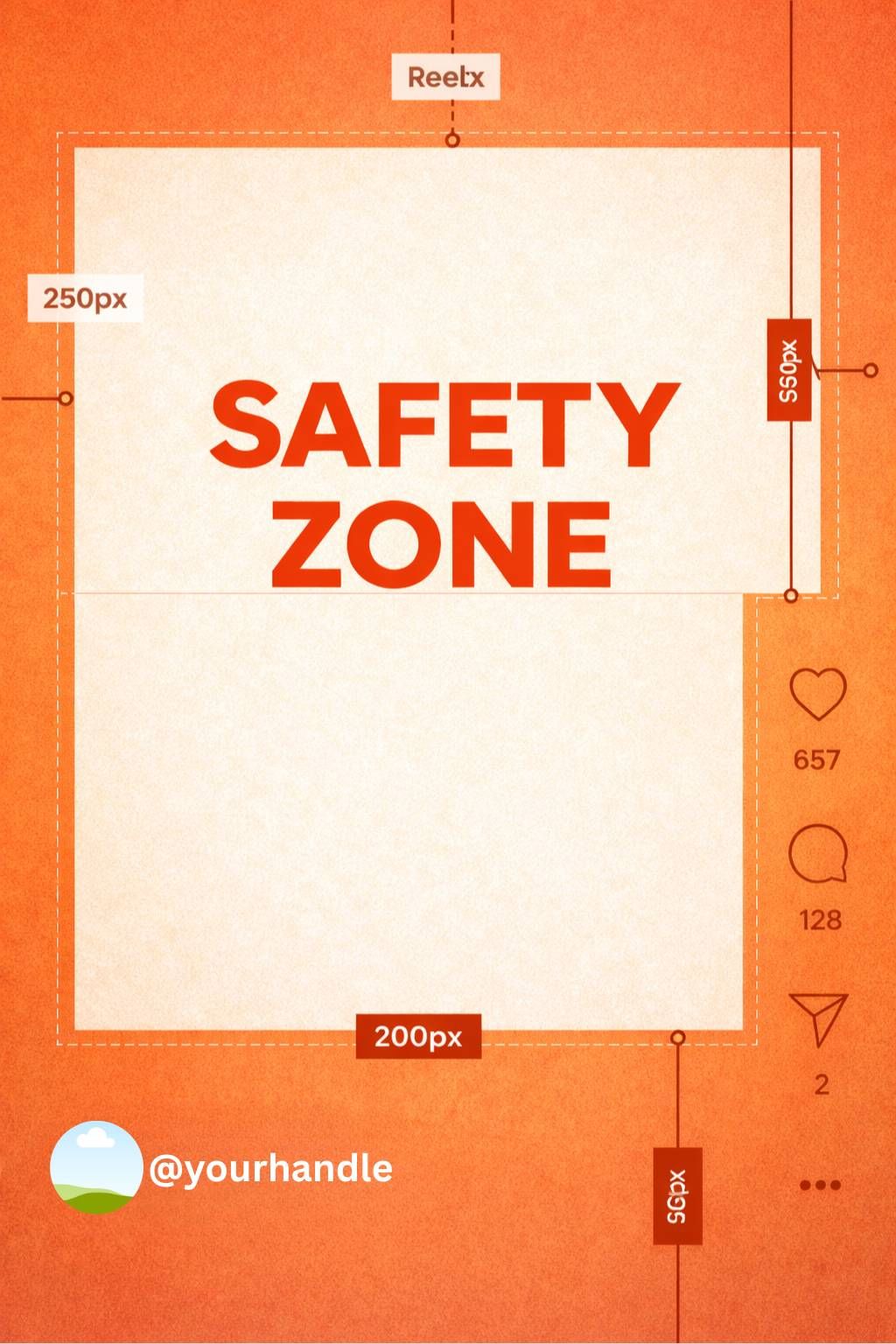
Style E: Dark / neon (night mode)
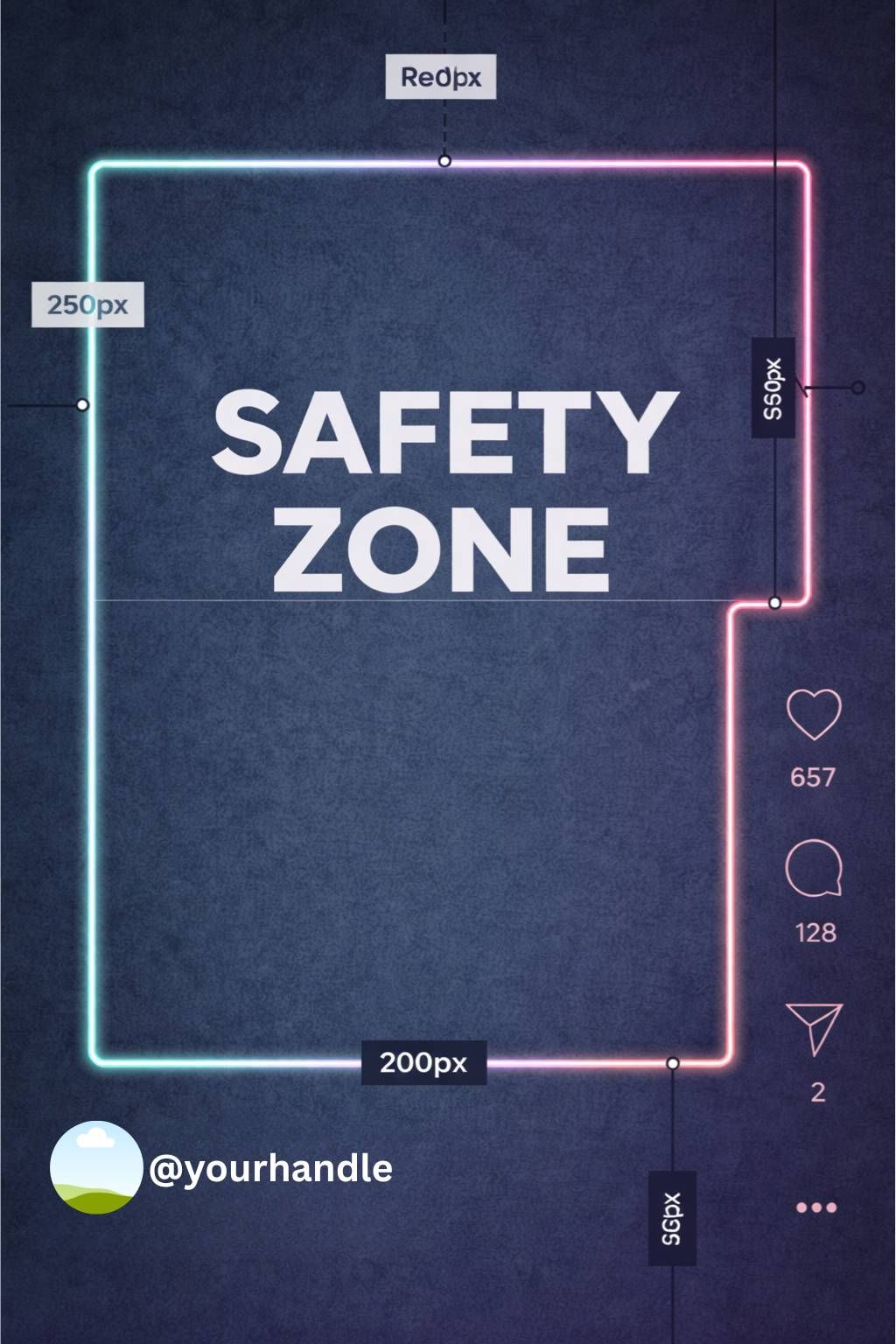
Frequently Asked Questions (FAQs)
Are you looking for a comprehensive social media scheduler? Take advantage of Circleboom Publish's Twitter Scheduler, Facebook Post Scheduler, LinkedIn Post Scheduler, Instagram Post Scheduler, Google Business Profile Scheduler, YouTube, Threads and Pinterest Scheduler!
Manage all social media in one place! One dashboard, less effort.